Guides

Step-by-step help with playing, importing content and creating for Bedrock Edition.

4 projects

SortRecently updated
Sort projects
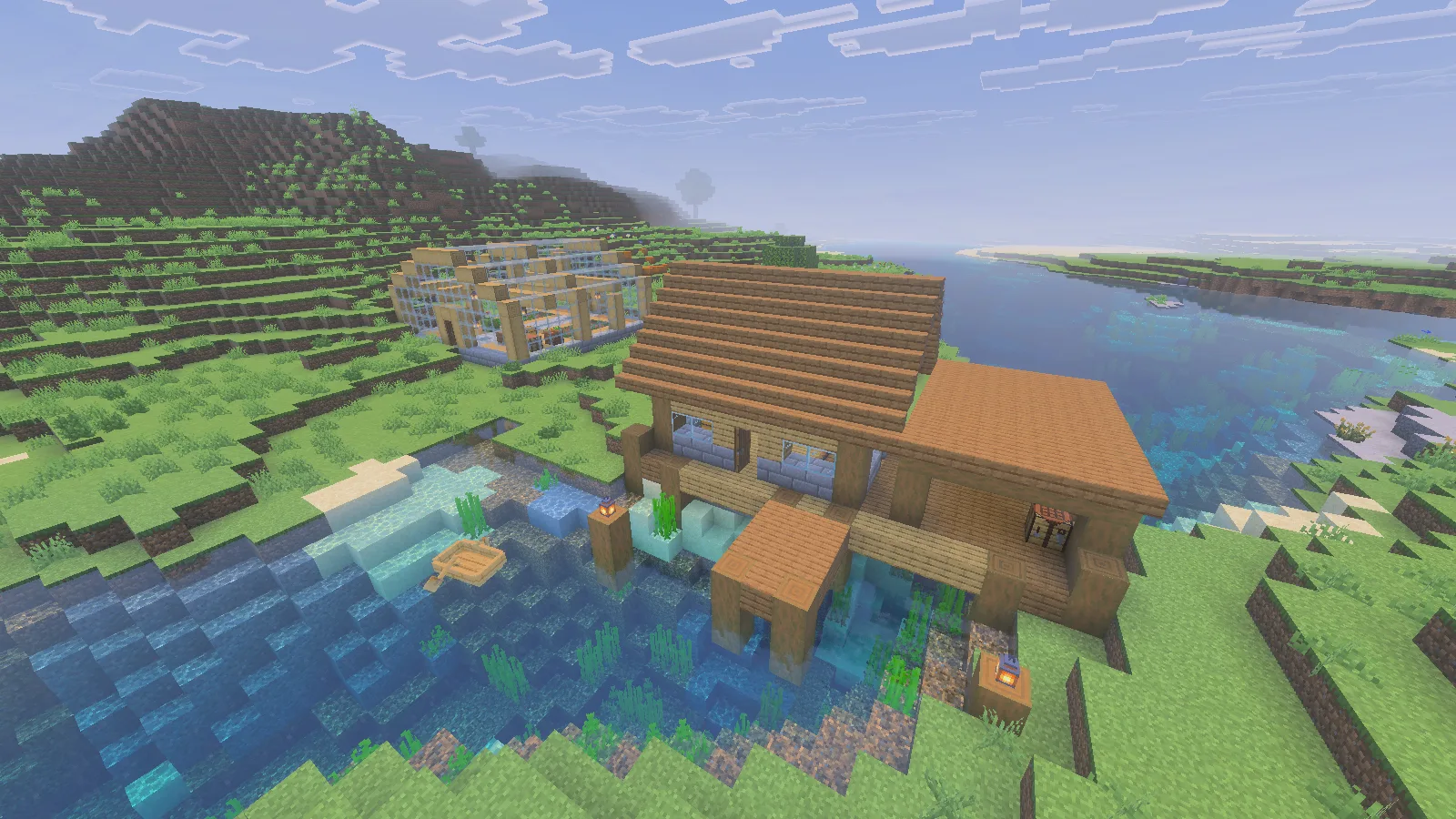
Credits: Original Modonix walkthrough and gameplay screenshots. Bedrock structure-block documentation; example house from Microso...

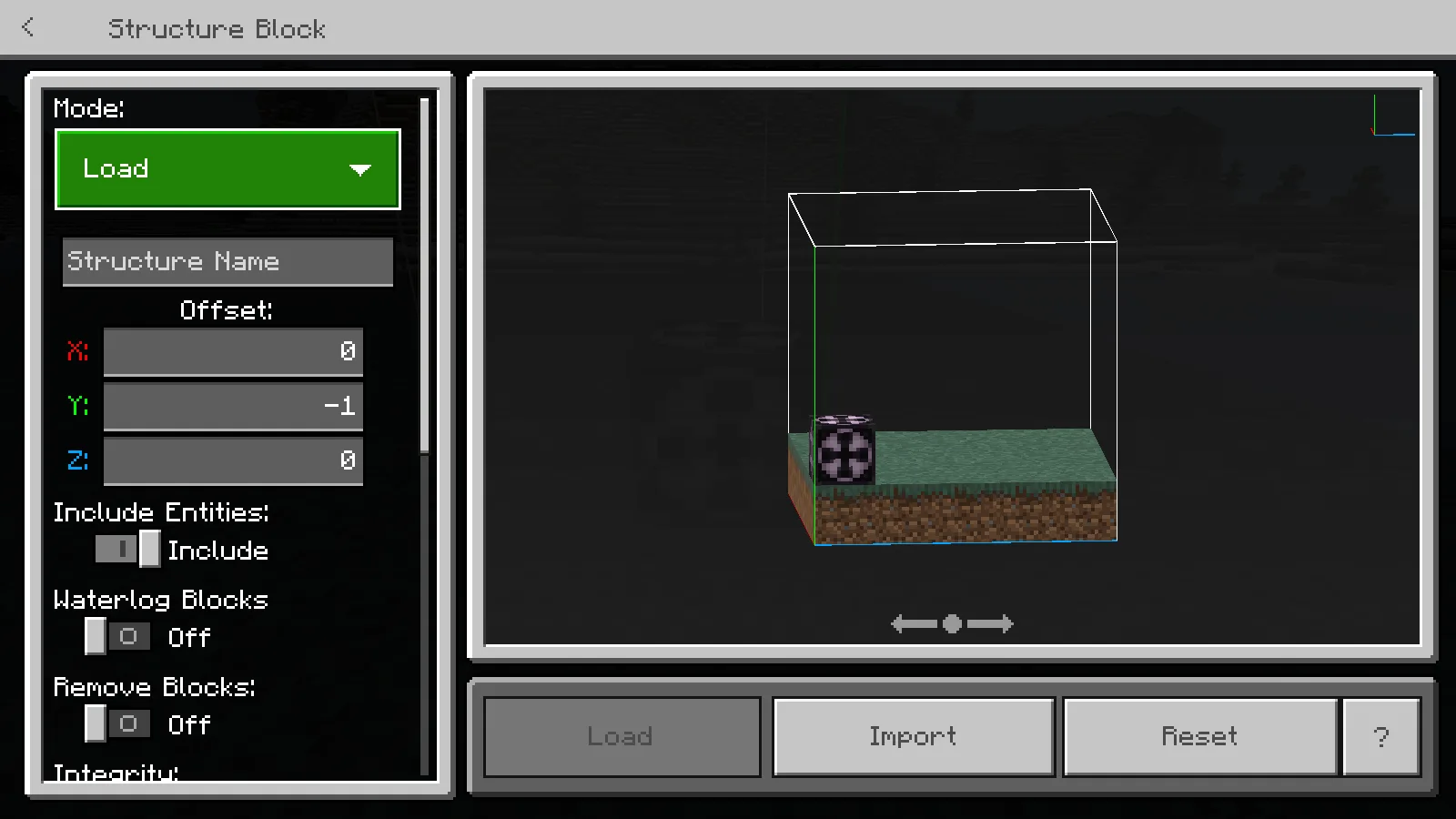
Place a downloaded Bedrock building with the structure block: choose Load, import the file, set its position and avoid overwriting a finished build.

Building, InstallationWindows
11 views 0 comments
Credits: Original guide, retrospective and captures by Modonix Editorial.

Open the right Bedrock file, activate its behavior and resource packs, and check the result in your world.

Installation, Getting StartedWindows
11 views 0 comments
Credits: Original guide, retrospective and captures by Modonix Editorial.

Export a Bedrock world, restore it as a separate entry, and check your build and inventory before continuing.

Getting Started, TroubleshootingWindows
8 views 0 comments
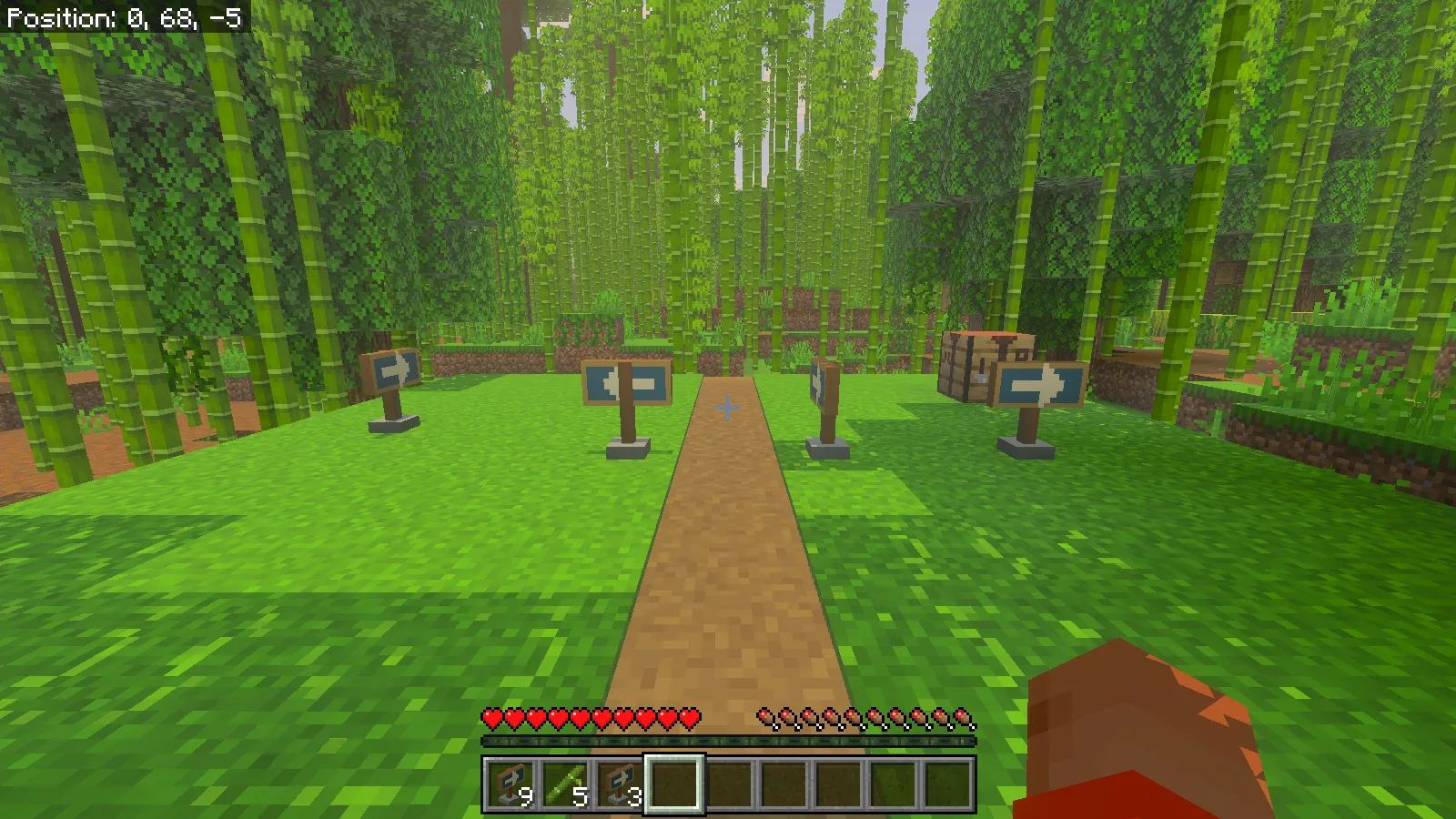
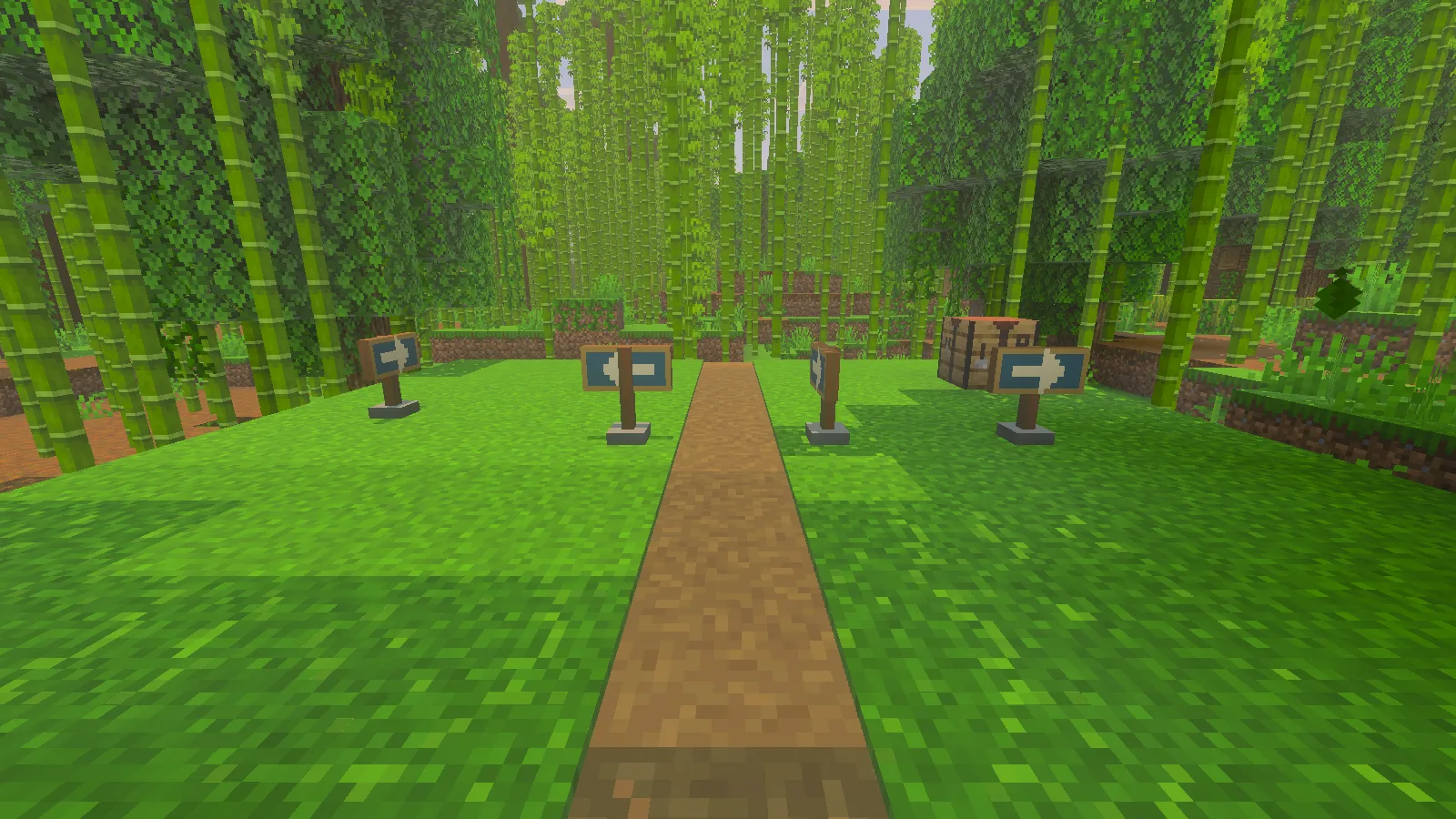
Credits: Modonix Editorial — original guide and native screenshots. Minecraft graphics modes are by Mojang/Microsoft. Cubeir is c...

Switch Fancy and built-in Vibrant Visuals in Minecraft for Windows, compare a real scene, and choose visual packs for the graphics mode your device supports.

Getting StartedWindows
7 views 0 comments

Search Modonix

Search in