Choose the right asset for a Bedrock item: inventory icon, held geometry, texture, or first-person and third-person placement.
Guides Creating
Find add-ons, maps, textures and more for Bedrock Edition. Filter by material type, Minecraft version and device.
Choose the right asset for a Bedrock item: inventory icon, held geometry, texture, or first-person and third-person placement.
Separate Marketplace add-ons from imported packs, understand Creative and Cheats history, and protect your Survival save before changing it.
Create two camp tools and a food item, paint their icons, add recipes, save editable source and export your own Bedrock add-on.
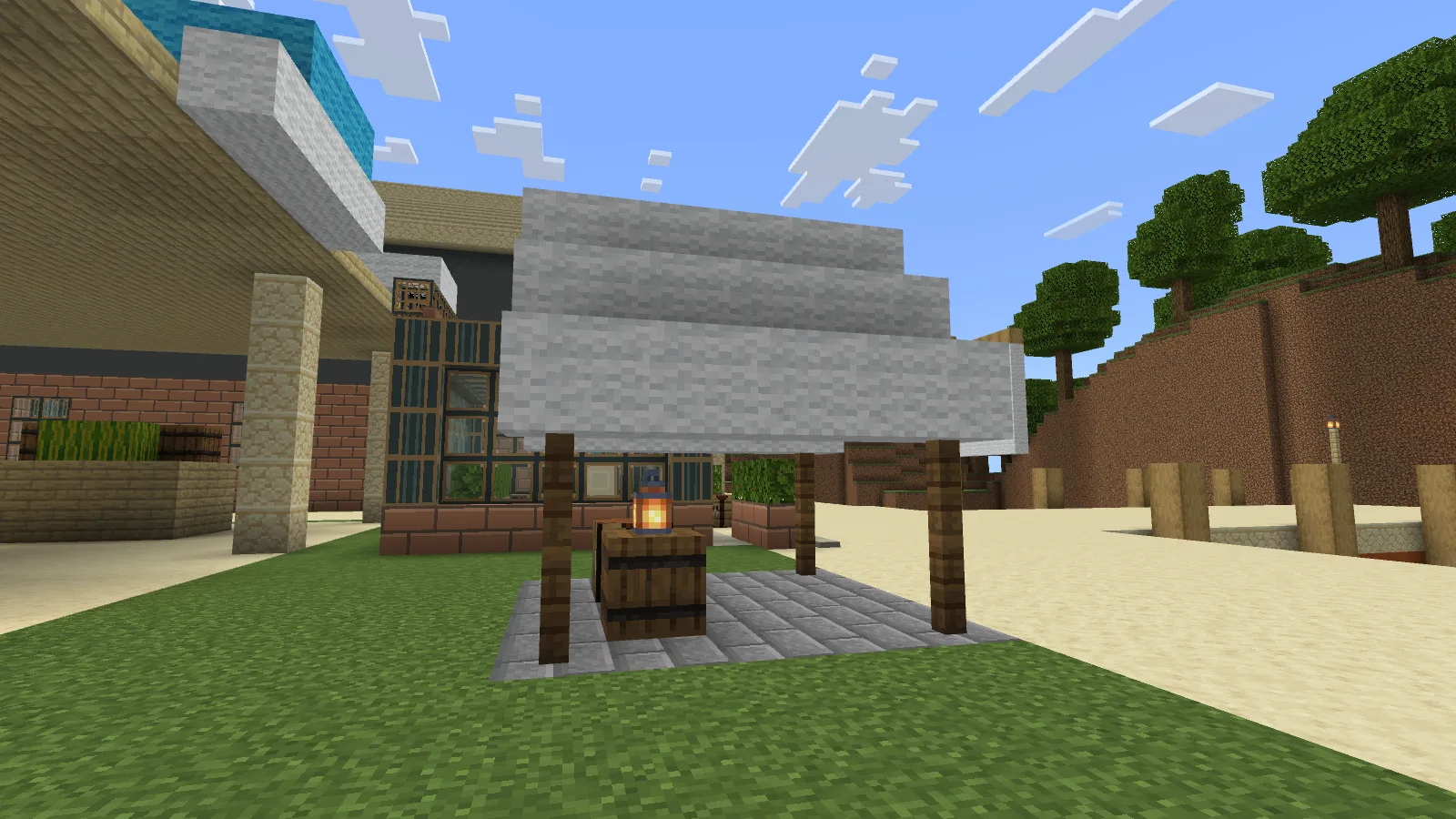
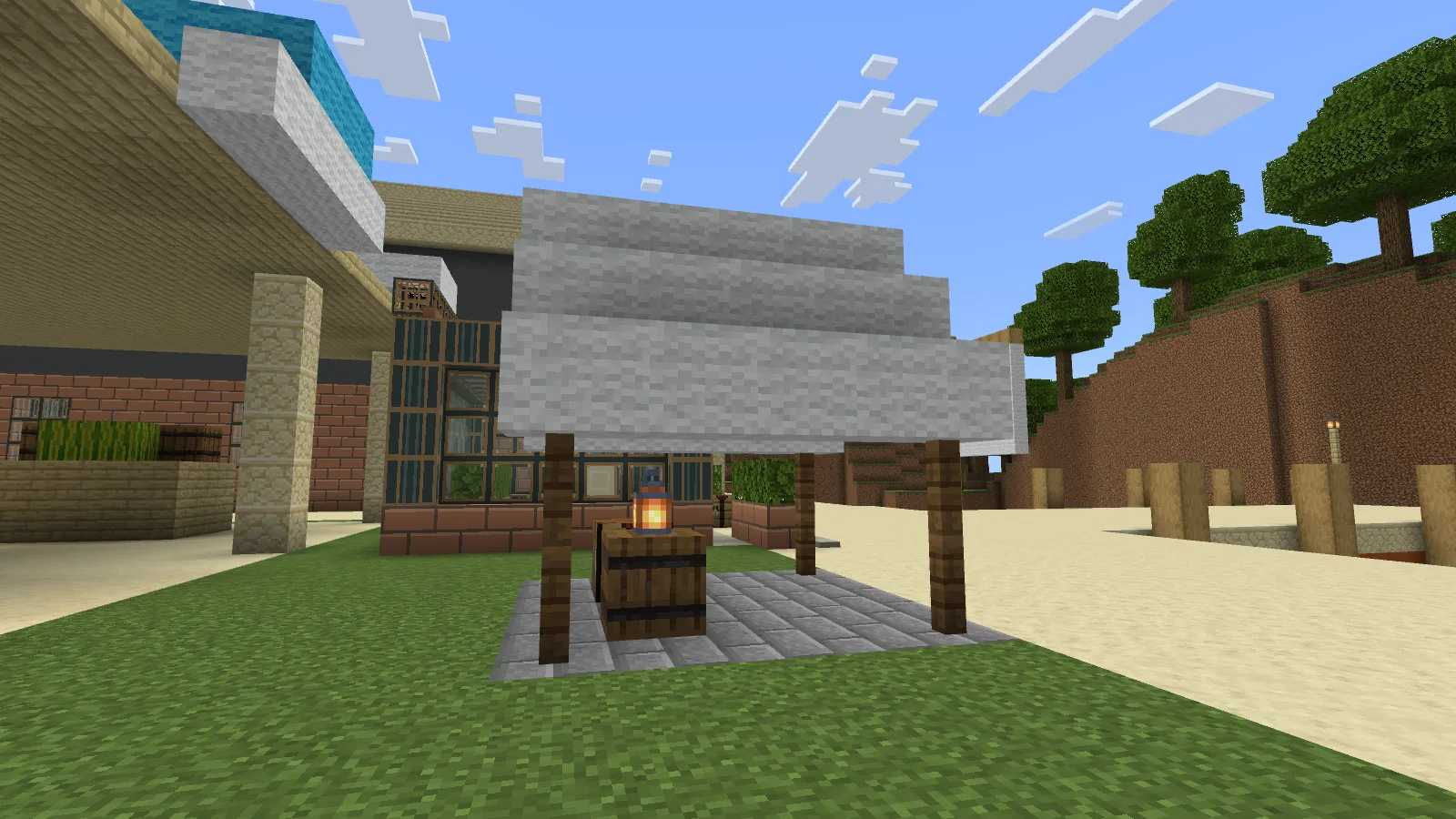
Build a temporary camp with spruce posts and white canvas, fill an empty floor with stone bricks, and craft Trail Rations.
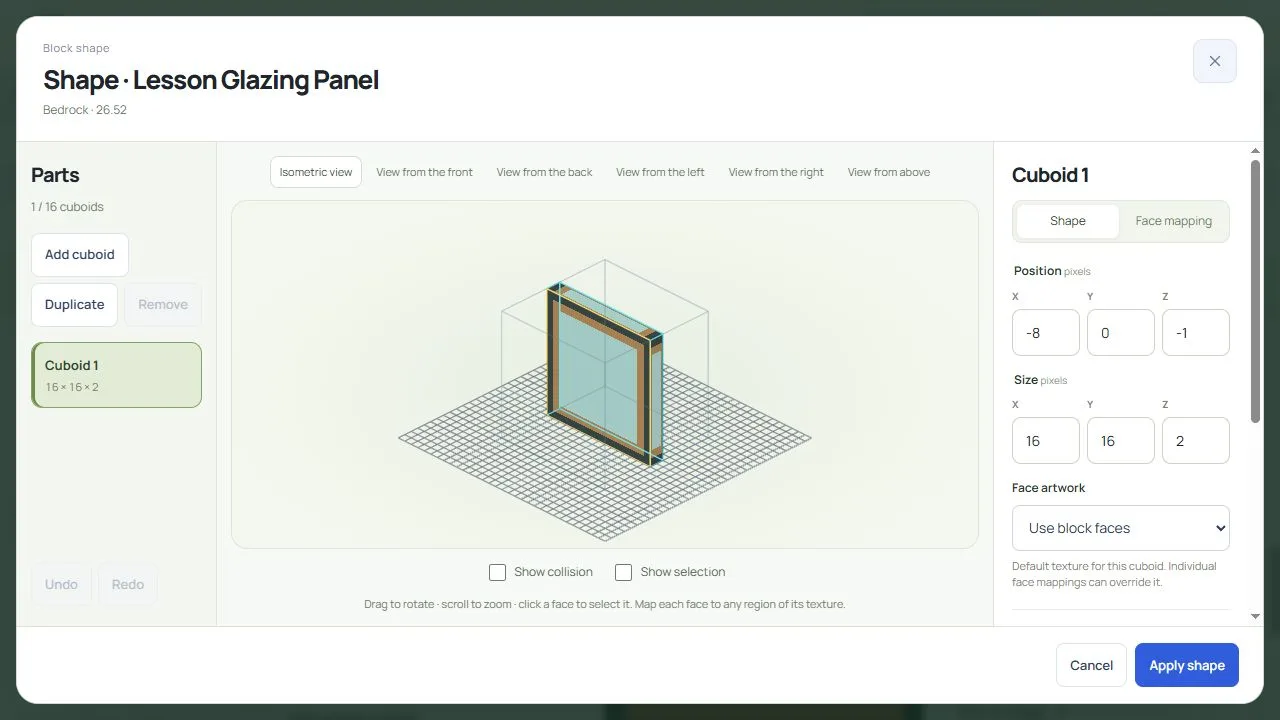
Draw glass in layers, choose a material, shape a panel and add crafting and stonecutter recipes. Keep artwork, project and game files separately.
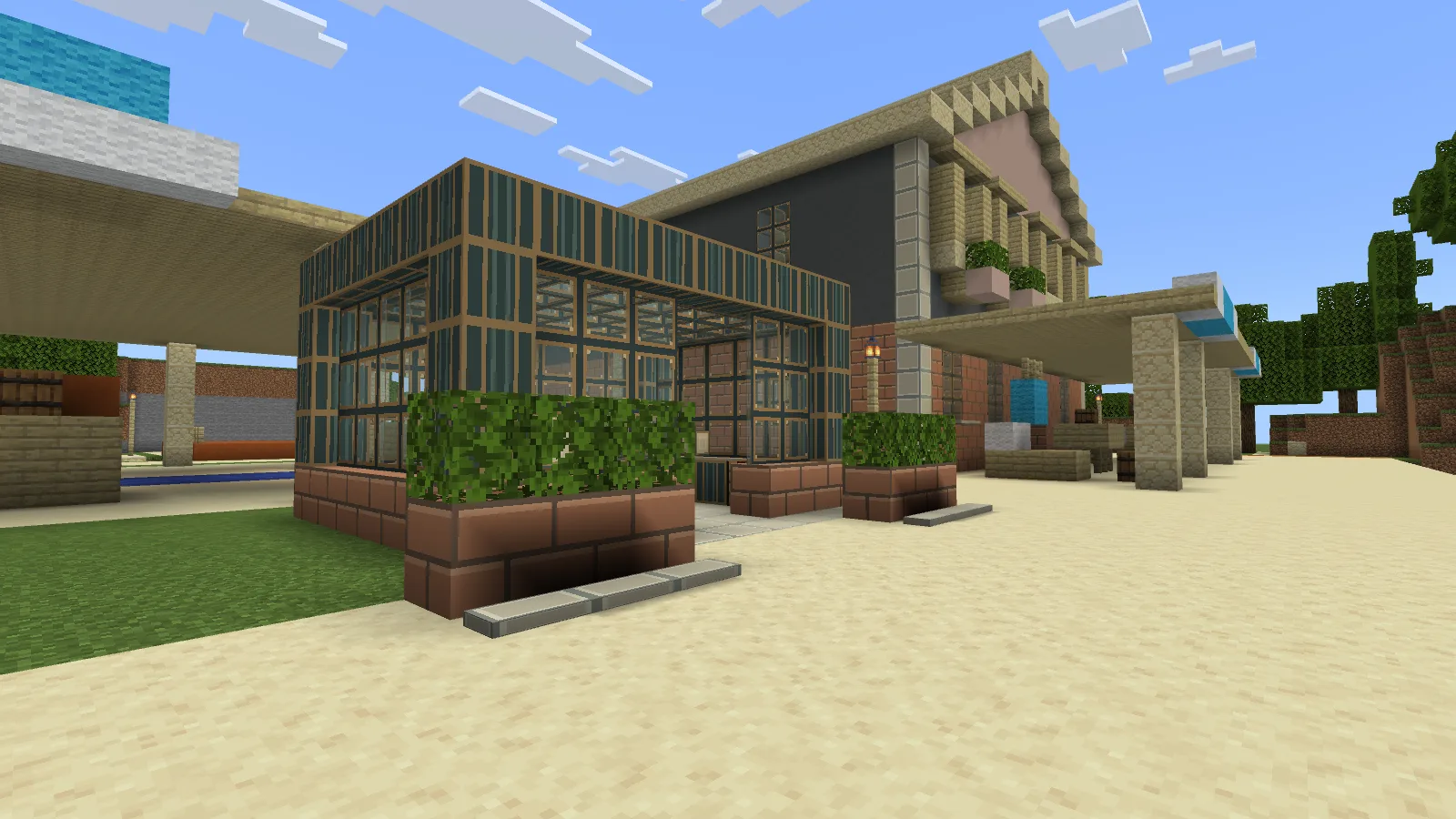
Three glass styles, masonry, a thin panel and two opal lights for greenhouses, workshops and courtyards. Craft the base materials, then cut four useful shapes.
Protect your saved world, compare Windows drive space with Minecraft Storage, and check a small spare save before changing your main build.
Compare another world and one optional resource-pack change on a separate copy. Protect custom content and collect useful details before risking your main save.
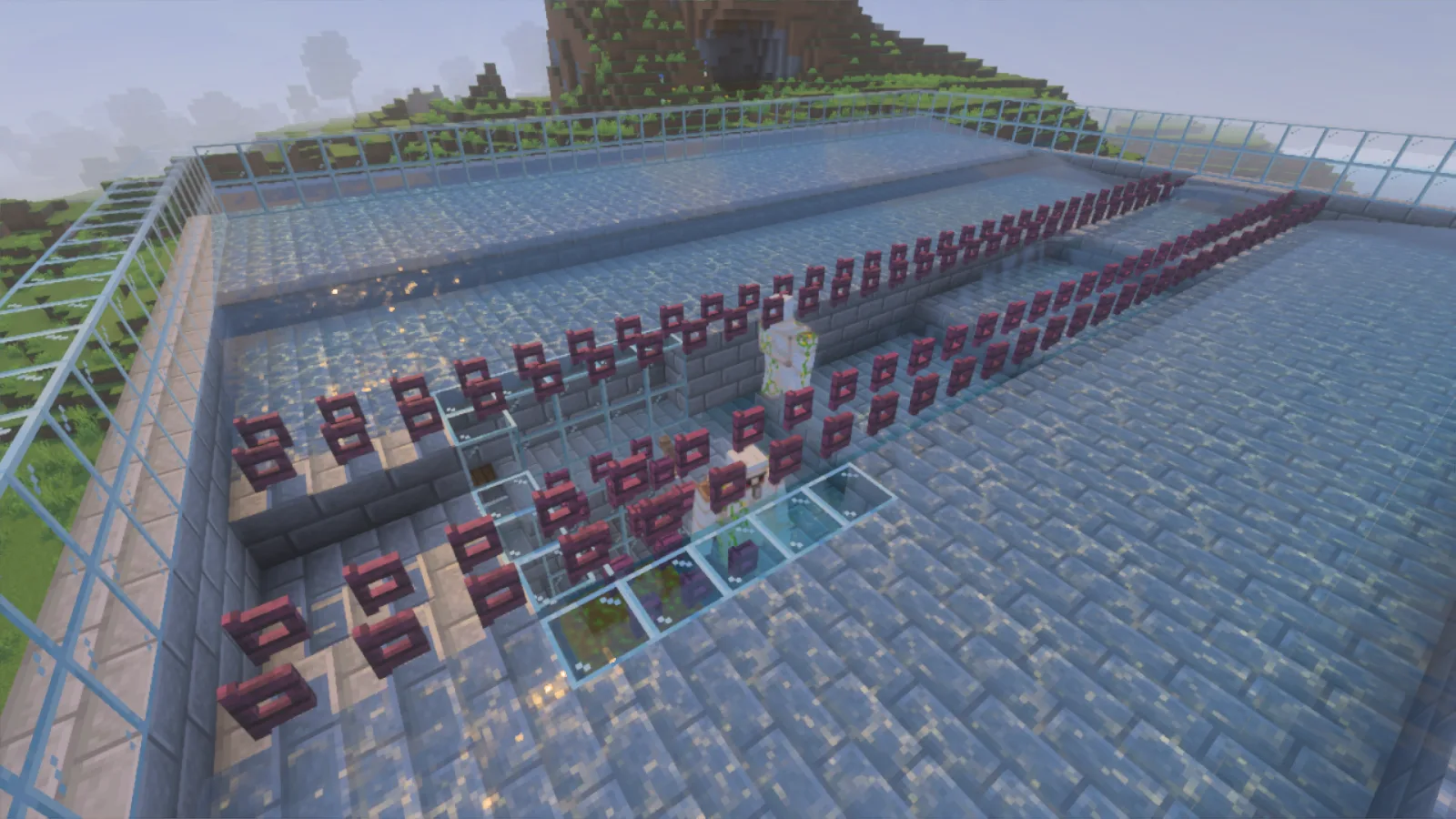
Work out whether your Bedrock iron farm has a village problem, golems escaping the platform, or drops failing to reach the chest. Repair one part at a time.
Use Export world when available, or back up a closed Windows world folder. Restore a separate copy and check your build, packs and inventory.
Keep a useful food patch close to your base chores. Compare nearby and distant wheat growth, and learn why seeing a garden does not mean it is active.
Find the Windows Bedrock save folders, match levelname.txt to your world name, and preserve the right save before checking a separate copy.
Make a separate world copy before removing an add-on, compare placed blocks and stored items, and keep a checked version you can return to.
Make the hotbar and inventory easier to read with UI scale modifier, then adjust edge spacing through Screen Safe Area from the title screen.
Choose the intended behavior and resource packs in a world copy, then check the blocks and items you already had after saving and reopening.
Switch Fancy and built-in Vibrant Visuals in Minecraft for Windows, compare a real scene, and choose visual packs for the graphics mode your device supports.
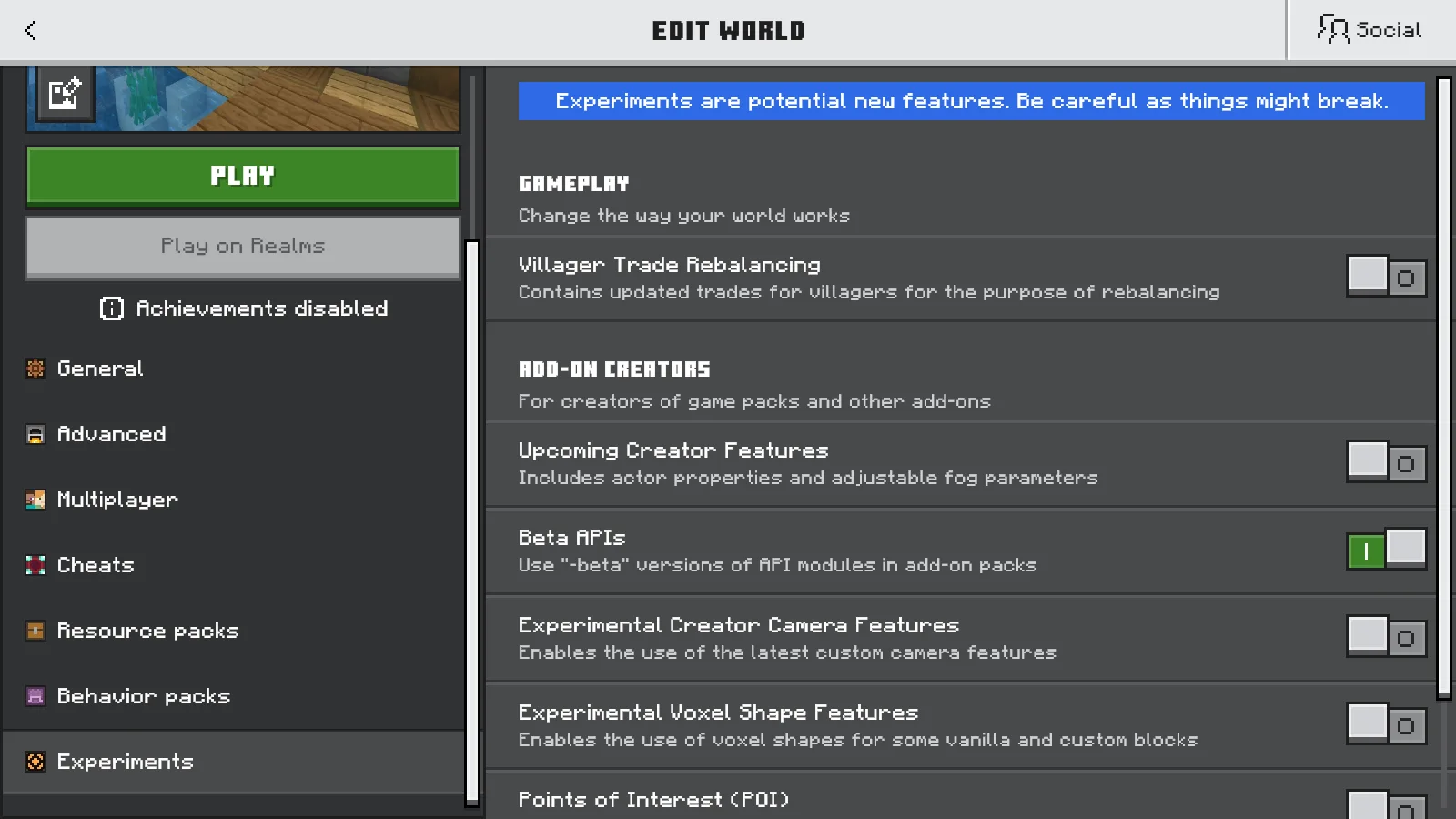
Follow the exact experiment requirement for a Bedrock add-on, find Beta APIs in world settings, and test it in a separate copy.
Two packs are active but your build has the wrong look? Compare both orders on the same house, move the pack you want, and catch interface problems before keeping the pair.