
Mossvale Stonecraft suits a mill built from river stone and weathered timber. Rounded cobble breaks up the straighter masonry, muted moss adds green, and spruce gives the interior warmth. The set changes eight surfaces: cobblestone and mossy cobblestone, clean and mossy stone bricks, spruce planks, tuff, and the sides and cut ends of stripped spruce logs.
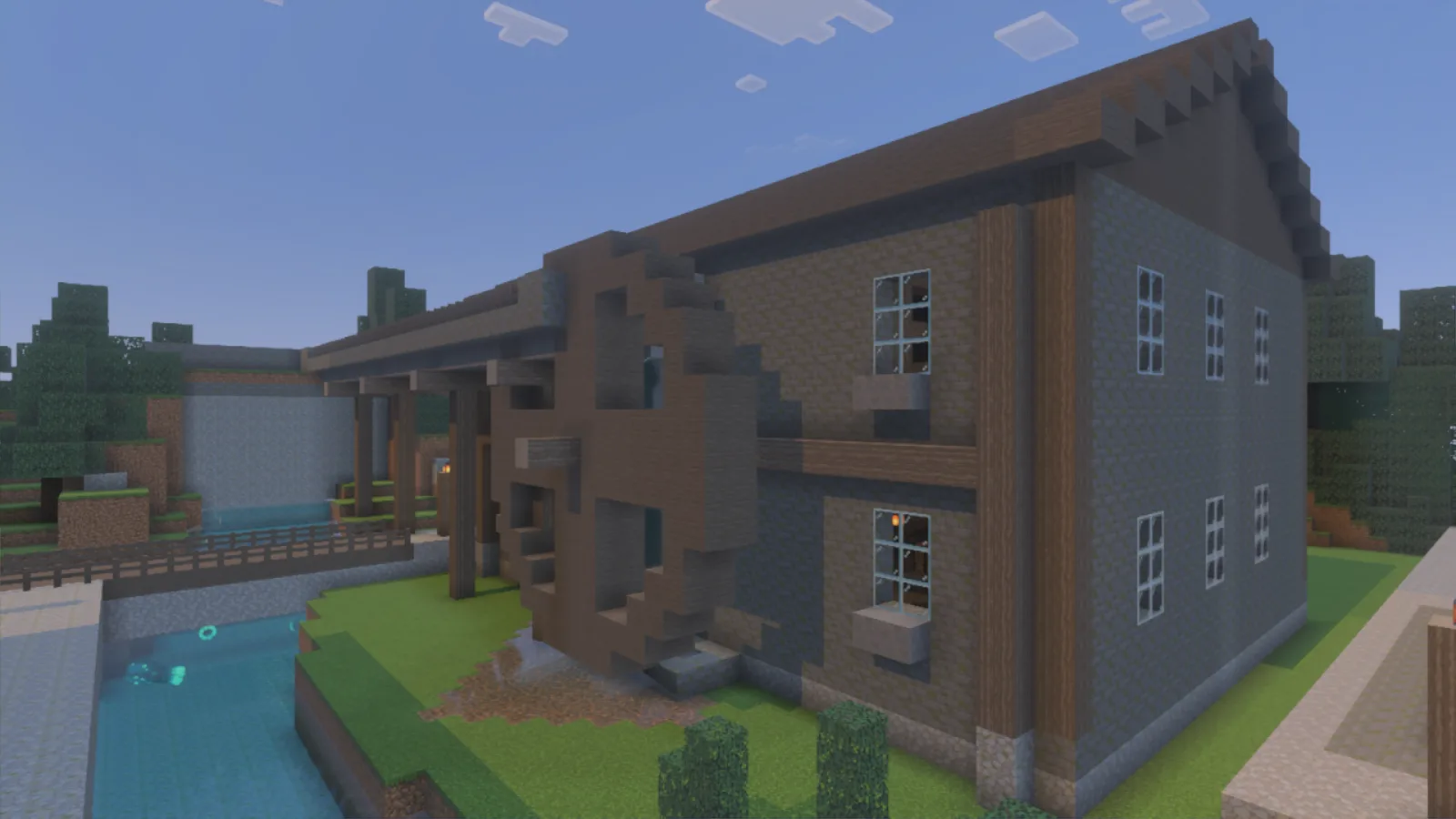
Mossy brick walls and timber framing meet a cobble foundation; the stationary wheel sits beside the river.
Build the dry upper wall with clean stone bricks, then gather mossy blocks near the foot of a bridge or beside a shaded bank. Use a short band of rounded cobble to change the scale of the masonry. Leaving some clean stone makes the moss read as a deliberate patch rather than wallpaper. A low cobble base with a tuff detail makes a compact stone work area beside your storage. Keep an aisle between it and the supplies.
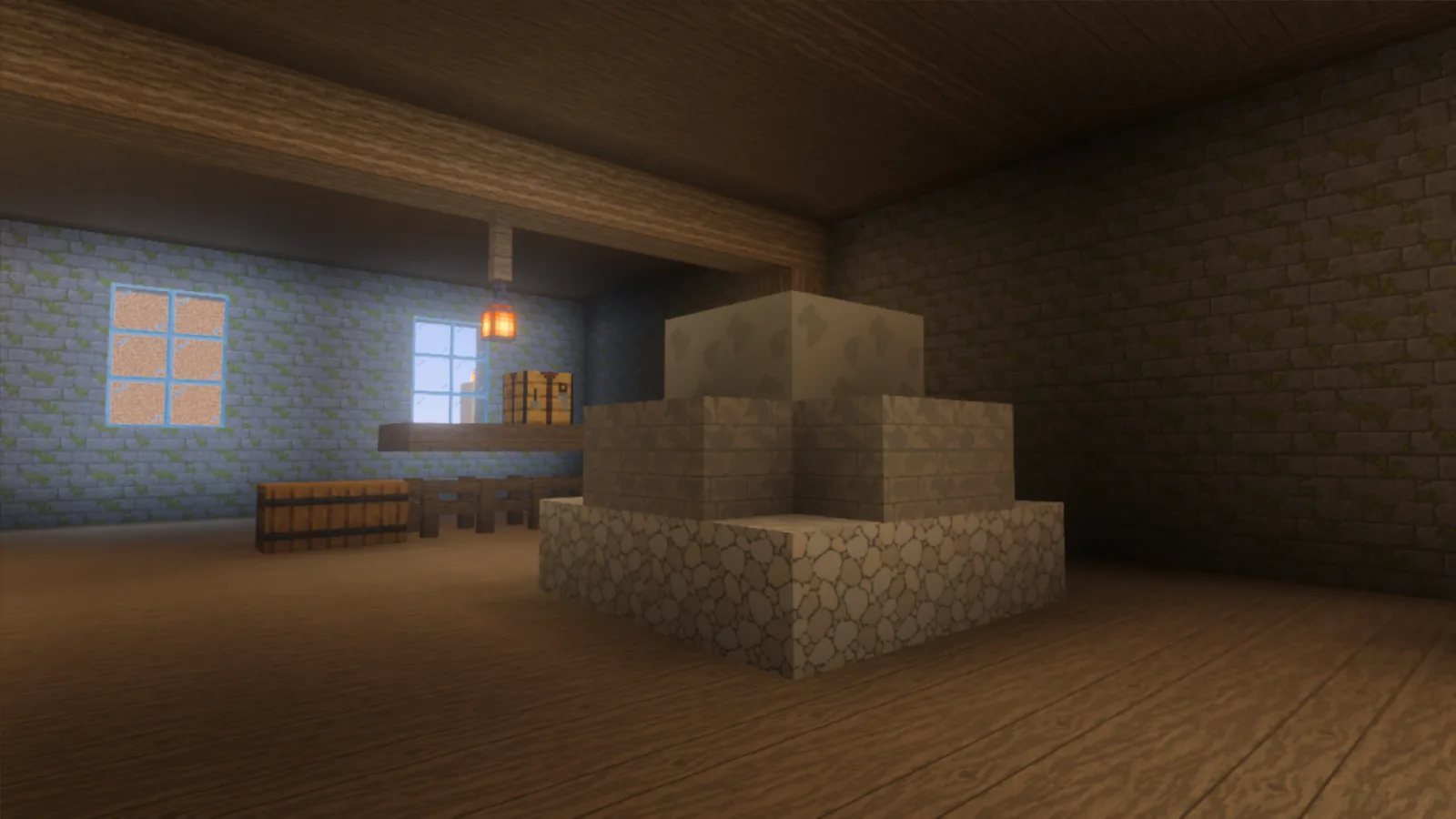
Three stone surfaces form a compact stack: rounded cobble below, straight stone bricks in the middle and tuff above.
Inside a mill, let spruce flooring carry the room between stone walls. Stripped spruce posts show long grain along their sides; turn a few logs horizontally where you want the cut ends to show.
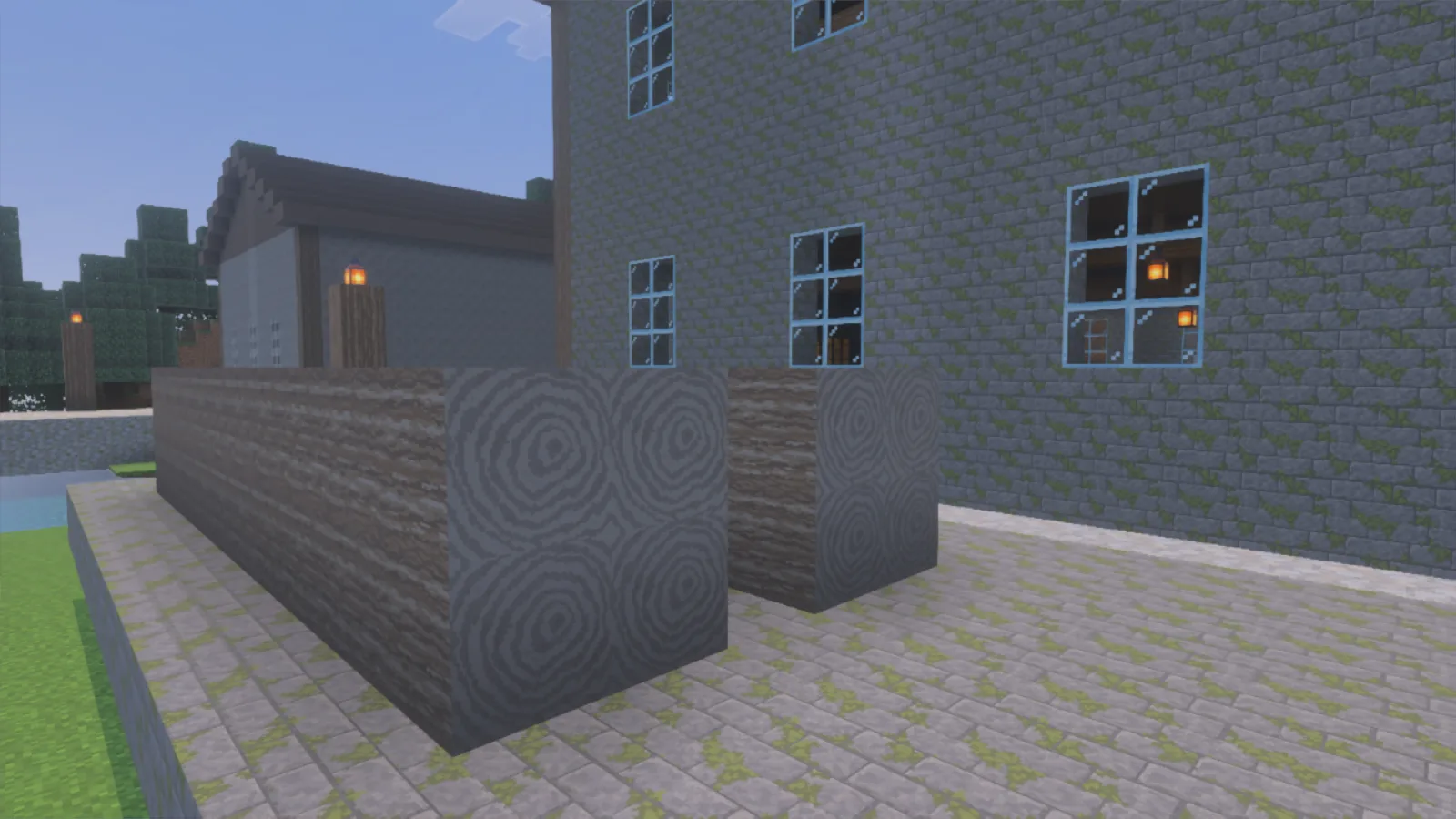
Face the cut ends toward the courtyard to show their rings; the longer sides carry the timber grain.
The same blocks suit a cellar below a woodland house. Use clean masonry around the entrance, mossier stone in one cool corner and a spruce shelf or bench to soften the room. These are ordinary building blocks; the pictured buildings and furnishings are examples, not included in the download.
For a compact entrance, place storage against one side wall rather than filling the middle with stone. Continue the timber floor to the stairs and leave a landing where you can turn. A small window above the bench keeps the grain and stone details visible without turning the whole room into an open hall.
This is a resource pack only; no behavior pack is needed. On Windows, open the .mcpack with Minecraft, then edit your world → Resource Packs and activate Mossvale Stonecraft. See the pack setup guide. If opening the file does not add the pack, return to the main menu and unpack a ZIP copy into its own folder under %appdata%\Minecraft Bedrock\users\shared\games\com.mojang\development_resource_packs, with manifest.json and textures directly inside. Activate it above conflicting packs and reload the world.
Comments 0
Share what worked, ask for help or reply to another player.
Use your Modonix account to join the discussion and manage your comments.
Sign in to commentNo comments yet. Share what worked for you.