
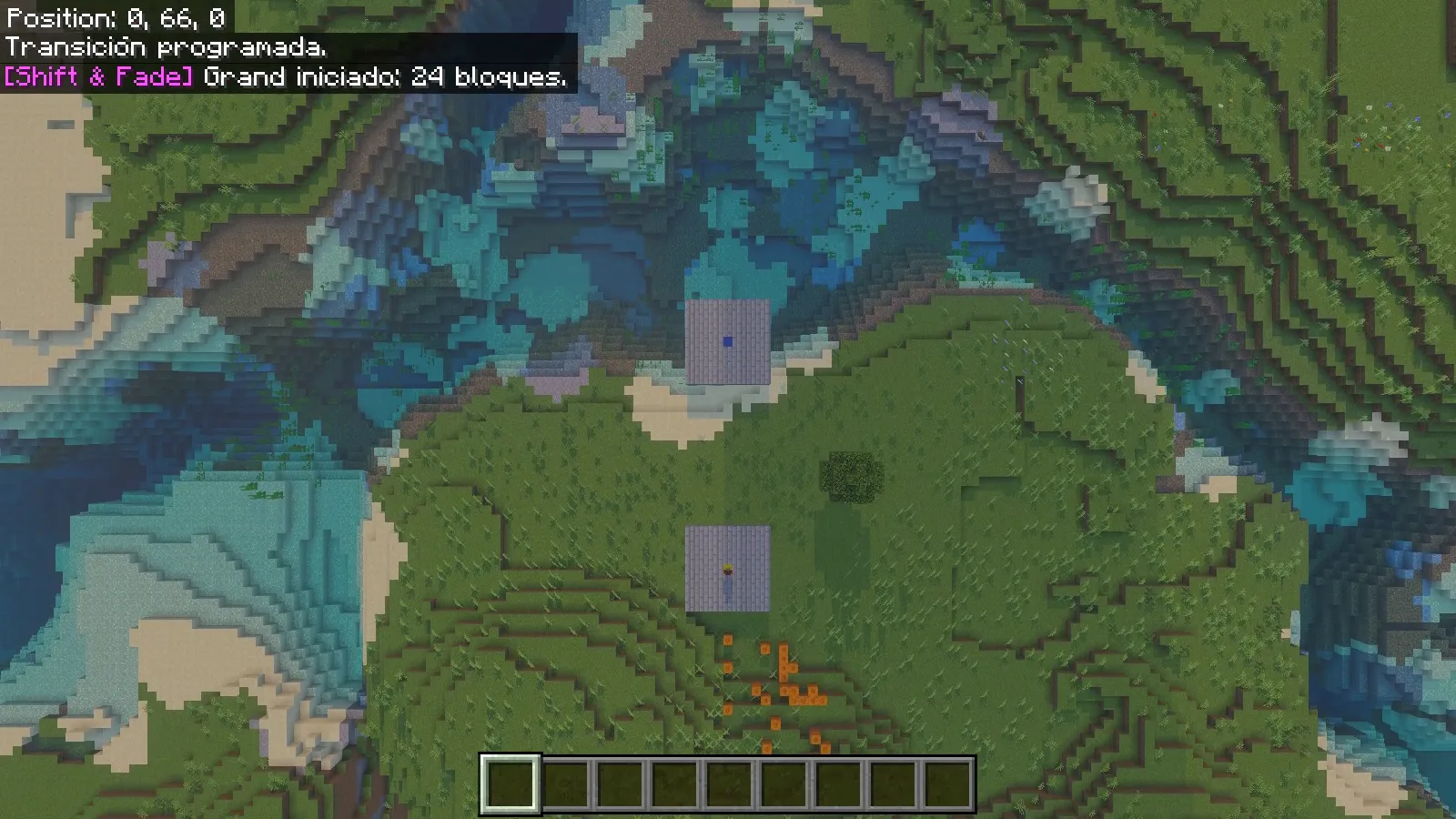
Shift & Fade gives a Bedrock teleport a visible departure and arrival. Grand lifts the camera above the landscape; Twilight surrounds the character with dark fragments before rebuilding them at the destination. It suits a dramatic return to a base, an entrance to an adventure area or a short tour between two prepared viewpoints.
Our example connects two small stone-brick platforms 24 blocks apart. A gold block marks the first platform and a blue block marks the second, so you can follow where each transition begins and ends.
Install the Core packs
This walkthrough uses the original Shift & Fade 2.0.0 Core on Windows Bedrock 26.52. Open its .mcaddon with Minecraft and wait for the imports to finish. In a copy of your world, activate both Shift & Fade behavior and resource packs. Beta APIs can stay off. Enable cheats in that world to use the /sf: commands below.
Core provides the transition and commands. The separately distributed Shift & Fade: Waystones adds its own waystone gameplay; installing Core alone does not create a waypoint network or a survival crafting route. You can try the two styles directly without that companion add-on.
Prepare two clear destinations
Choose solid ground with room to stand and a clear view around it. Make the two landing spots visually different: colored center blocks work well. Record the coordinates at player-foot height, rather than the height of the block under your feet.
Our centers are 0.5,66,0.5 and 24.5,66,0.5, with the supporting floor at Y65. These coordinates describe our demonstration world; substitute safe positions from yours. Keep pets away from this first demonstration because the public teleport command also requests nearby tamed companions.
Stand on the first pad, open chat and enter:
/sf:tp 24.5 66 0.5 grand
Use the full /sf:tp name. The final word selects Grand for this journey, so there is no need to change the world's default style.
Follow Grand from above
The camera rises over the gold departure marker. From above, the two pads become easy to compare with the surrounding river and shoreline. This makes Grand a useful choice when the route itself deserves attention: a courtyard leading to a tower, for example, or two parts of a larger build.
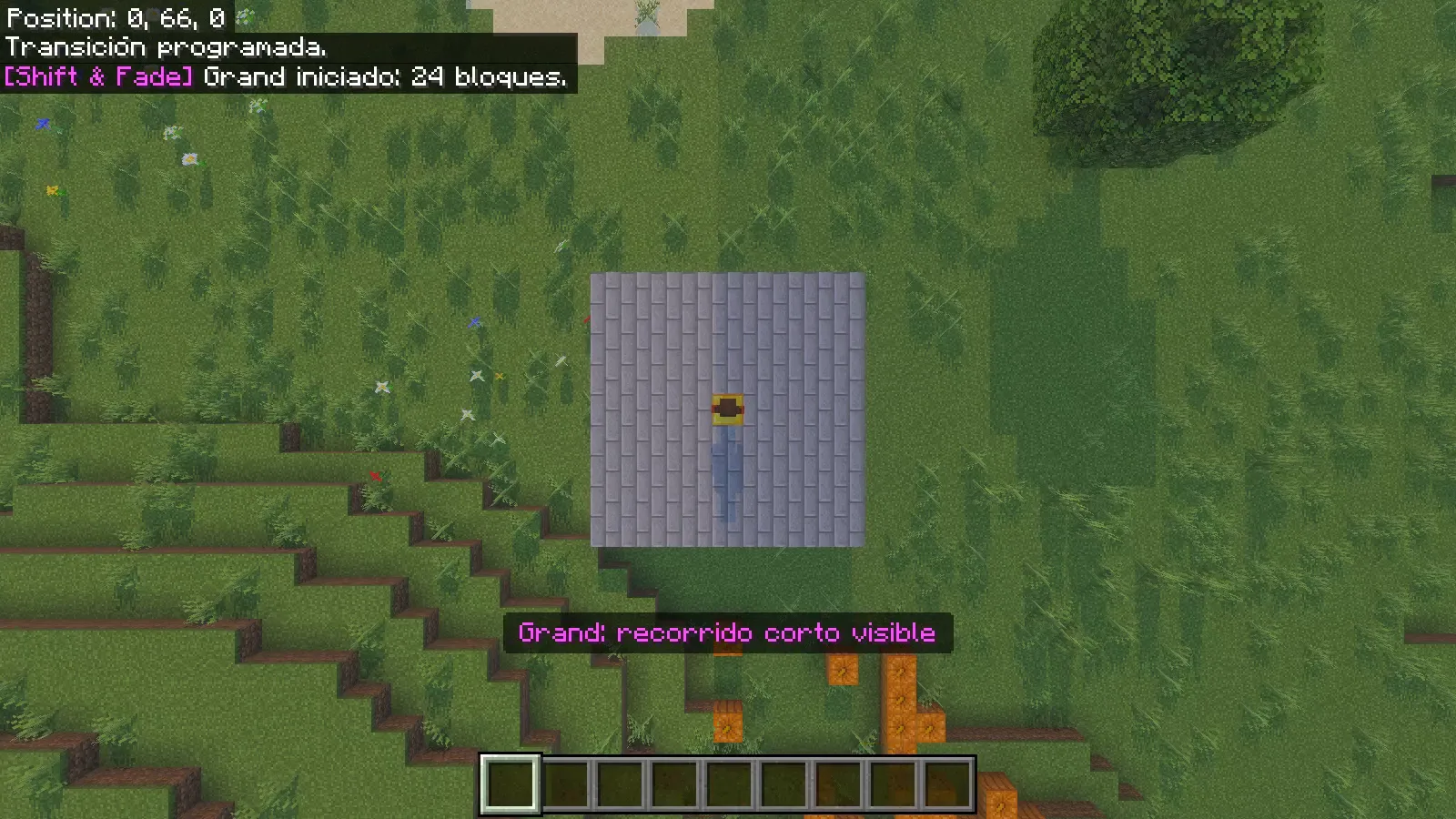
During our short crossing, the view widened over both pads, then descended toward the blue destination. The position display changed from 0,66,0 to 24,66,0. After the transition ended, an ordinary forward movement moved the player again.
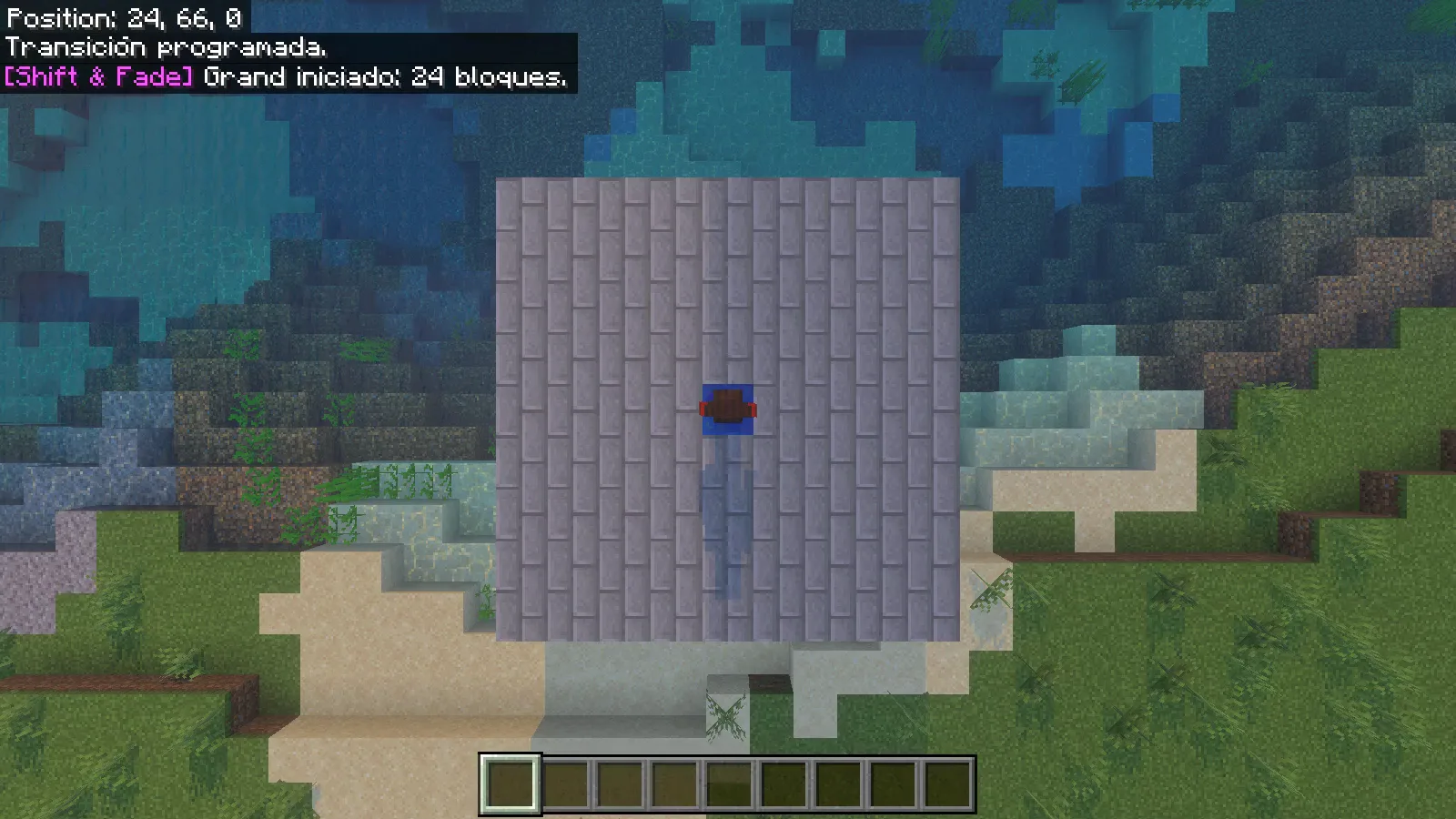
Let the camera finish before issuing another request. The open space around each pad helps you read the arrival without a nearby wall filling the view.
Return with Twilight
From the blue pad, choose the other style for the return:
/sf:tp 0.5 66 0.5 twilight
Twilight puts the character at the center of the scene. The camera moves around them as dark fragments gather near their feet, then the character disappears into the effect.
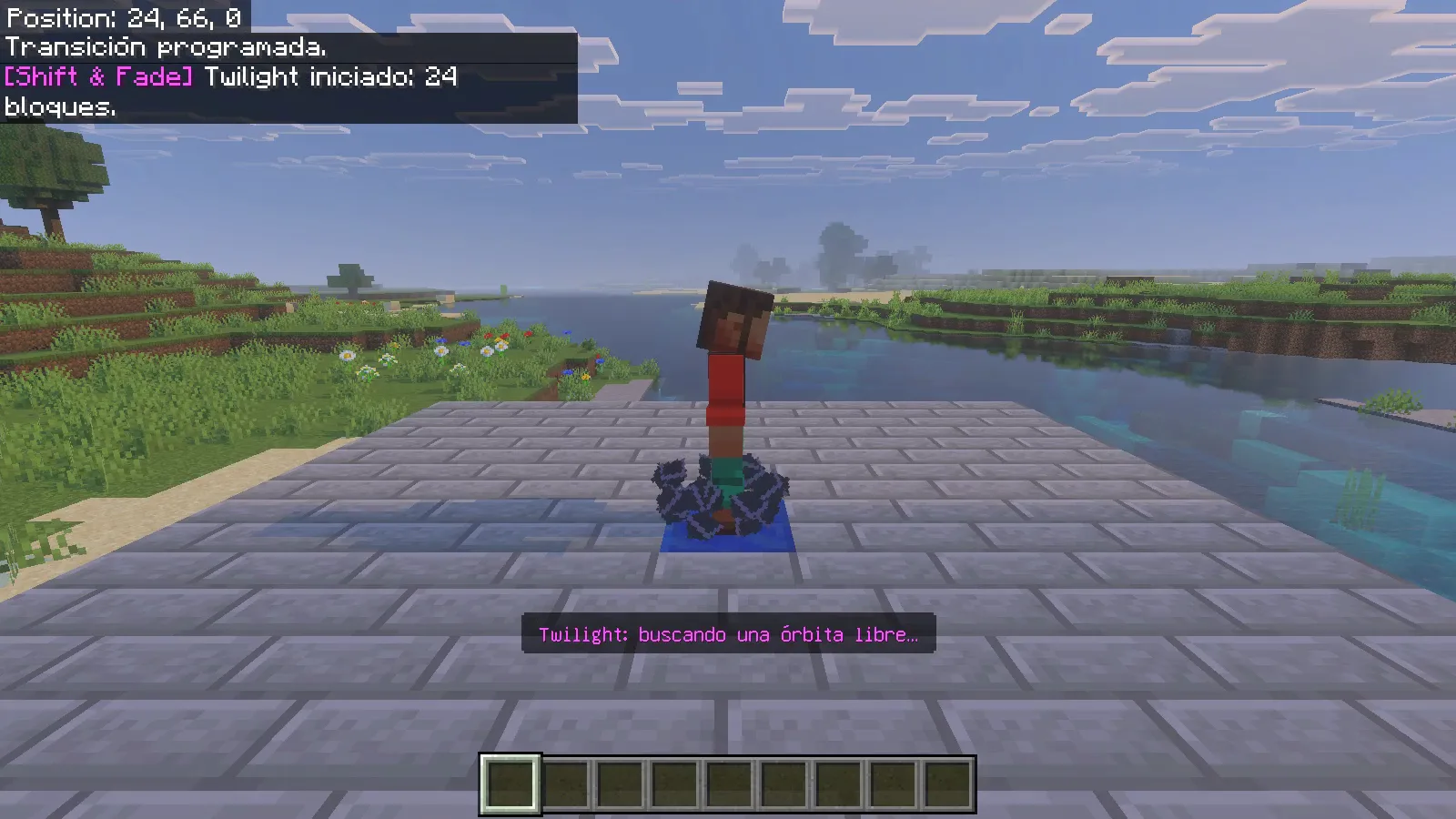
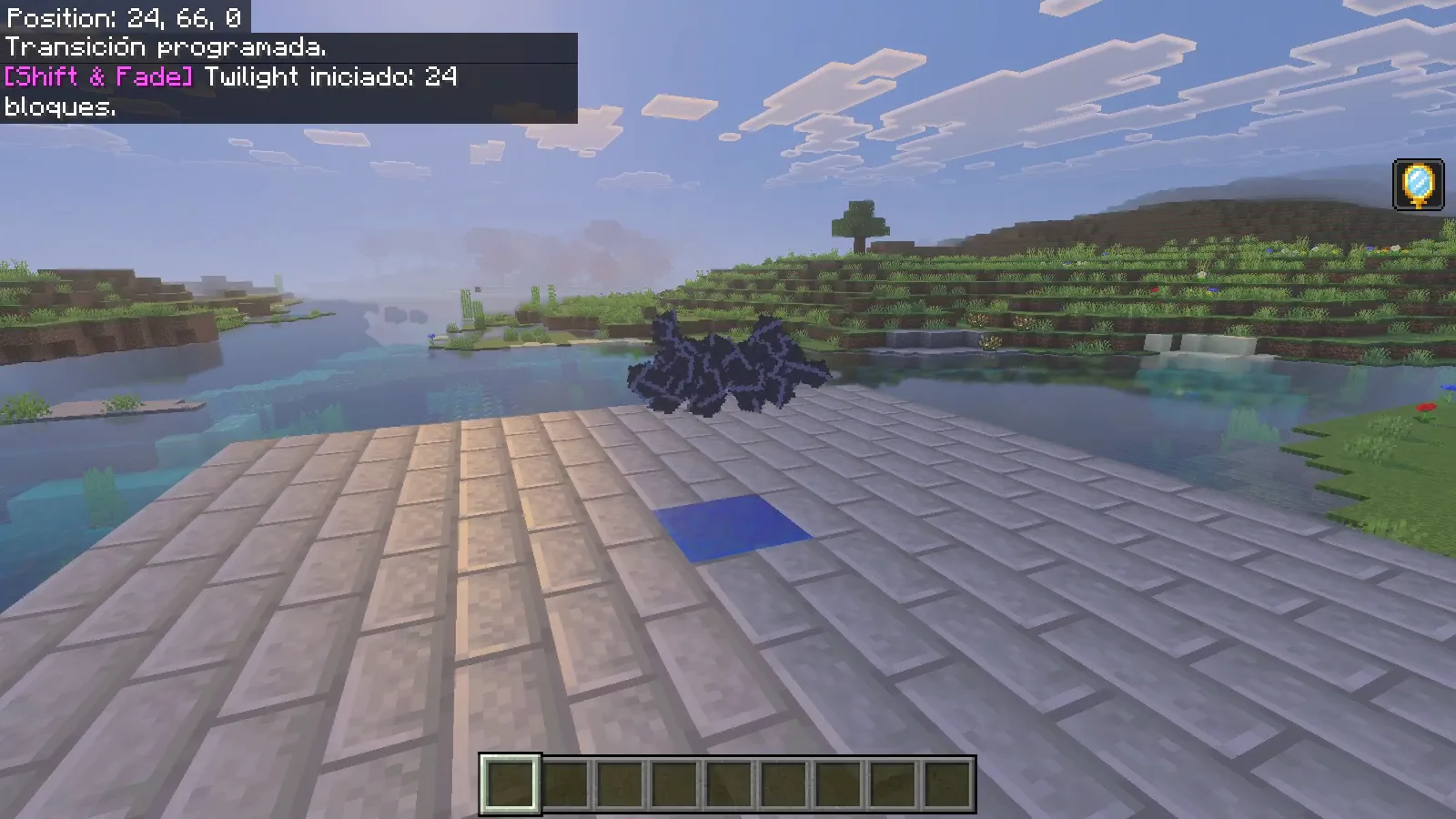
After the fade, the character rebuilds above the gold marker. Our return finished at 0,66,0, and normal forward movement worked afterward. The two styles covered the same pair of destinations but gave the journey a different emphasis: Grand showed the landscape; Twilight focused on the traveler.
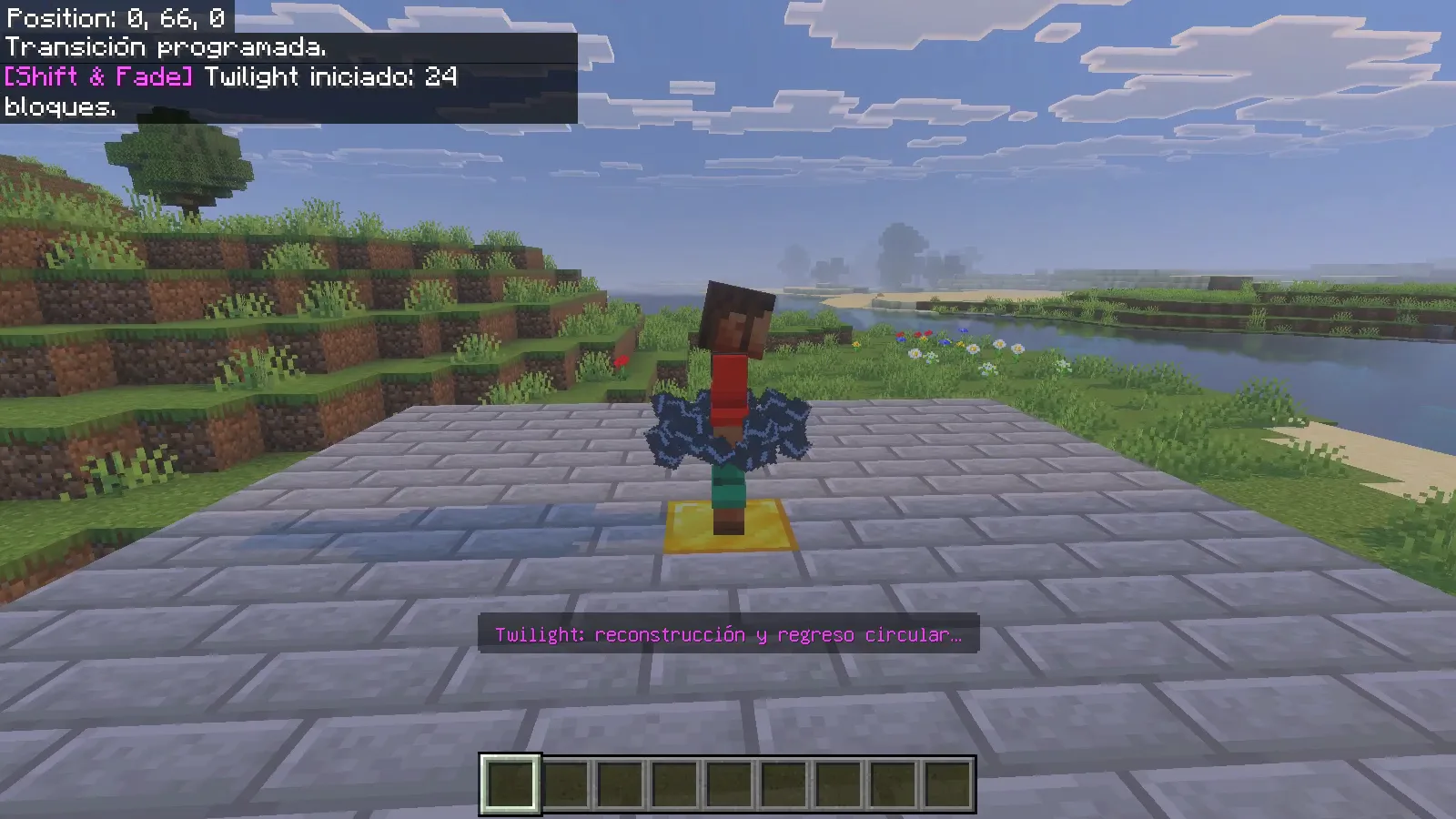
The command messages visible in these captures are the author's original Spanish messages, even though the game interface is English.
Make the arrival worth seeing
Place a recognizable landmark beyond the destination: a gate, a lit doorway or a framed view of the harbor. Keep the landing surface broad enough that the player can take a few ordinary steps after control returns. Try one short route first, then decide which style fits the place.
For an interrupted transition, the owner's /sf:reset @s command is the provided recovery option. Our two completed journeys did not need it. Keep separate journeys spaced apart, and check the destination before turning a teleport into a regular part of your world.
Comments & questions
Share what worked, ask for help or reply to another player.
No comments yet. Share what worked for you.