Quick Mining makes a timber run less repetitive: hold an axe, sneak and break a log to gather connected wood. Switch to a suitable pickaxe and the same idea works for supported ore blocks. You still choose what to gather and where to cut; the useful change is spending less time chasing each connected block.
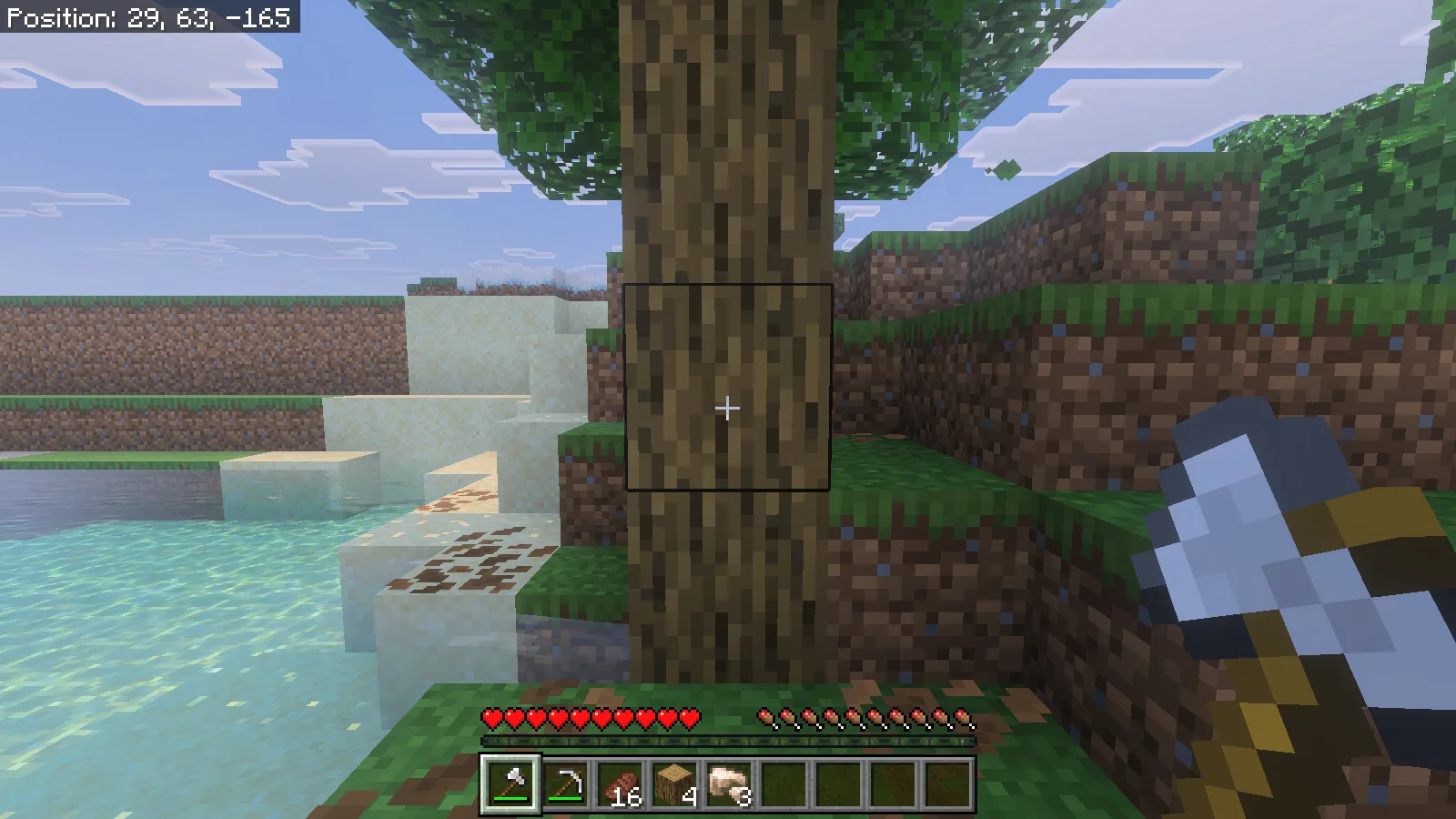
Install the matching pair
This walkthrough uses Quick Mining 1.9.0 on Minecraft for Windows, Bedrock 26.52. Make a copy of an existing world before adding the pack. Open the downloaded .mcaddon file with Minecraft and wait for the import to finish. From the world list, choose the world's edit button, open Behavior Packs → My Packs, select Quick Mining and activate it. Check Resource Packs → Active for the matching Quick Mining resource pack; the behavior pack declares it as a dependency.
The 1.9.0 package used here ran with Beta APIs off. You do not need to enable that experiment for this setup. Activate the add-on in the intended world, then enter it with an axe and a pickaxe ready.
Keep an ordinary swing available
Enter /qmine-prefs in chat. Under Enable quick-mining, keep When sneaking selected. The preferences are per player, so your choice does not change a friend's trigger. The same form controls automatic collection and the block categories you want included.
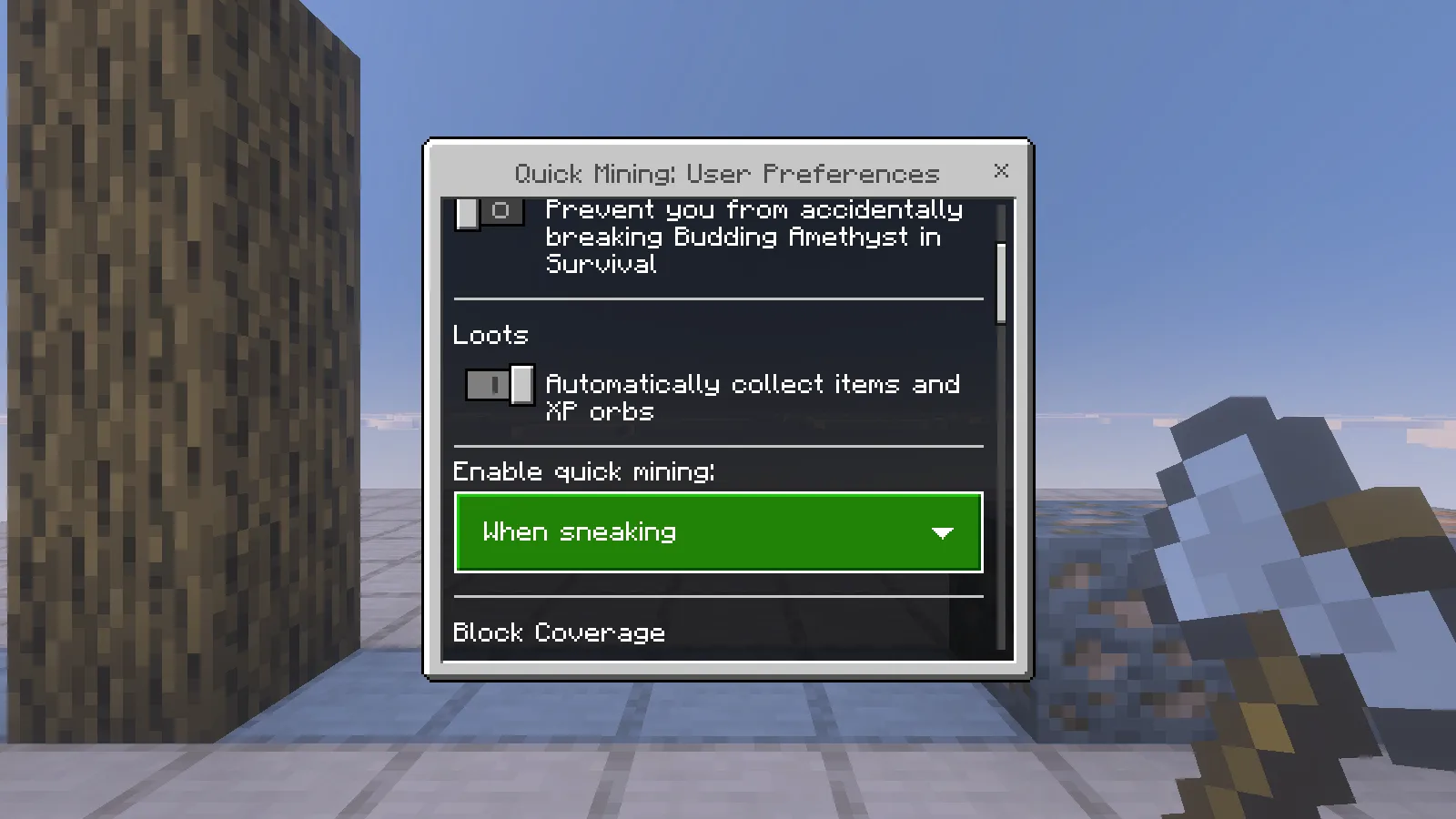
With this mode, stand normally for individual blocks and sneak for connected gathering. On a keyboard, use your configured Sneak key; our Windows controls used Shift. Hold the normal mining input until the target breaks. Merely tapping a log or punching it without the appropriate tool is not the same action.
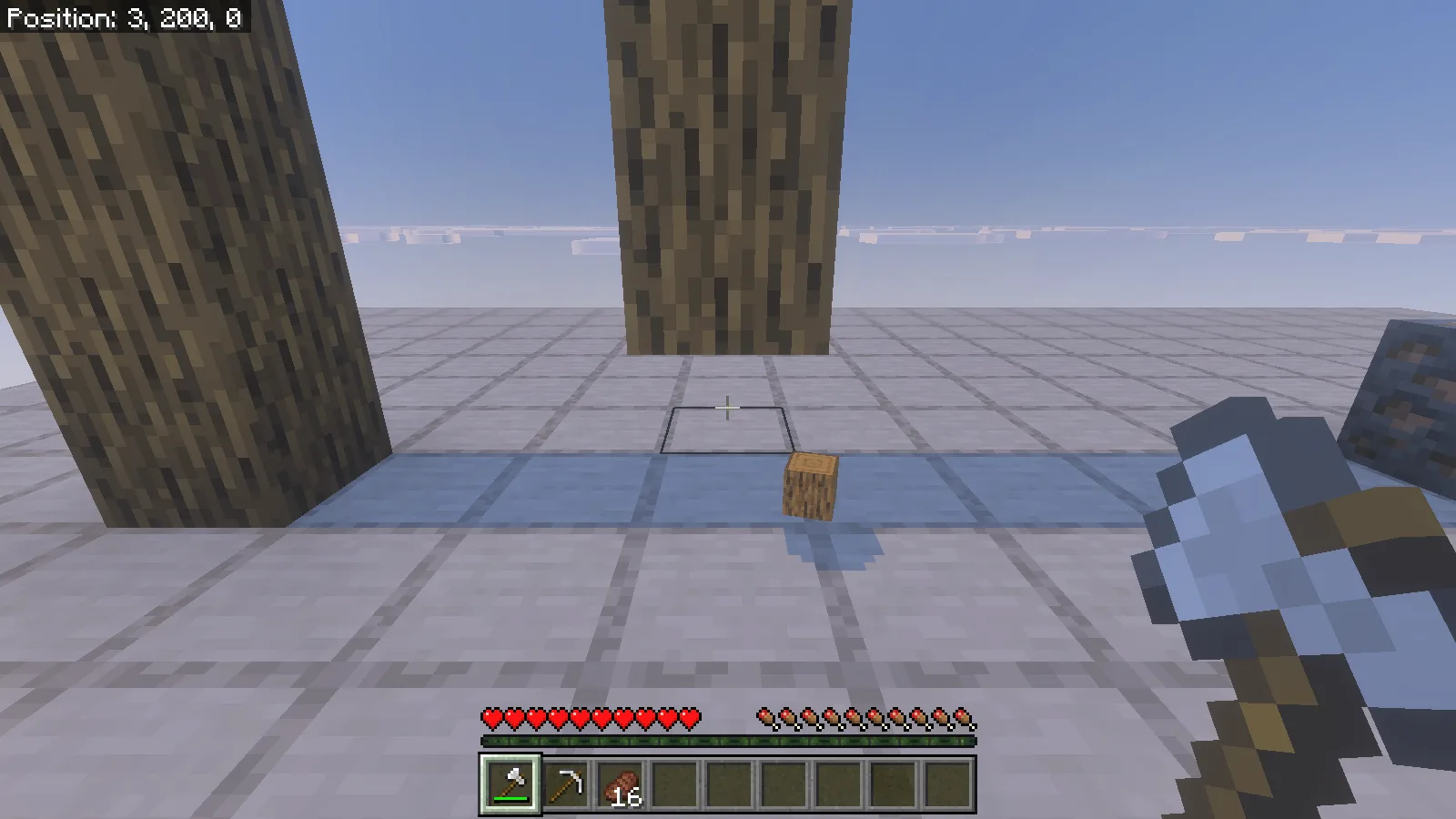
Two matching four-log columns made the difference easy to see. Standing normally with an iron axe broke the bottom log, left three above it and dropped an item on the ground.
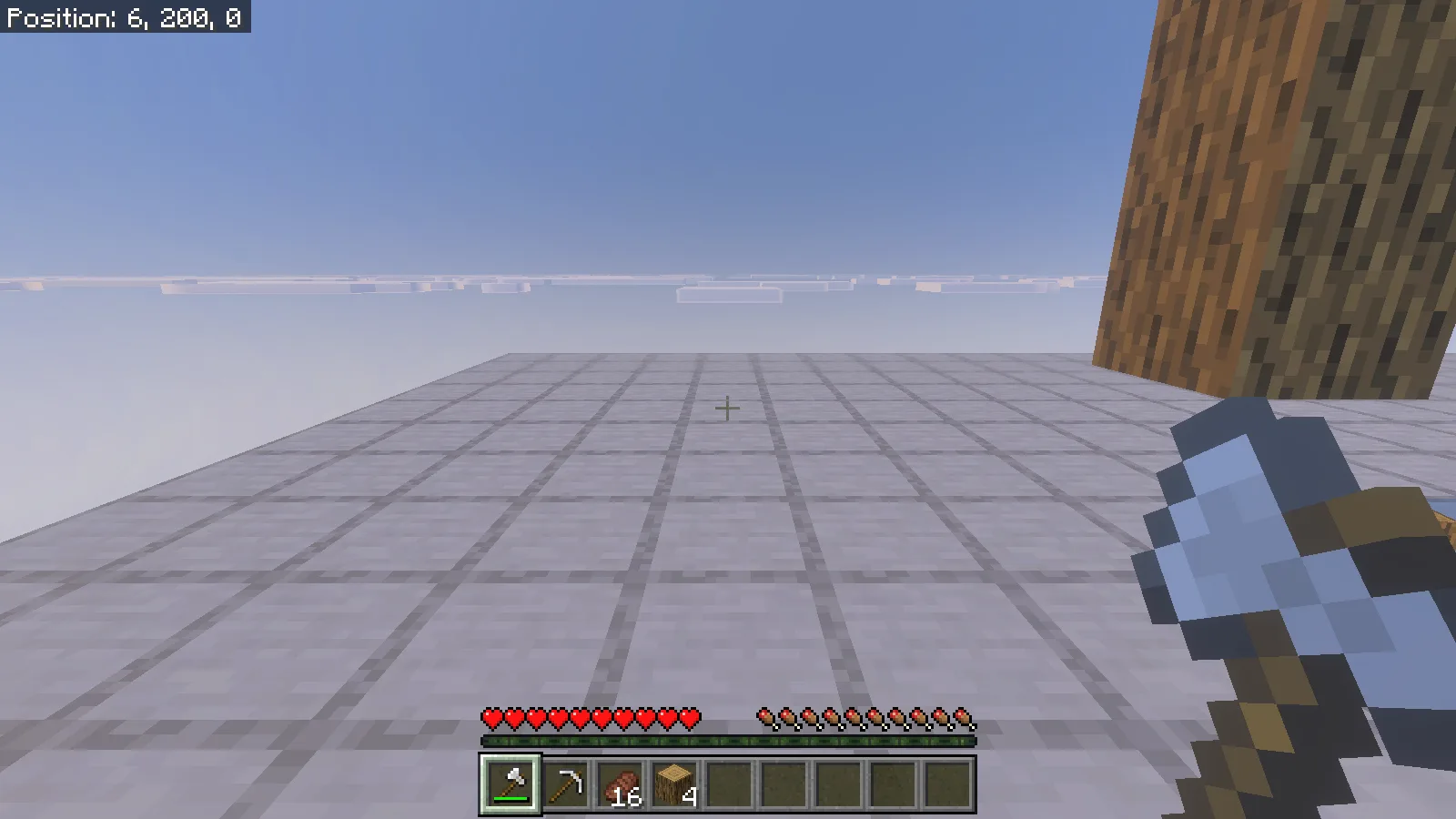
Sneaking with the axe at the other column removed all four logs and placed four logs in the inventory. These columns were deliberately placed for comparison; the forest example below shows the same gathering approach on natural terrain.
Gather a building supply, then replant
Choose a tree away from your buildings and aim at a reachable trunk block. Leave inventory room for the logs and leaf drops. A useful first trip has a small target: wood for a porch roof, a bridge deck or replacement tools. Stop when you have what the build needs rather than clearing every nearby tree.
In our forest pass, sneak-mining a natural oak cleared the targeted trunk and surrounding leaves. The oak-log stack went from 4 to 21, with 2 apples, 16 saplings and 8 sticks also visible afterward. Connected neighboring wood can join the operation, so that result is an example of one gathering pass, not a promise of 17 logs from every oak.
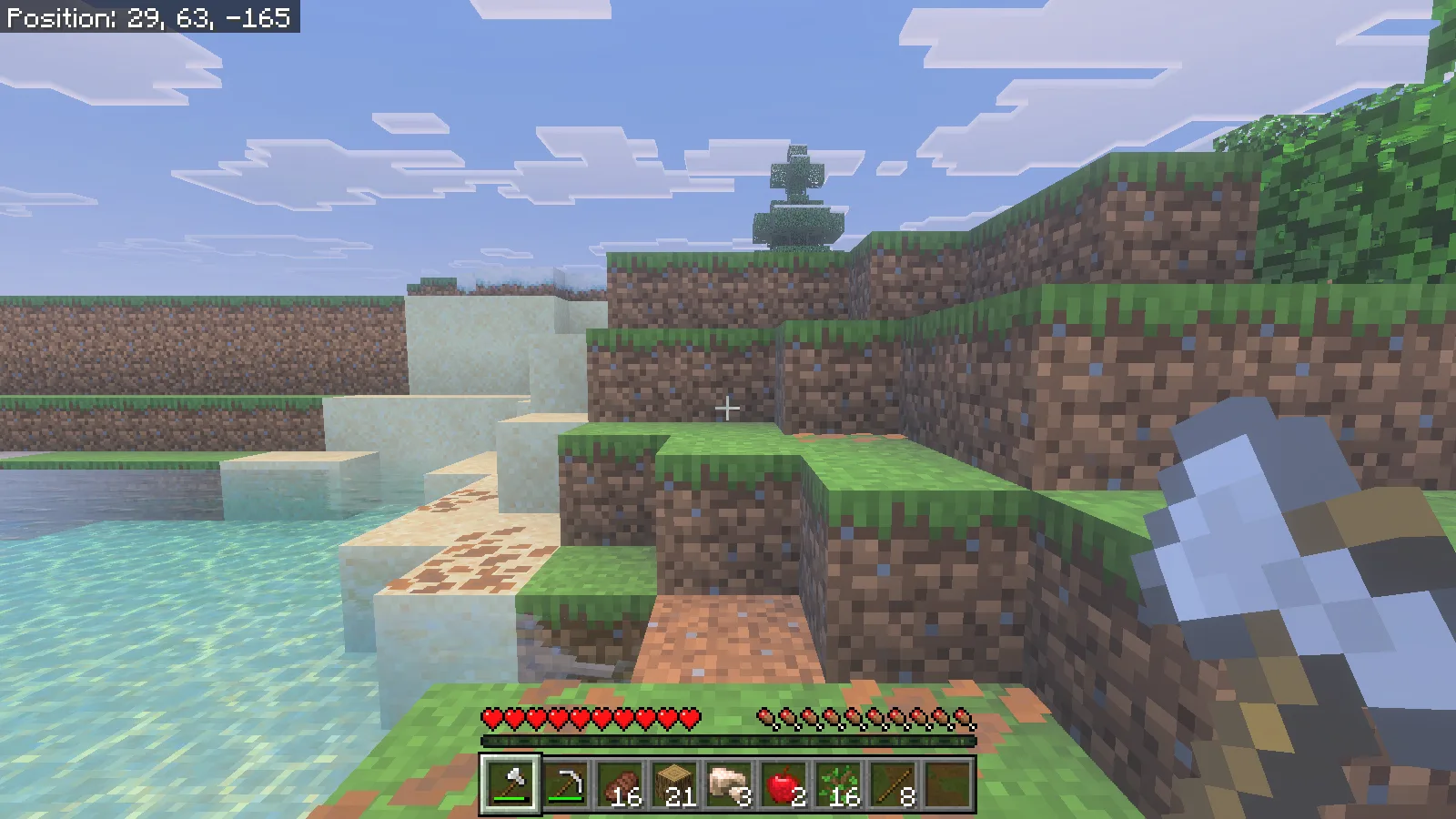
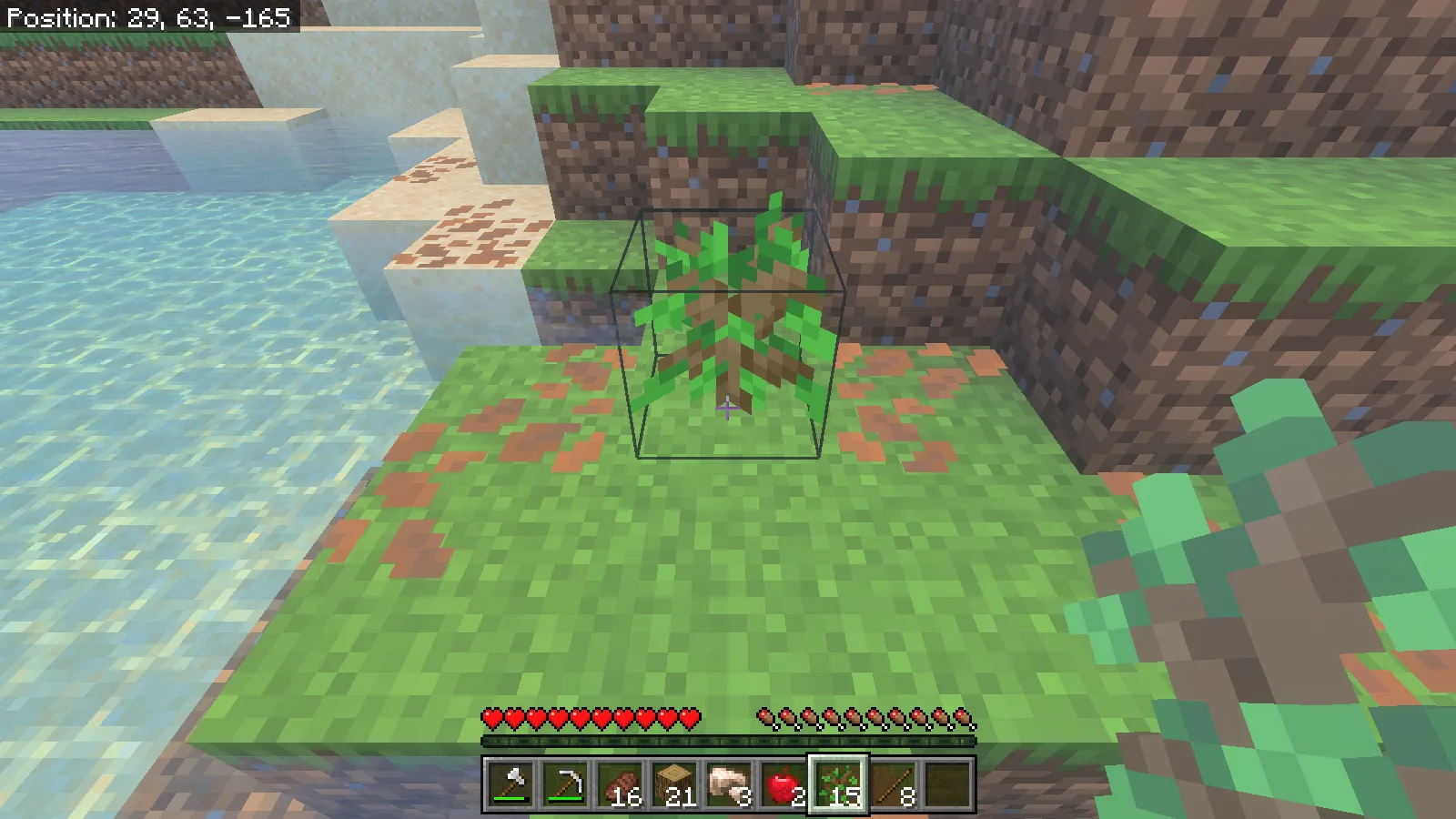
Put some of those saplings back before leaving. Select a sapling, aim at a suitable ground block and use it normally. Here, one oak sapling was planted at the cleared site in Survival, reducing the stack from 16 to 15. Quick Mining handled gathering; the replanting was our own action.
Use the right pickaxe for ore
For ore, select a pickaxe capable of harvesting the block, stand somewhere secure and sneak while mining. Keep an eye on the space behind the vein: removing connected blocks can expose a drop, water or another part of a cave.
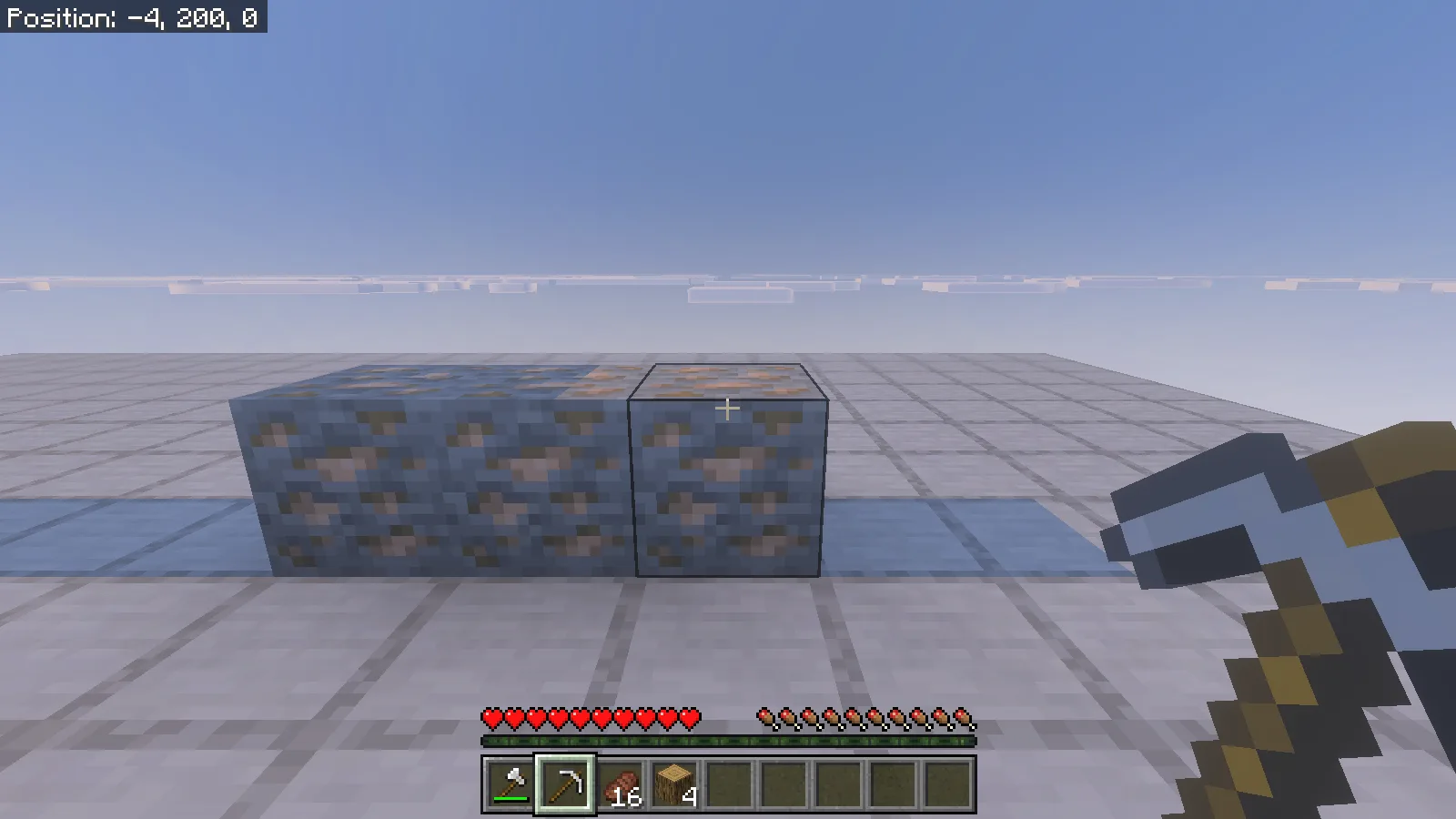
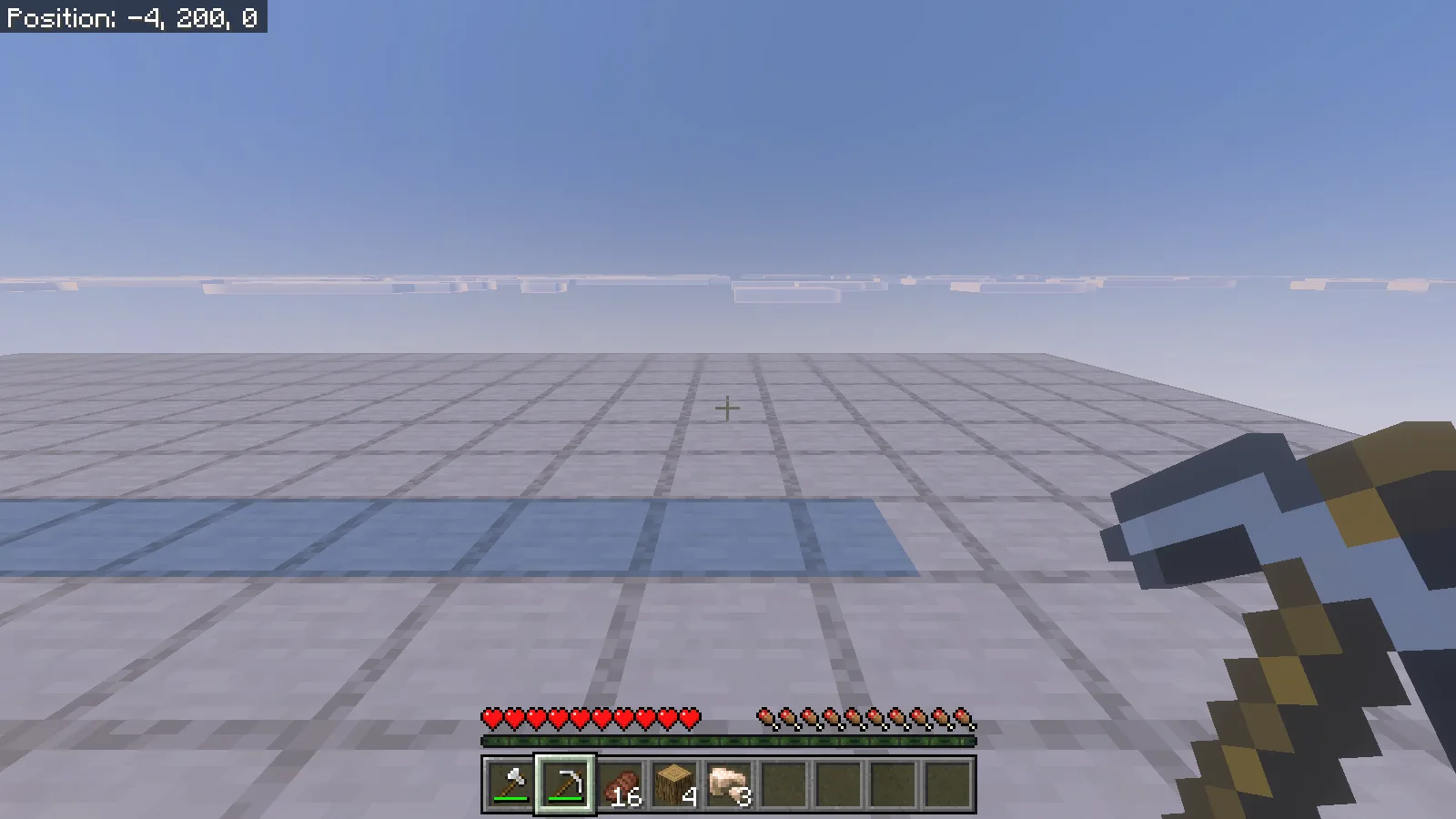
Our simple ore comparison used three placed iron-ore blocks. Sneak-mining with an iron pickaxe removed the row and added 3 raw iron to the inventory. This shows the gathering result clearly without presenting a staged row as a naturally generated vein.
Keep gathering away from timber builds
The log-column comparison also shows why player-placed wood deserves care. Do not use sneak-mining to trim a log pillar, repair a timber roof or remove one support beside connected wood you want to keep. Stand normally under When sneaking, or choose Never in the preferences for a building session.
Keep broad stone and soil categories disabled until you deliberately want excavation. A separate resource grove, a little inventory space and a clear gathering target make the add-on easier to use without turning a small repair into a much larger job.
Comments & questions
Share what worked, ask for help or reply to another player.
No comments yet. Share what worked for you.