
Canopy helps you inspect a Bedrock build while standing beside it. Look at a chest to read its facing, check the state of a hopper, or bring chunk boundaries into view before laying out the next part of a workshop. Start with a few useful hints and turn them off again when you want a clear view.
Set up the matching packs
Make a copy of an existing world first. Open the downloaded Canopy MCADDON with Minecraft and wait for the import confirmation. Edit the intended world, activate Canopy under Behavior Packs → My Packs, and check that the matching Canopy pack is active under Resource Packs.
For this release, enable Beta APIs in that world's Experiments. Use a world with cheats enabled and the permission to run world commands for the rule changes below. Enter the world and run /canopy version to check which Canopy release is active.
Choose the hints you need
Open /info menu to see your personal InfoDisplay options. /canopy menu opens a separate list of world rules. Keeping those two menus distinct makes it easier to change what you see without casually switching on unrelated world features.
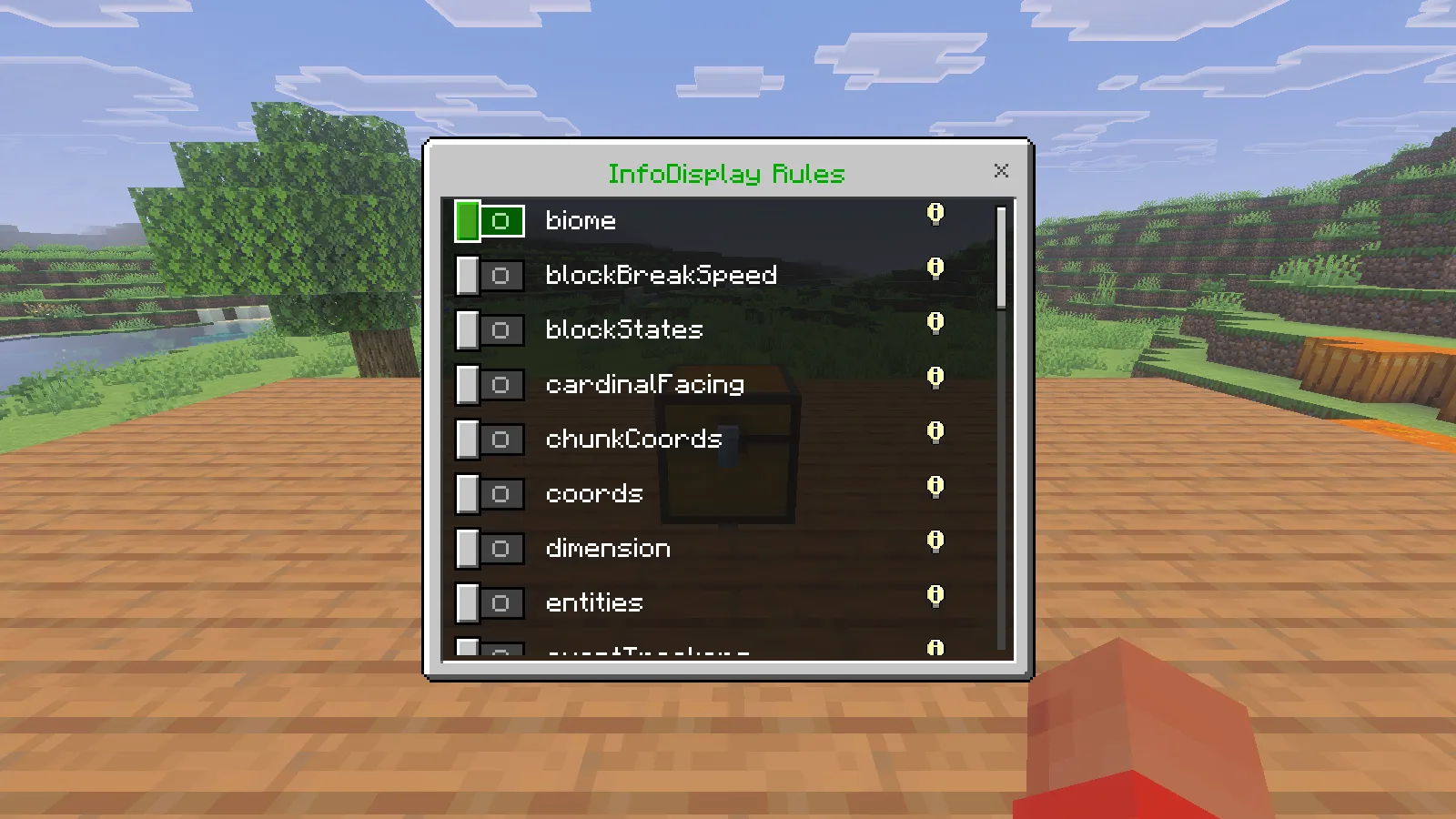
For a first inspection, enter /info target true and /info blockStates true. Point the crosshair at a nearby solid block. The target line names it; the state lines describe properties of that block. Move close enough to inspect it—the target lookup used here reaches seven blocks. Aiming through water or at an entity can change which information appears.
Read the block before rebuilding it
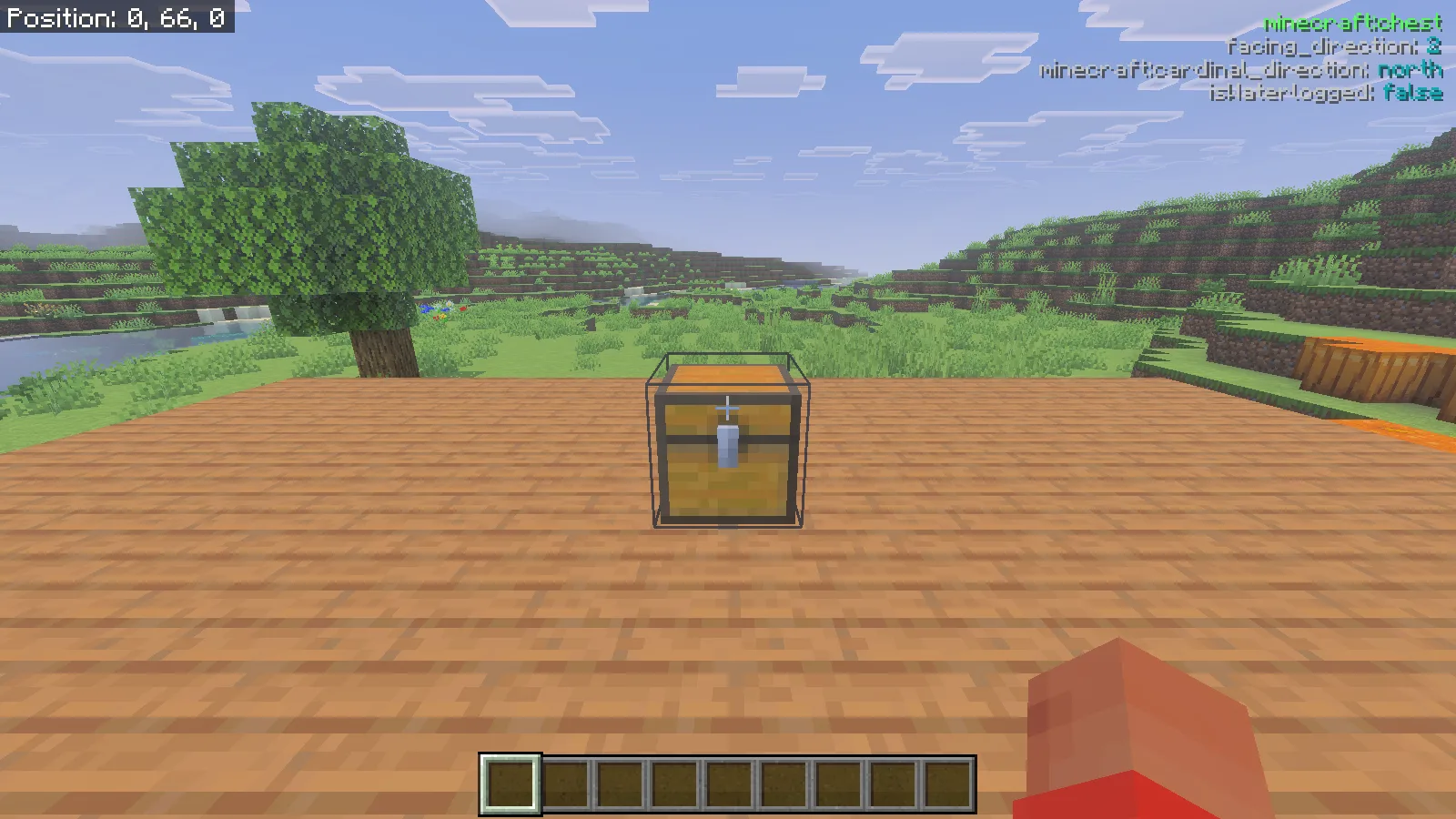
Our chest showed minecraft:chest, facing_direction: 2, minecraft:cardinal_direction: north, and isWaterlogged: false. That is useful when you are checking a row of storage: compare the state of the odd-looking chest with one you placed correctly, then decide whether it needs replacing.
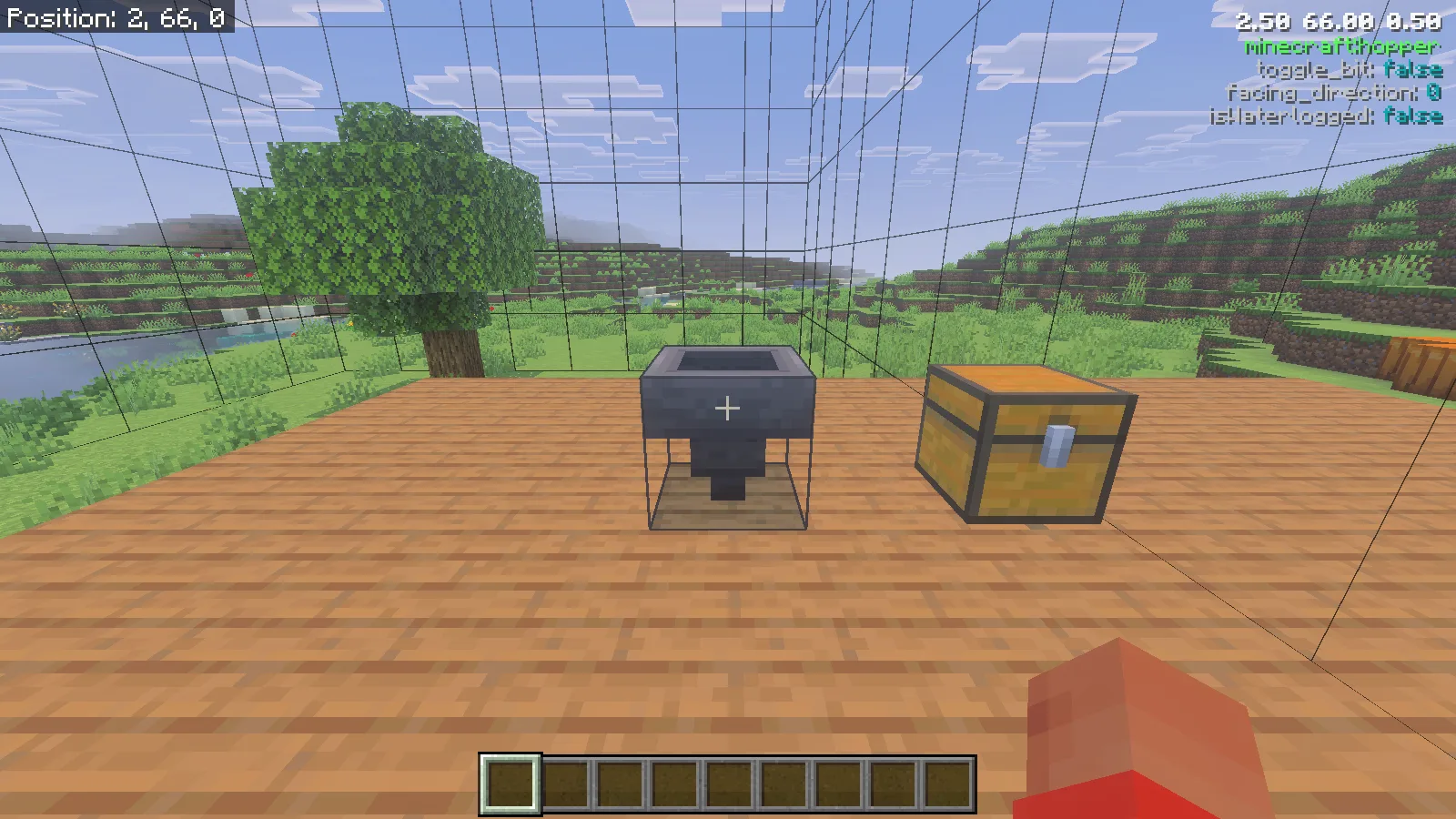
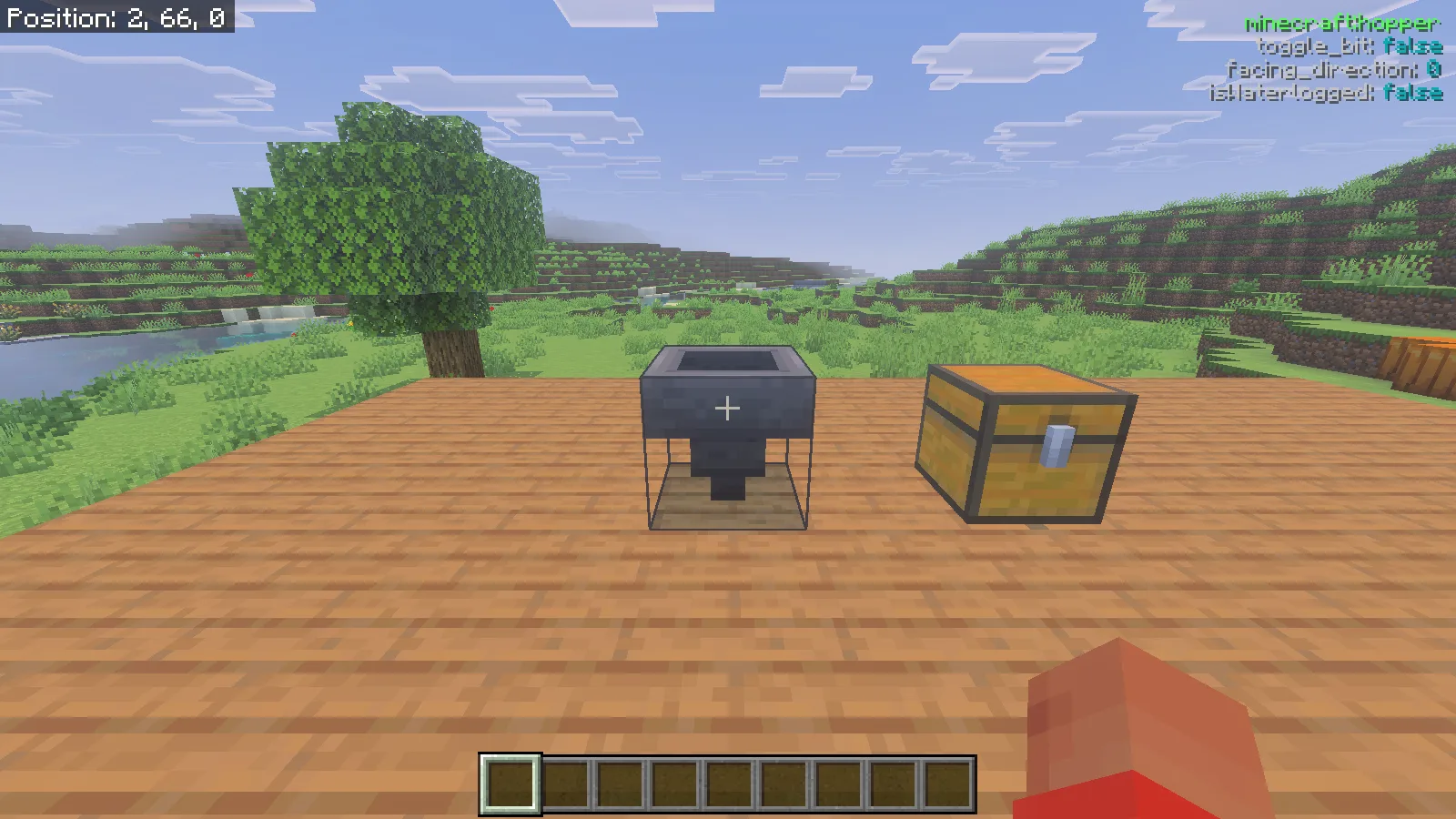
The nearby hopper showed minecraft:hopper, facing_direction: 0, toggle_bit: false, and isWaterlogged: false. Its outlet visibly pointed downward. When checking your own collection line, look at both the outlet and the state readout. Compare a known correct hopper with the one you are investigating instead of assuming that every state number means the same thing for every block.
Use the overlay to answer a specific question: is this the block I meant to inspect, is its orientation consistent with the neighboring section, or is it waterlogged?
Show boundaries with an arrow
Run /canopy chunkBorders true. Then put one arrow in the fifth slot of the upper row of your main inventory, directly below the offhand slot in the layout shown here. It belongs in the main inventory, not the hotbar or the offhand itself. Close the inventory to inspect the lines.
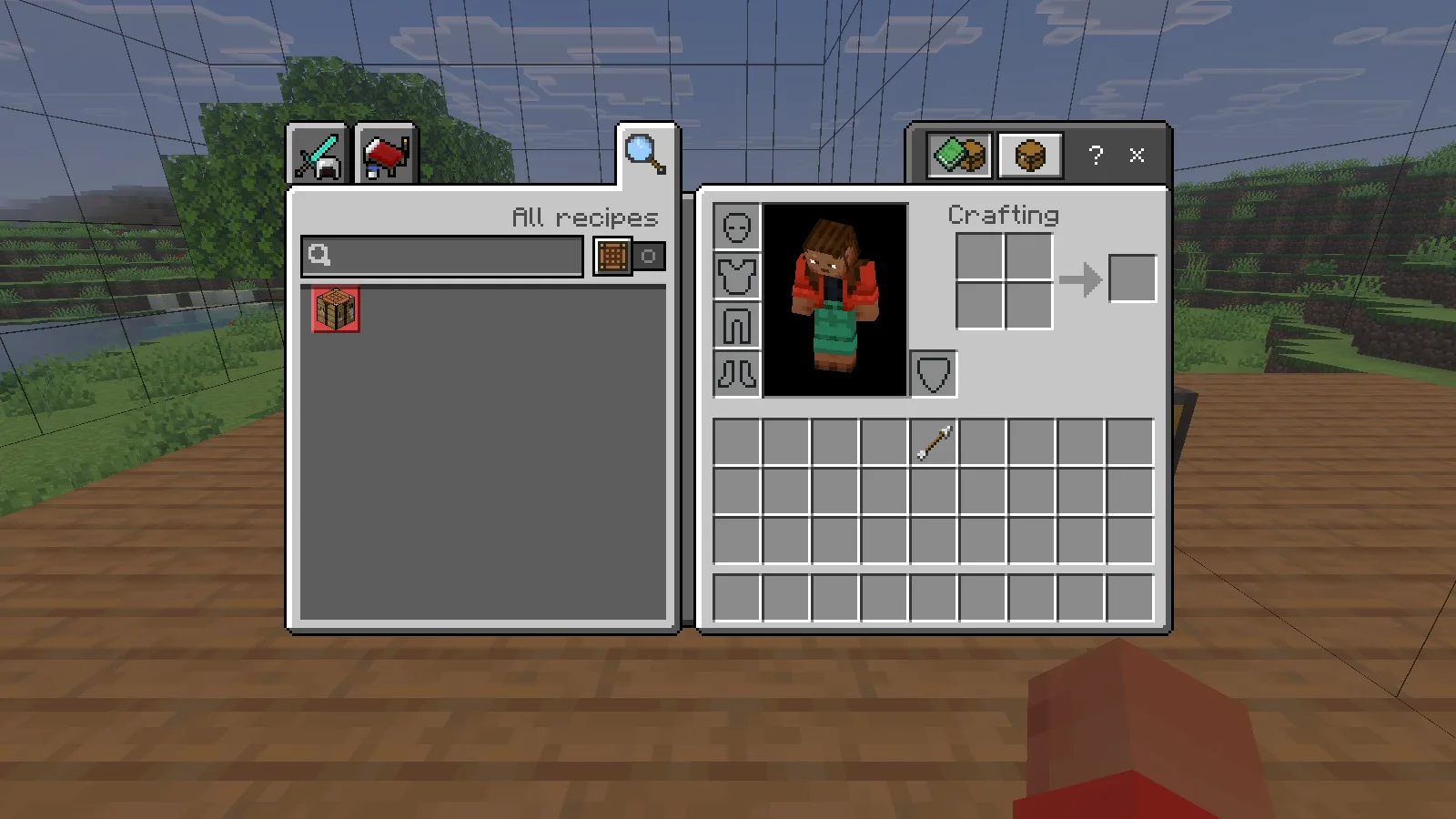
The rule and the arrow work together: our boundaries appeared after the arrow reached that slot. Use the view to check where a planned wall, storage room or farm module sits relative to a chunk edge. The extra grid lines help show the shape in space; they do not turn every small grid square into a separate chunk.
Compare positions, then clear the view
Enable /info coords true for a position readout with two decimal places. Walk a short distance and watch it update. In our platform example, moving sideways changed X from 2.50 to 0.99 while the targeted block changed from the hopper to spruce planks.
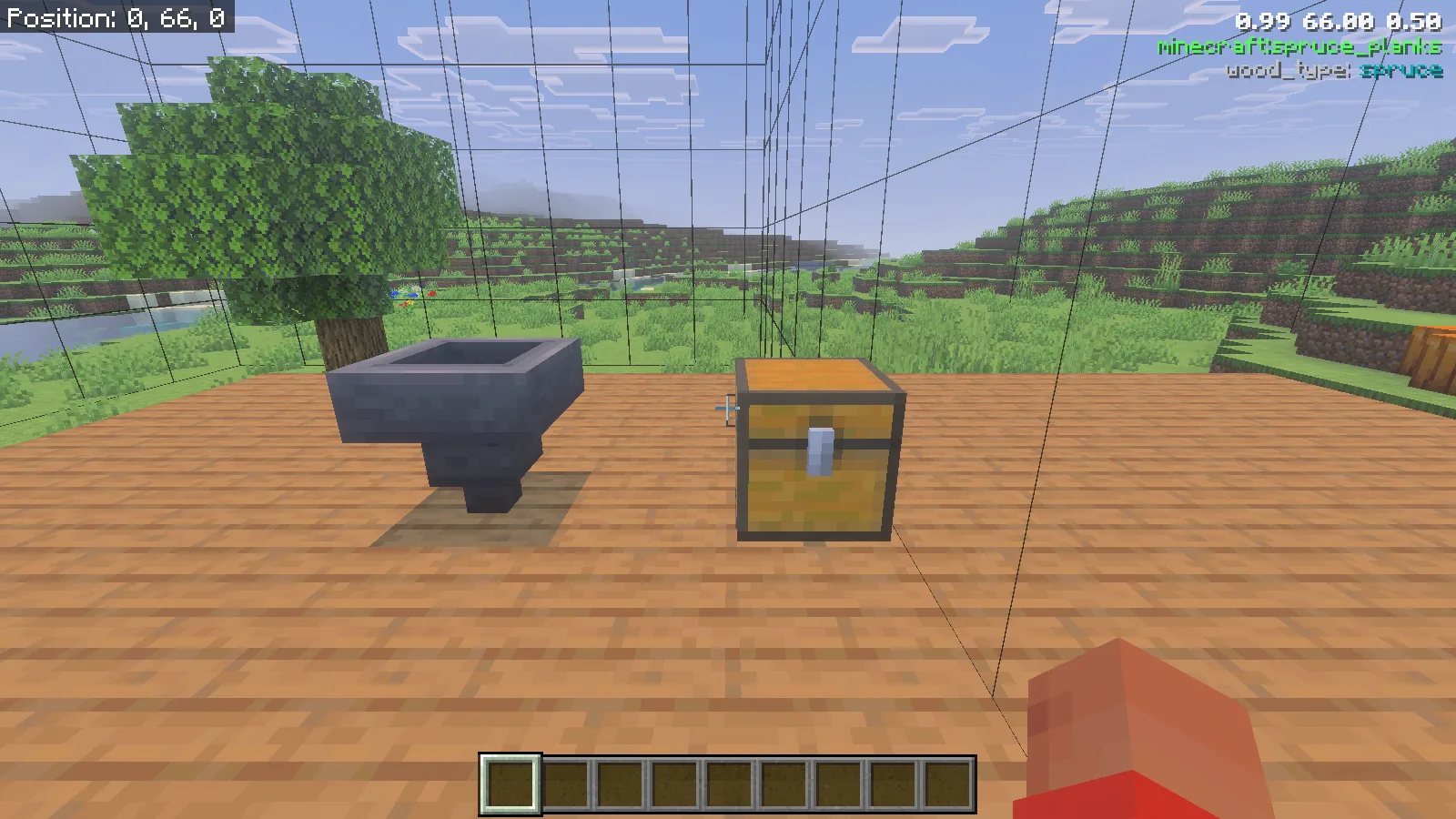
Finish with /info target false, /info blockStates false, /info coords false, and /canopy chunkBorders false. Our Canopy text and boundary lines disappeared; Minecraft's separate Show Coordinates display remained at the upper left.
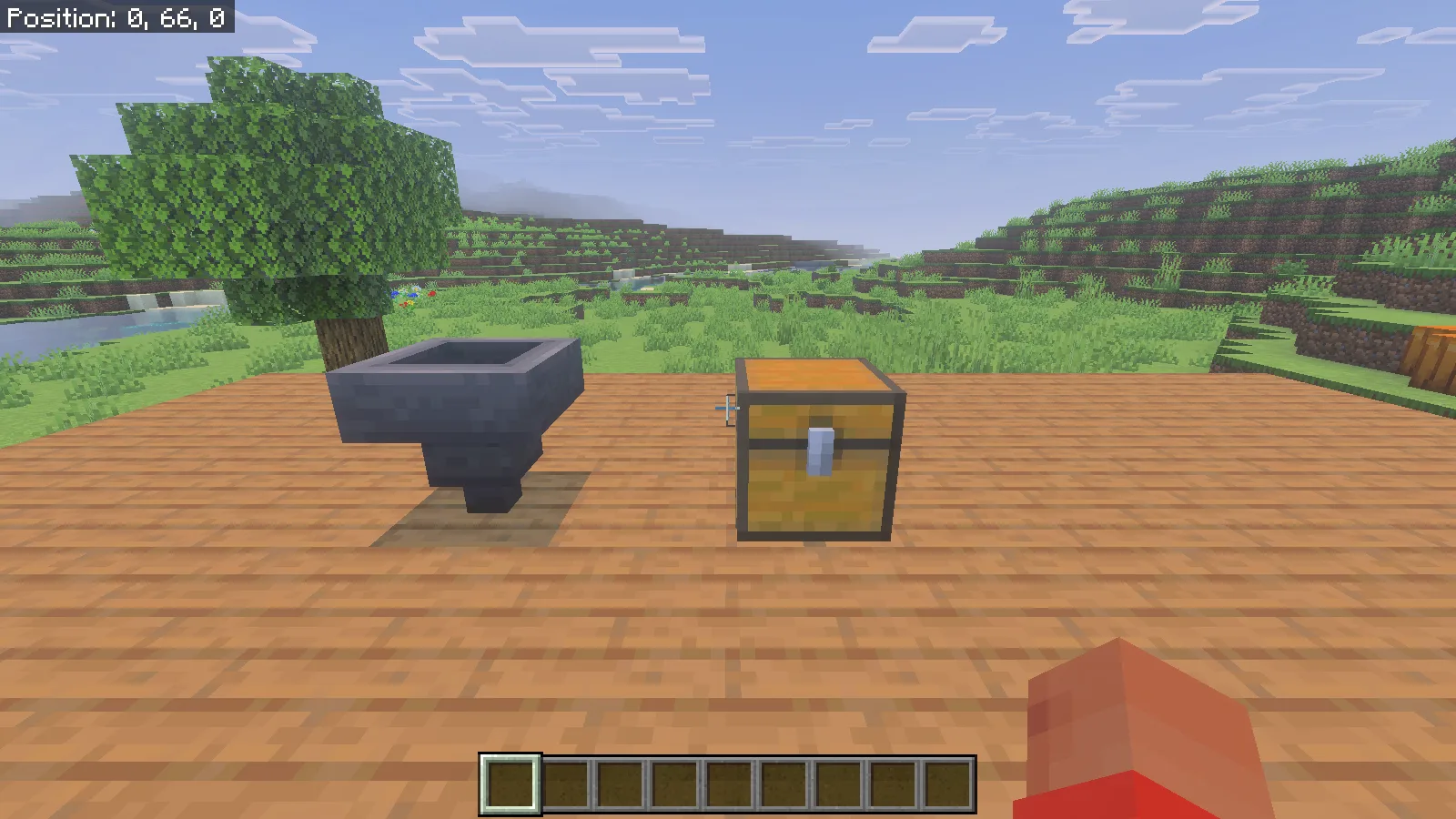
For an everyday building session, keep a small routine: identify the block, compare the relevant state, check the position if necessary, then return to a clear screen. This keeps the information tied to the repair or layout decision you are making.
Comments 0
Share what worked, ask for help or reply to another player.
Use your Modonix account to join the discussion and manage your comments.
Sign in to commentNo comments yet. Share what worked for you.