
Have a finished room with one stone wall that still looks bare? Candle Niches adds three small framed candle pictures. Put one beside a reading chair, above a bedside table or between timber beams when a full painting would take up too much space.
These are shallow decorations with candle artwork on the front. Choose them for the look of the room: the pictured flames don't flicker or burn down.
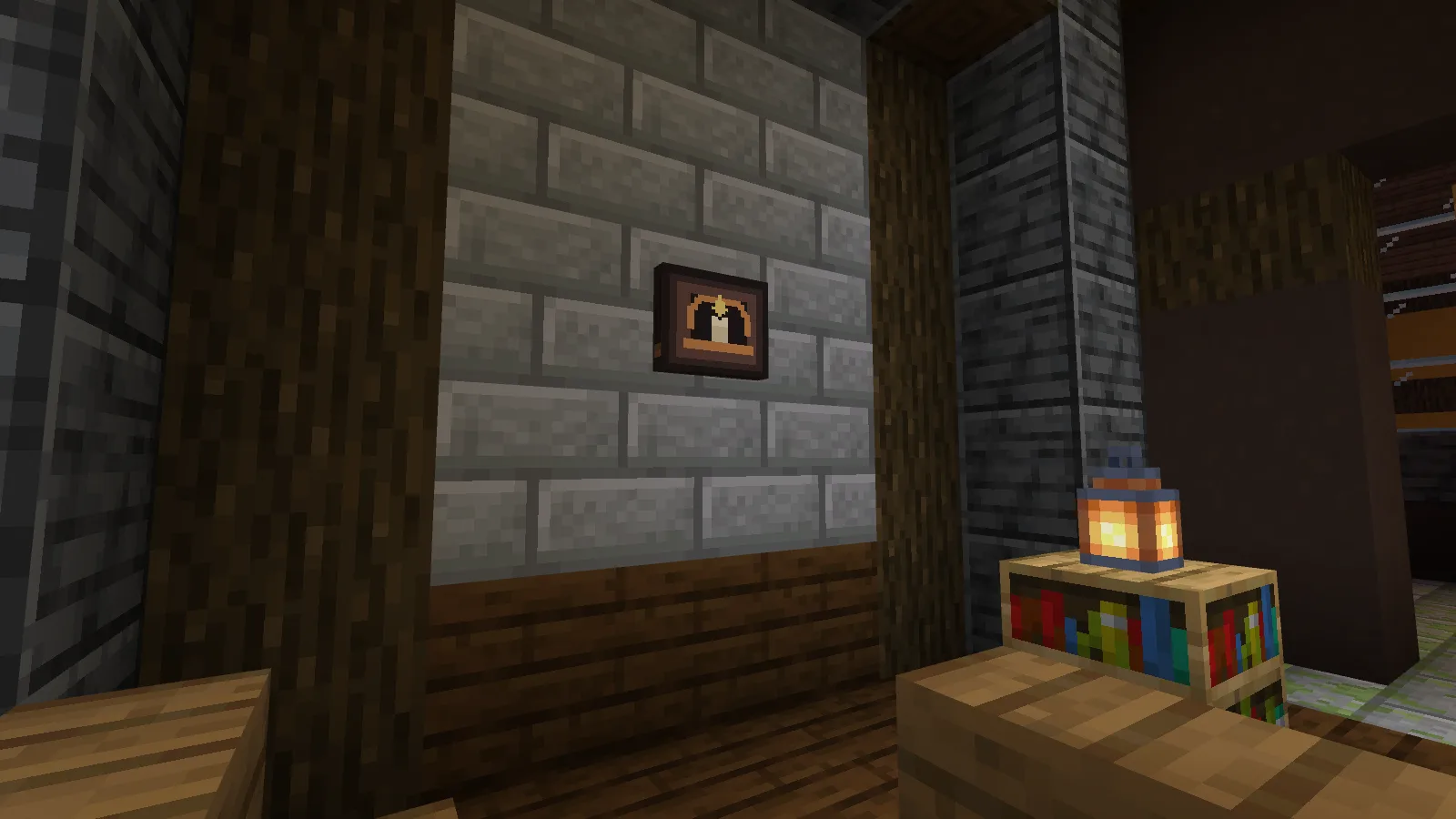
Which one would fit your room?
Single has one candle under a short arch. It works well on a narrow stretch of wall: there's still space for books, a lantern or furniture nearby.
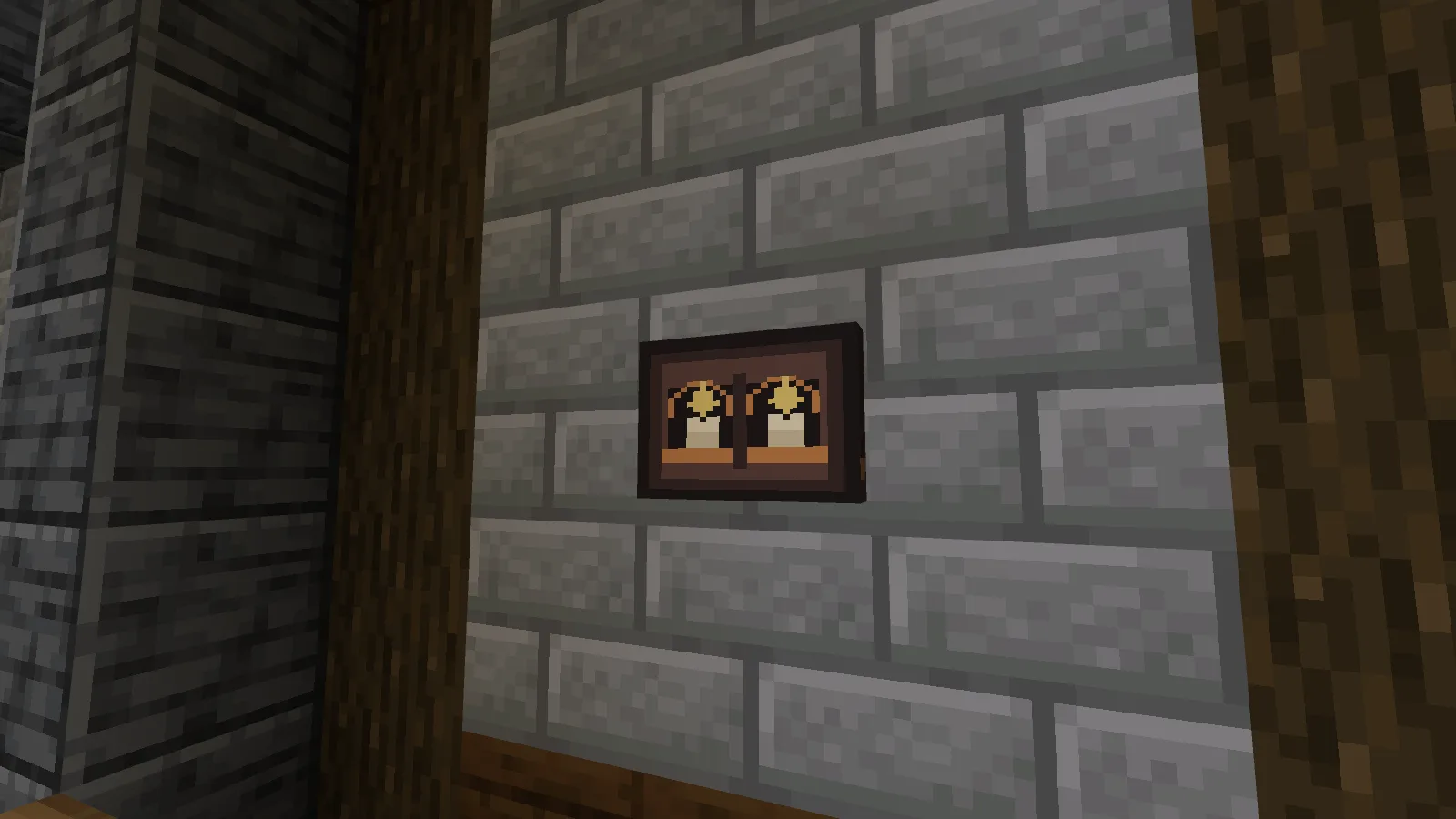
Double puts two candles side by side. Try it above the middle of a desk or bench if you want a paired decoration without placing two separate frames.
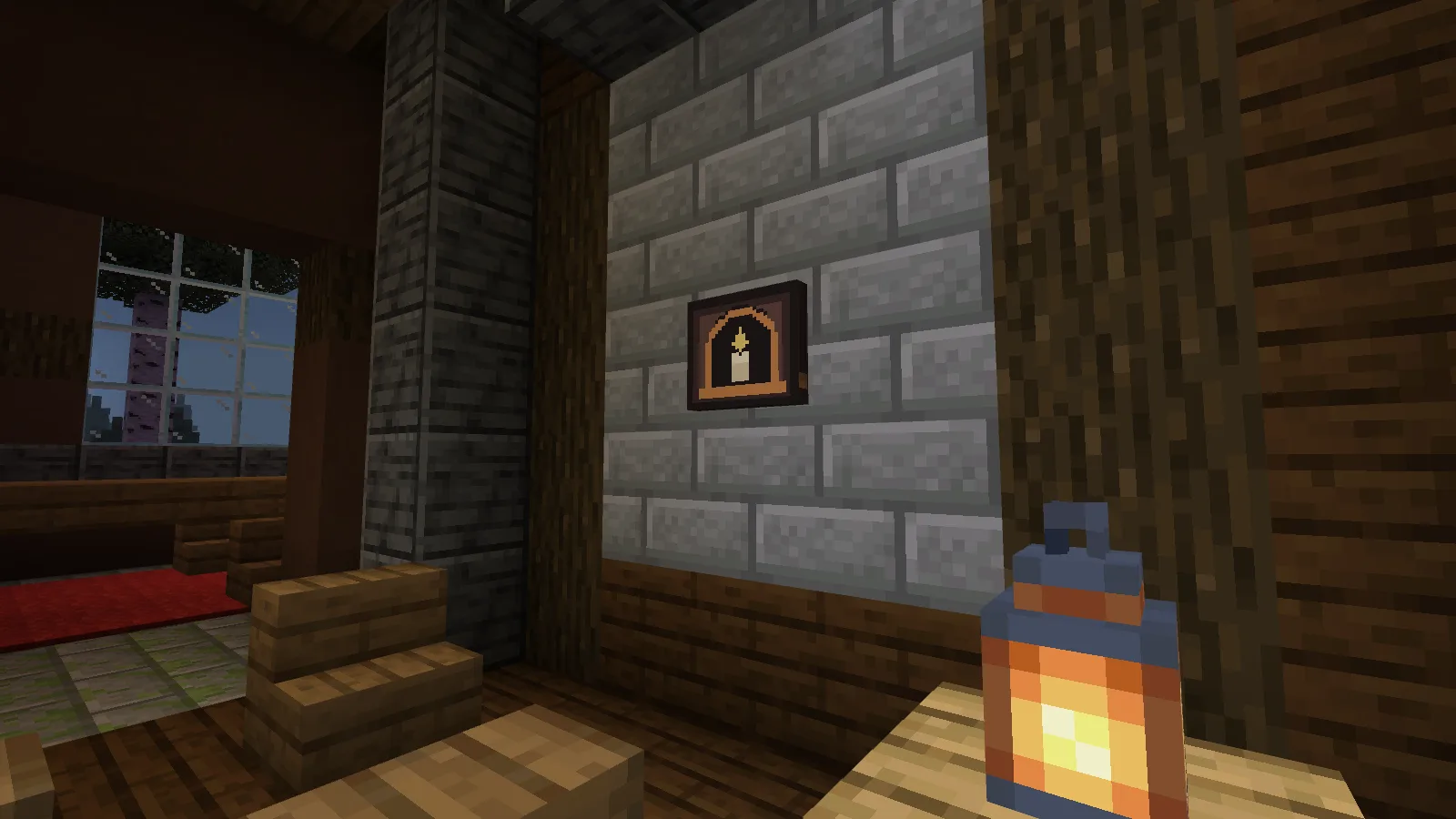
Arch also has one candle, but a taller curve around it. The difference is in the picture inside the frame; you don't need to make a taller opening in your wall.
Craft the design you want
Each recipe makes one decoration. The ingredients can go anywhere in the crafting grid.
| Design | Ingredients |
|---|---|
| Single | 1 Spruce Planks, 1 Candle, 1 Copper Ingot |
| Double | 1 Spruce Planks, 2 Candles, 1 Copper Ingot |
| Arch | 1 Stone Bricks, 1 Candle, 1 Copper Ingot |
Place it against a wall with the candle picture facing into the room. There is no inventory to open or candle-lighting action to trigger. If you'd like a wall decoration you can interact with, Winkframe has portraits that change expression.
The download contains the three decorations; the furnished rooms are build ideas. Import the .mcaddon file and enable both packs in your world. Back up an existing save first.
Comments 0
Share what worked, ask for help or reply to another player.
Use your Modonix account to join the discussion and manage your comments.
Sign in to commentNo comments yet. Share what worked for you.