
This owl looks perfectly serious until you use its frame. Then it winks. Use it again and the straight face returns.
Winkframe adds three small portraits, each with two expressions. They're a fun detail for a haunted library, a Halloween hallway or a room where friends might stop to look around.
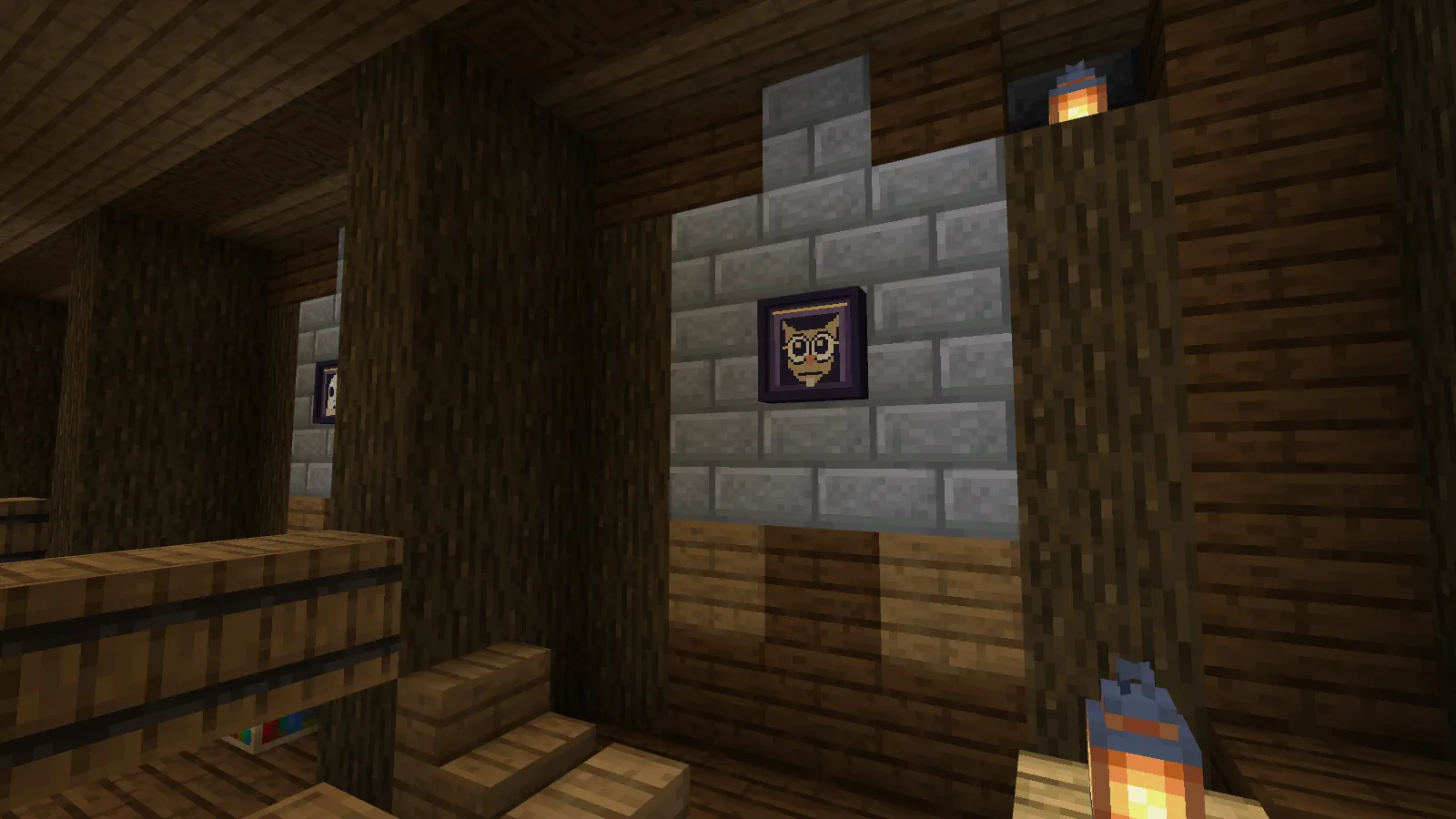
Make the owl wink
Aim at the portrait and press the normal Use / interact control. With default mouse controls, that's right-click. The face changes immediately; you don't have to break the frame and place it again.
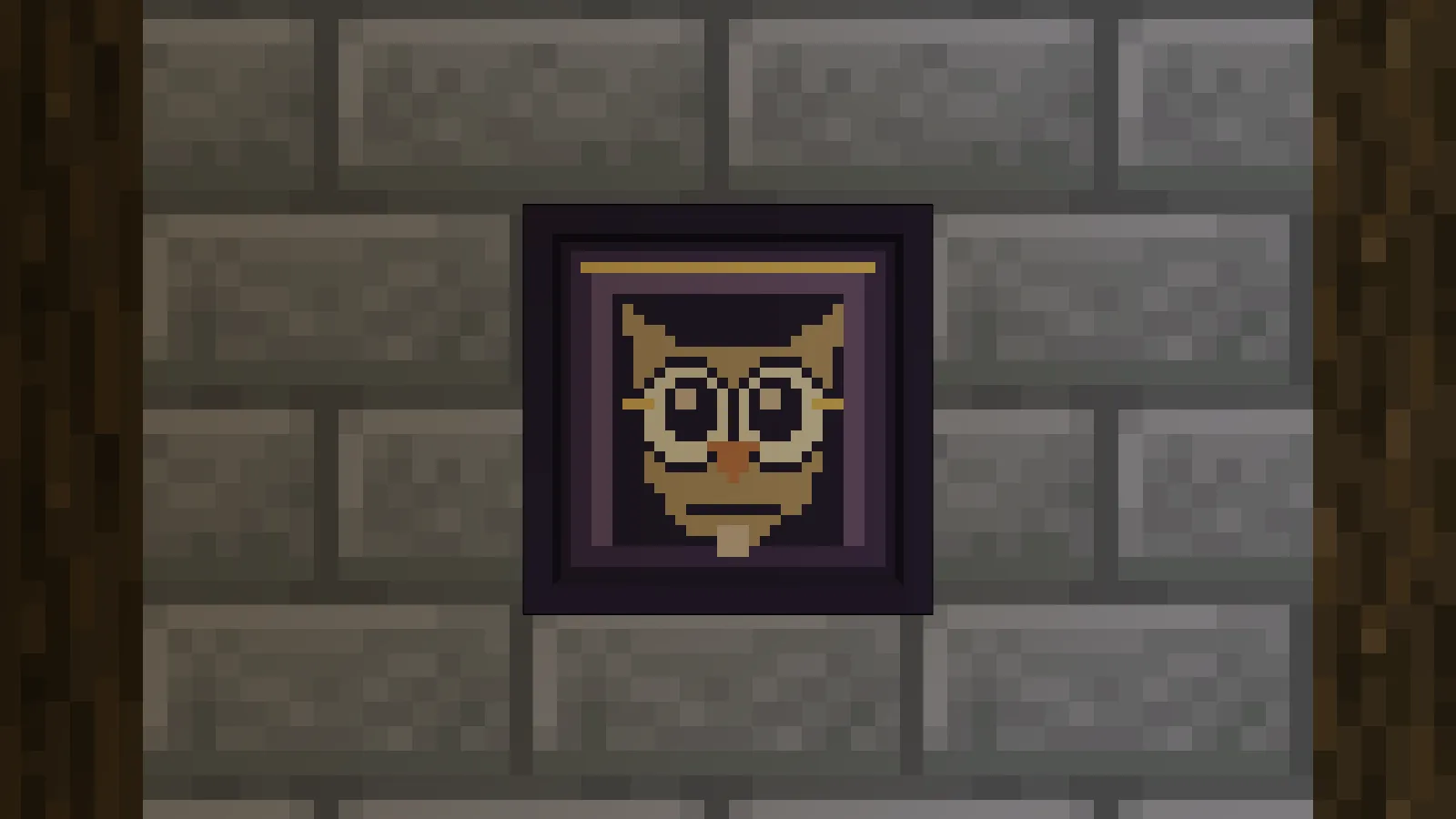
Before using the frame.
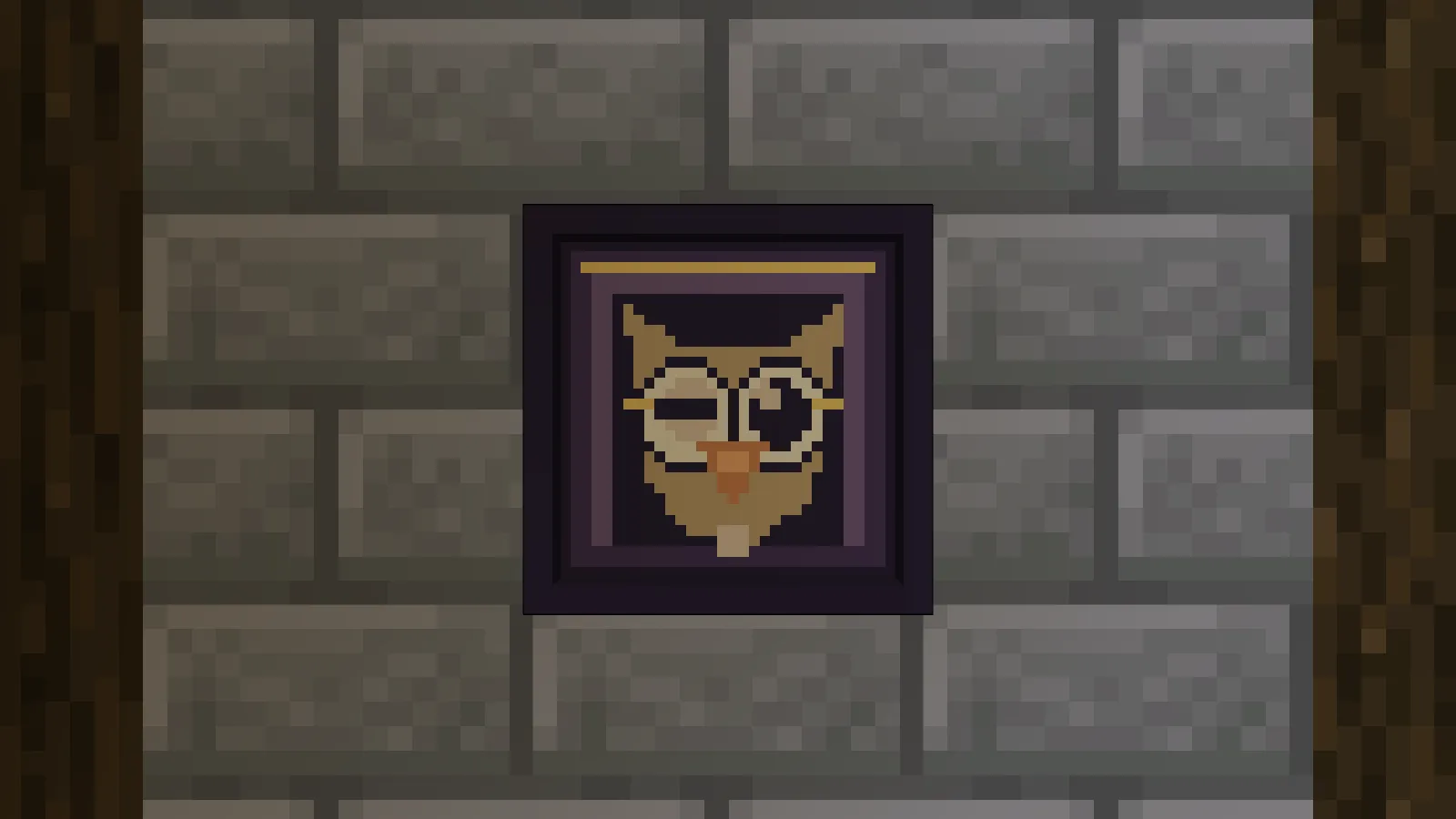
After one interaction. Use it again to switch back.
The portrait keeps the expression you've selected rather than playing an animation on a loop. Put it where someone can get close enough to notice the change; it is easy to miss from the far end of a large hall.
Pick someone for the wall
Owl Archivist has round glasses and a stern little face. Bookshelves, a lectern or your enchanting corner are natural places to try it.
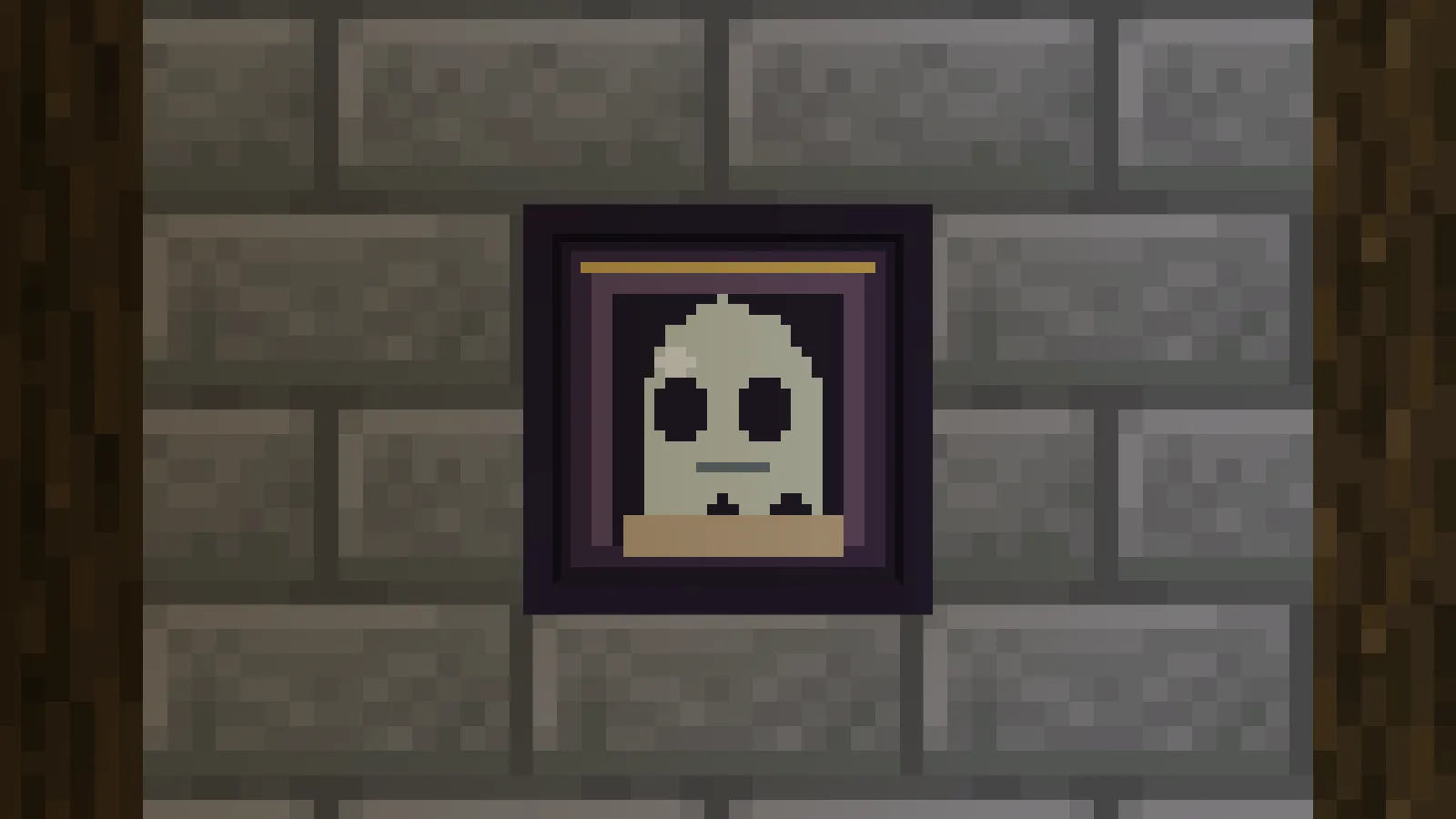
Polite Ghost gives you a pale ghost against the same dark frame. A hallway or Halloween bedroom is a good place for this one.
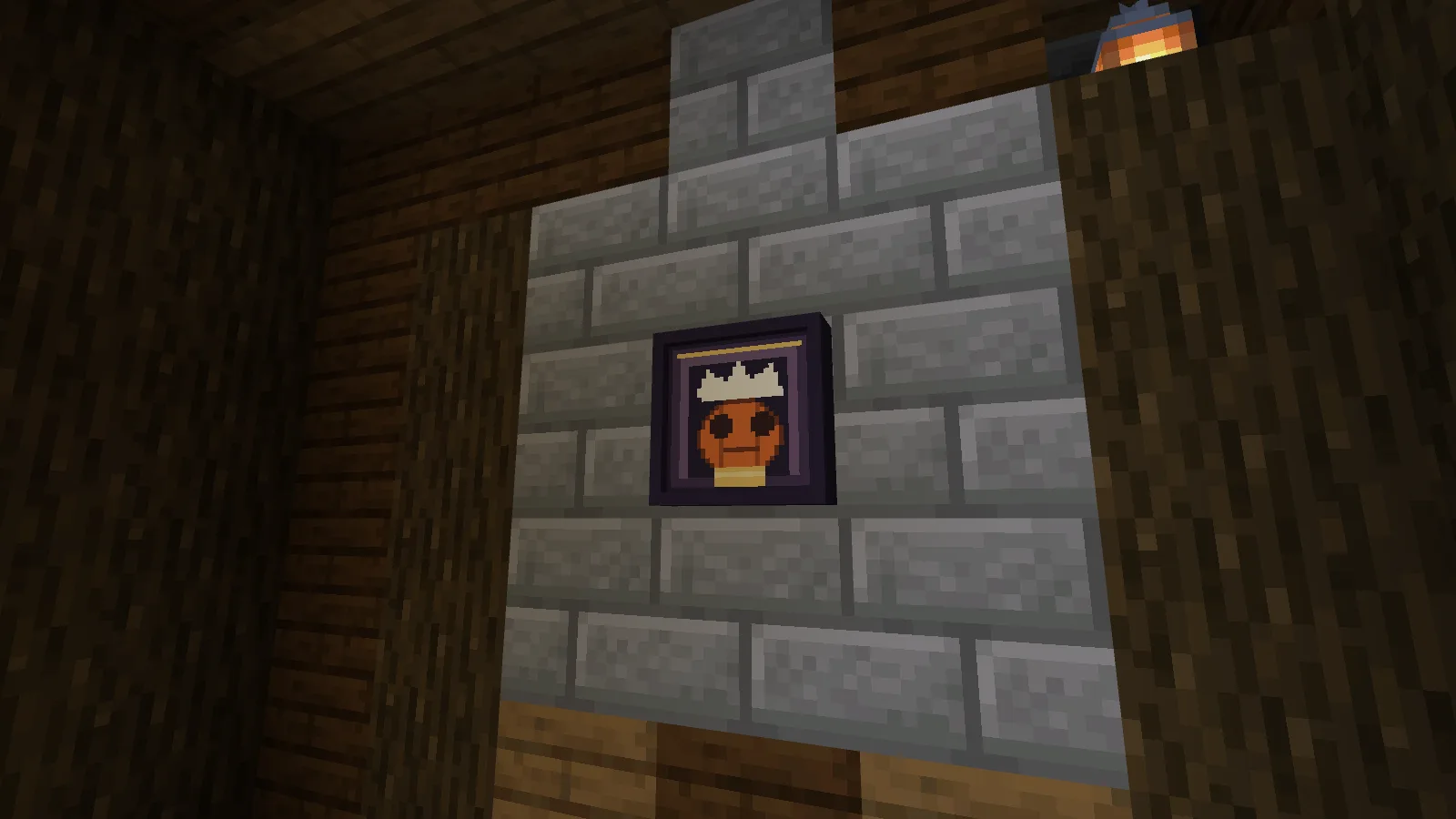
Pumpkin Chef wears a chef's hat, so try him in a kitchen or above the counter in a village bakery. All three characters have an alternate expression, and their matching frames let you hang them together.
Craft a portrait
Each shapeless recipe makes one portrait:
| Portrait | Ingredients |
|---|---|
| Owl Archivist | 1 Item Frame, 1 Paper, 1 Feather |
| Polite Ghost | 1 Item Frame, 1 Paper, 1 Quartz |
| Pumpkin Chef | 1 Item Frame, 1 Paper, 1 Pumpkin |
The frame is part of the finished block. Place it against a wall with the face toward the room; you don't need a second item frame.
The pack includes the three portraits, not the library. Import its .mcaddon file and activate both packs in your world. Back up your world before adding it.
Comments 0
Share what worked, ask for help or reply to another player.
Use your Modonix account to join the discussion and manage your comments.
Sign in to commentNo comments yet. Share what worked for you.