

Tempest belongs to an earlier generation of Bedrock shaders. Its first requirement is the renderer your game uses: a successful import does not mean a current Minecraft installation can display its old shader effects.
Check this before downloading
The creator describes support for the old rendering system: Windows Bedrock 1.16.100 or earlier, with a separate exception for 32-bit Windows builds through 1.18.12. RenderDragon is not supported. Those restrictions are part of the pack’s design, not a setting you can fix by moving it higher in the resource-pack list.
If you play current Bedrock, this is a historical pack to read about rather than a quick graphics upgrade. Do not expect its old lighting code to become a modern Vibrant Visuals, RTX or Java shader pack by changing a file extension.
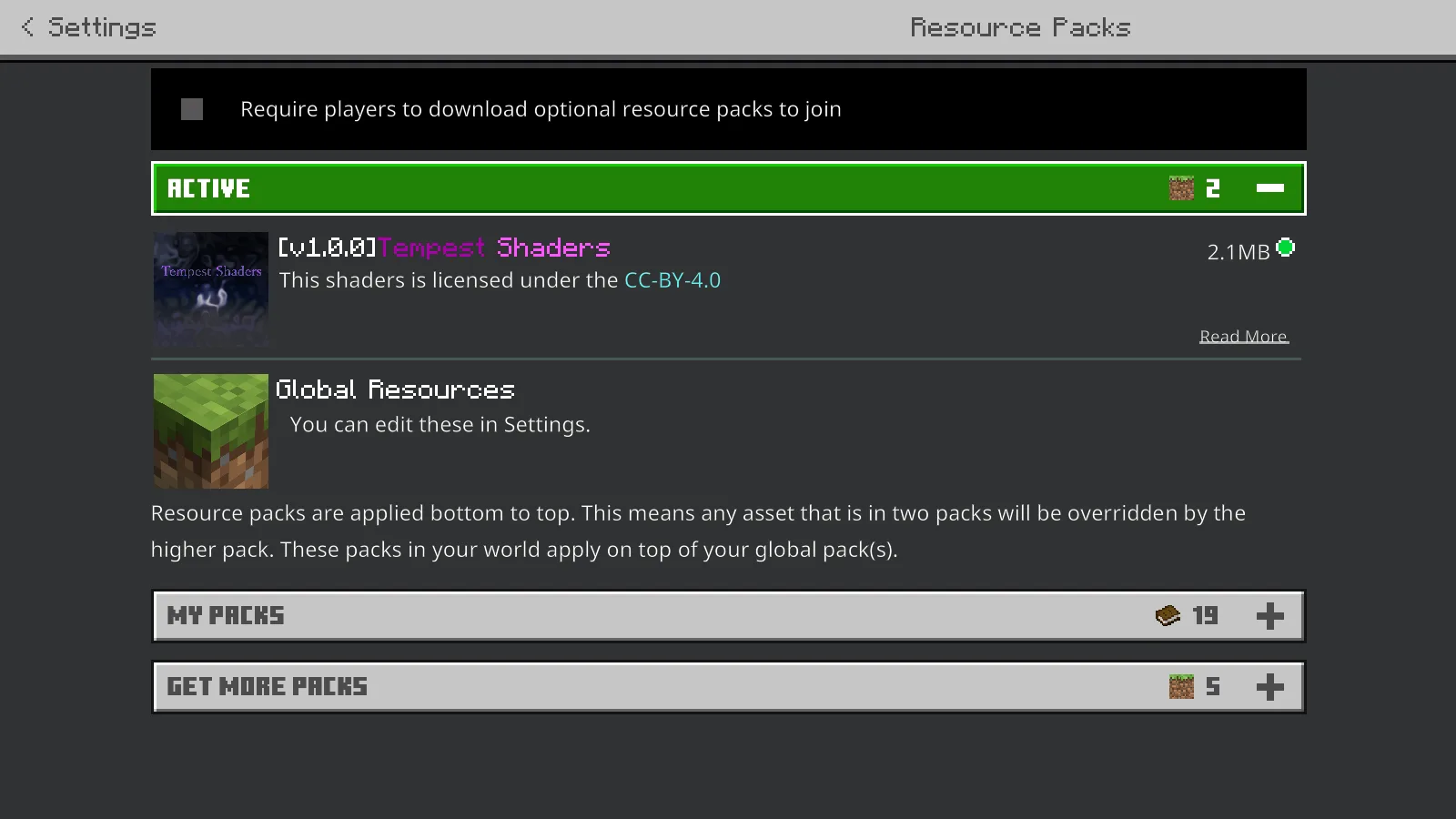
A pack appearing under Active does not mean its legacy shader renderer is supported.
What our modern-game check shows
We attached the original resource pack to a separate world in Bedrock for Windows 26.52. The pack can appear in the world’s resource-pack setup, but that listing is not evidence that the old shader renderer is running.
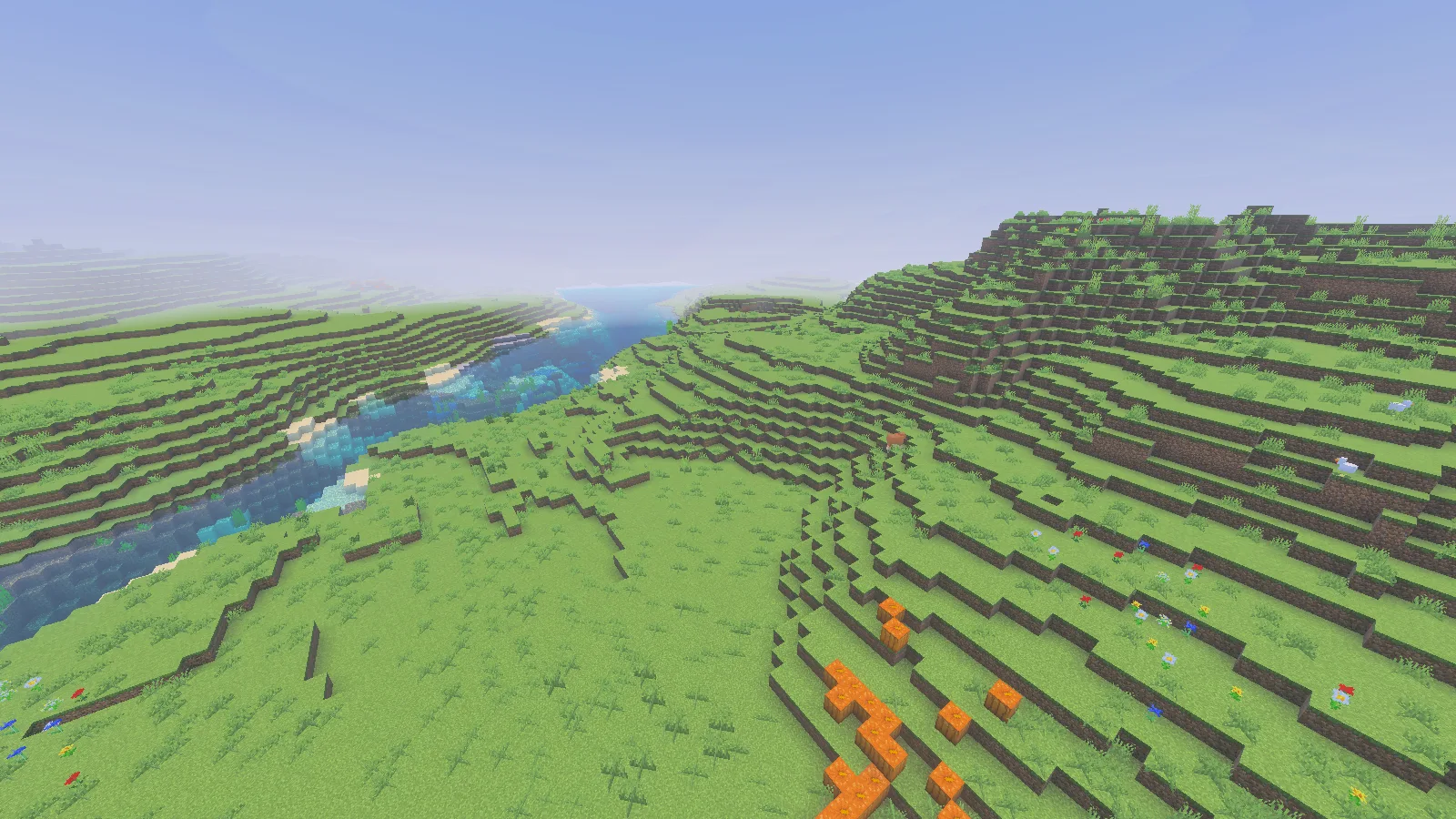
Current Bedrock 26.52 compatibility illustration. This is not a demonstration of Tempest’s historical shader effects.
The scene above is a compatibility illustration from current Minecraft. It does not present modern game lighting as a Tempest effect. This distinction matters when comparing shader screenshots: the pack, renderer and game version all need to match before a before-and-after comparison means anything.
Installing it in an already compatible old setup
If you already maintain a supported historical installation, keep it separate from your current saves. Download the MCPACK in Files, open it with that Bedrock installation, wait for the import result, then activate it under a practice world’s Resource Packs.
Enter the world and check the result there. An import notification only confirms that Minecraft accepted a package. If the old renderer is not present, reinstalling the same file or stacking several copies will not supply it.
Keep your current worlds out of an old installation. If you no longer have a compatible setup, use a graphics pack explicitly made for your current Bedrock renderer instead; this page does not require you to obtain an unofficial old game build.
Common mix-ups
- “It imported, so it must work.” Import and rendering are different steps. Check the game version and renderer first.
- “The filename says shader, so Iris can load it.” Iris is a Java shader route; this download is a Bedrock resource pack.
- “Moving it above every other pack will restore the effect.” Pack priority can resolve competing resources, but it cannot restore removed rendering support.
- “The water looks different, so Tempest is active.” Current graphics settings and other packs can change a scene. Compare the same scene only in a supported setup.
Tempest is by Rinrin0413. Its original file and license remain available in Files; this guide keeps the historical limitation visible so players can avoid a download that cannot deliver the effect they want.
Comments & questions
Share what worked, ask for help or reply to another player.
No comments yet. Share what worked for you.