
OpenDyslexicMC Bedrock gives everyday game text a different letter shape. Its heavier lettering is visible on the container labels, stack numbers and item names shown here. Start with a familiar storage room and decide whether you prefer that style while keeping your interface size unchanged.
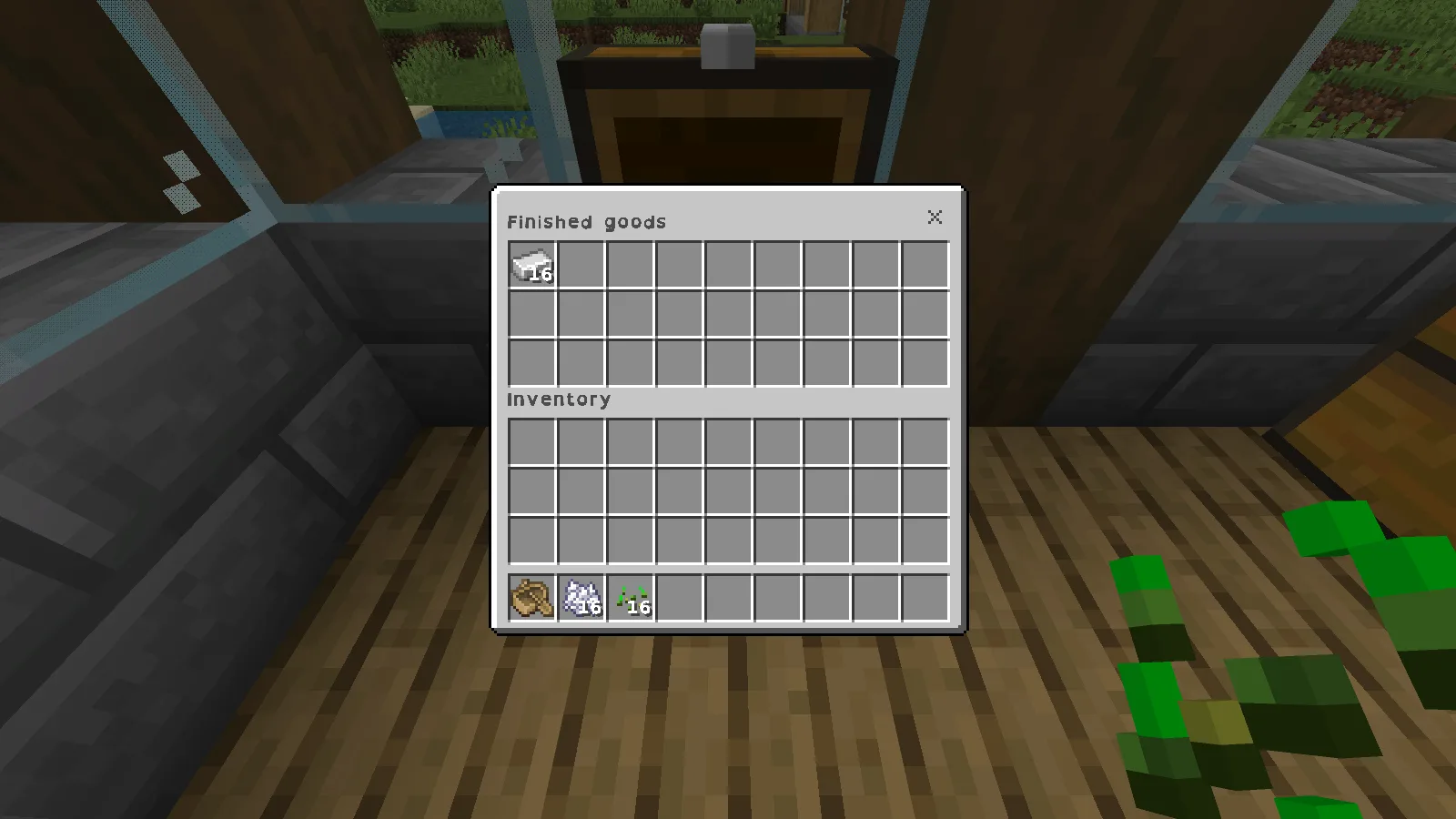
OpenDyslexic lettering on the Finished goods chest and its stack of 16 iron ingots.
Compare an ordinary reading task
Our Finished goods chest holds the same 16 iron ingots in both views. Read its name, the word Inventory and the stack count, then compare the default lettering below. The pack's letters look wider and heavier at this interface size. Choose from the view you normally play with, rather than a magnified crop.
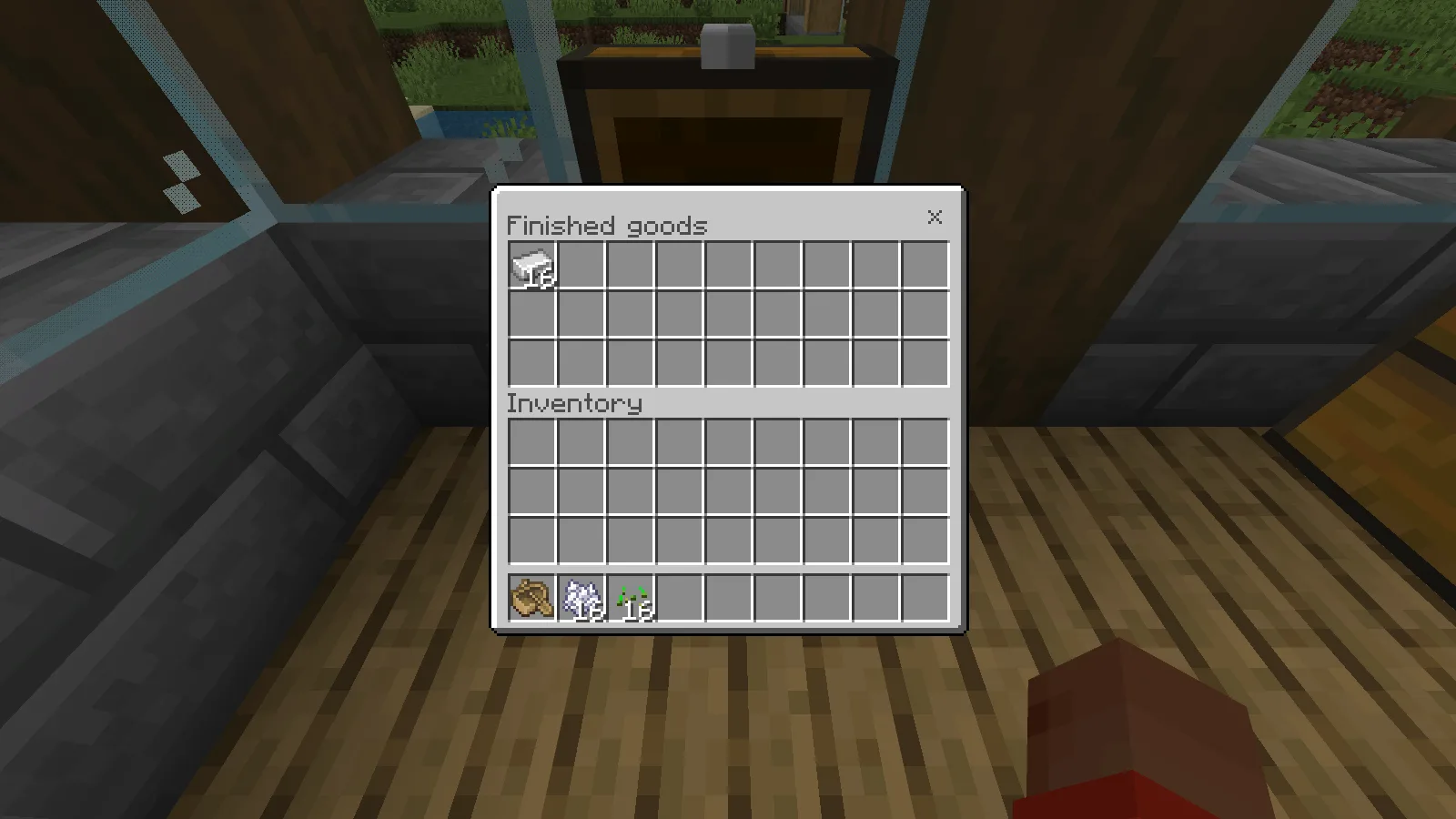
The same chest with the default font, at the same interface size.
Hover over a familiar item too. The Iron Ingot label gives you another useful reading task: a short name against a dark tooltip. When checking your own storage, try longer item names as well, especially those you often confuse.
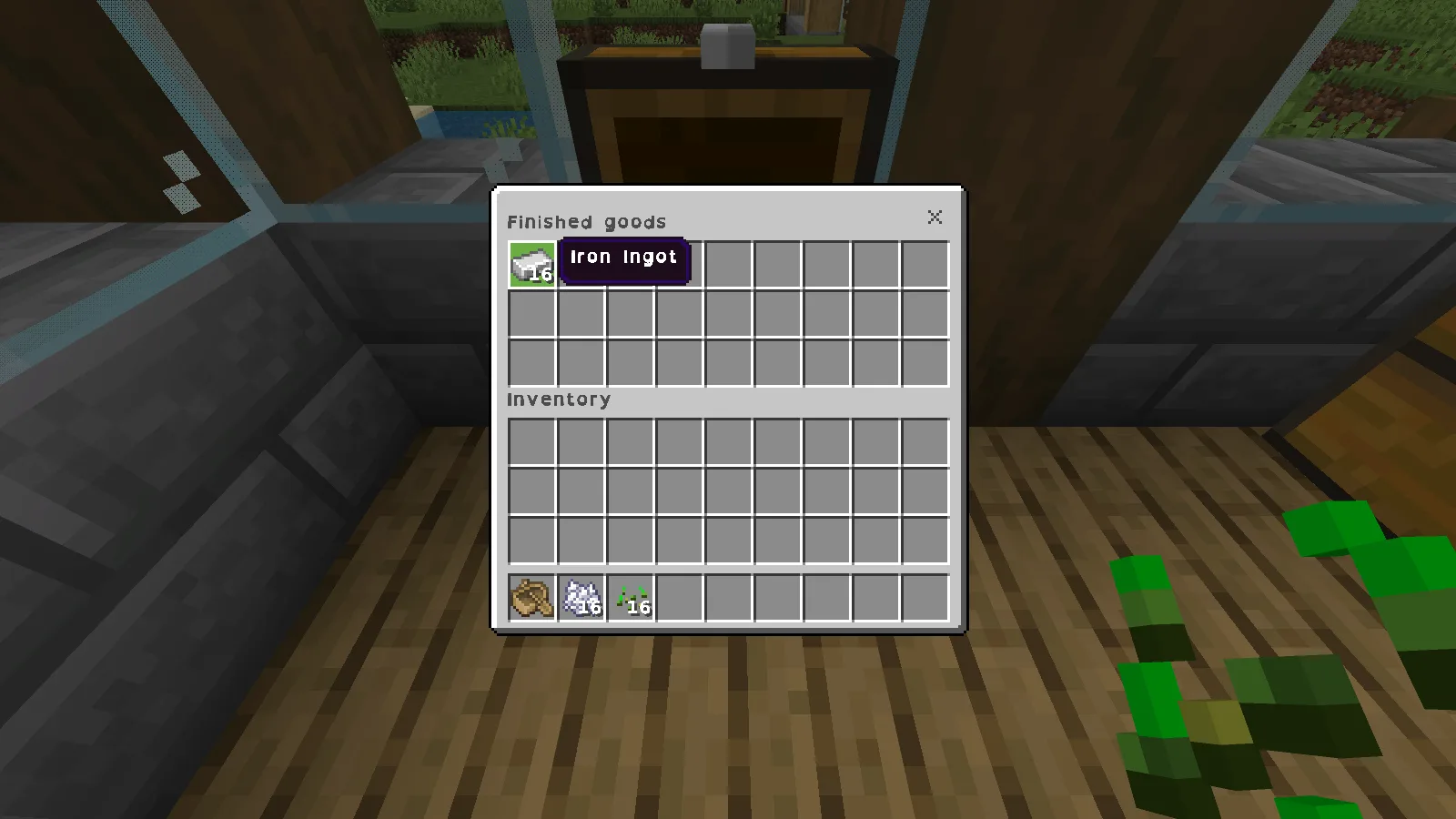
The Iron Ingot tooltip with the font pack active.
The on-screen sample below puts Quarry beside the digits 0123456789 and the characters I, l, 1, O and 0. It appears in the actionbar over the world. Look at the shapes yourself; a different font does not make every similar character equally distinct for every reader.
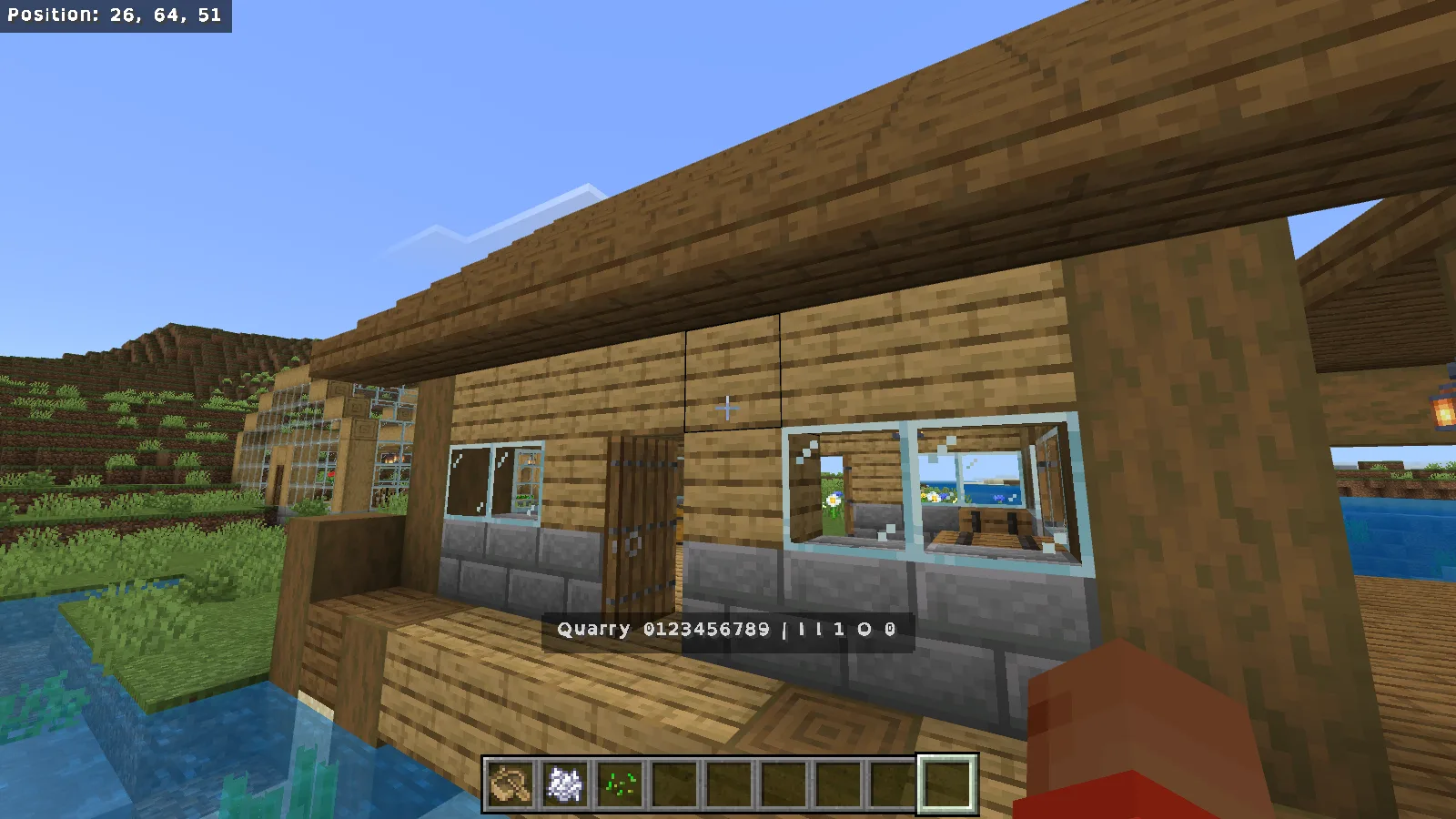
An actionbar reading sample: Quarry, digits and similar-looking letters over the world.
These views use English text in Windows Bedrock 26.52 with Fancy graphics. Resolution and interface size stayed unchanged. If you later adjust text size, make that a separate change so you can tell which setting you prefer.
Check the text you actually use
The original Bedrock port was made as an American English version. If you play in another language, look at a sentence you regularly use before choosing the pack. An English chest label does not establish how accented letters, Cyrillic or other character sets will appear.
Check your usual menus, item labels and messages as well. Choose the pack for those everyday reading tasks; it is a font preference, with no need to redesign the surrounding build.
Install it in one world
Download OpenDyslexicMCBedrock.1.0.1.mcpack from this page's Files section. Save your game, close Minecraft normally, and open that file with Minecraft for Windows. Use the original pack directly; the Worlds screen's Import button is for worlds.
After Minecraft opens, edit your chosen world from Worlds and open Resource Packs. Look for the in-game name Dyslexia Accessibility for Minecraft. Activate it, confirm it is under Active, then use Back to return to Worlds before opening the save.
Leave other font and interface packs out of the first comparison. This resource pack does not require a behavior pack or Beta APIs. To return to the default world font, save and exit, remove this pack from the world's active resources, return to Worlds and open the save again.
Credits and file version
This is PiSaucer's Bedrock port of minus1over12's OpenDyslexicMC project. The selected author release is 1.0.1, dated December 20, 2020. The included font notice credits Abbie Gonzalez and uses the SIL Open Font License 1.1, with OpenDyslexic as a reserved font name. The download preserves the original package and its font notice.
Comments & questions
Share what worked, ask for help or reply to another player.
No comments yet. Share what worked for you.