Devamped - Legacy gives familiar Bedrock buildings a warmer, more stylized look. In our riverside warehouse, the timber shifts toward orange-brown, the stone base stays easy to pick out, and the windows gain bold diagonal glass details. It is a good starting point for a small harbor, village street or adventure hub where you want a retro feel without changing how the buildings work.
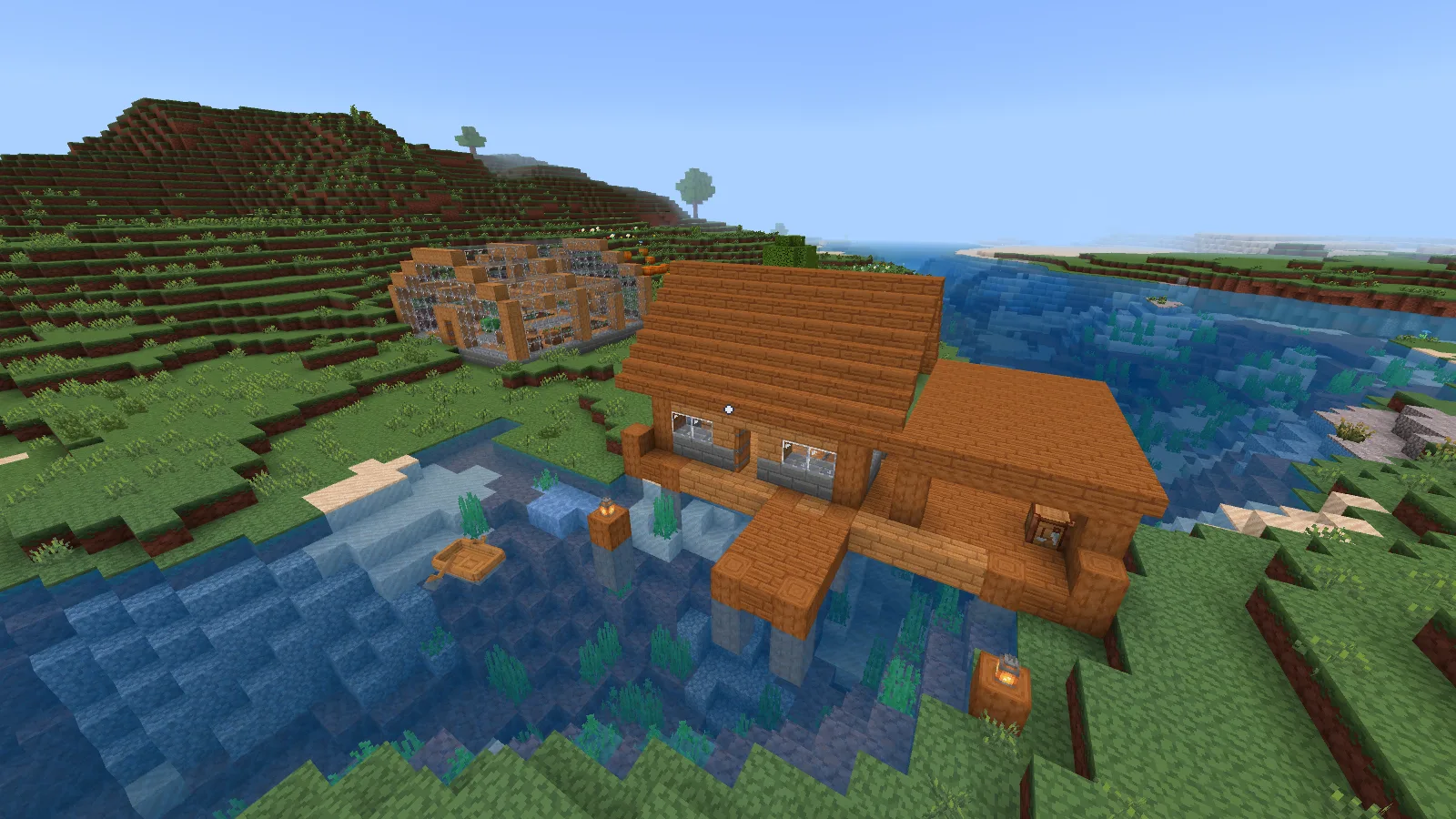
Devamped Legacy on the river warehouse, with the Default preset and Fancy graphics.
Give the colors a simple building to work with
Start at the entrance of a building you know. The pier comparison below uses the same log supports, plank wall, stone-brick base and windows with default textures and Devamped. Look at the door from the path first, then move close enough to judge the wood pattern and glass.
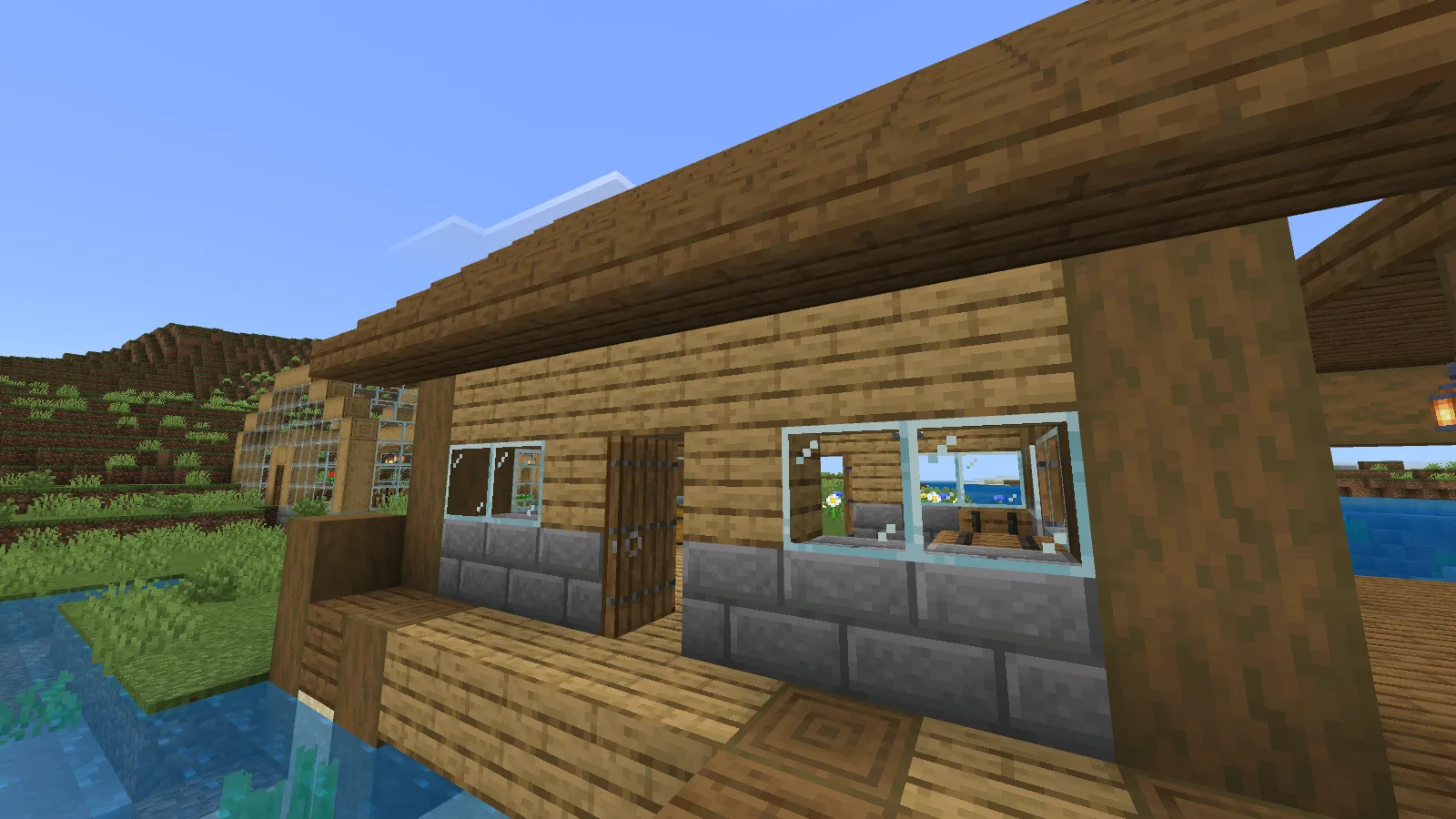
Default Minecraft textures on the warehouse entrance and pier.
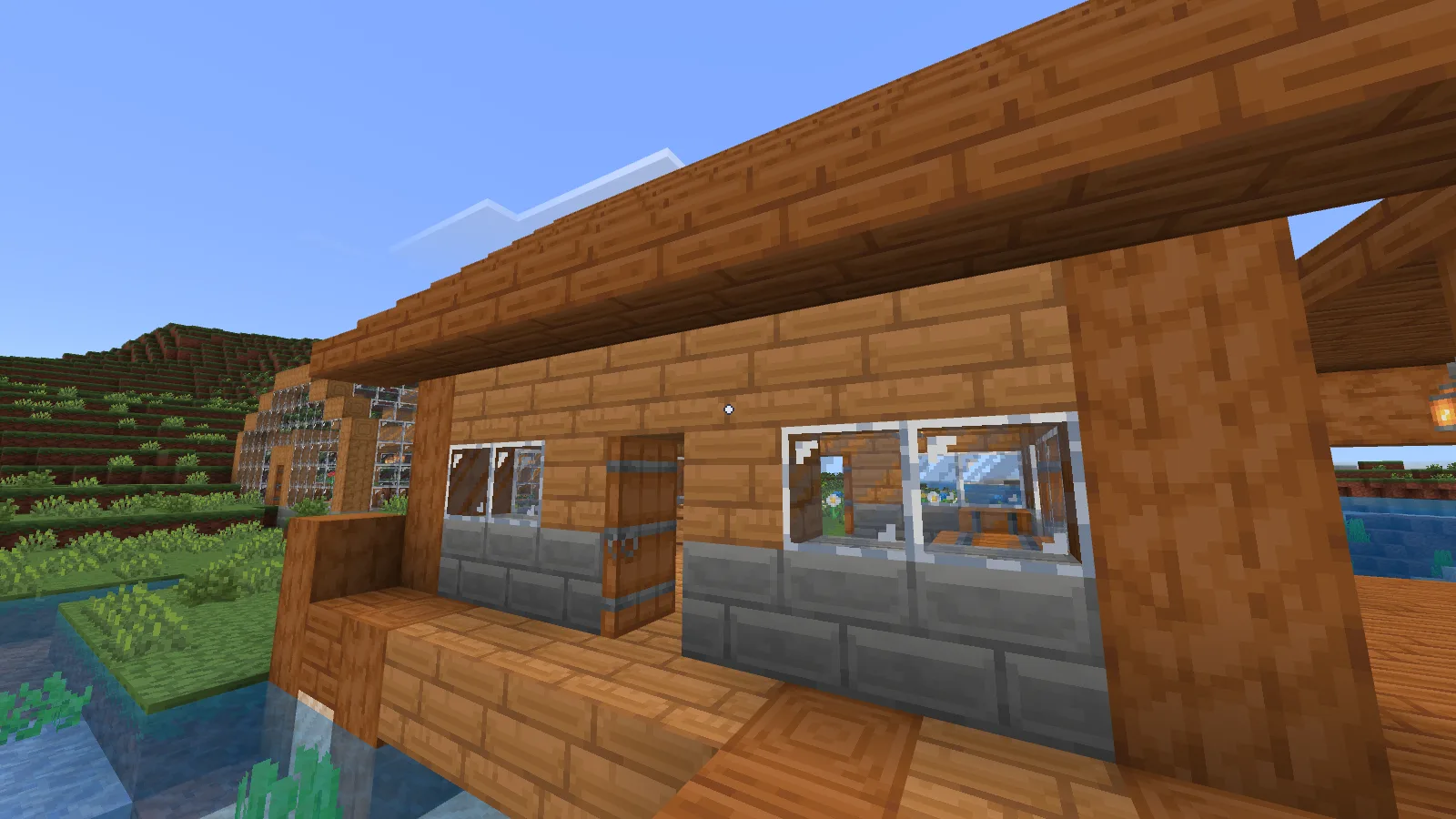
The matching pier view with Devamped: warmer timber and bold diagonal glass details.
The warmer timber can carry a large part of the design, so you do not need a different accent block in every gap. Try a stone footing, a clear wooden frame and a simple roof. Keep the entrance distinct with a small recess or an overhang. If you are building a row of shops, vary their roof heights and door positions before adding more colors.
A useful first project is one supply shop beside a path. Give it a storage area at the back, a workbench near the entrance and a window facing the street. Once you like that combination, repeat its main materials in a workshop or inn. Shared materials connect the street; different shapes stop every building from looking identical.
Pay attention to glass indoors
The greenhouse pair shows how strongly glass can affect a room. With Devamped, the diagonal highlights become a noticeable part of the walls and roof. The timber frame and gray walkway still define the interior, but a large glass surface has more visual activity.
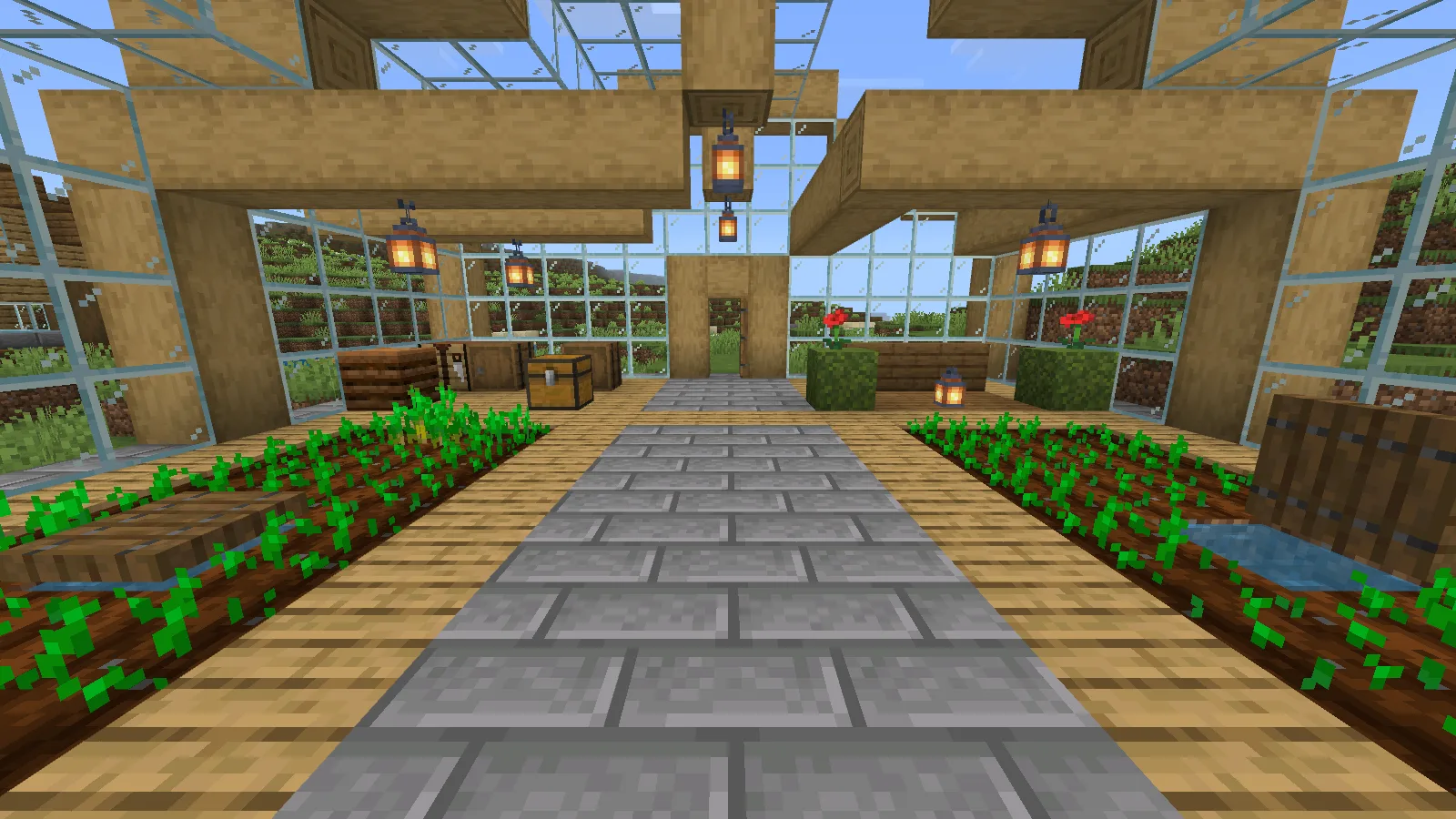
The greenhouse aisle with default Minecraft textures.
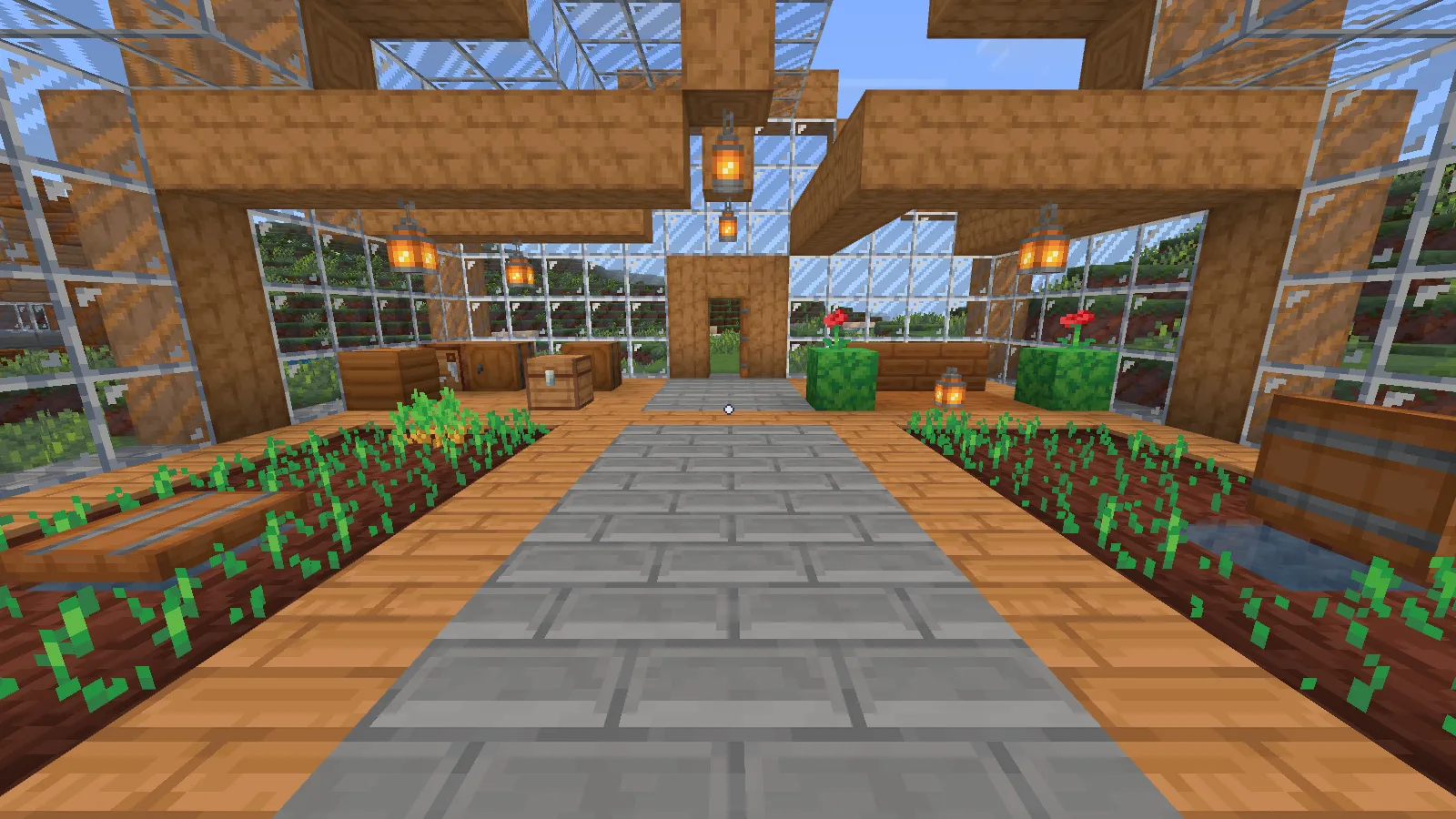
Devamped from the matching aisle viewpoint; compare the frame, floor and glass.
Before enclosing a whole garden, build one window bay and look through it toward the sky and nearby terrain. If the glass dominates, break the wall into smaller bays with posts, or leave a larger opening around the doorway. Inside, a plain central walkway gives the eye somewhere to rest between the plants and window patterns.
Default includes the interface style
Default is the preset used in these examples. It still changes the chest interface to dark blue, replaces the font and hotbar styling, and uses a small dot crosshair. You do not need to select Modified UI to get the appearance shown here.
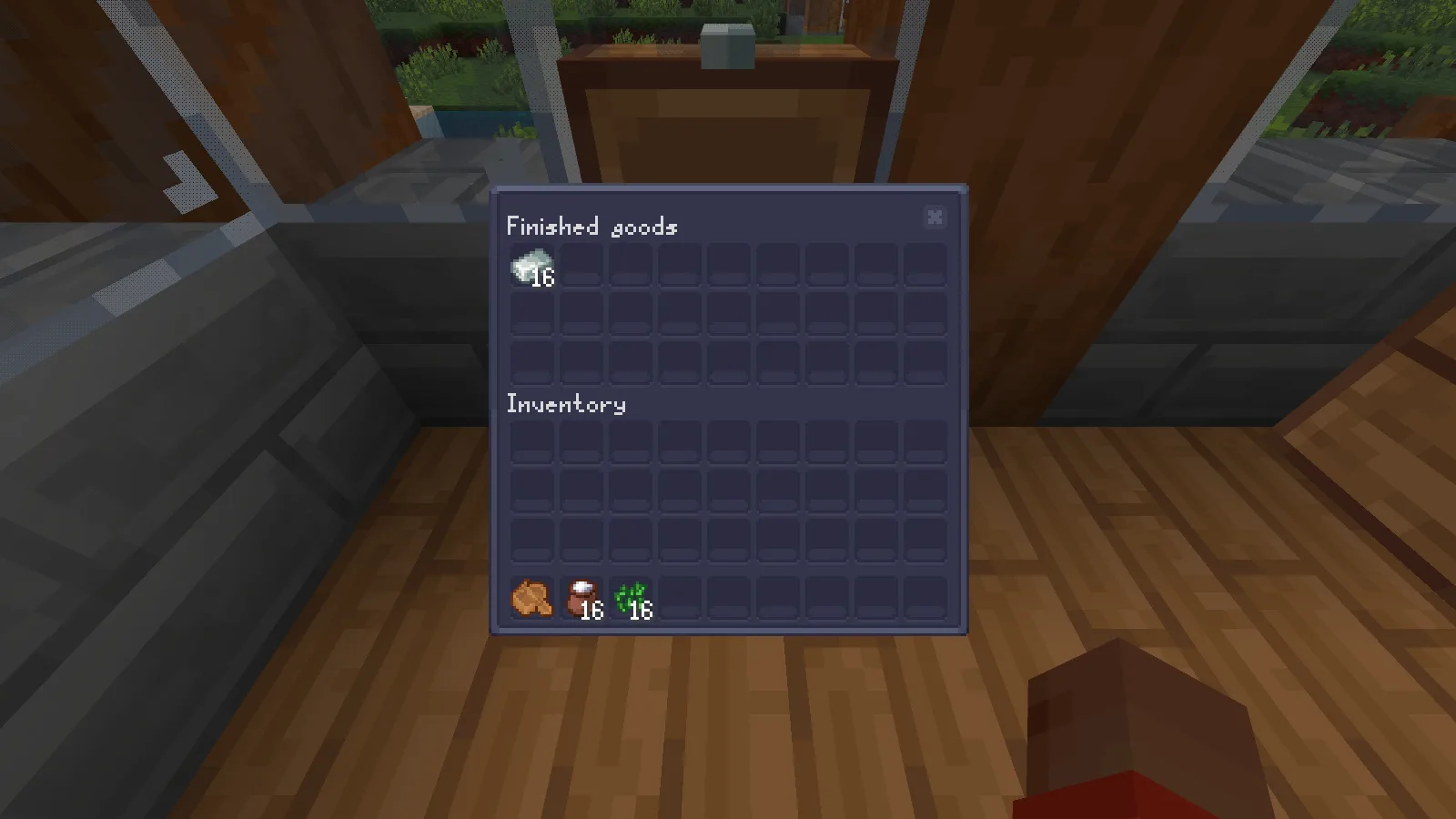
Default preset: the dark blue Finished goods chest interface, with 16 iron ingots.
Open a chest and read its name, item counts and empty slots before deciding whether you want this style for everyday play. Our Finished goods chest shows the stored stack of 16 iron ingots inside that darker interface. Check it at your normal interface size instead of judging only the landscape.
For screenshots, bear in mind that the center dot remained visible when we hid the HUD with F1 in Bedrock 26.52. It is present in the outdoor examples too.
Install the selected Legacy release
Download Devamped-Legacy-0.7a25-BE.mcpack from this page's Files section. Save your game, close Minecraft normally, and open that file with Minecraft for Windows. Use the downloaded pack file itself; the Worlds screen's Import button is for world files.
After Minecraft opens, edit your chosen world from Worlds, open Resource Packs, find Devamped and activate it. Confirm it appears under Active. Leave the pack's preset on Default to match these examples, then use Back to return to Worlds before opening the save. No behavior pack or Beta APIs switch is needed.
Start with Devamped as the only additional resource pack so its textures and interface are easy to recognize. Keep the same graphics mode and viewpoint when comparing it with the default appearance.
Version and source
These examples use Windows Bedrock 26.52, Fancy graphics and the Default preset. The selected author file is listed for Bedrock 26.40; its in-game name reads Devamped - v0.7v25.
Devamped - Legacy is by Arxance. The selected Legacy release is MIT licensed. The download preserves the author's original package.
Comments & questions
Share what worked, ask for help or reply to another player.
No comments yet. Share what worked for you.