The Hive turns a Bedrock session into a choice of activities: a build, a chase, an island fight or a game of hiding in plain sight. The hub is the meeting point. You do not need to prepare your own world or install a minigame map before joining.
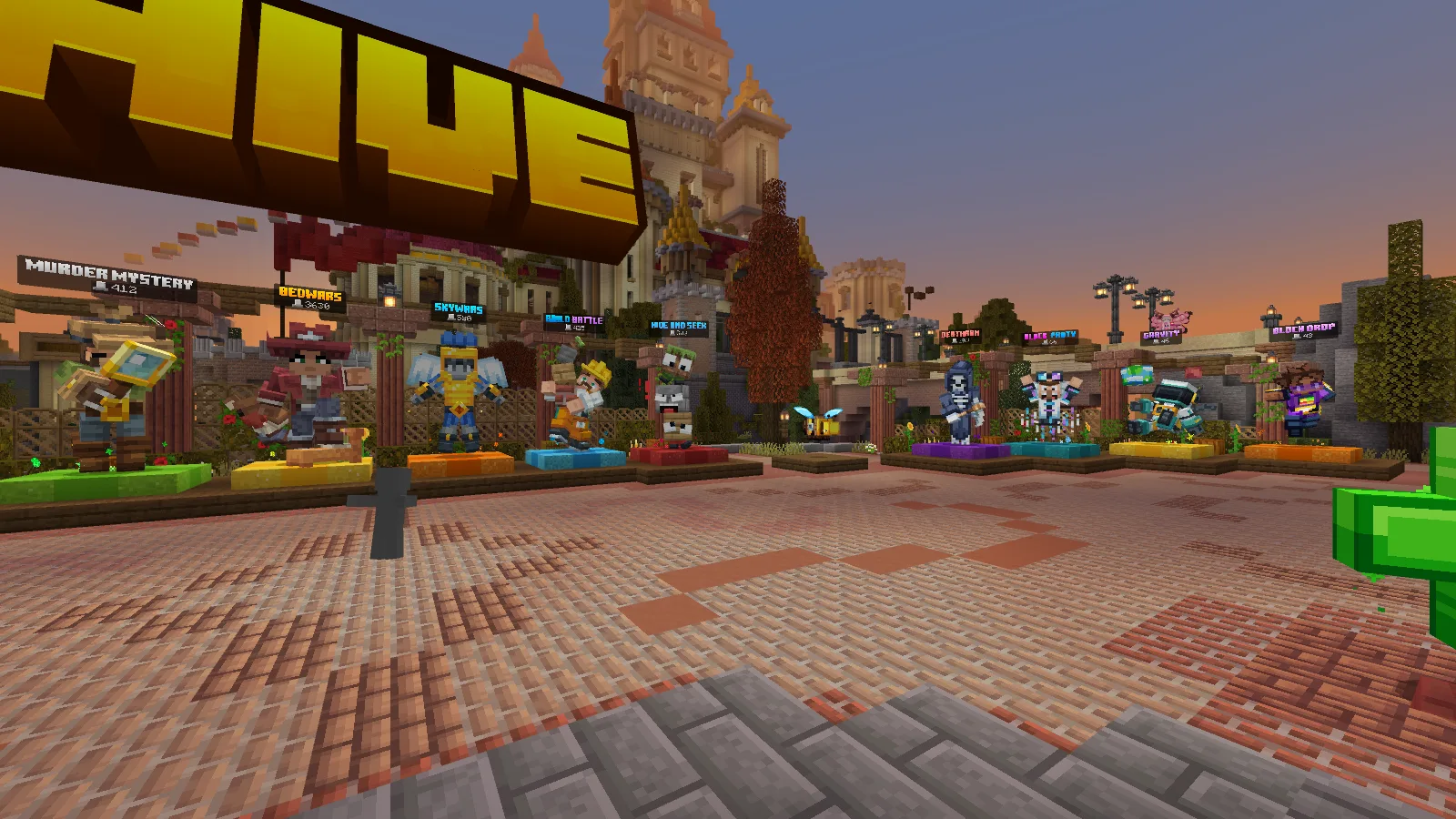
Our visit to The Hive from Bedrock for Windows 26.52.
Get into the hub
Open Play → Servers and look for The Hive. Where your device offers Add Server, you can use geo.hivebedrock.cloud, port 19132. Give the entry any recognizable name; the address and port are the parts that decide where it connects.
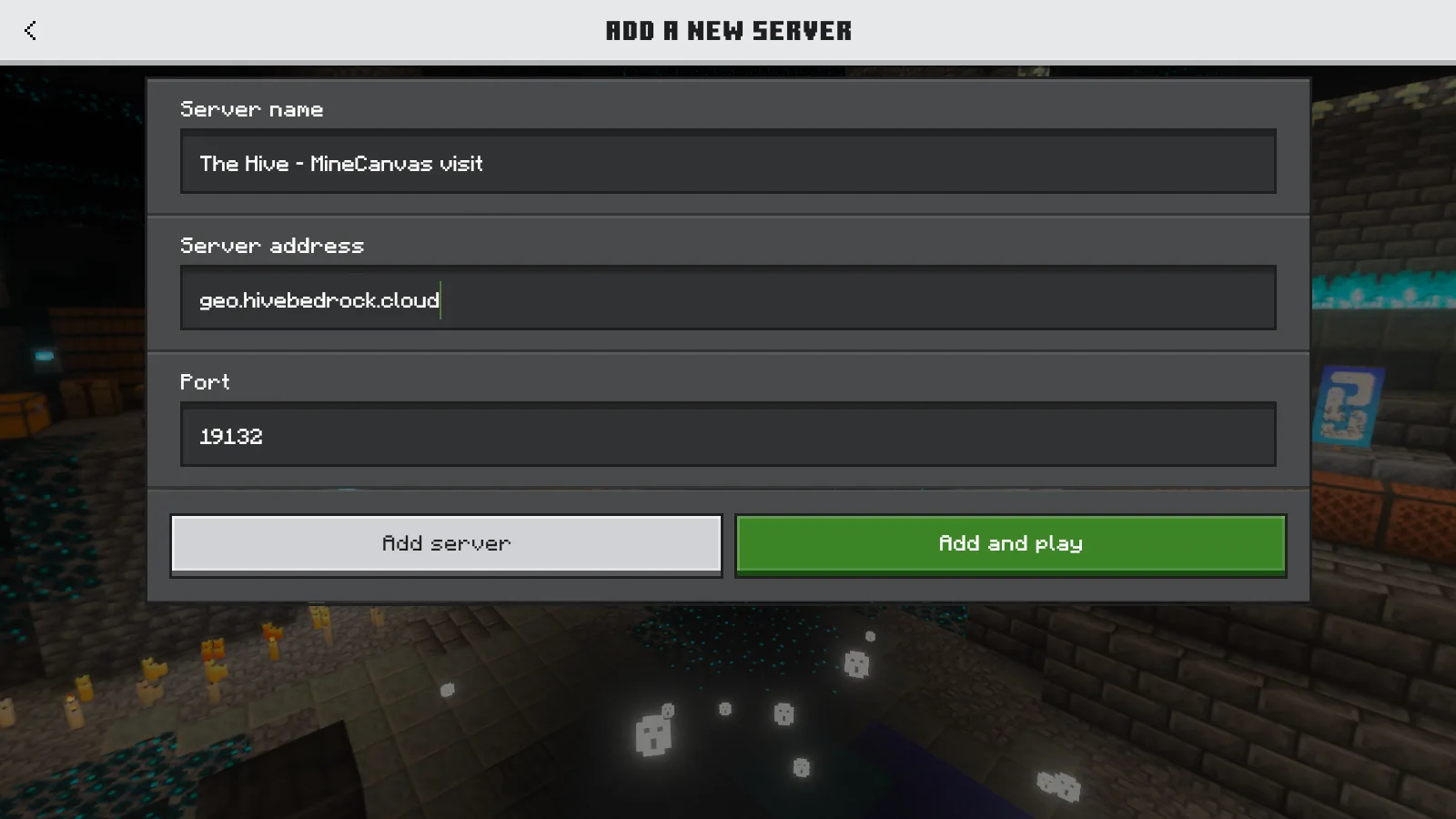
The direct-address route on Windows; other devices can offer different server menus.
We used that direct-address route in Bedrock for Windows 26.52. Minecraft downloaded the server’s resource packs before bringing us into the hub. Let that first download finish; the custom signs, models and menus use those resources.
Use the regular Bedrock app and your Microsoft account. Java Edition is a different client, including on Windows. Consoles do not offer the same custom address entry as every Windows or mobile device, so start from their available server browser.
The game selector is your starting point
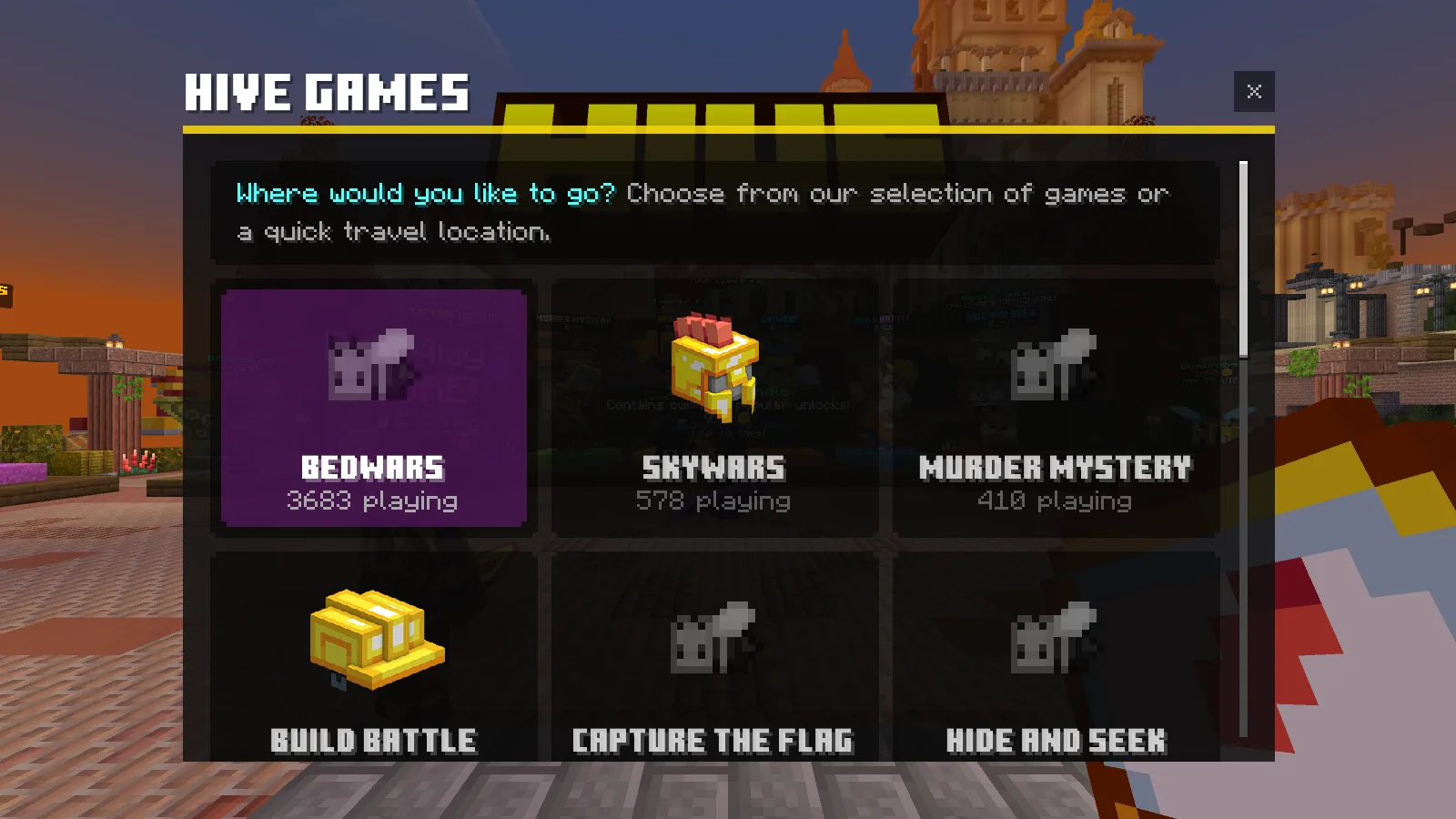
The first hotbar item opens the game selector. Activity counts are a snapshot of this visit.
In our visit, using the first hotbar item opened Hive Games. It displayed cards for BedWars, SkyWars, Murder Mystery, Build Battle, Capture the Flag and Hide and Seek, with more choices below. The hub’s labeled characters provide another way to find activities.
Pick the kind of evening you want before clicking the first popular card:
- Build Battle: make something around a theme, then view and vote on the results. A compact idea you can finish is a comfortable first-round plan.
- Hide and Seek: hide as a block or search for players disguised in the scenery. Look for a place where your chosen block belongs instead of choosing an exposed corner just because it is far away.
- BedWars: protect the bed that lets your team respawn while trying to remove the other teams’ beds. Decide who is defending before everyone leaves the island.
- Murder Mystery: pay attention to your assigned role and the movement around you. It is a different pace from repeatedly rushing straight into a fight.
Use the live selector to see what is available when you arrive. For a first visit, choosing one activity together is easier than trying to sample every card in the menu.
Meet in the same region
The Hive has North America, Europe and Asia regions. Friends need to use the same region; /region or the hub’s region selector changes it. The nearest route may be selected automatically, so two people on the same address can still arrive in different regional hubs.
Agree on the region and activity before queuing. Once everyone is together, use the server’s party controls for the group. Player counts beside game cards change constantly; use the live selector when deciding where to go.
If the first connection gets stuck
If the game reports an outdated client, update the ordinary Bedrock app through your device’s store and reopen it. A Preview/Beta installation may have a different protocol. If multiplayer is unavailable entirely, check the account’s multiplayer permissions and any online-play requirements on the device.
For a typing or unknown-host problem, compare the address above carefully. If packs are still downloading, wait for that stage to finish before trying to interact with the hub. Keep the exact error message when reporting a repeatable connection problem; “it does not work” leaves out the most useful clue.
The Hive is operated by Hive Games. Modonix’s photographs and joining walkthrough are from our own visit. The operator’s profile holds its official links.
Join the server
Bedrock Edition
Address: geo.hivebedrock.cloud · Port: 19132
Accepted versions: Not listed
Check the server entry in Minecraft for current availability.
Comments & questions
Share what worked, ask for help or reply to another player.
No comments yet. Share what worked for you.