A lake village with cherry-covered cliffs around it is already a lovely place to stop. What makes this seed especially inviting is the way the village sits on the water: houses, paths and small farms become part of the lake instead of hiding it behind a wall of buildings.
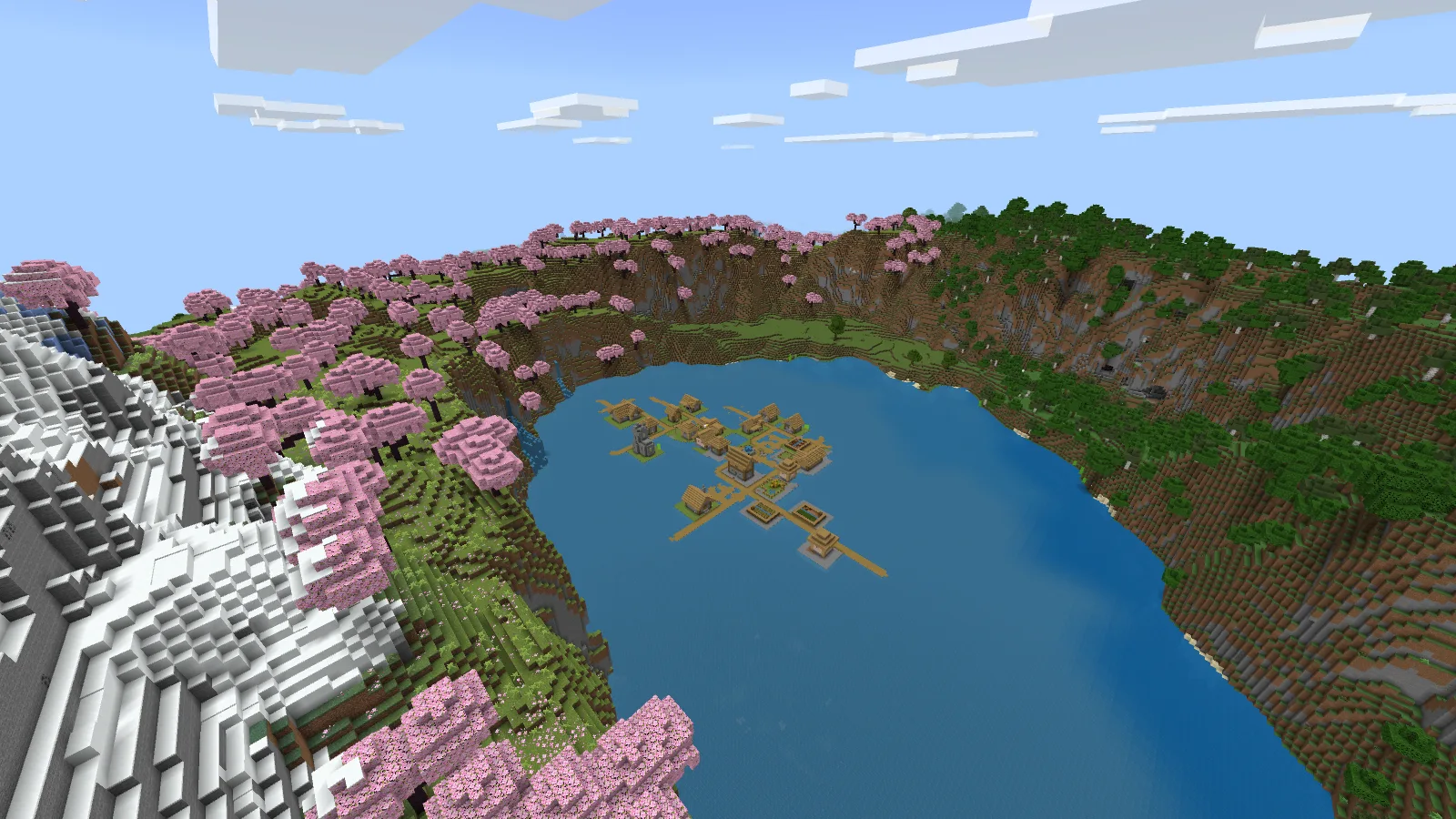
Our overview on Bedrock 26.52, using the game’s Fancy graphics and default textures.
The seed is -1581708137743050235. Head toward X 312, Z 312 for the lake village. These are the landmark coordinates, not a promise that every new world starts beside it. Our pictures show Bedrock 26.52, with the game's Fancy graphics and default textures.
Start by exploring the water's edge
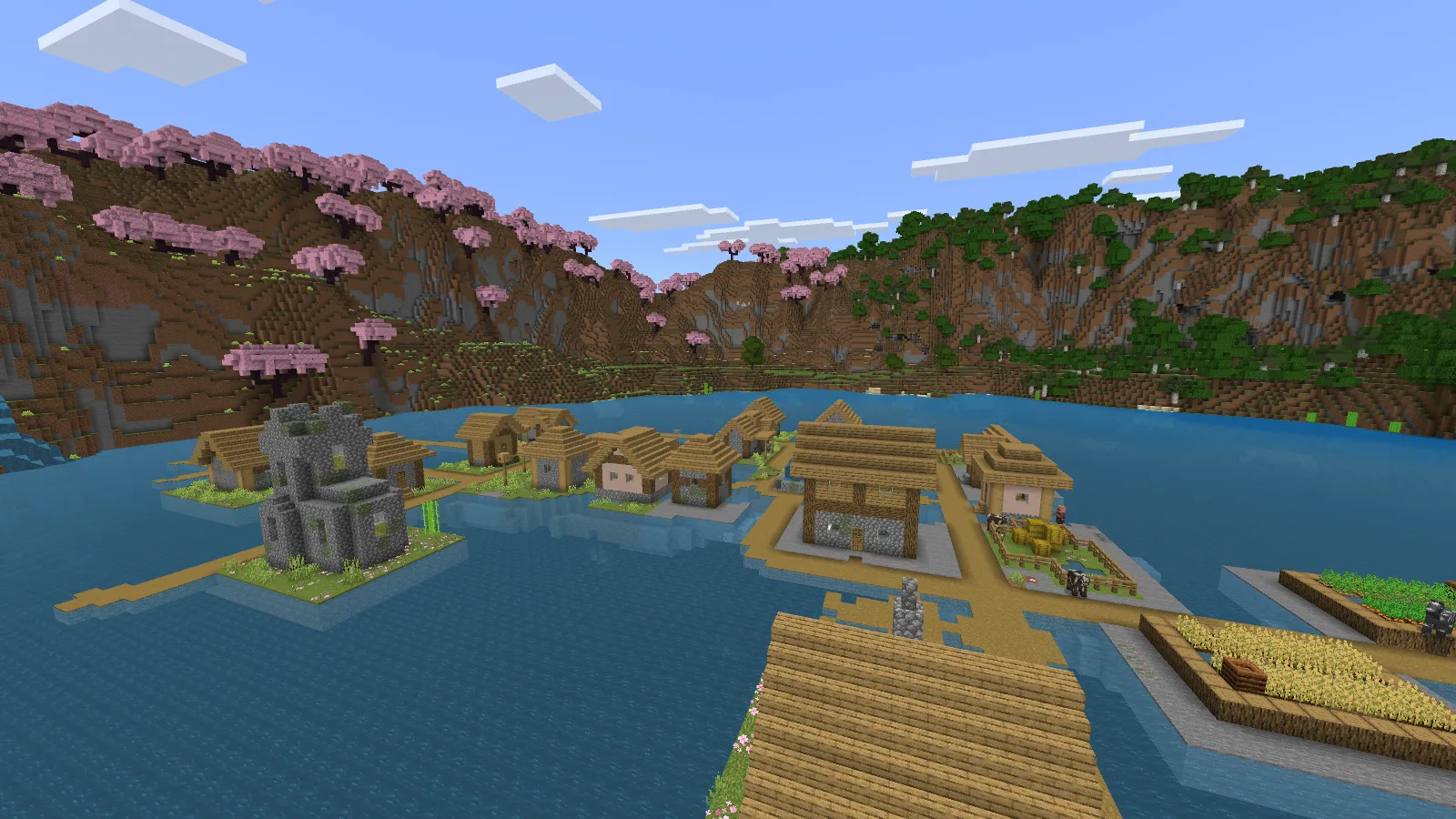
The village is on the water, so plan the route from shore before expanding it.
Look at how the wooden paths connect the little buildings. Before adding a huge base, choose a route from the shore to the village and leave some open water beside it. A small dock, a boathouse or a porch facing the lake can fit more naturally than filling the whole bay with dirt.
For a first home, we would pick one of three approaches:
- A lakeside cabin: keep the house low enough that the cherry ridge remains visible behind it. Add a short landing rather than a large paved shoreline.
- A cliff lookout: make the view the reward. A narrow staircase up the hillside gives you a place to stop and look back across the village.
- A connected village: improve the paths a little at a time, adding railings and lighting where you actually walk. Keep access to farms and doorways clear.
Those are building ideas, not extra structures supplied by the seed. The screenshots show the generated landscape before we add a base of our own.
The cliff has more than pink trees
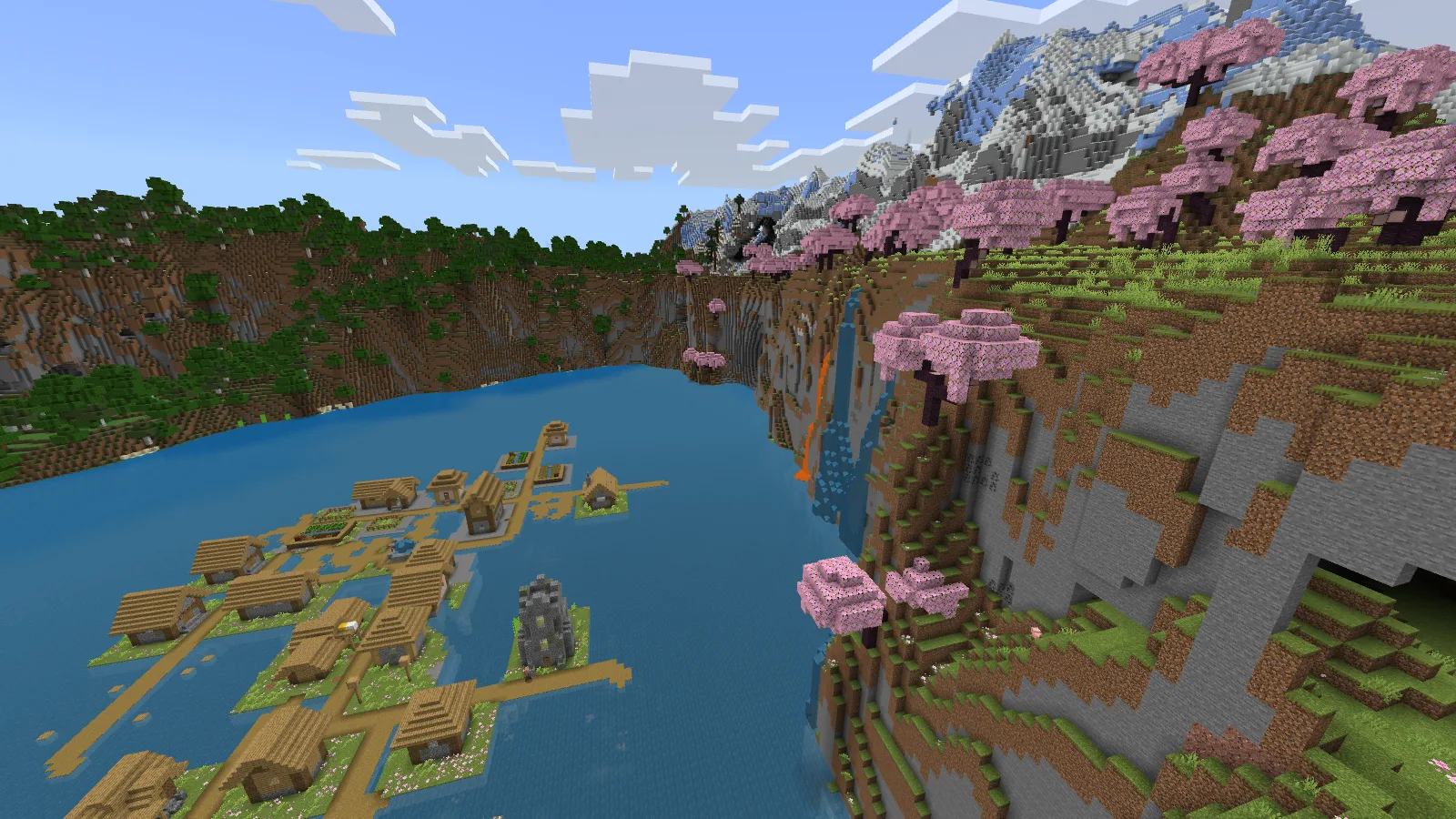
The cliff suggests a lookout or staircase; keep the lava in mind when choosing a route.
One side has water and lava running down the steep slope. It is a striking place for a lookout, but it also changes where a wooden staircase belongs. Walk the route before committing to it, and keep flammable decorations away from the lava.
The higher, snowy ridge gives the area another layer of scenery. A lower house lets you enjoy the village at walking height; a higher viewpoint shows how the lake, cliffs and snow fit together. Both can work in the same settlement without needing one enormous building.
Create the world with this seed
- Open Play → Create New World in Minecraft Bedrock.
- In the world's advanced settings, find Seed and paste -1581708137743050235, including the minus sign.
- Use ordinary world generation and leave custom terrain add-ons off for the first look.
- Enable Show Coordinates, create the world and use X 312, Z 312 as your destination.
Want to look around before starting Survival? Make a separate Creative world with the same seed. With commands enabled, /tp @s 312 140 312 takes you above the lake; fly down to inspect the paths. That shortcut is for a Creative scouting copy, not a safe Survival arrival point.
If your world looks different
Check the minus sign, the edition and the game version first. This is a Bedrock village guide; a matching Java seed number does not guarantee the same buildings in the same places. Existing terrain also does not regenerate when you change a world's settings.
The community discovery was shared by Proper-Count-7320 in r/minecraftseeds. Modonix explored the location and made these screenshots and building suggestions. No download is required to use the seed: the number and matching world settings are the starting point.
Start your world.
-1581708137743050235Lake village near X 312, Z 312. Creative scouting viewpoint: X 312, Y 140, Z 312.
Comments & questions
Share what worked, ask for help or reply to another player.
No comments yet. Share what worked for you.