VoidWorld gives you space to build without a mountain, forest or neighboring village setting the shape of your project. The starting point is small: a thin grass platform, snow on top in our session, and open sky around it.
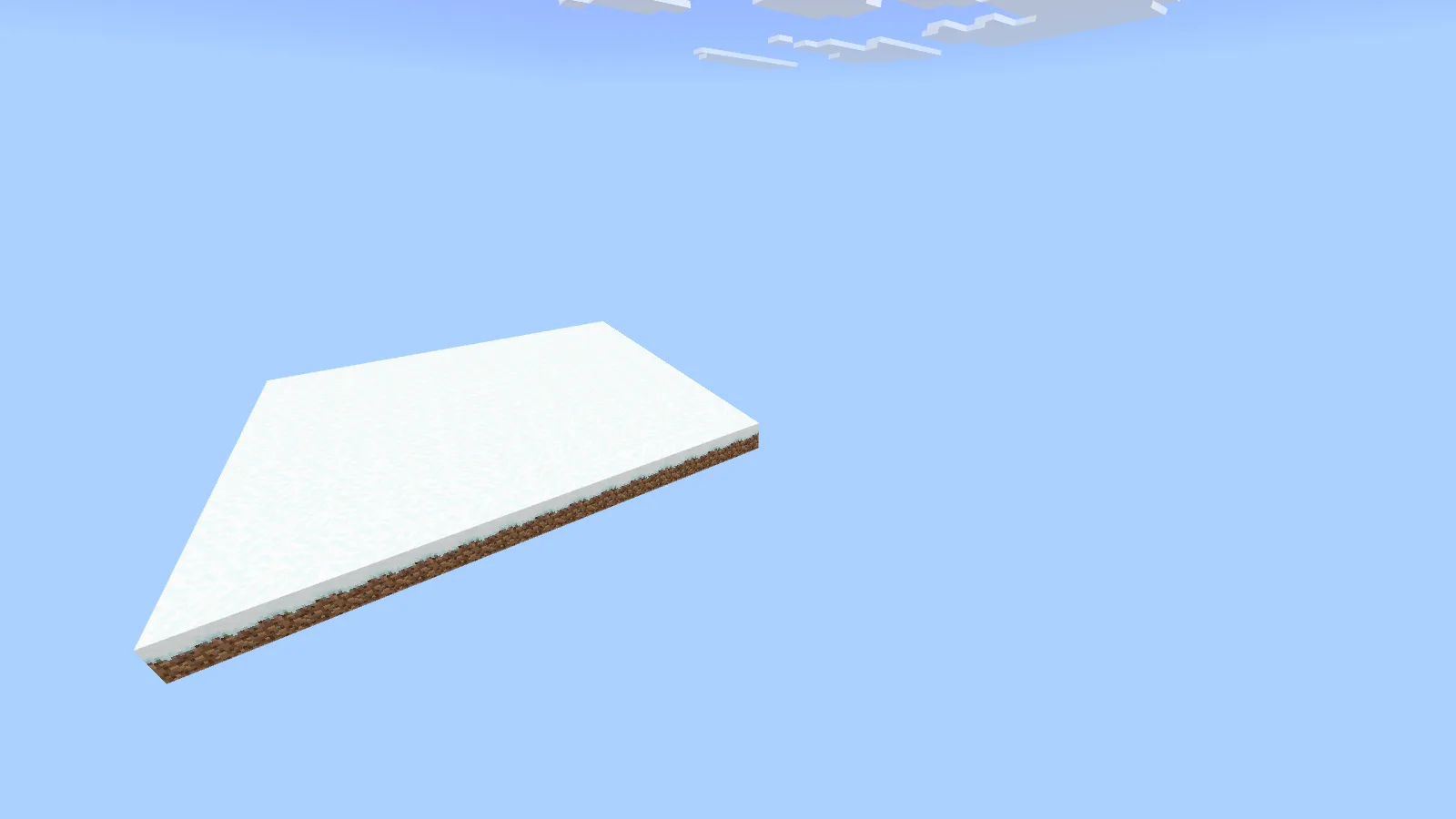
The original starting platform after opening the older world in Bedrock 26.52.
That is the original starting area we found after opening the archive in Bedrock for Windows 26.52. It is a useful canvas for floating builds and experiments. It is not the same as downloading a finished Skyblock adventure with a prepared quest line and a complete survival progression.
Know what you are opening
This is CrazyBreeze1074's older custom world, originally made around Bedrock 1.17. On first opening, our current game offered a world update and an option to make a backup. Keep that backup and the original download; moving a save forward is different from starting a fresh modern world.
The map's creator also describes different biome regions and special spawning locations intended for Skyblock projects. Those are part of the map's background, but they are not a reason to assume an old farm design will behave identically after several years of game updates. For a new build, choose the space first and check any farm behavior in a separate copy before designing around it.
A simple idea: one island, one house, one route
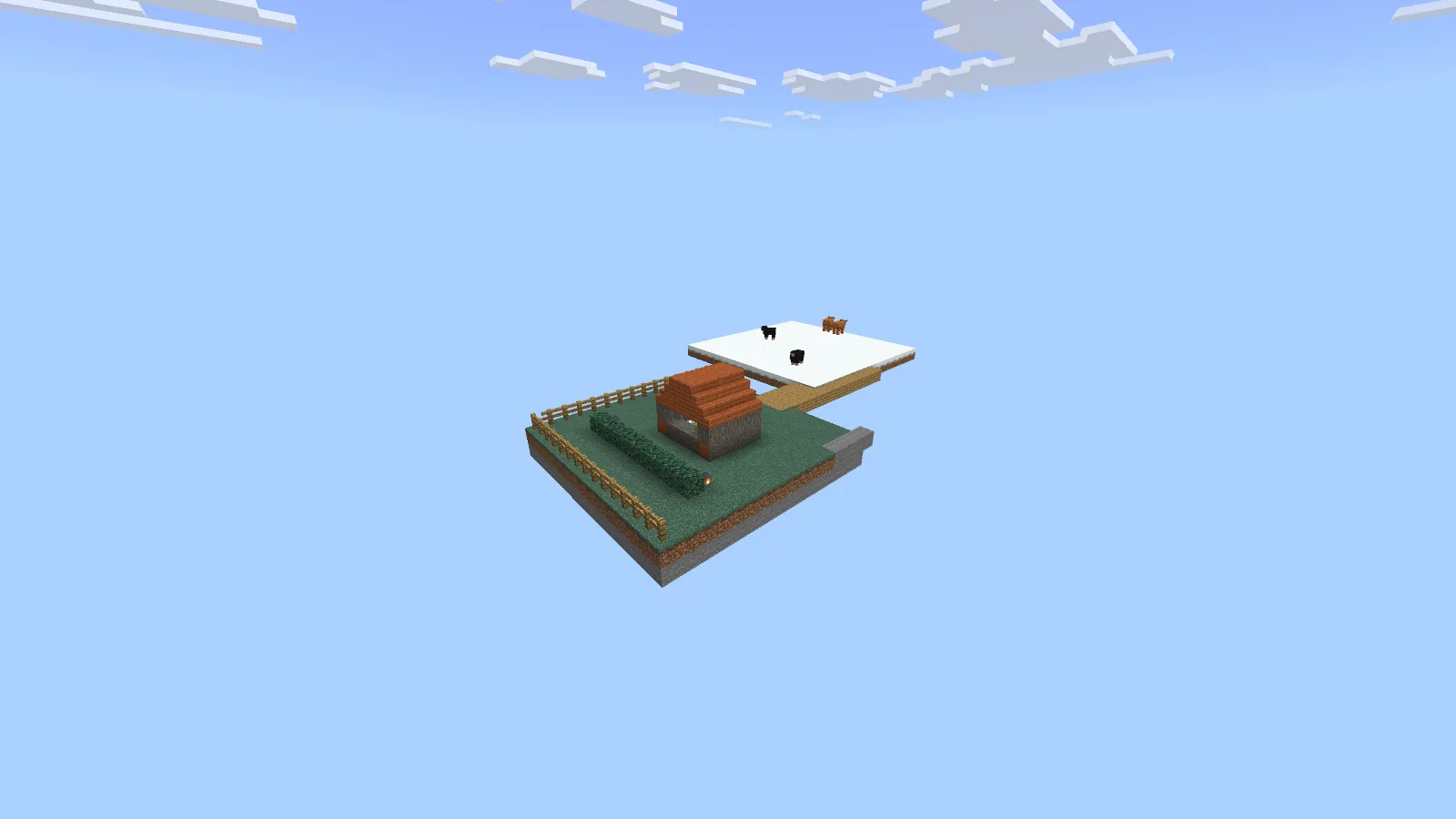
The house island, bridge and landscaping are our example, not part of the downloaded world.
We added a second island, brought in a small acacia house and connected it to the starting platform with a wooden bridge. A short hedge, a few lights and a fence were enough to make the empty space easier to read.
The house island and bridge are our additions. They are not included in the original VoidWorld file. The house itself is house3 from Microsoft's sample structures, moved through a structure-block export and import.
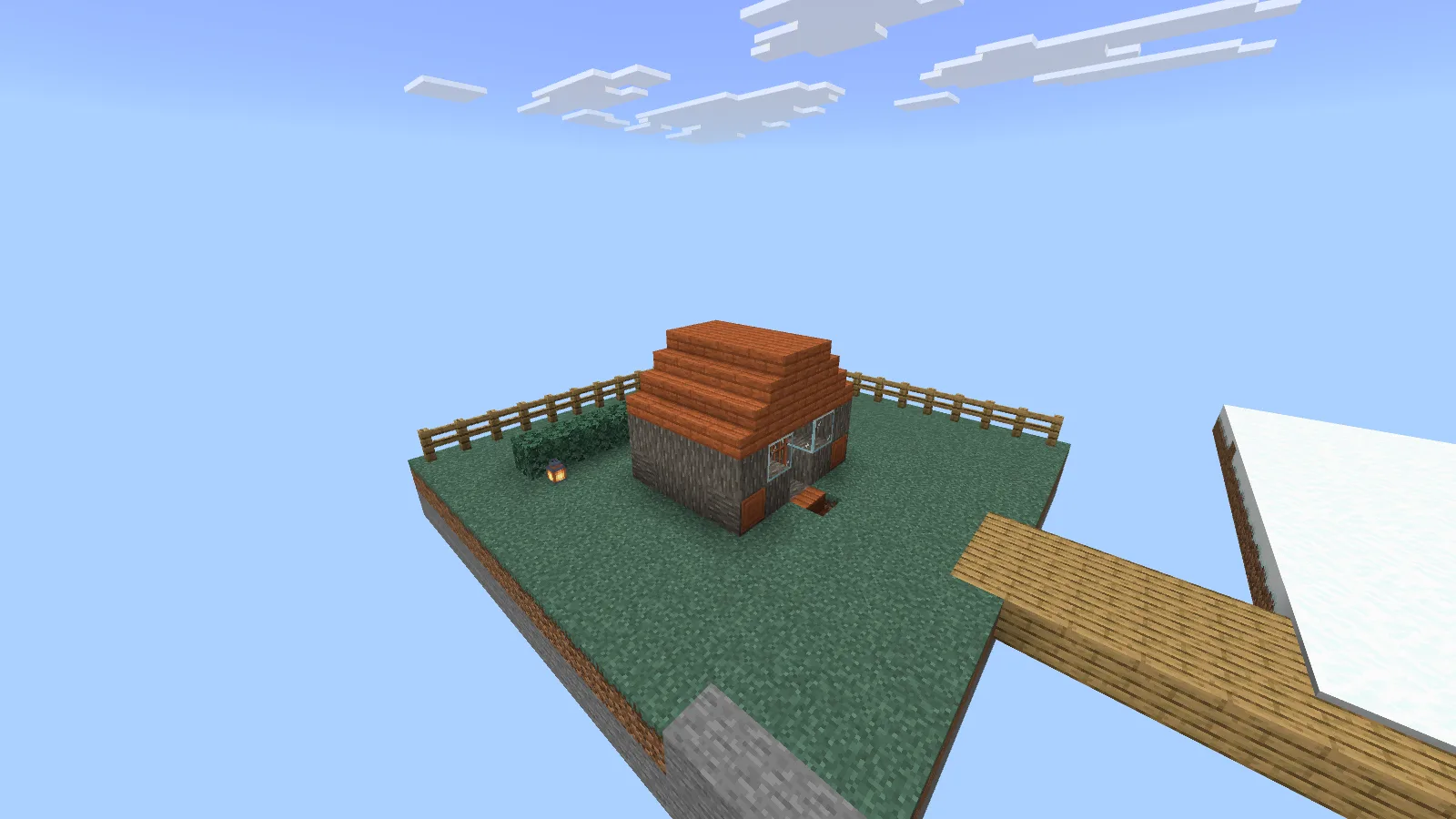
A small imported build gives the island a focus before expanding it.
Starting this small has a nice advantage: you can see the whole idea at once. It is easy to move the entrance, widen a path or compare two roof colors before the island becomes a busy settlement.
Other things to try in the empty space
- A floating village: build one useful island at a time and give every bridge a clear destination. Separate a workshop, garden and house instead of covering one enormous square with everything.
- A building display: keep different roof or doorway experiments on separate platforms, with enough space between them to compare silhouettes.
- A short parkour route: design a few jumps, add a safe practice area and play the route yourself before extending it.
- A redstone workbench: leave room to walk around the mechanism and see its underside. Save a clean copy before replacing a large section.
These are Creative project ideas. A survival challenge needs its own resource plan and rules; changing the game mode alone does not provide those.
Import VoidWorld
- Download the MCWORLD in Files. Keep the archive unchanged as your clean starting copy.
- On Windows, open it with Minecraft and wait for the world import to finish.
- Find the imported world in Play, make a working copy and give that copy a recognizable name.
- If Minecraft asks to update it, keep Make backup copy of my world enabled before continuing.
- Enter the copy and inspect the starting platform before adding your own build.
Our imported world opened in Creative with an empty hotbar, but commands were initially disabled. We enabled cheats only in our working copy to place the demonstration island and use camera positions. If a command is rejected, check that world's settings rather than downloading the map again.
A few decisions that help later
Keep a reachable place to stand before expanding over the edge. Name working copies after the project, and keep an untouched version before a major game update. If you plan to travel far beyond the starting area, inspect the terrain you actually intend to use; the view from one platform cannot establish what every distant part of an old custom world will do.
VoidWorld is by CrazyBreeze1074, with the source crediting Rayth and RufusAtticus/rbedrock. Modonix explored the starting area and built and photographed the separate house-island example for this guide.
Comments & questions
Share what worked, ask for help or reply to another player.
No comments yet. Share what worked for you.