
Gendry's Tavern gives you a medieval village to settle into, with a large tavern, a windmill and several houses in a survival world. The tavern stands beside a broad gray path, with fields and the windmill visible beyond the trees. Its tall walls make a useful landmark while you decide where to establish your own home.
FALL Studios created the original project as a team in 2020, with TryzzMC credited as a collaborator and publisher of this Bedrock release. The village offers a setting for your next survival base and plenty of building details to study along the way.
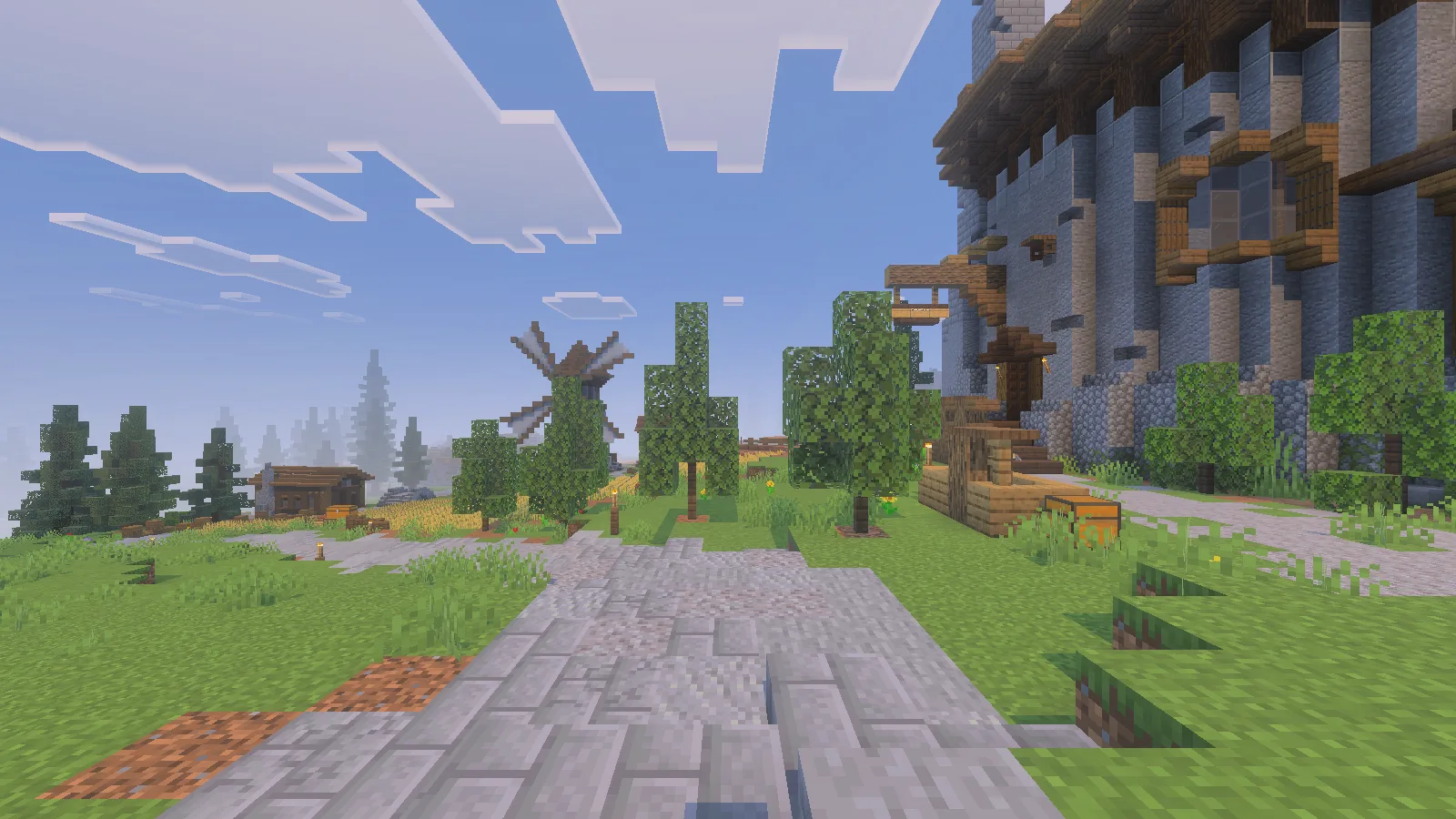
The tavern borders a broad path, with the windmill visible beyond the trees and fields.
Import the ordinary survival version
Download Gendrys-Tavern-v1.2-ZipCompat-r1.mcworld from Files. This is the ordinary v1.2 release from March 16, 2026. A later file also uses the v1.2 name but adds Hardcore mode, so check the full filename when choosing your world.
In Minecraft for Windows, open Play → Import world, select the downloaded file, and find Gendry's Tavern in your Worlds list. The download contains the world itself; there are no separate behavior or resource packs to install. Keep an untouched copy of the download if you want a fresh start later.
The selected world uses Survival on Normal difficulty, with cheats off and no experiments enabled. For a private first visit, turn multiplayer off in the world's settings before entering. Give the scene a moment to finish appearing, then look around before taking your first steps.
Find the entrance and explore the hall
The outside seating and entrance steps give the tavern a welcoming frontage, but leave yourself room to walk around the furniture. We followed that ground route, climbed the steps and opened the door in Survival. Inside is a tall dining hall with wooden tables and benches, hanging lights, banners and plants.
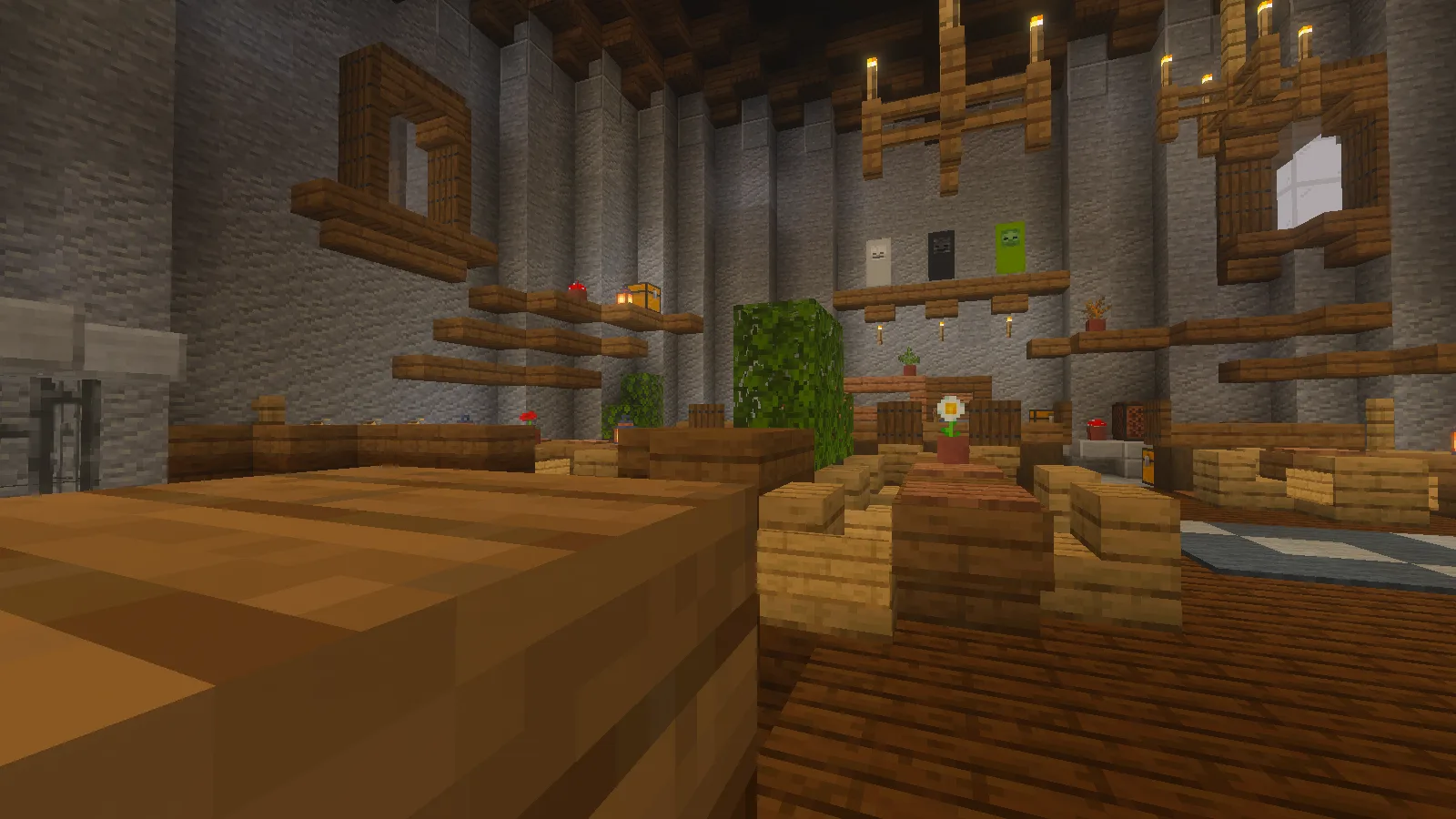
The tall dining hall, reached through the tavern entrance during an ordinary Survival walk.
Walk between the seating groups to see how the room is arranged. The wooden furniture gives the lower part of the hall a warm, occupied feel, while the high gray walls leave space above it. Shelves, small plants and lighting break up those large surfaces. We returned through the open doorway and down the steps to the road afterward.
The hall suggests a meeting point for your own settlement. You could add a map of the surrounding area, keep a noticeboard of building jobs, or organize supplies for an expedition. Preserve a clear passage from the entrance when adding storage; a good-looking room is more useful when you can move through it easily.
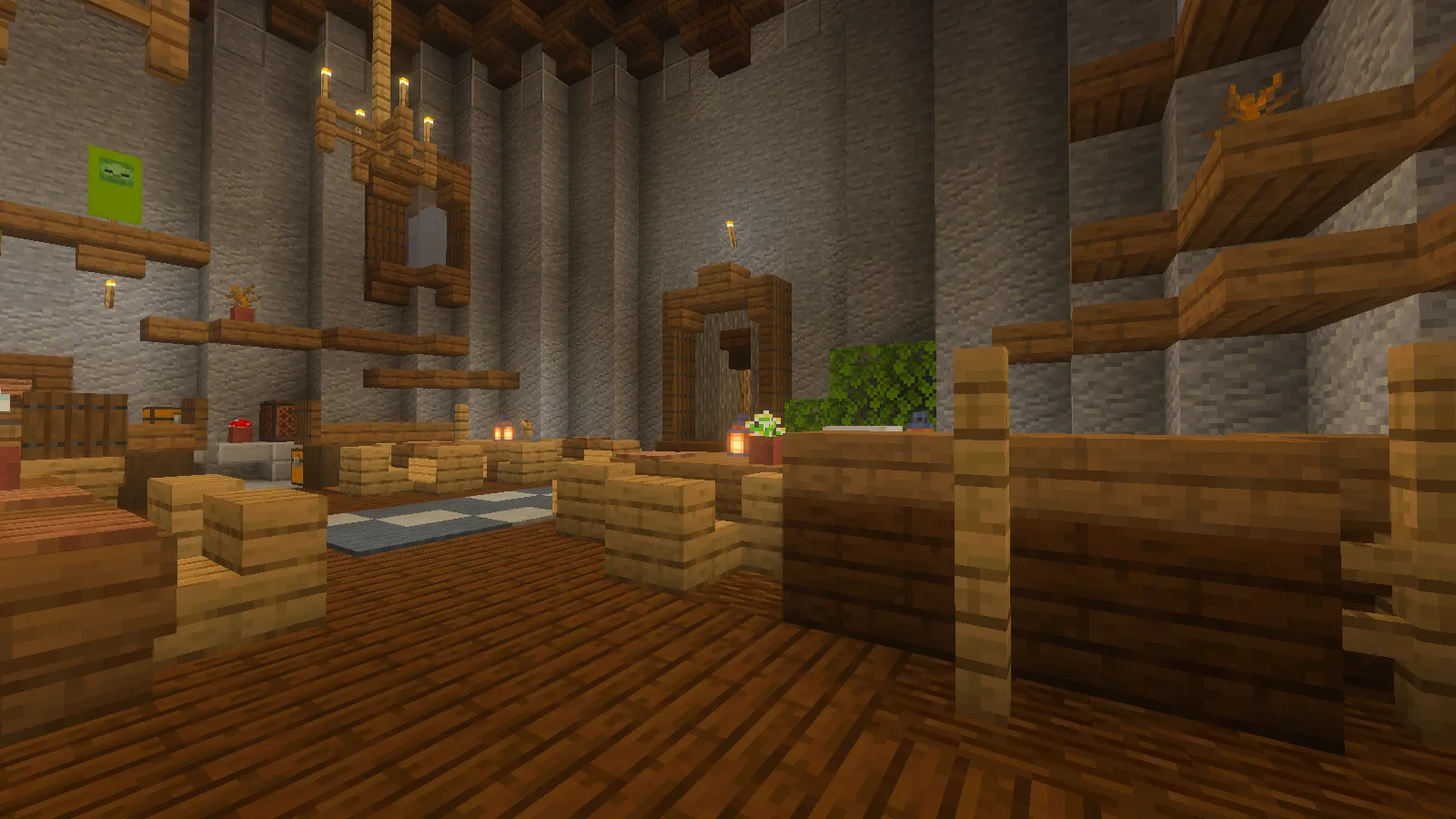
A closer view of the benches, small plants and passage through the hall.
For a compact personal base, inspect a village house before choosing it. Plan one corner for supplies and another for crafting, then add those features as you gather materials. Keep a recognizable route back to the tavern so your first projects remain connected.
Add something that fits the village
The windmill and fields provide a theme for a small produce store, cart shelter or market stall. Pick one job for your addition and size it to that job. A modest store beside an existing path gives your harvest somewhere to go without requiring a huge new building.
Study the tavern's stone base, timber window frames and projecting roof edges before extending the settlement. The adjoining pale walls show another way to combine timber with a lighter surface. Repeat a few of those details in your own build and leave the original entrances and paths easy to read.
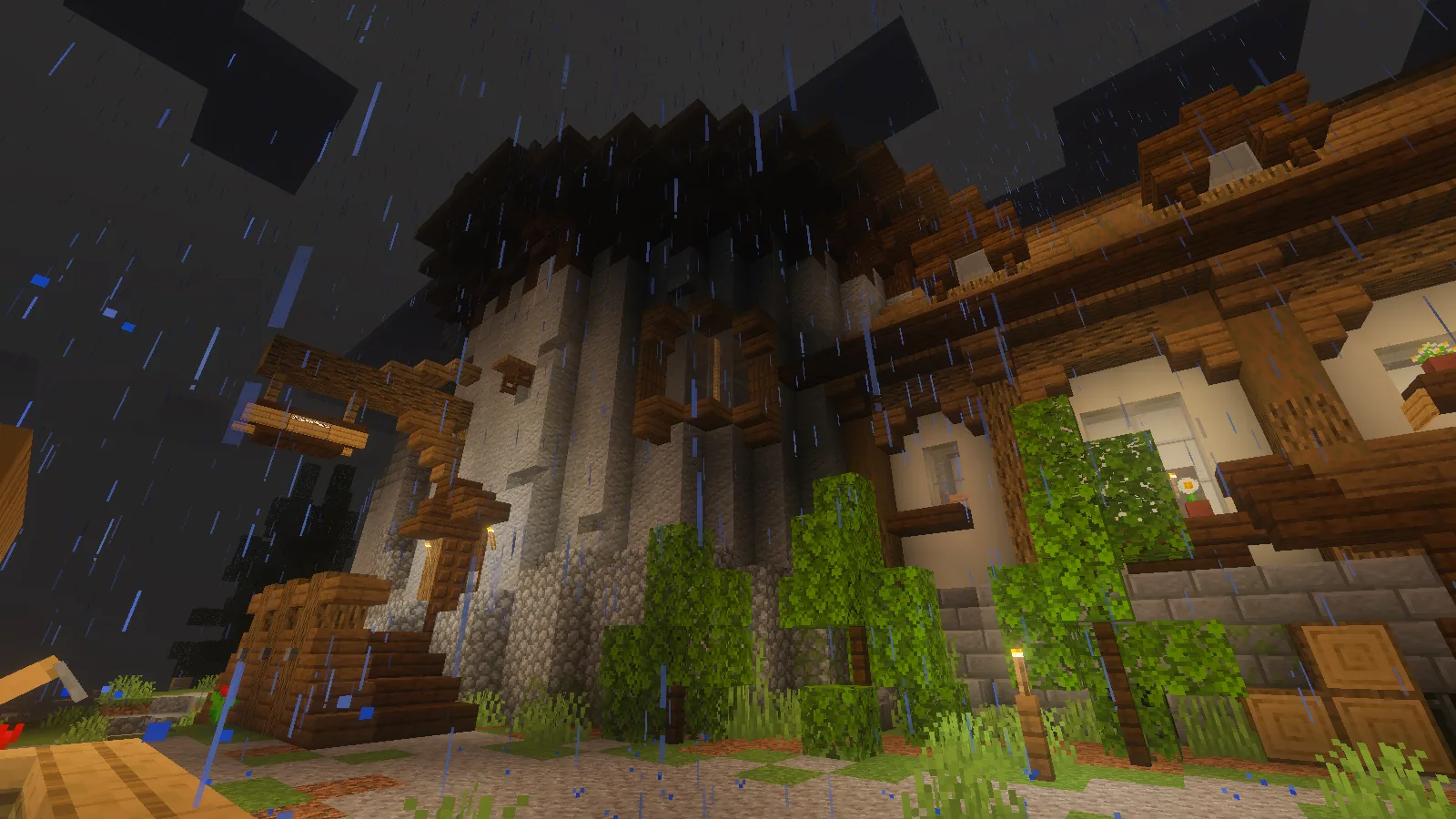
The entrance steps, stone base and pale timber-framed wing during natural nighttime rain.
Work in manageable stages: establish one home, connect it to an outdoor work area, then add a shared storage or market building. Before a major alteration, use the world's native copy or export option to keep a separate backup. Finish each session with Save & Quit so your own version of the village can grow over time.
Comments & questions
Share what worked, ask for help or reply to another player.
No comments yet. Share what worked for you.