Elysium: Remake turns a chain of floating ruins into a parkour adventure. Small grassy landings sit below tall stone fragments, with candles, flowers and broken paths drawing your eye toward the next island. Arxance's adventure demo adds dialogue and a charged movement ability called Energy Jump. The opening rewards stopping to line up a landing before committing to it.
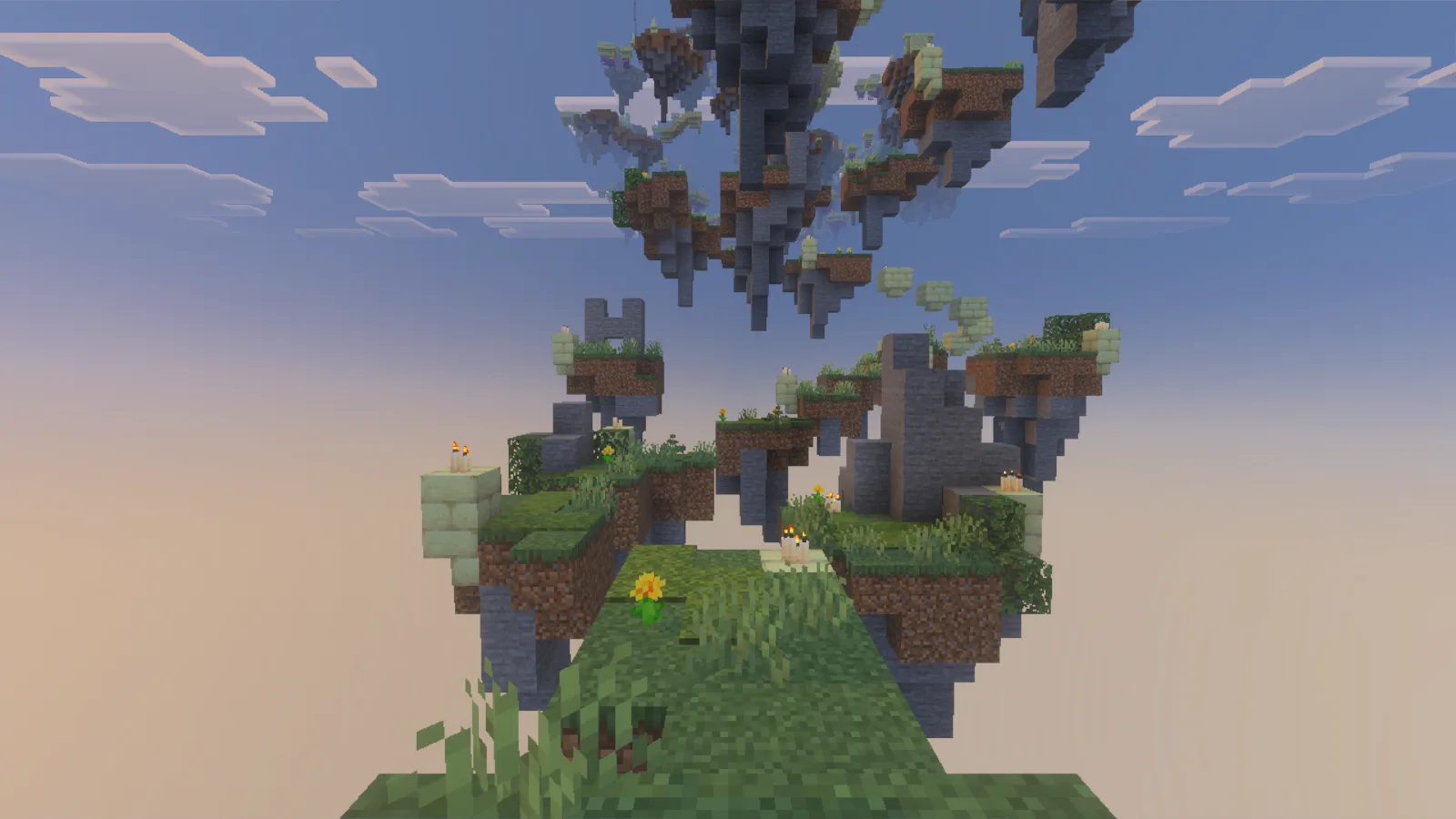
The opening route winds between small grassy islands and tall stone ruins.
Import the adventure
Download ElysiumRE-v1.1.0.mcworld from Files. In Minecraft for Windows, choose Play → Import world, select the downloaded file, and open the imported world from your Worlds list. Keep the included behavior and resource packs active: they provide the map's movement logic and custom interface. You do not need to extract the archive or install a separate resource pack.
Leave the author's gameplay settings in place for your first visit. Extra interface or font packs can compete with the map's own displays, so start with its supplied resources.
Let the opening scene finish before walking away. When dialogue pauses for input, use your bound Jump control—Space with the default Windows keyboard layout—to continue. Read the map's prompts as they appear; its movement lessons introduce more than ordinary running jumps.
Charge, then release
Energy Jump uses Sneak, normally Shift. Hold it on solid ground and watch the yellow meter fill above the hotbar. Releasing Sneak triggers the extra lift. Holding the key longer without releasing it keeps you charging; the release is the useful part of the action.
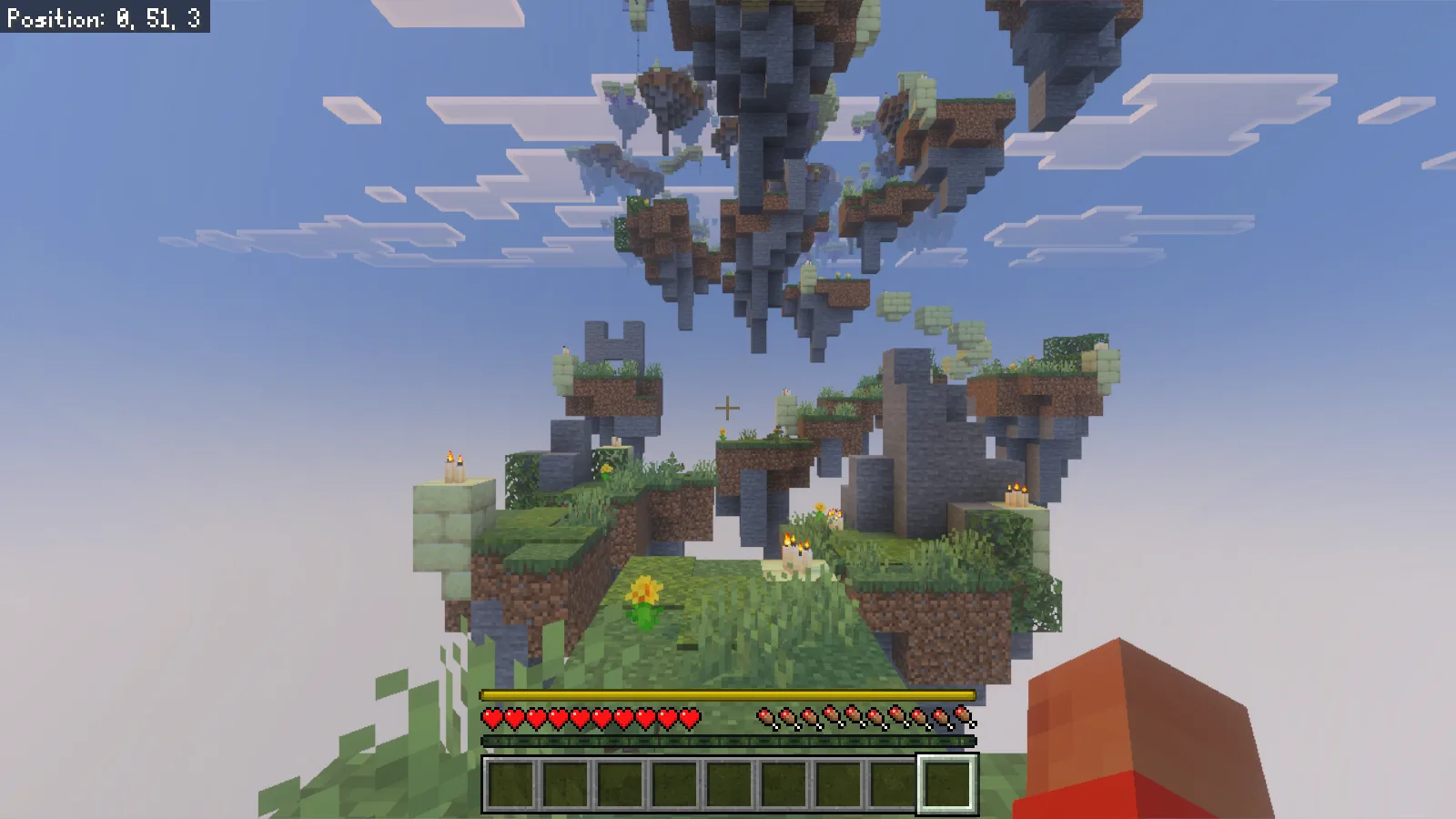
Holding Sneak fills the yellow Energy Jump meter above the hotbar.
Practice on the broad starting area before trying to cross a narrow gap. Pick a landing, face it, charge while standing securely, then release and use Forward to carry the movement toward it. An ordinary Space jump still works, but it is a different action from releasing a stored charge. Learn the two separately so you can tell which one you are using.
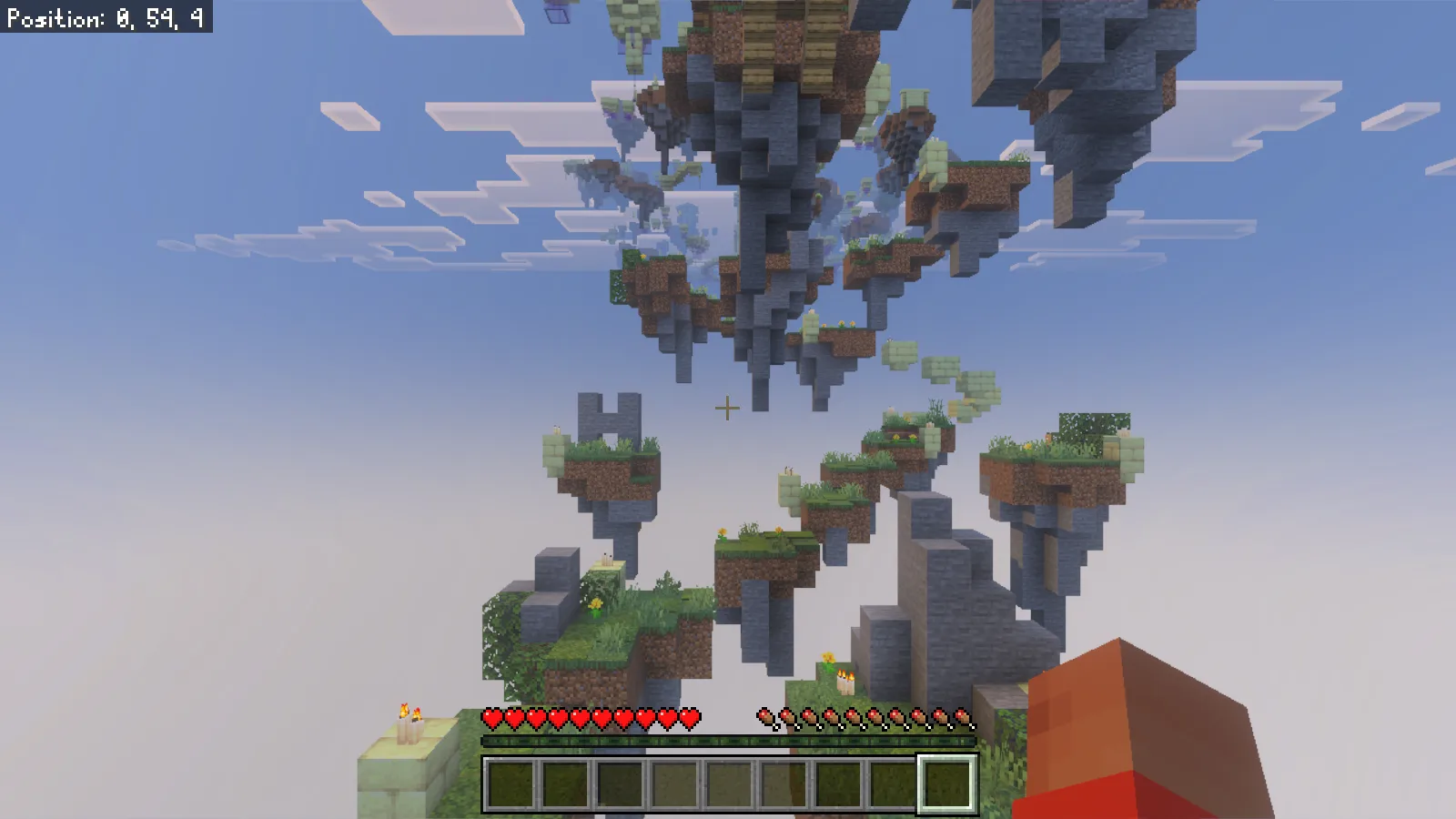
Releasing Sneak lifts the player above the ledge; the charge meter disappears.
The meter makes a better guide than counting seconds. Keep your view steady as you release, and stop moving once your feet reach the next surface. Continuing to hold Forward after a landing can send you straight off the far side of a small island.
Read the landings
The opening route steps down onto its first low platform, then turns toward another small landing. We reached both of those early platforms; the first successful charged approach is shown below. Look at the surface you intend to stand on, rather than aiming only at a tall decorative stone above it.
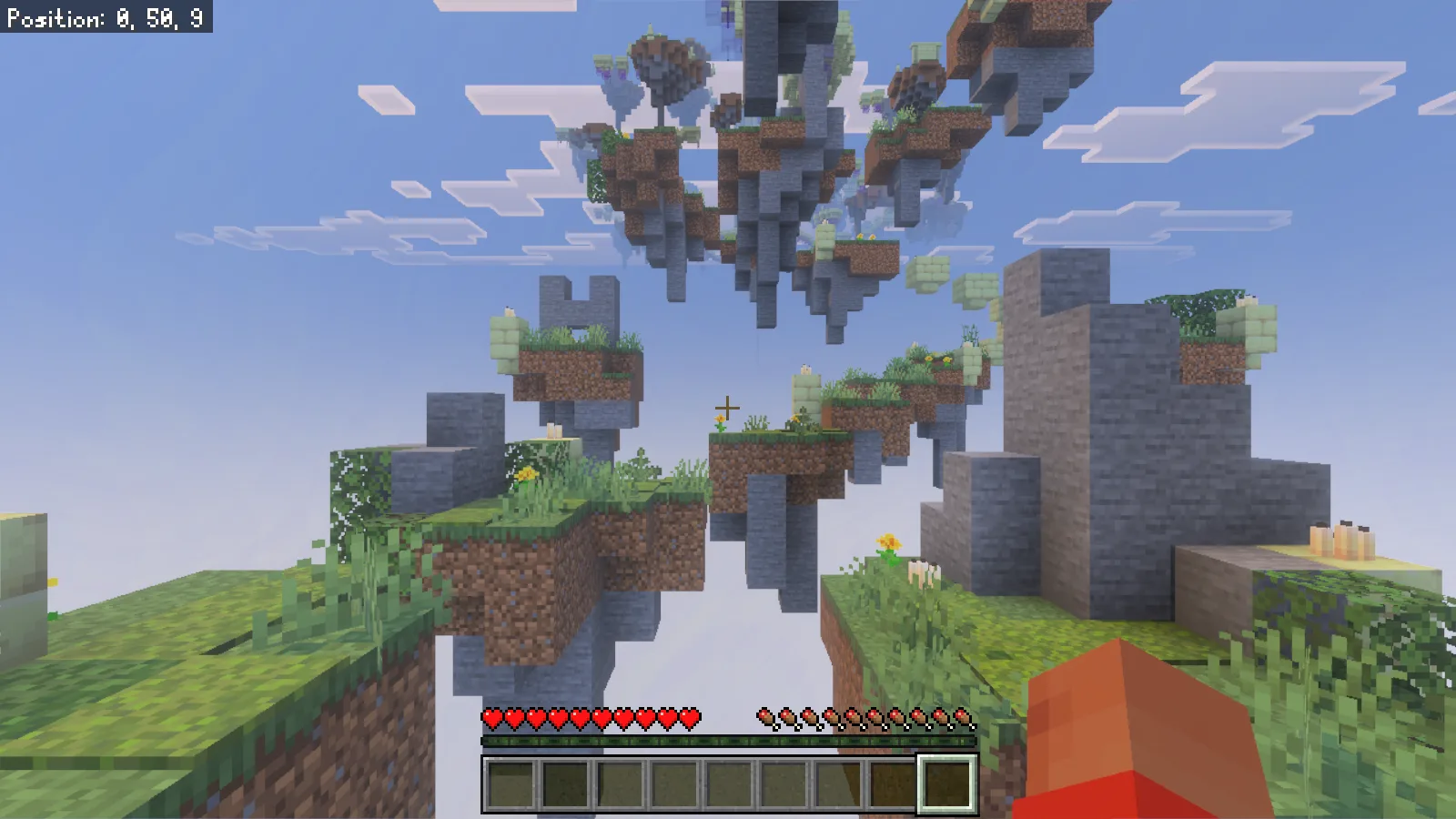
The first grassy landing gives you a moment to line up the next jump.
If a jump goes wrong, let the map's return sequence finish and regain your bearings before moving again. During our opening session, falls returned us to the start, and reopening the saved world brought us back to that opening area. Take the early stretch one landing at a time rather than treating the whole chain as one continuous sprint.
For adventure builders, this opening is also a useful study in directing attention: a candle marks a small destination, a taller ruin frames the background, and uneven heights make the route readable without a flat corridor. Enjoy those details while finding your rhythm with the charge meter.
Comments & questions
Share what worked, ask for help or reply to another player.
No comments yet. Share what worked for you.