Turn a few useful notes about your world into a menu you can open while playing. Trail Notes has three choices: read a route, check what to pack, or close the notebook. It is a small Bedrock scripting project with an immediate purpose: keep directions and a packing reminder together before leaving home.
The original Modonix example includes the finished behavior pack and editable source. You can try the menu first, then replace its generic river advice with directions that match your own world.
Open your notebook
Download create-bedrock-trail-menu-BP-0.1.0.mcpack from Files and open it with Minecraft. Edit a spare world, find Modonix Trail Notes under Behavior packs and activate it. Return to the Worlds list before opening the world. This example needs no resource pack.
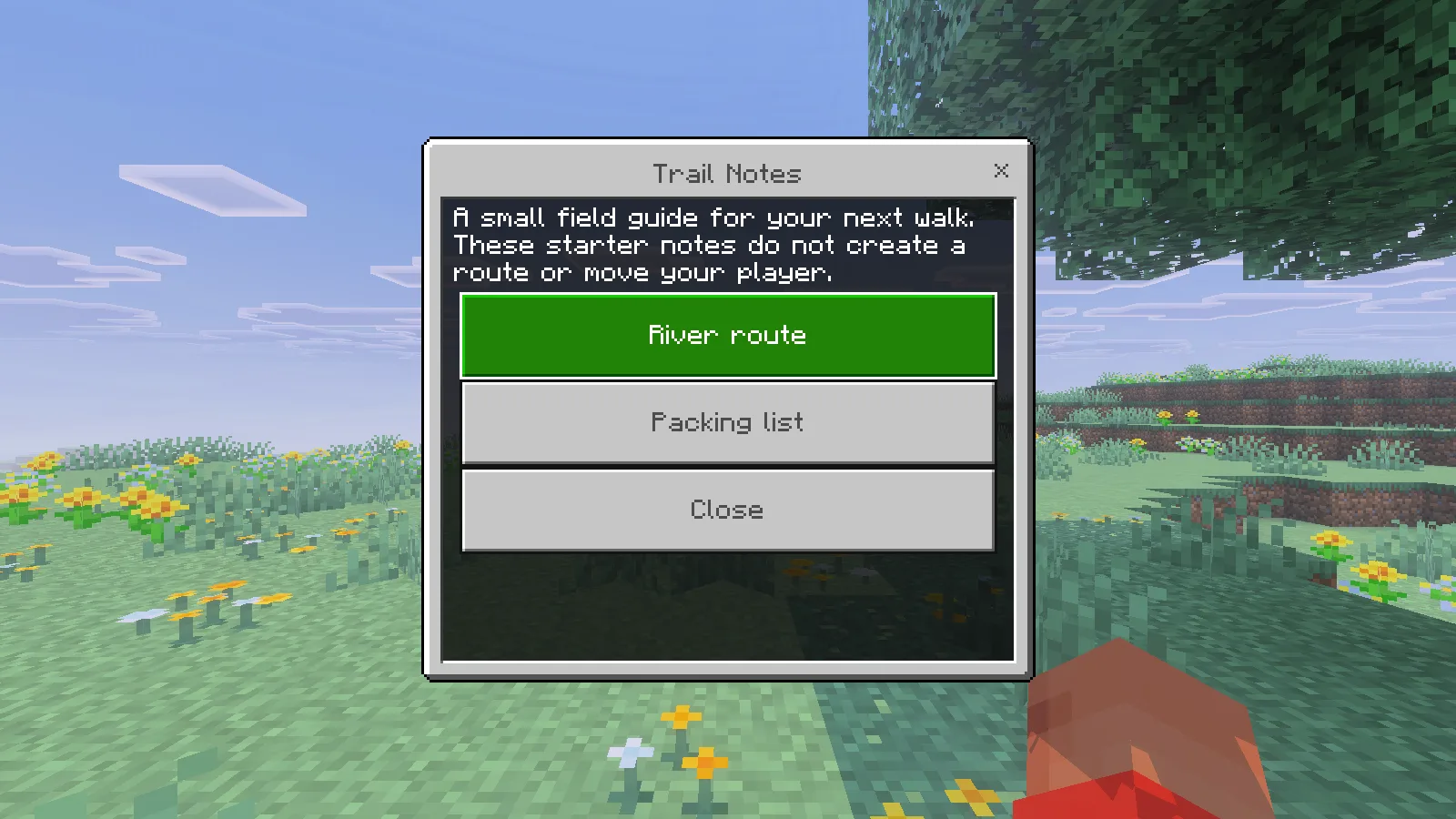
On Windows Bedrock 26.52, we opened the menu with cheats and Beta APIs off. Enter /modonix:trailnotes, submit it and let chat close. If another screen is still open, close it and run the command again.
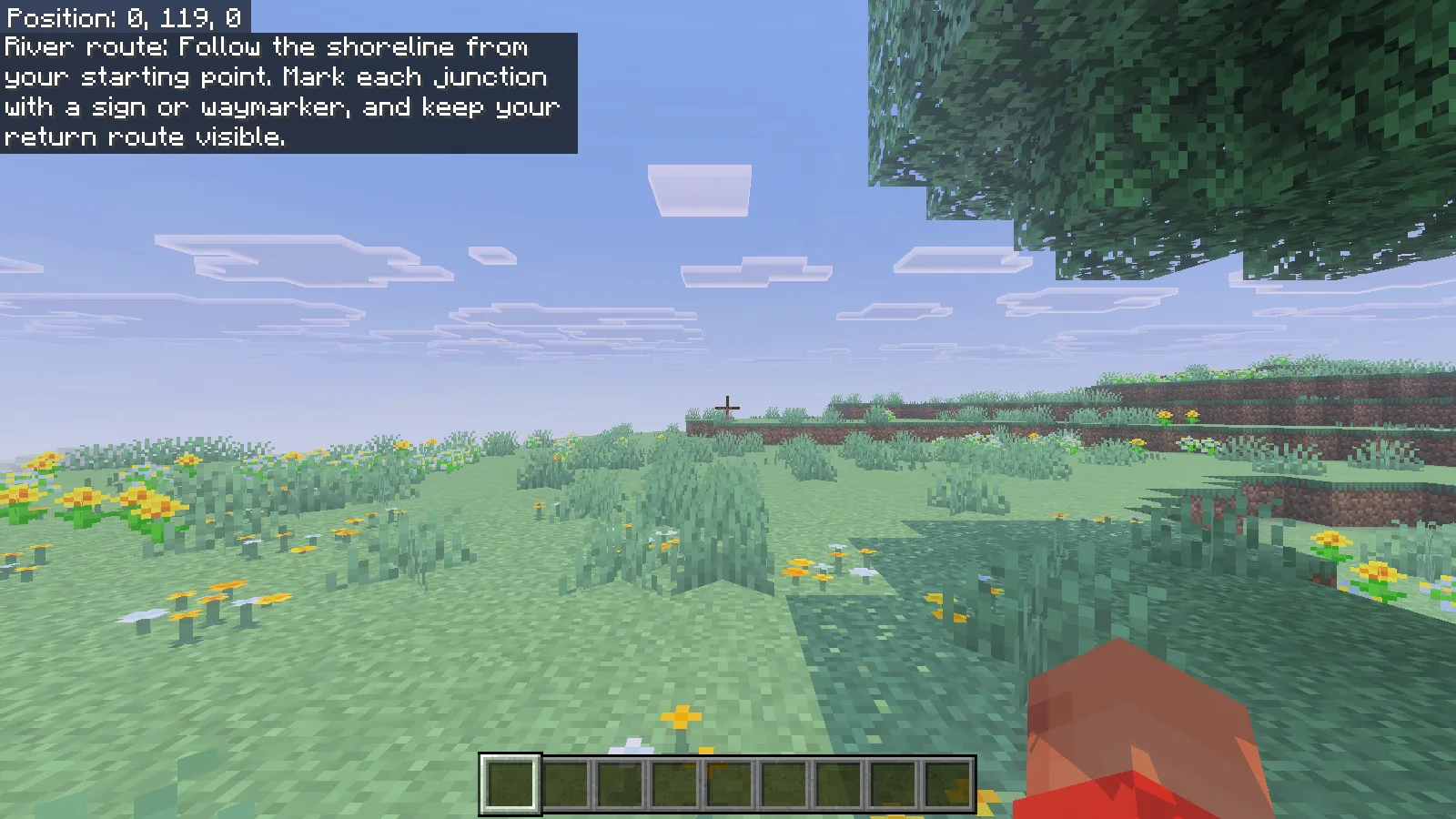
Choose River route to receive the shoreline reminder. The form closes and the note appears in your view. It is advice you read and follow yourself; the pack does not create a path, track your destination or teleport you.
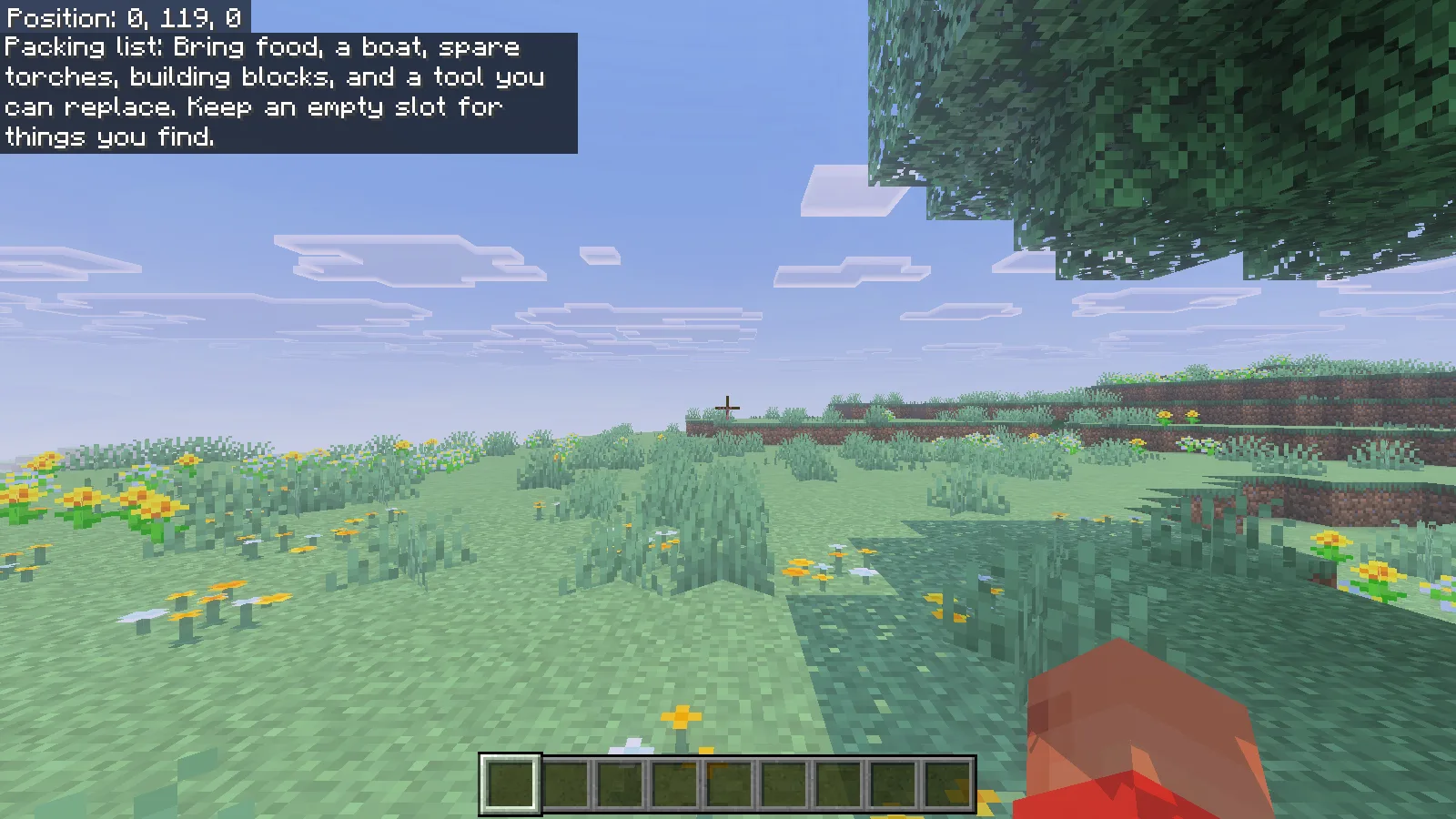
Open the command again and choose Packing list. This gives a separate reminder about food, a boat, torches, spare blocks and a replaceable tool. It does not put those items in your inventory. On Windows, you can move the highlight with the arrow keys and select the highlighted button with Enter.
Change the notes to fit your world
Extract create-bedrock-trail-menu-sources-0.1.0.zip into your working folder. The complete example is included under packs/BP:
packs/BP/
  manifest.json
  LICENSE
  scripts/
    main.js
    notes.js
    trail-menu.js
Open scripts/notes.js in a plain-text or code editor. For a first edit, change the text inside the quotation marks and leave the property names, commas and braces in place. Here is a possible version for a harbor you build yourself:
export const TRAIL_NOTES = Object.freeze({
  title: "Harbor Notes",
  introduction: "Read the route before leaving the dock.",
  routeTitle: "To the lookout",
  route: "Start at the dock. Follow the lanterns uphill. Turn at the oak sign and return along the same path.",
  packingTitle: "For the walk",
  packing: "Bring food, spare torches and building blocks. Leave one inventory slot empty.",
  closeTitle: "Close",
});
Use that route only after the dock, lanterns and sign exist in your world. Walk it from the starting point: can someone identify the correct turn without knowing your build already? A visible landmark is more helpful than “go left” when visitors may approach from different directions.
Make the packing list suit the trip. A short hillside walk may need no boat; a river journey should mention one. Keep the note brief enough to read after the form closes. Save the file as UTF-8 with its .js extension.
Keep the buttons and command connected
trail-menu.js creates the form and reads the selected button: the first sends the route, the second sends the packing note, and the third closes quietly. main.js connects that menu to /modonix:trailnotes. You can rename the visible title without changing the command.
The manifest declares stable @minecraft/server 2.1.0 and @minecraft/server-ui 2.0.0 dependencies. Keep those declarations for this starter. Its command uses CommandPermissionLevel.Any together with cheatsRequired: false; opening the form is deferred with system.run. Those pieces let the informational command remain accessible without turning on cheats.
Package and check your edit
For an update to this example, keep its UUIDs and raise the header version and both module versions in manifest.json, for example from [0, 1, 0] to [0, 1, 1]. Importing the same or a lower version can leave the earlier pack installed.
Zip the contents of packs/BP, then change the archive extension to .mcpack. Open the archive once to check that manifest.json sits at the top level beside scripts and LICENSE. Import your update, activate it if needed, return to Worlds and reopen. For a separate project that should coexist with the example, give the header and two modules three distinct new UUIDs once, then retain them for later updates.
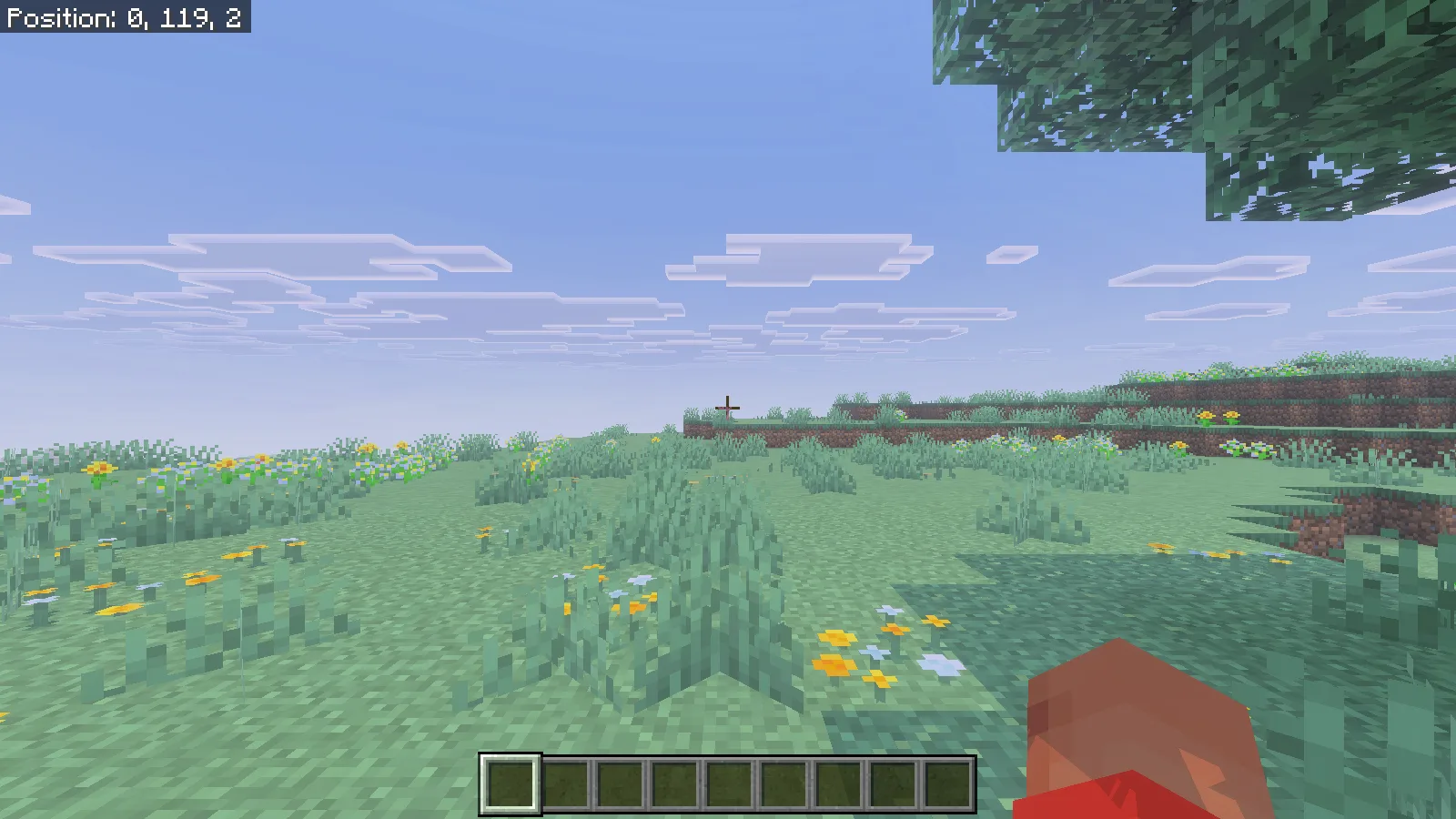
Try each choice independently. Read your route, reopen and read your packing list, then reopen and select Close. Our Close choice dismissed the form without another note, and ordinary forward movement resumed.
The source and starter notes are original Modonix work under the included MIT license. Keep that license with your edited copy. Once the two notes fit your world, you have a useful notebook without adding a long menu or making visitors remember a wall of instructions.
Comments & questions
Share what worked, ask for help or reply to another player.
No comments yet. Share what worked for you.