Courtyard Greenhouse brings crop beds, storage and a potting corner into one small building. Its 15 × 15 footprint contains two growing courts, a three-block-wide central aisle, a 5 × 5 work bay and a separate 5 × 5 courtyard open to the sky. The full structure is 9 blocks high.
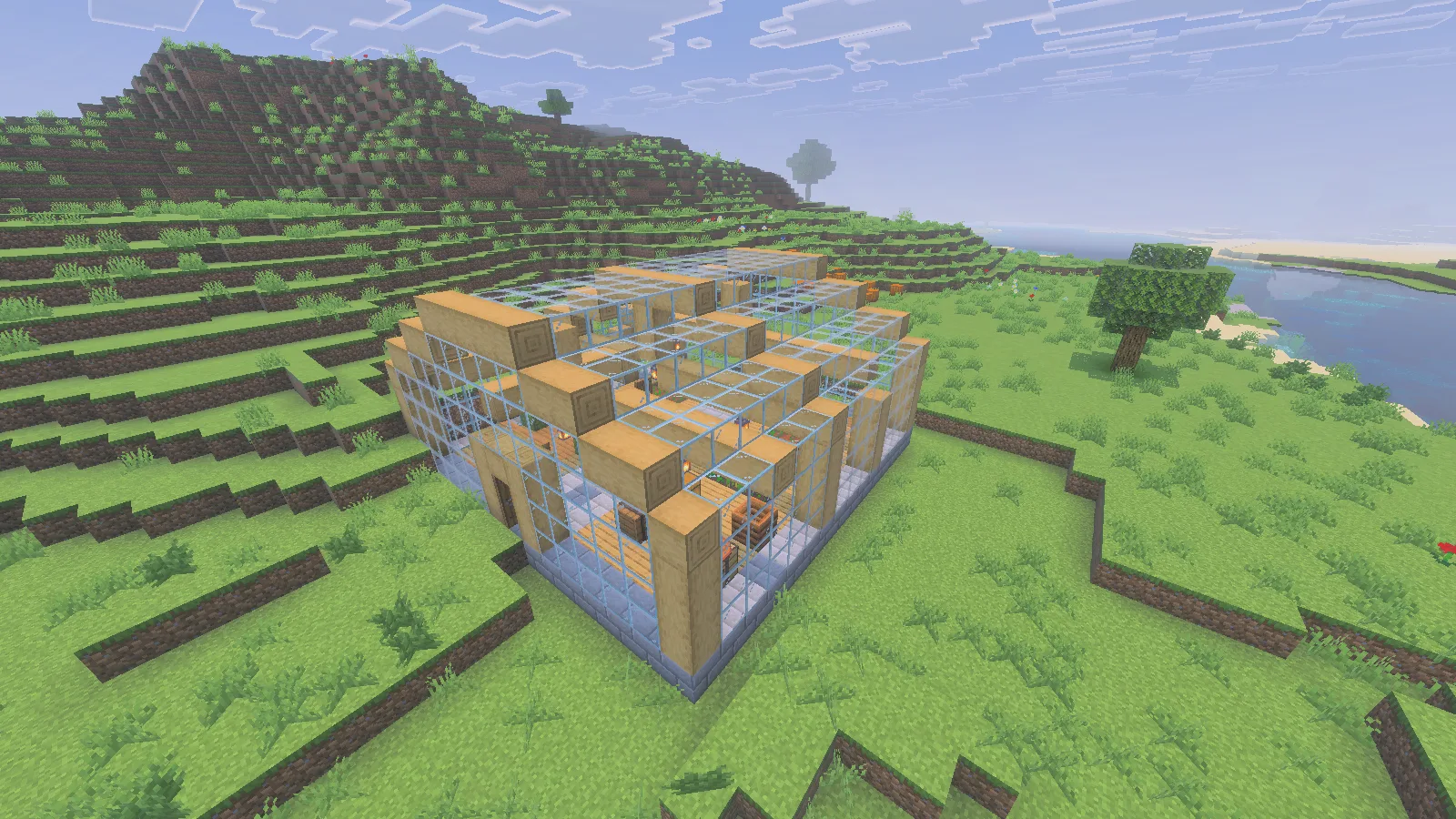
The glass-and-oak greenhouse includes its crop beds and courtyard; the surrounding river terrain is not part of the download.
Glass walls and roof sections keep the plants visible from outside. Oak framing, stone-brick paving and hanging lanterns distinguish the beds from the work corners. Doors at opposite ends let you connect the greenhouse to a path through your base. The download contains this one building; the surrounding river terrain is a demonstration location.
Keep water and walking space together
Each growing court has a 3 × 6 layout with one cell reserved for water, leaving 34 wheat positions across both beds. The supplied wheat starts young. Keep the central aisle and narrow paths clear so you can reach the plants without turning the farmland into a shortcut.
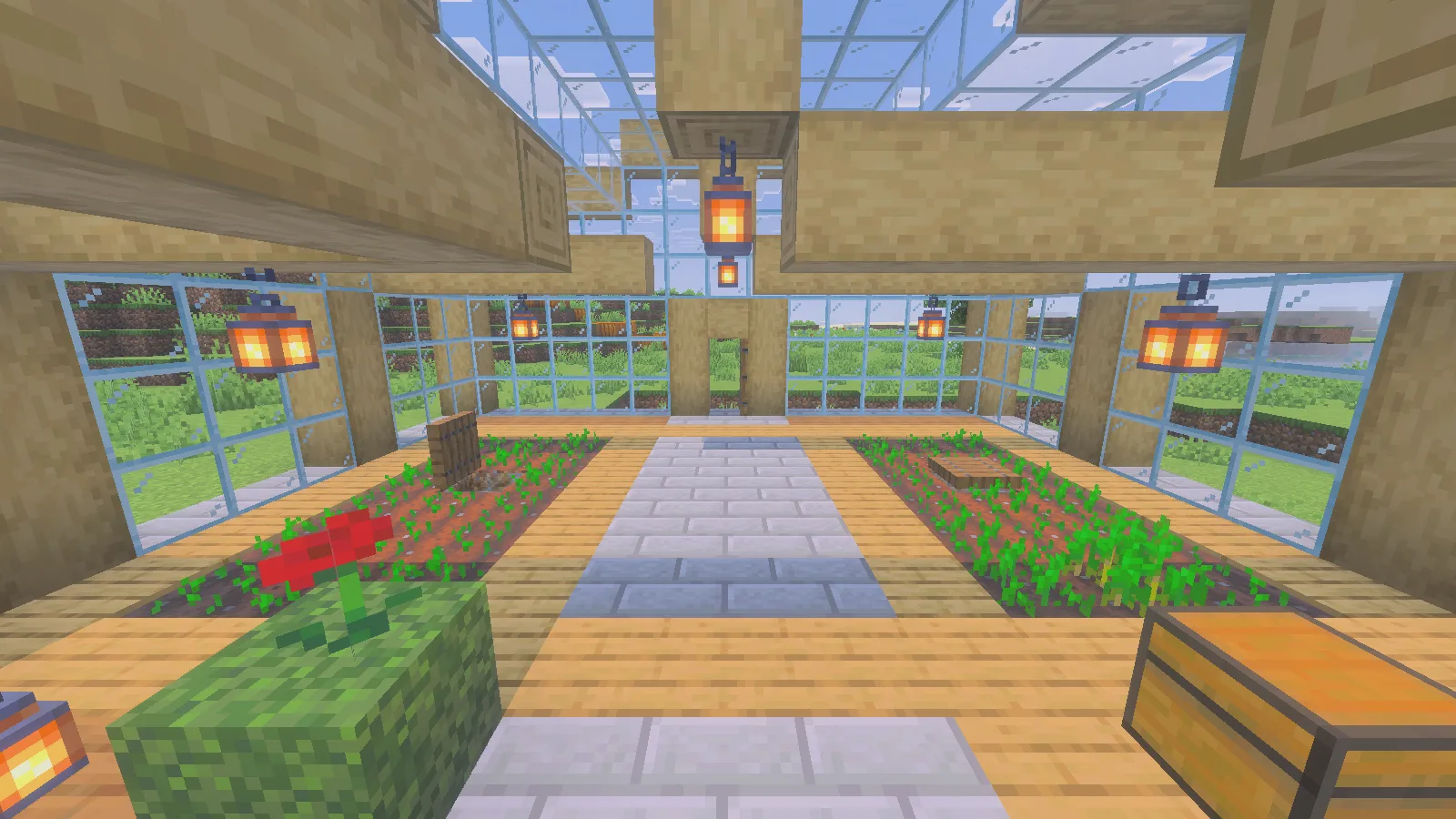
The three-block-wide aisle separates the beds and gives you a clear route between both doors.
Water sources sit beneath two wooden trapdoors. Lift a cover to inspect the water, then close it again. Keep both water cells when changing the planting layout. The two water sources keep the supplied beds hydrated.
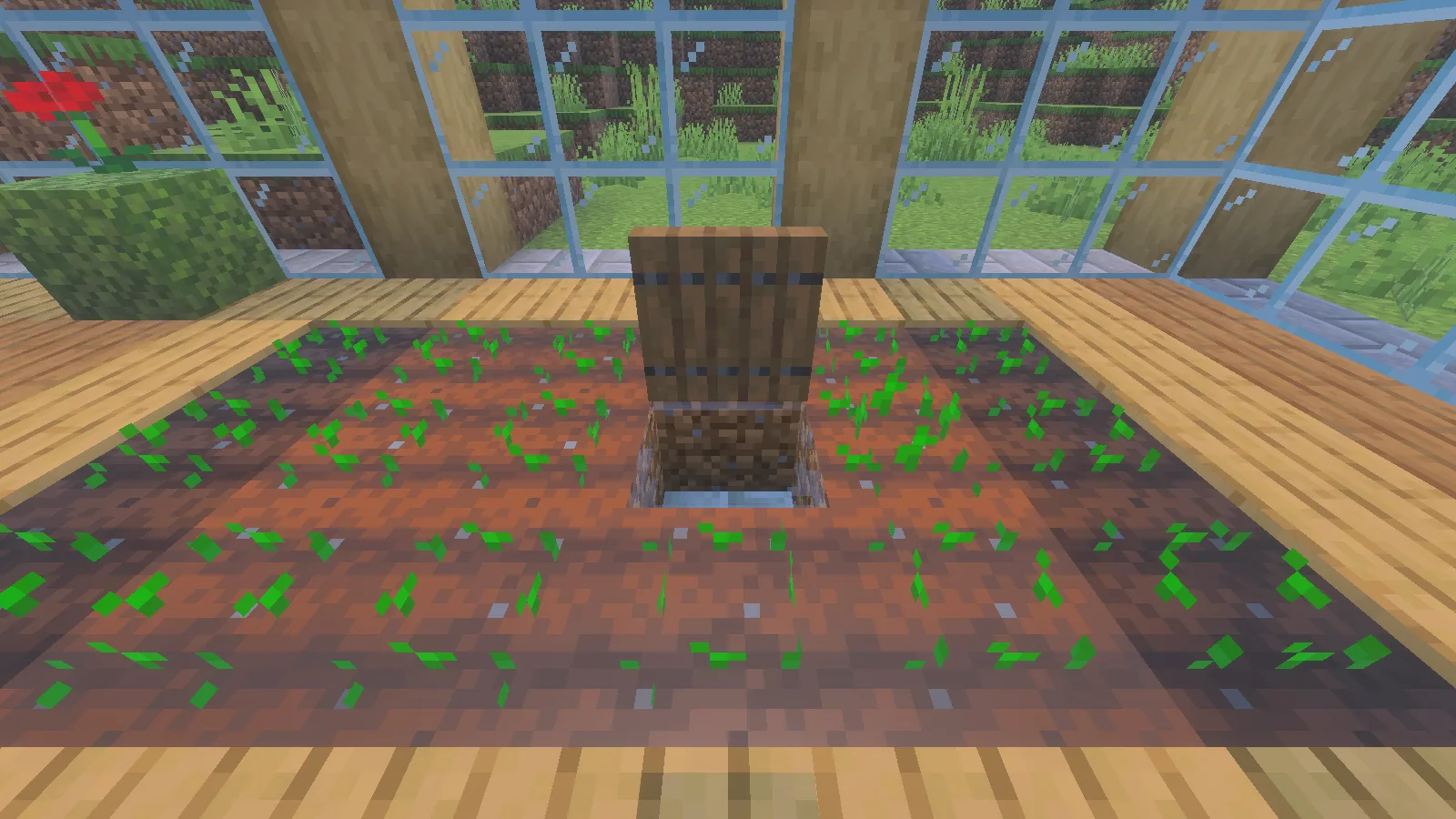
Open the trapdoor to inspect the water beneath it, then close the cover again.
If you enlarge the greenhouse, plan the water and walking space before extending its glass walls. A larger footprint is useful only if you can still reach the crops comfortably.
Harvest a patch, then replant it
This is a garden to tend by hand. Walk one bed from end to end, replant as you go, then return along the other. Carry spare seeds so an interrupted trip does not leave a bare patch, and use the paved aisle when turning or jumping over an obstacle.
For the planting example shown here, bone meal brought one wheat plant to maturity. It was harvested in Survival, and a seed was planted back in the cleared cell. The young plant in the screenshot is that replacement.
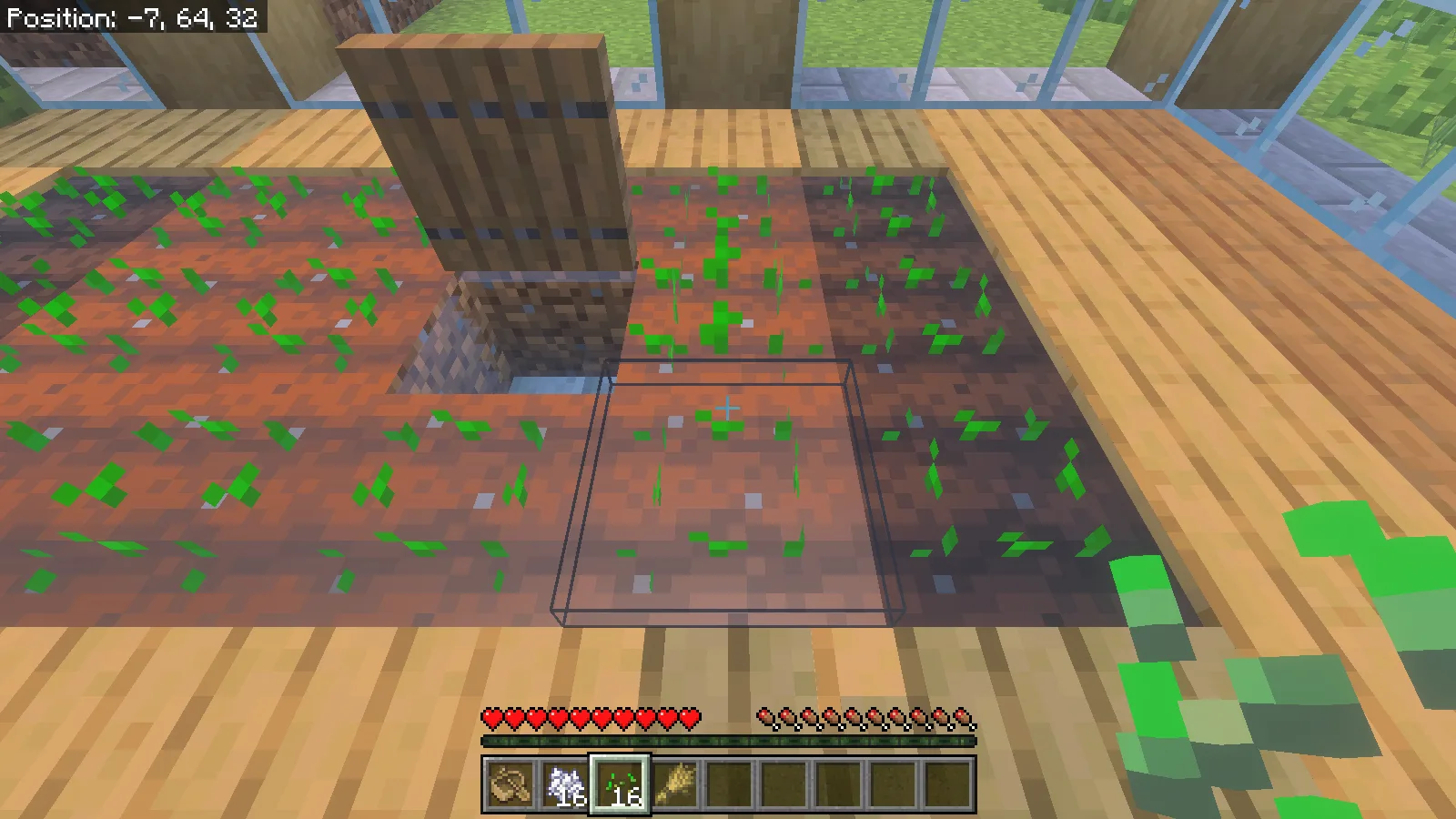
A seed has been planted in the harvested cell; the hotbar still holds the wheat collected from that plant.
The potting bay provides a Tools chest, Seeds and Harvest barrels, a crafting table and a composter. All three containers start empty. Put your hoe in Tools and reserve Seeds for planting stock. Put the wheat you collect into Harvest so it is ready for your next crafting trip.
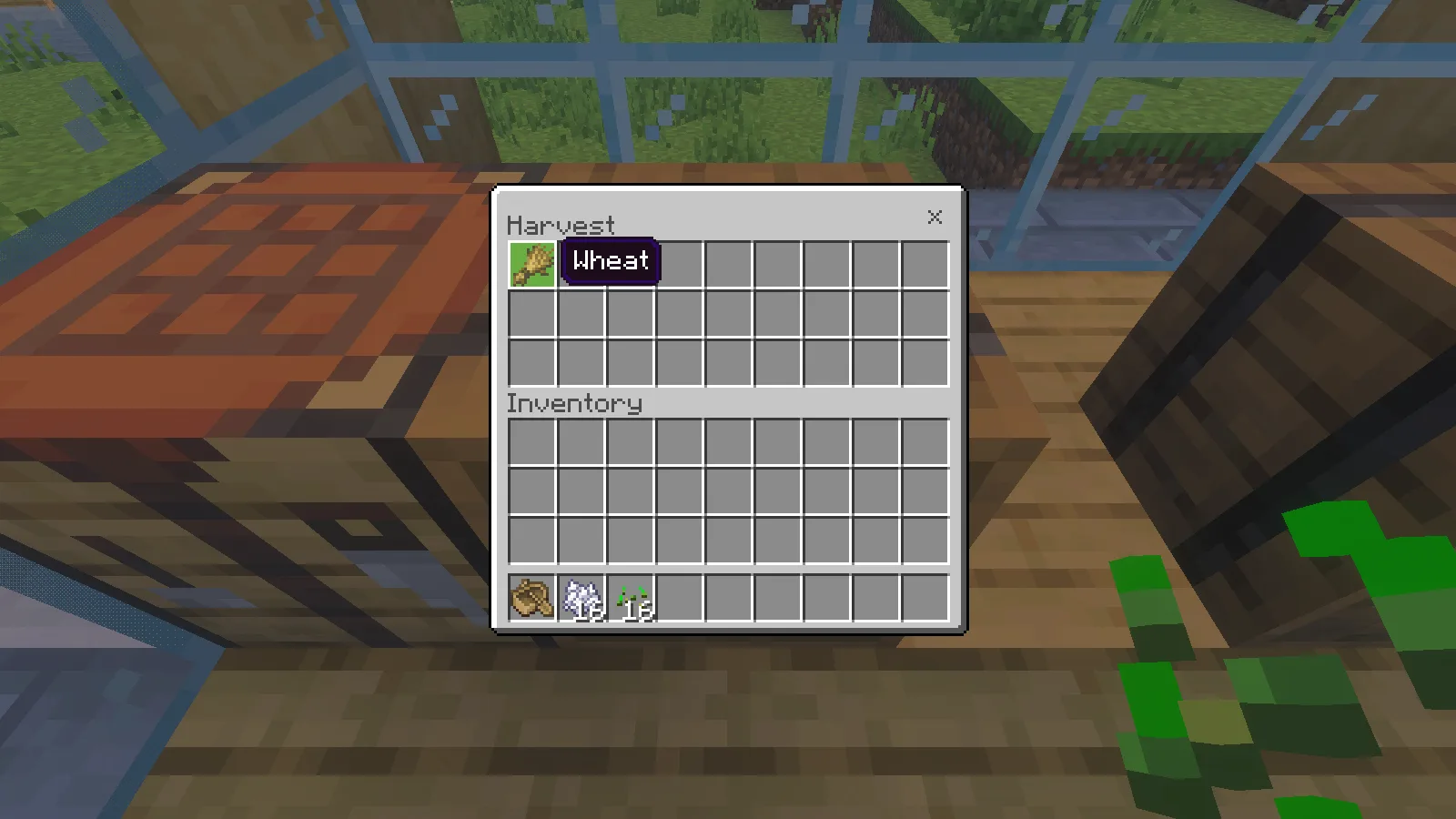
One wheat from the planting example is stored in Harvest. All containers are empty in the original download.
Across the aisle, the open courtyard gives you room for a bench, a planter or a small tree suited to the available space. Keep the connection to the central aisle open when adding furniture.
Import the structure on Windows
The screenshots and steps use Bedrock 26.52 on Windows. Back up your world and use Creative with cheats enabled for placement. Reserve a clear 15 × 15 area with nine blocks of height. The floor blocks sit one block above the file's bottom origin; choose that origin to align the paving with your path.
From Files, download courtyard_greenhouse-0.1.0.mcstructure and run /give @s structure_block. Place the structure block outside the reserved area, open it and choose Load → Import. Select the file, then check its offset and bounds before pressing Load. Imported air can clear existing blocks within the full volume.
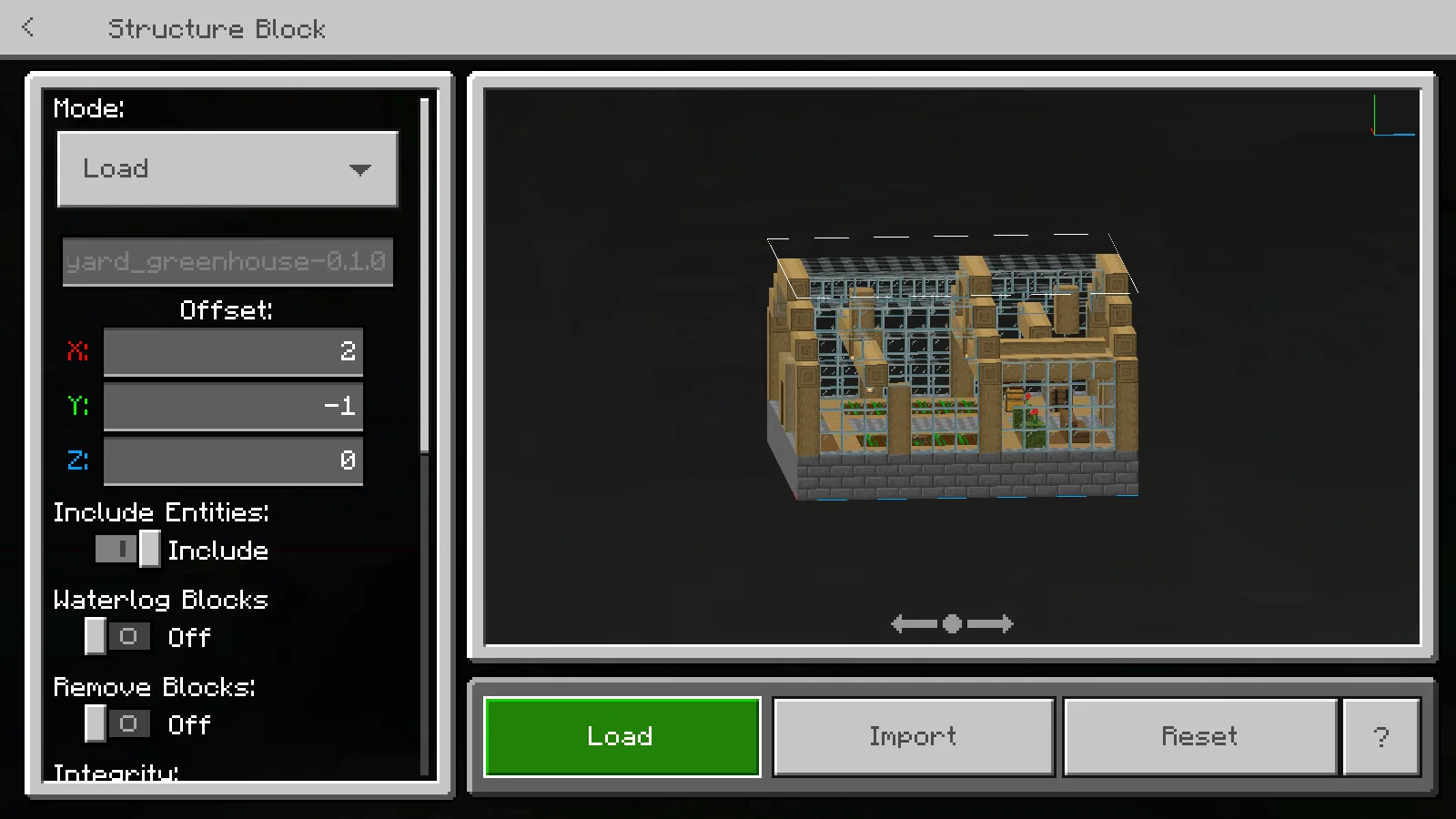
Check the greenhouse preview and offsets before loading it beside your own path.
The alternative .mcpack provides the same building through a behavior pack. Open it with Minecraft, activate Modonix Courtyard Greenhouse in the world's Behavior Packs, return to Worlds and open the world. Load it with:
/structure load modonix:courtyard_greenhouse X Y Z
Replace X Y Z with the intended northwest bottom corner. The behavior pack needs no experiments.
Edit a useful variation
Try another wall trim, change one bed's crop or extend the potting bay toward a larger farm. Preserve the water covers and clear paths as you work.
The source ZIP includes block coordinates, placed-block counts and construction commands. Run python sources/export_structure.py with Python 3 to rebuild the JSON as a separate edited.mcstructure. Modonix's original geometry and source are CC0. The package contains no Minecraft texture files.
Comments & questions
Share what worked, ask for help or reply to another player.
No comments yet. Share what worked for you.