
Laid a path to your winter cabin, but its sides still look unfinished? Snowpath Edges adds a flat blue-gray tile and three matching curb pieces. You can run a border along an existing walkway, turn it around a courtyard and finish it neatly where the path stops.
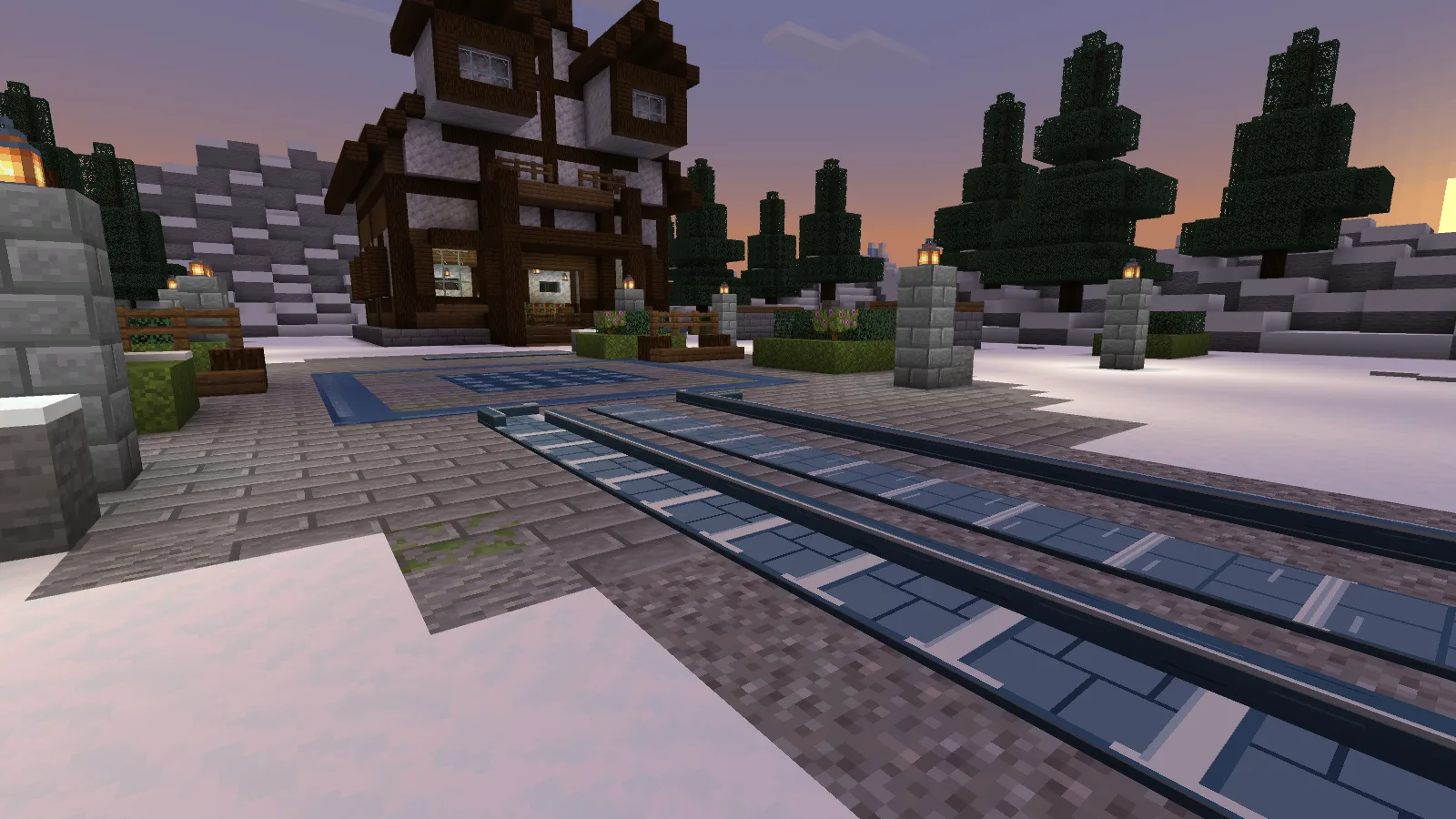
Lay the path, then add the sides
Path Flat is the low walking surface. Edge Straight has a raised rail on one side. Use the flat pieces through the middle and line up the rails where you want the boundary of the path.
You can also mix them with ordinary stone paving. The route here uses both, with the blue-gray pieces continuing toward the lodge.
The pack doesn't remove snow from the route. Clear the space where you want to build, just as you would for an ordinary walkway.
Turn a corner without leaving a gap
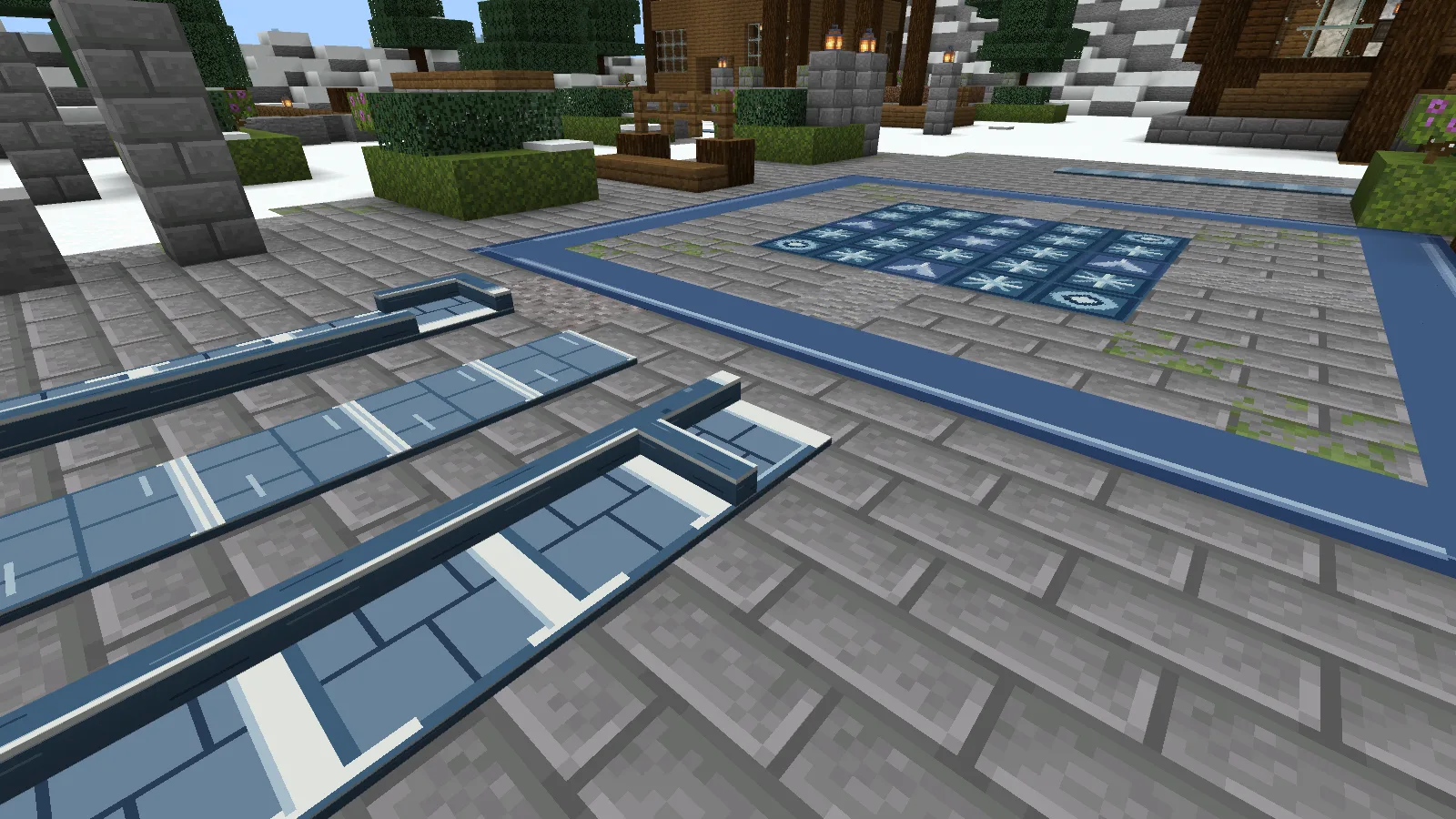
At a bend, switch to Edge Corner and orient it so the rails meet. Leave doorways and the entrance to a courtyard open; there is no need to carry the raised edge across every opening.
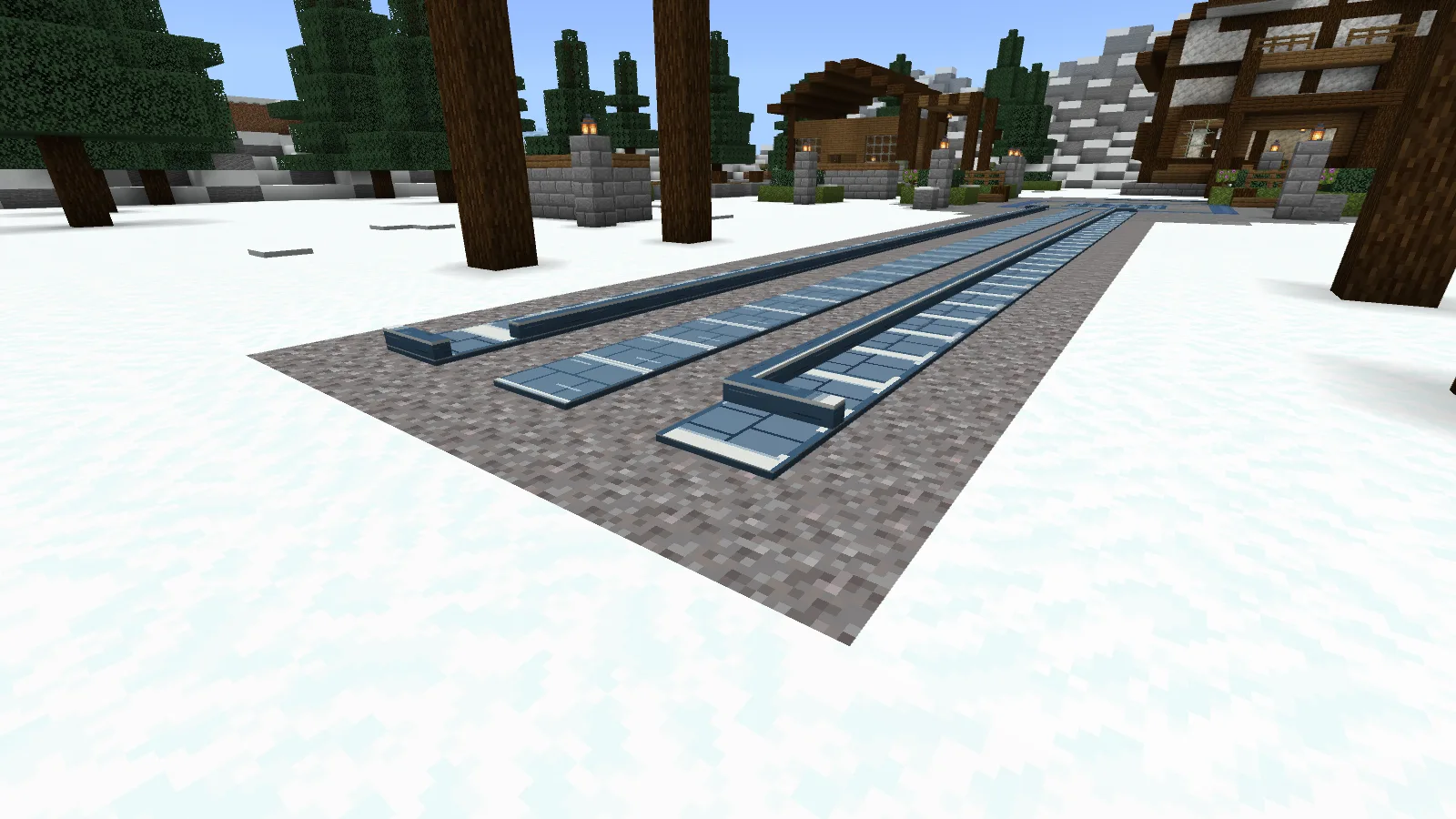
Use Edge End where a rail stops. That gives the path a finished tip instead of an exposed run of straight edging. It's useful for a short branch to a bench, a side door or the start of the main walkway.
One starting recipe
Combine 1 Smooth Stone and 1 Snowball to craft one Path Flat. Put a single piece into the crafting grid to change it:
Path Flat → Edge Straight → Edge Corner → Edge End → Path Flat
All recipes are shapeless, and each craft returns one piece. You can turn spare straight sections into corners instead of making a separate stack from scratch.
For a patterned square at the end of the path, take a look at Ice Mosaic. It is a separate pack.
Snowpath includes four building pieces, not a ready-made path or lodge. Import the .mcaddon file and enable both packs in your world. Back up an existing world before installing.
Comments 0
Share what worked, ask for help or reply to another player.
Use your Modonix account to join the discussion and manage your comments.
Sign in to commentNo comments yet. Share what worked for you.