
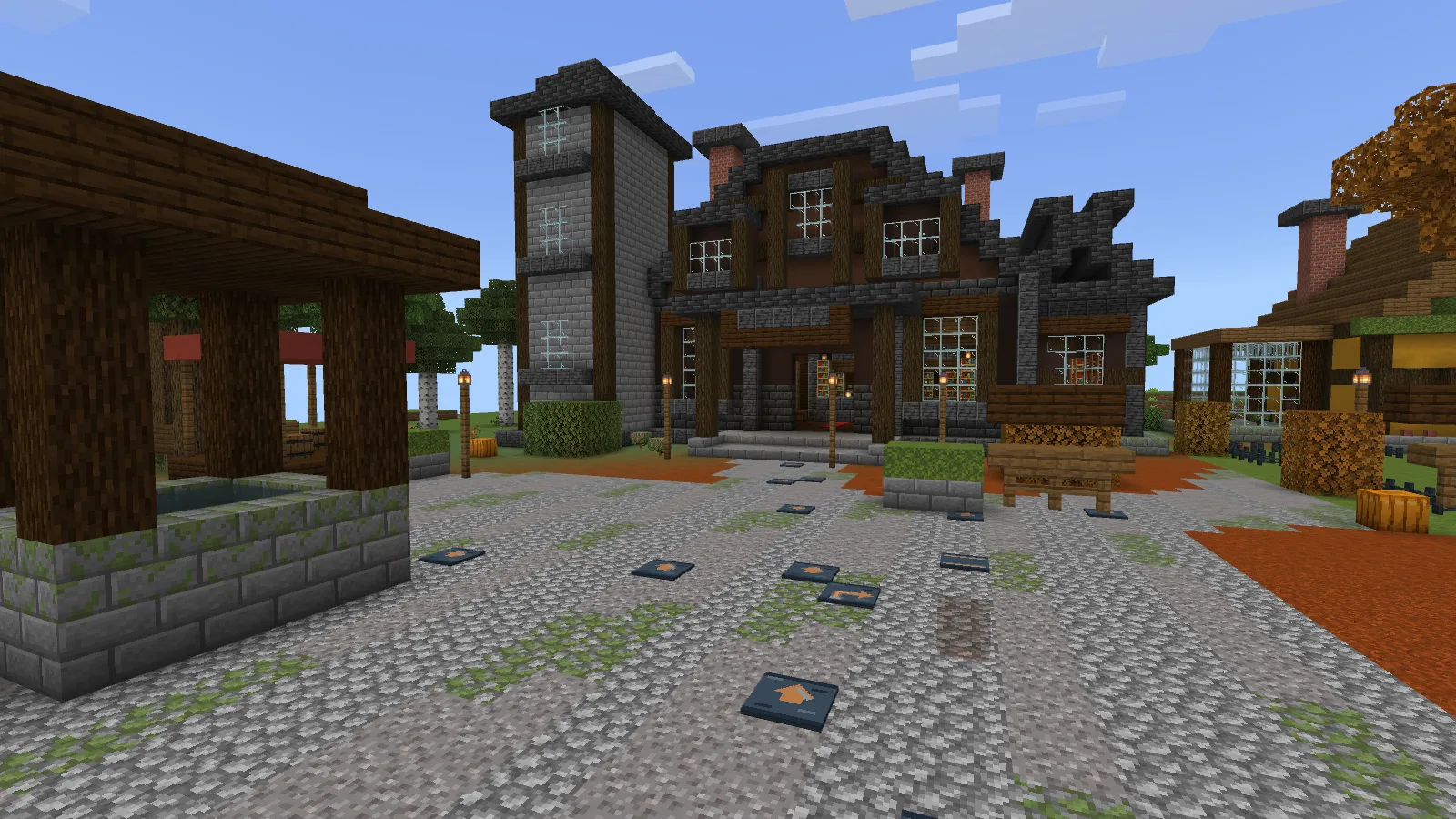
Built a village and keep sending visitors to the wrong door? Moonstep Tiles lets you mark a route on the ground. Its copper-colored arrows sit on blue-gray tiles, so you can point out the workshop, storage room or main entrance without putting a sign at every turn.
Start with the turn
You get three pieces: Step, Corner and Edge. Step carries the directional mark, Corner changes the direction, and Edge gives you a plain matching strip.
Find the place where your path branches before laying the whole route. Put a Corner there, then work back toward the entrance with Steps. Leave some paving between the markers: you only need enough arrows to show the way.
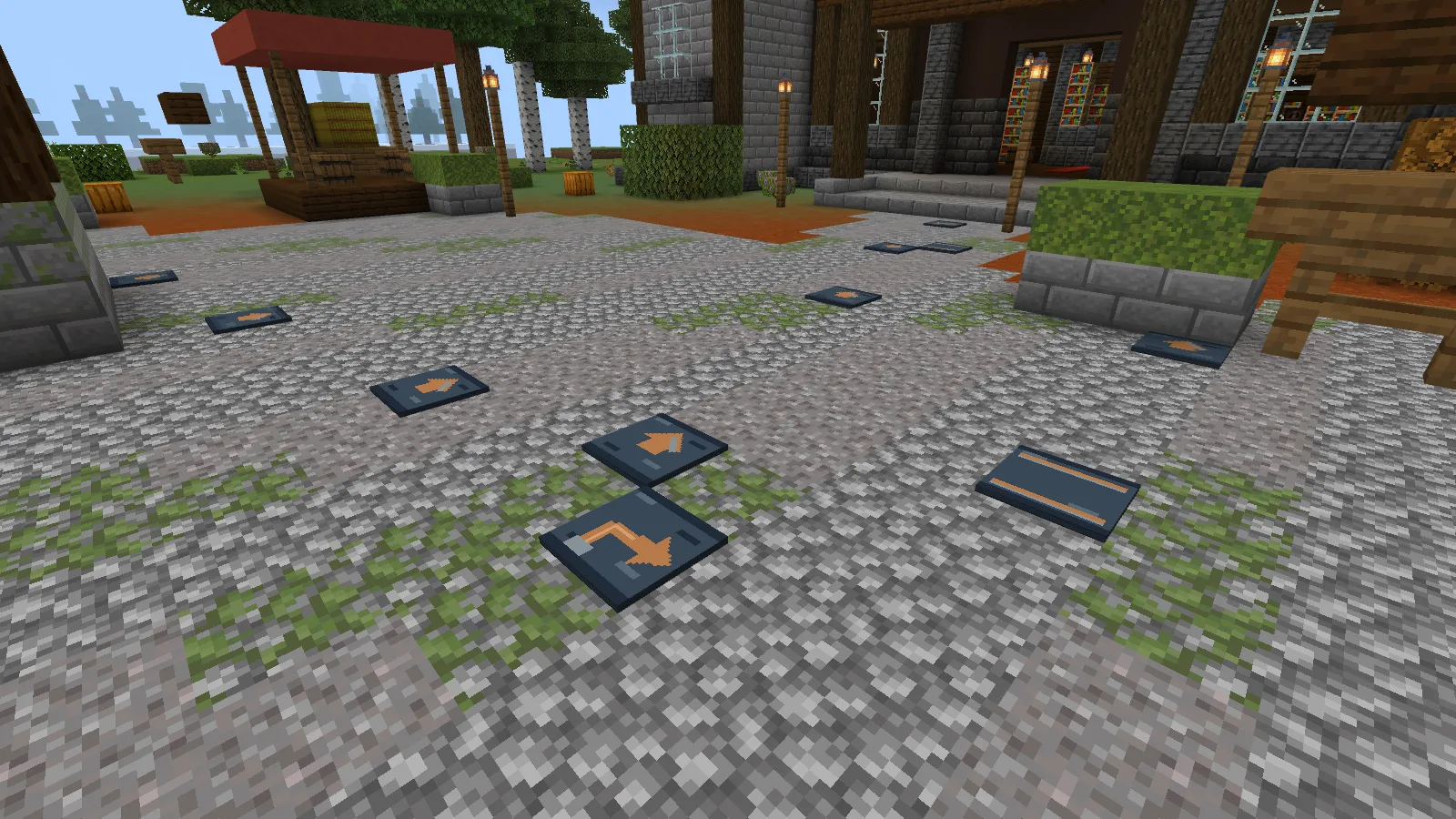
The route here crosses ordinary cobblestone. You can keep a courtyard you already built and add the markers where players need to make a choice, rather than replacing its entire floor.
Keep the way home lit
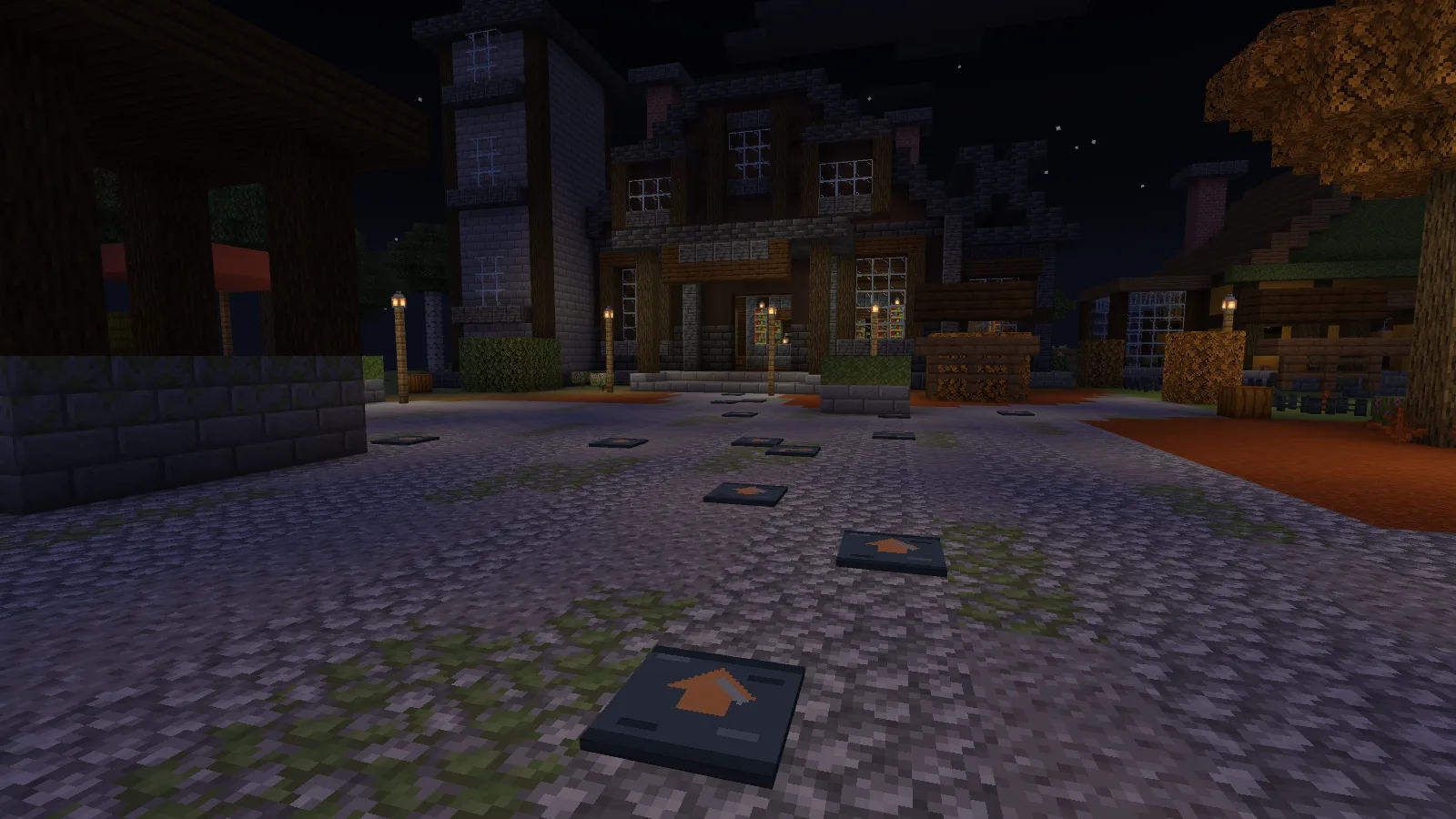
Bring lanterns into the layout if you'll use the route at night. The copper marks are easy to pick out up close, but lighting the doors and turns also helps you spot where the path is taking you.
Make a Step, then choose its shape
Combine 1 Smooth Stone, 1 Glowstone Dust and 1 Copper Ingot in any arrangement to craft one Step.
Put that tile into the crafting grid on its own to change it:
Step → Corner → Edge → Step
Each craft gives one piece back. Made too many Corners? Keep cycling them until you have Steps again; you don't need another batch of ingredients.
Moonstep is a small set of three building pieces. It gives an existing settlement a marked route; it doesn't generate paths or include the buildings shown here.
To add it to your world, import the .mcaddon file and enable both included packs in your world's settings. Save a backup before adding it to a world you want to keep.
Comments 0
Share what worked, ask for help or reply to another player.
Use your Modonix account to join the discussion and manage your comments.
Sign in to commentNo comments yet. Share what worked for you.