
Want something more interesting than plain stone in front of your winter lodge? Ice Mosaic gives you four patterned floor tiles and two border pieces. The blue-and-white designs let you make a small centerpiece without rebuilding the whole courtyard.
The name is about the icy colors: this is a decorative building set.
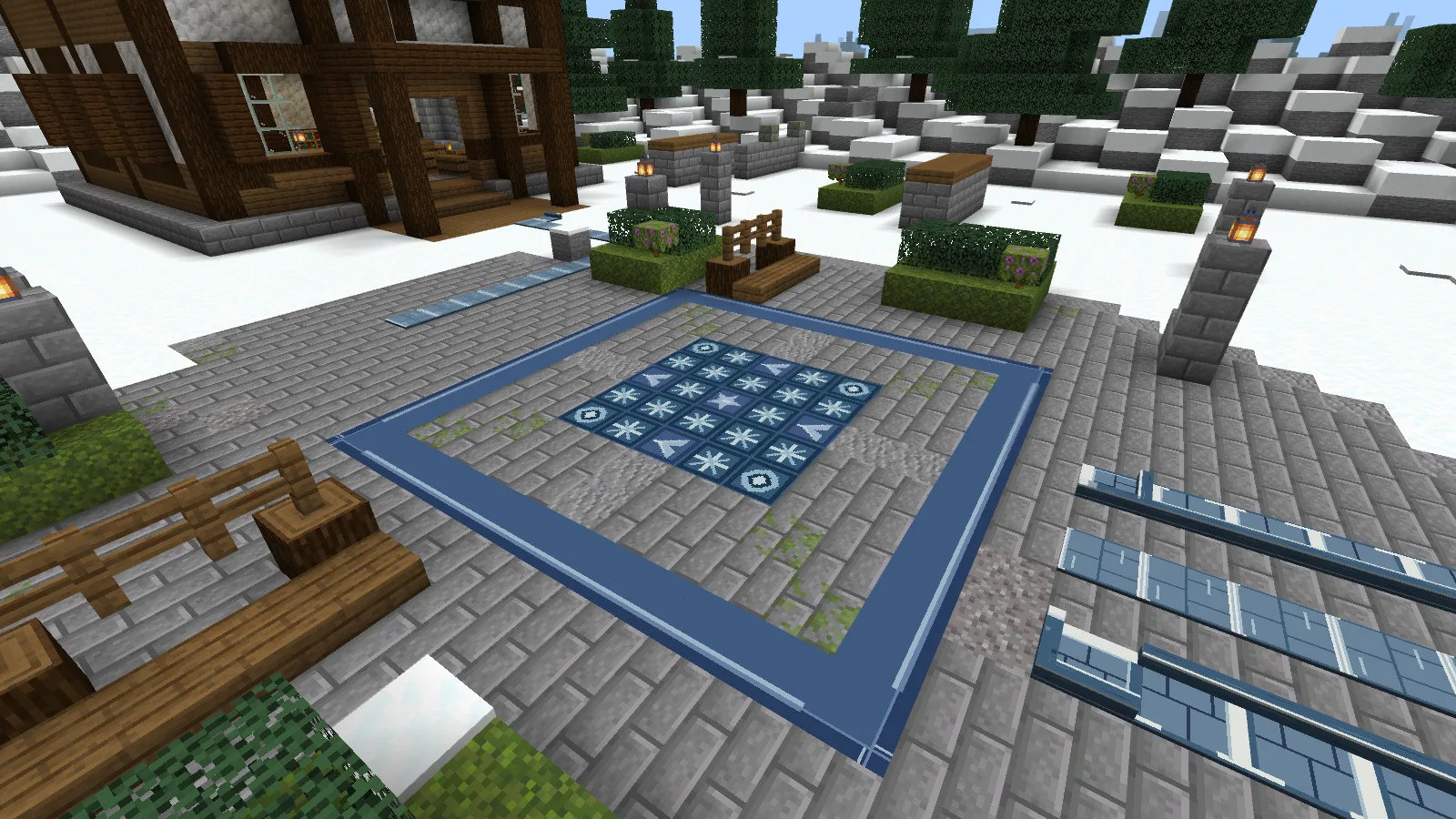
Copy this 5-by-5 pattern
You don't need a huge floor to use the set. For the square above, gather 25 tiles:
- 1 Star for the center.
- 4 Diamonds, one at each corner.
- 4 Petals, one halfway along each side.
- 16 Field tiles to fill the remaining spaces.
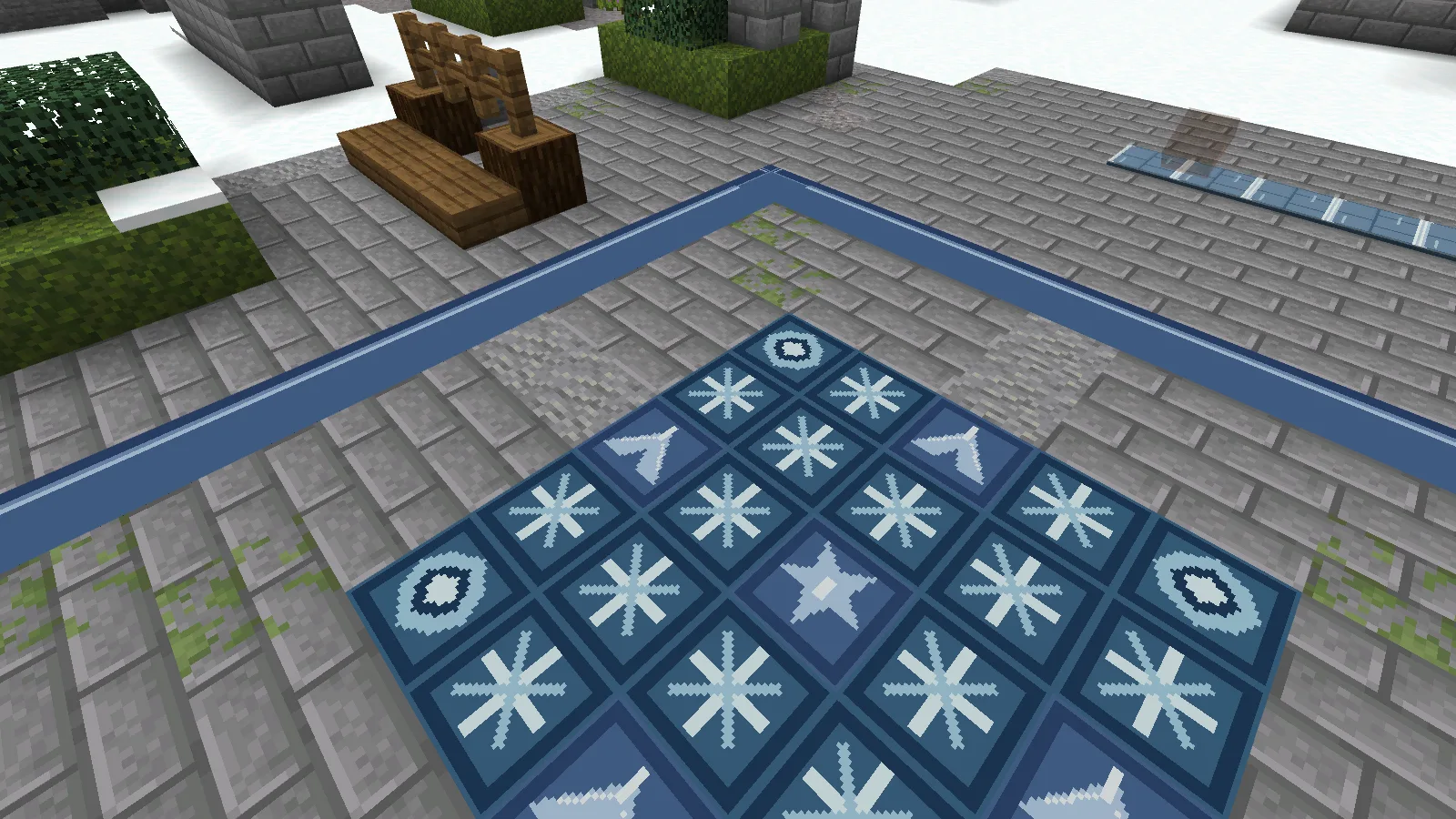
Start with the center, place the corners and side pieces, then fill the gaps. You can copy this arrangement for an entrance hall or change the pattern to fit a room you already have.
Put a border around it
The larger outline here measures 11 blocks by 11 blocks. It uses 4 Border Corners and 36 Border Straights. Place the corners first, then join them with nine straight pieces along each side.
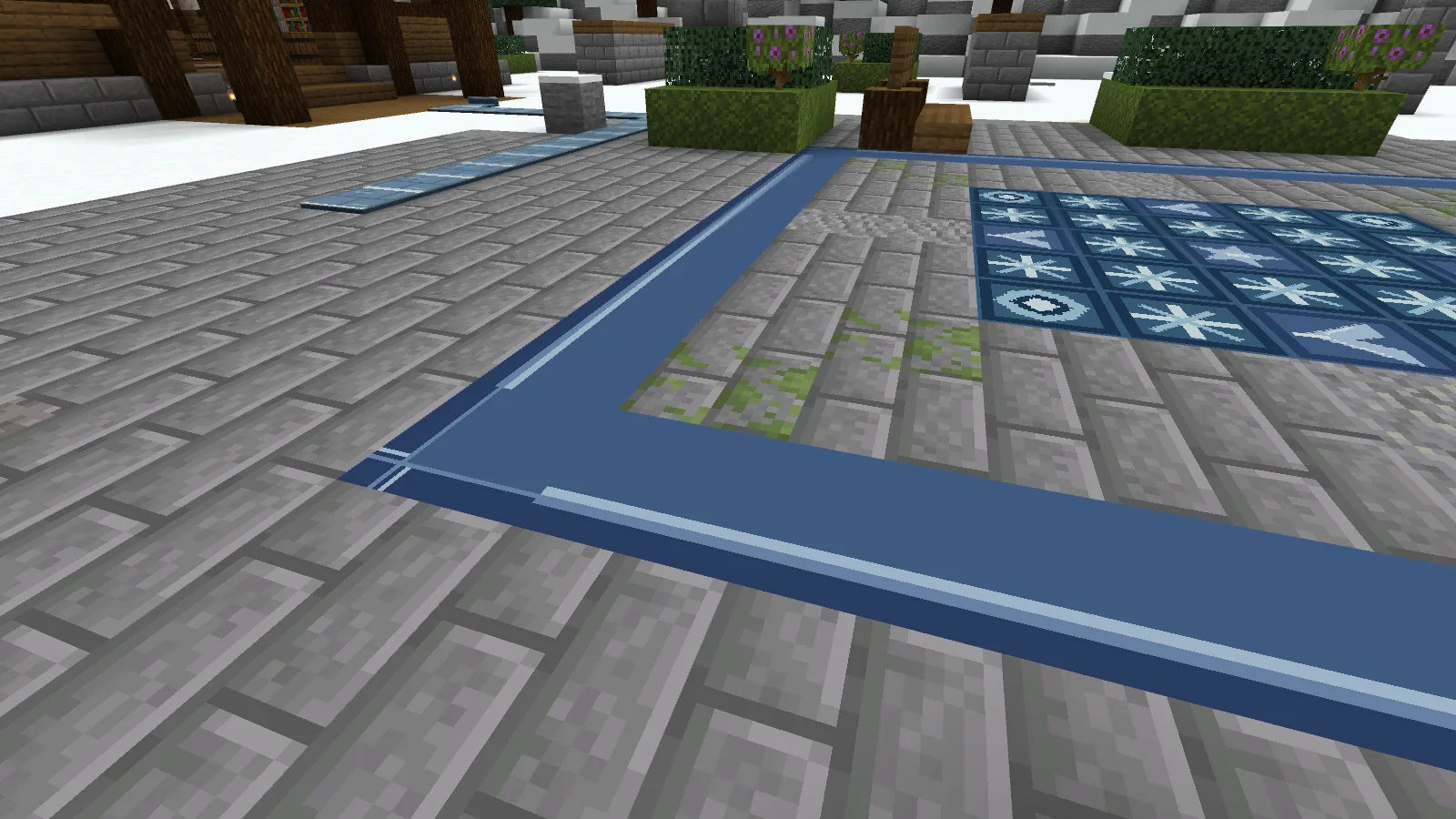
The stone between the border and the patterned square is regular Minecraft paving. Keep that gap if you want a small mosaic in a larger courtyard; you don't have to spend patterned tiles on the entire floor. Turn the border pieces so their lines join at the corners.
Get all six pieces from one recipe
Combine 1 Calcite and 1 Blue Dye to craft one Field tile. Put a single piece into the crafting grid to cycle through:
Field → Star → Diamond → Petal → Border Straight → Border Corner → Field
The recipes are shapeless and return one tile each. Convert your extras as you go: the center pattern and its outer border use different amounts of each piece.
The download contains the six tile designs, leaving the courtyard for you to build. Import the .mcaddon file and enable both packs in your world. Save a backup before adding it to an existing build.
Comments 0
Share what worked, ask for help or reply to another player.
Use your Modonix account to join the discussion and manage your comments.
Sign in to commentNo comments yet. Share what worked for you.