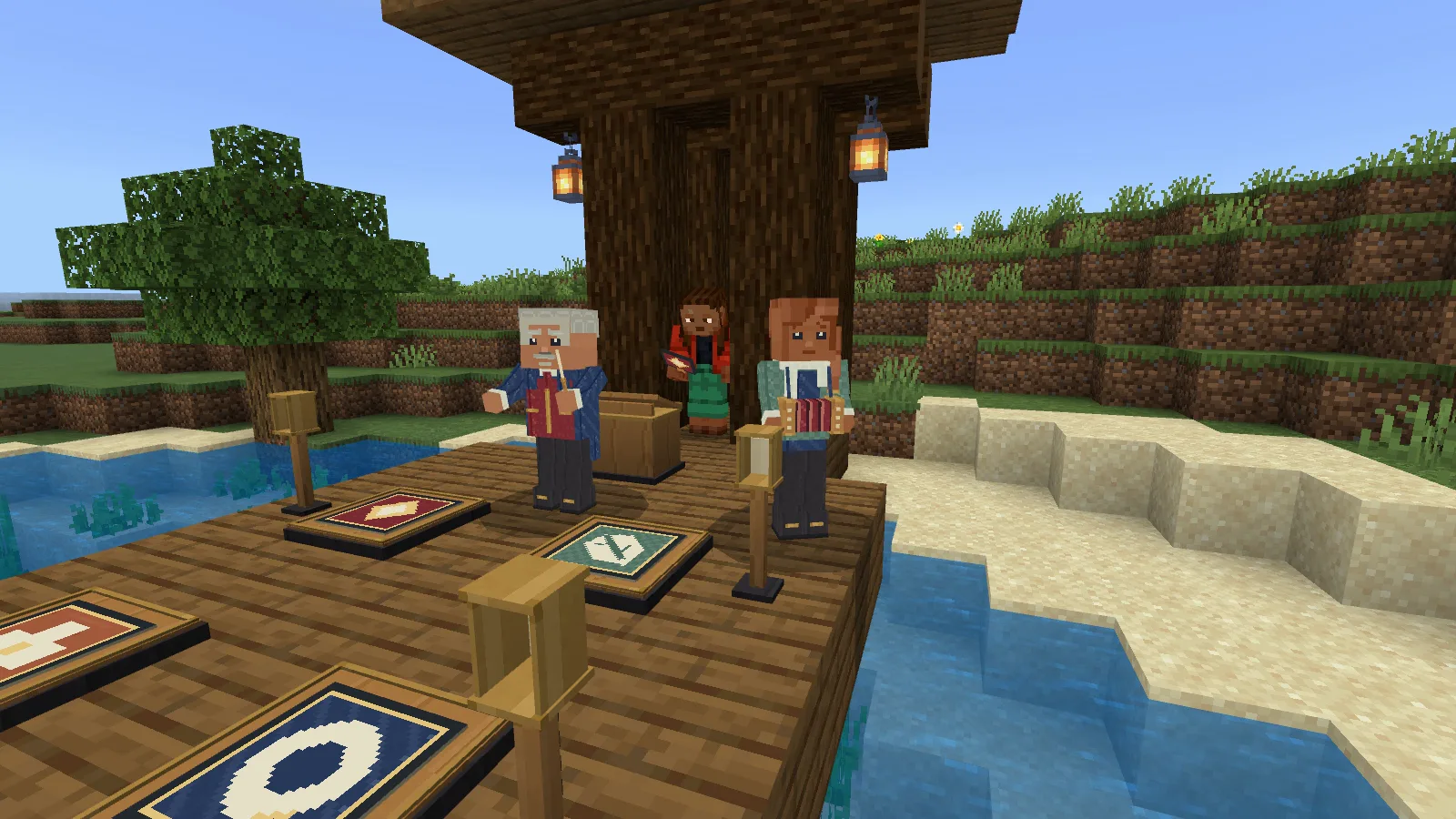
Bram lifts his baton. The little signal beside your part opens, and one tap adds your bell phrase to the music. Across the circle, Iona's concertina fills in the other parts. Hearthcall Ensemble gives you a small, playable gathering to put beside your village square, winter market or favourite meeting place.
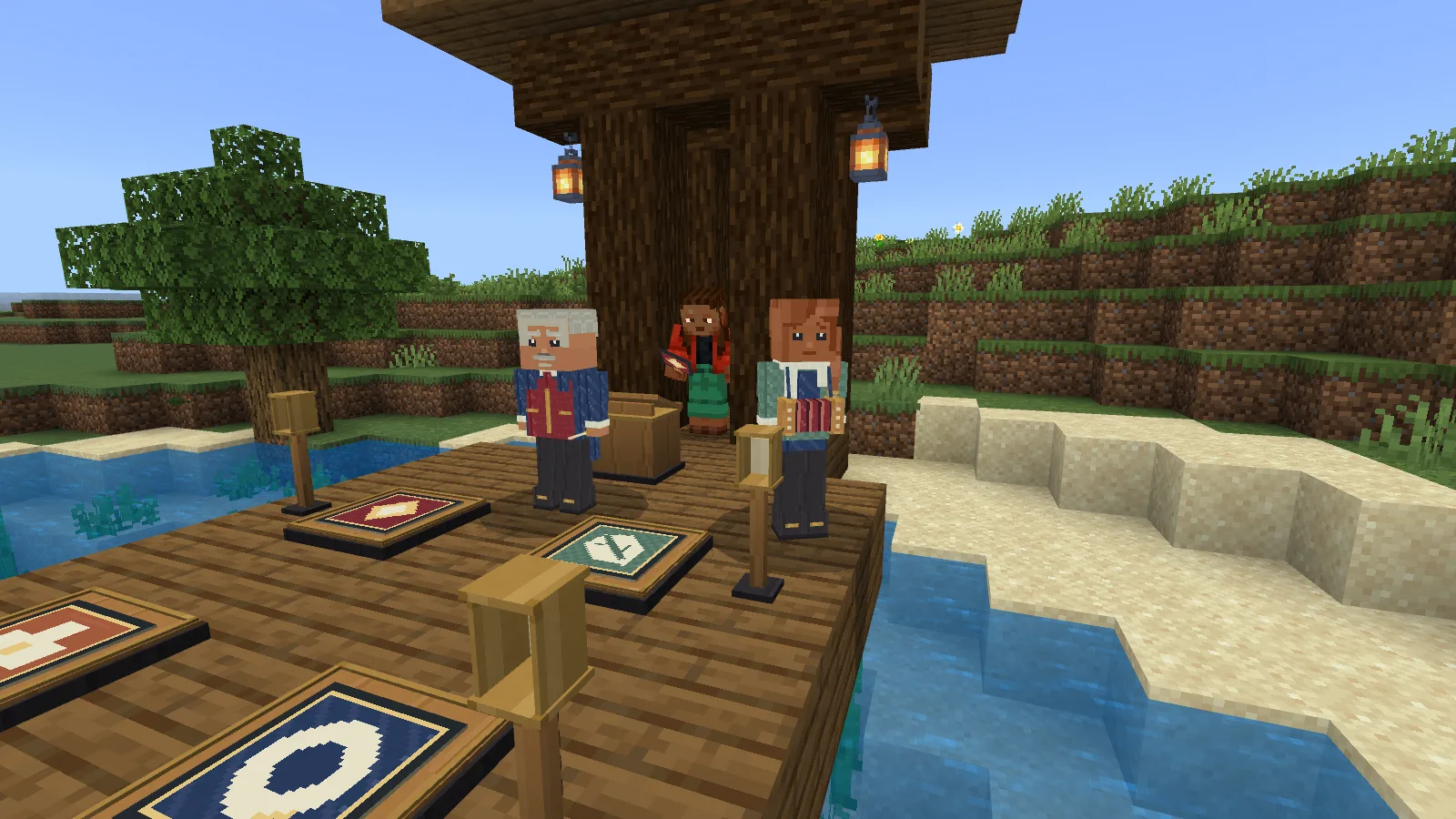
The surrounding porch and trees are filming scenery.
Make a place for the band
Craft a Hearthcall Ensemble Kit with the recipe shown below. Keep five oak planks and four copper ingots for placing the supplied four-part circle; those are separate from the kit recipe.
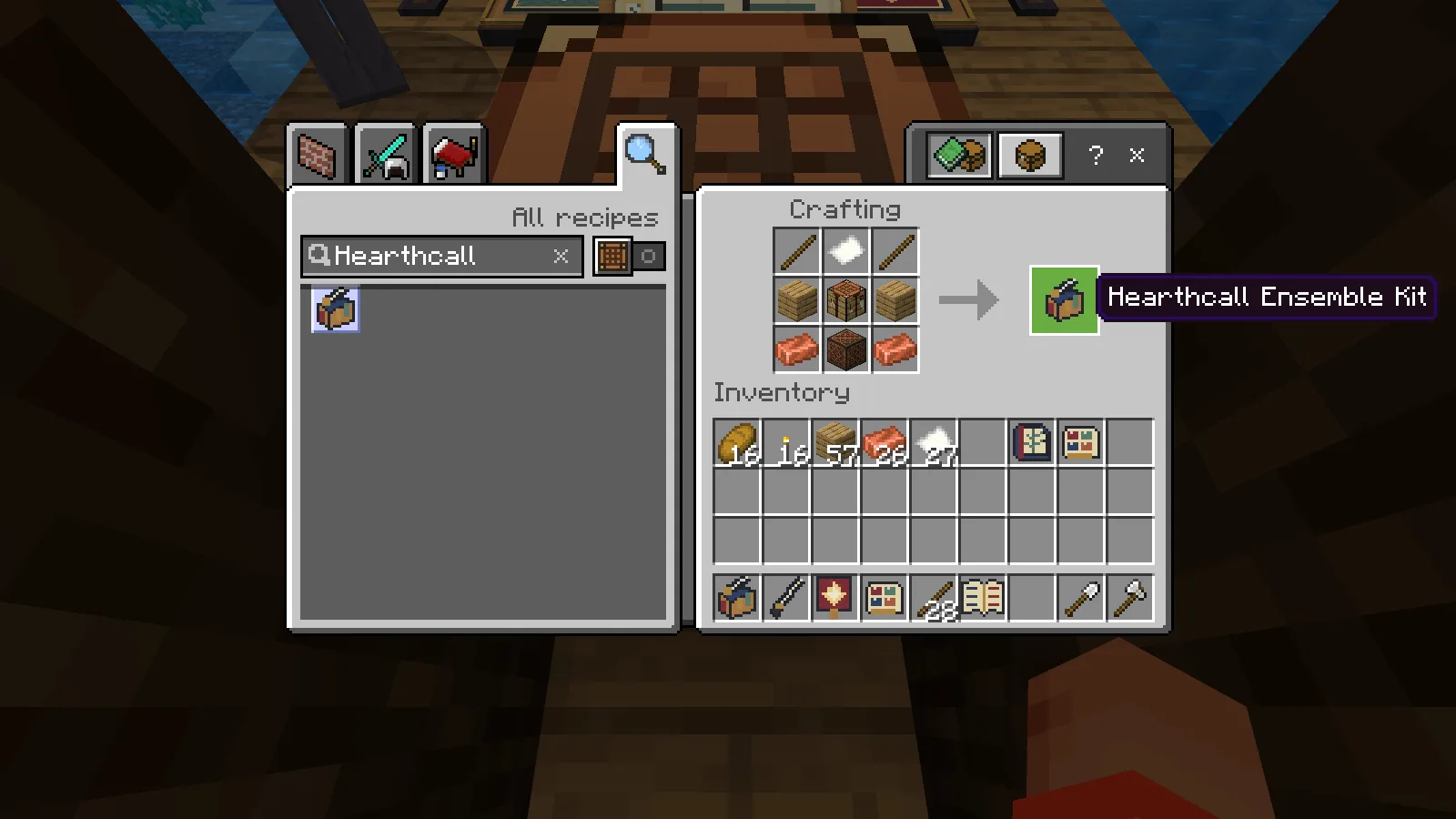
Kit: two sticks, one paper, two oak planks, one crafting table, two copper ingots and one note block. Keep five more oak planks and four more copper ingots for placement.
Choose a solid 5 × 5 floor with three clear blocks above it. Mark the place with your kit, step outside the marked square and confirm the cost. Bram and Iona arrive with a score stand, four part places and their entry signals. If the floor is missing or something is in the way, fix the named place before trying again.
The porch, trees and surrounding landscape in our pictures are a prepared filming location. The add-on supplies the ensemble and its music.
Your first four phrases
Open Make tools & song cards at the stand. A Conductor's Baton costs one stick; a Bell Line Sign costs another. Both are reusable.
Choose Bell line, then Tap the sign once. Use the baton to pick Unhurried, start the full song and close the controls. Watch Bram raise his hands and your entry signal open. Tap your sign once during that preparation, then let the whole phrase play. You get another entry at the next phrase.
Play the Pineglass Reply performance: four answered phrases, Iona’s accompaniment and the closing bow. Recorded in Minecraft; the captured game sound is raised for this video.
There are four parts: Bell line, Reed reply, Wood pulse and Low hum. Make the matching sign before choosing another part. Each sign answers with a complete musical phrase, so you do not have to tap every individual note or hold a long note yourself.
The supplied version lets Iona support missing parts. An early mistake gives you another chance at the next cue. You can also choose Hold sneak briefly during the cue if that feels more comfortable than tapping.
Change the song, keep playing
Begin with Sunthread Round. Make a Pineglass Reply or Hearthward Home song card for one paper each, carry it and choose it while the circle is stopped. Cards stay in your inventory when you switch songs.
All three themes are original instrumental pieces. Try the slow setting first, then choose a livelier tempo. A tempo change takes effect at the next phrase, so it does not cut through one that is already playing.
Listen first plays the circle without entering a performance. Practice one phrase lets you rehearse a chosen part of the song. Neither uses materials or earns a performance keepsake.
Use Your listening & volume for Gentle, Full or Silent. That choice belongs to you; the physical cues still work when you choose silence. A Phrase Book costs one paper and shows the notes for the current phrase.
Remember who played
Finish a full performance with at least two player answers, then open Keep this cast. One paper turns that earned performance into a Cast Keepsake. It records who played, their parts and their answered phrases, with Iona's support counted separately.
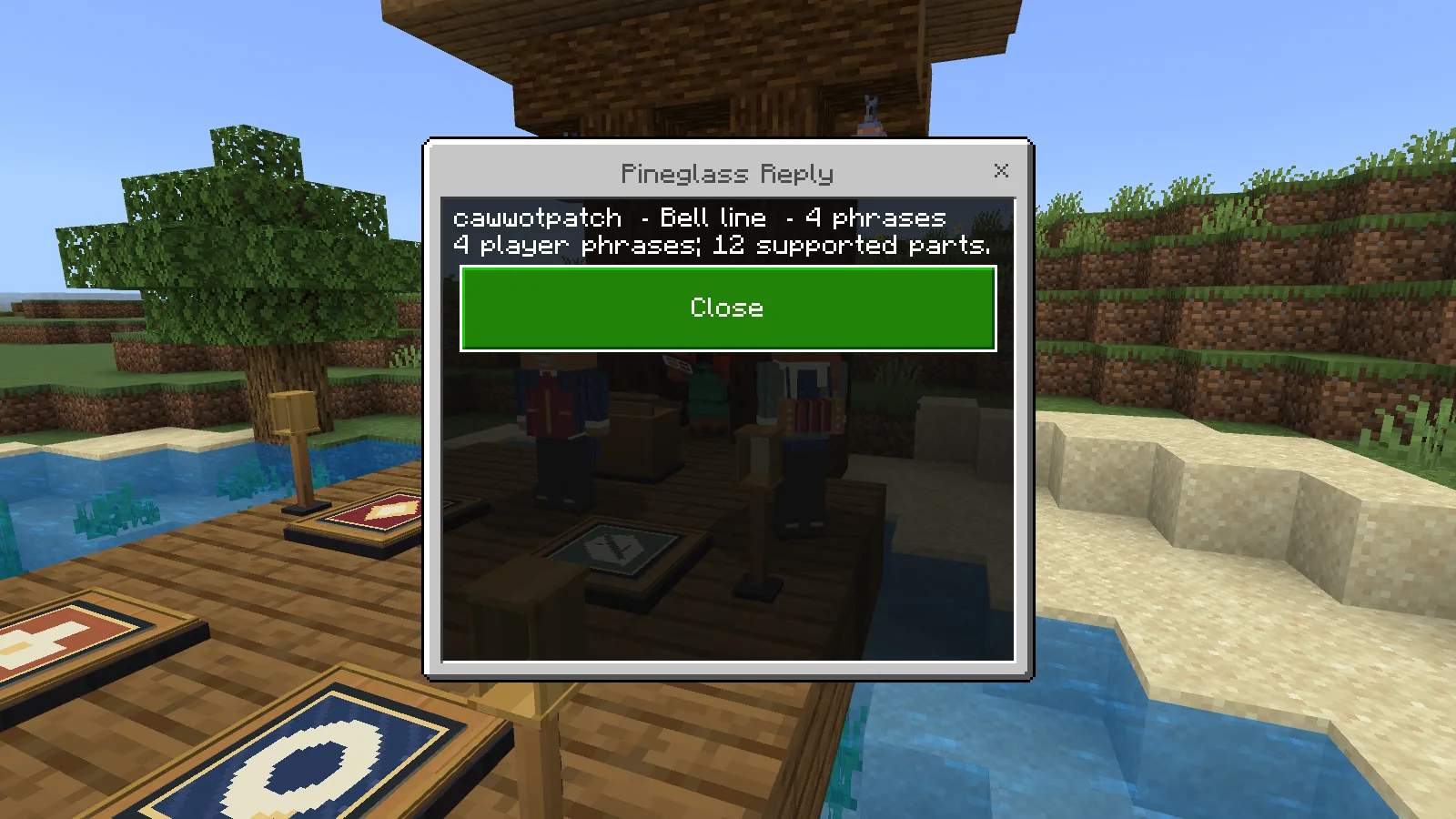
The keepsake records the actual completed performance.
Our Bell line performances of Sunthread Round and Pineglass Reply each finished with four player answers and twelve supported parts. The keepsakes stayed in the bag after saving and reopening the world.
To move your gathering, stop it, step off the places and choose Pack this stopped circle under Keep this cast. Its paid stands and signals return their materials once. Your tools, song cards and earned keepsakes stay with you.
The circle also includes invitations for nearby players, who choose their own free part. Our recorded playthrough uses one player on Windows; two-player and touch-device play are not yet verified for this beta.
Make it your own
Import the editable ensemble project into the constructor to choose the number of parts, starting theme and tempo, cue window, helper support and joining rules. The supplied circle starts with four parts, supporting musicians and the wider cue window. You can slow it down inside the game before playing.
Download beta 0.1.3 for Minecraft Bedrock 26.52 on Windows from Files, then enable its behavior and resource packs in your world. Bring your kit to a clear place and start with one sign.
Created by Modonix Studio. Made with Modonix.
Comments & questions
Share what worked, ask for help or reply to another player.
No comments yet. Share what worked for you.