The rolling pin is moving, but nobody is holding it. In Fablecrumb Kitchen, an unseen cook shares your workbench while you turn pumpkin dough and apple filling into supper. You decide what to prepare, agree on each step and carry the finished pie to a guest who has an opinion about how it should arrive.
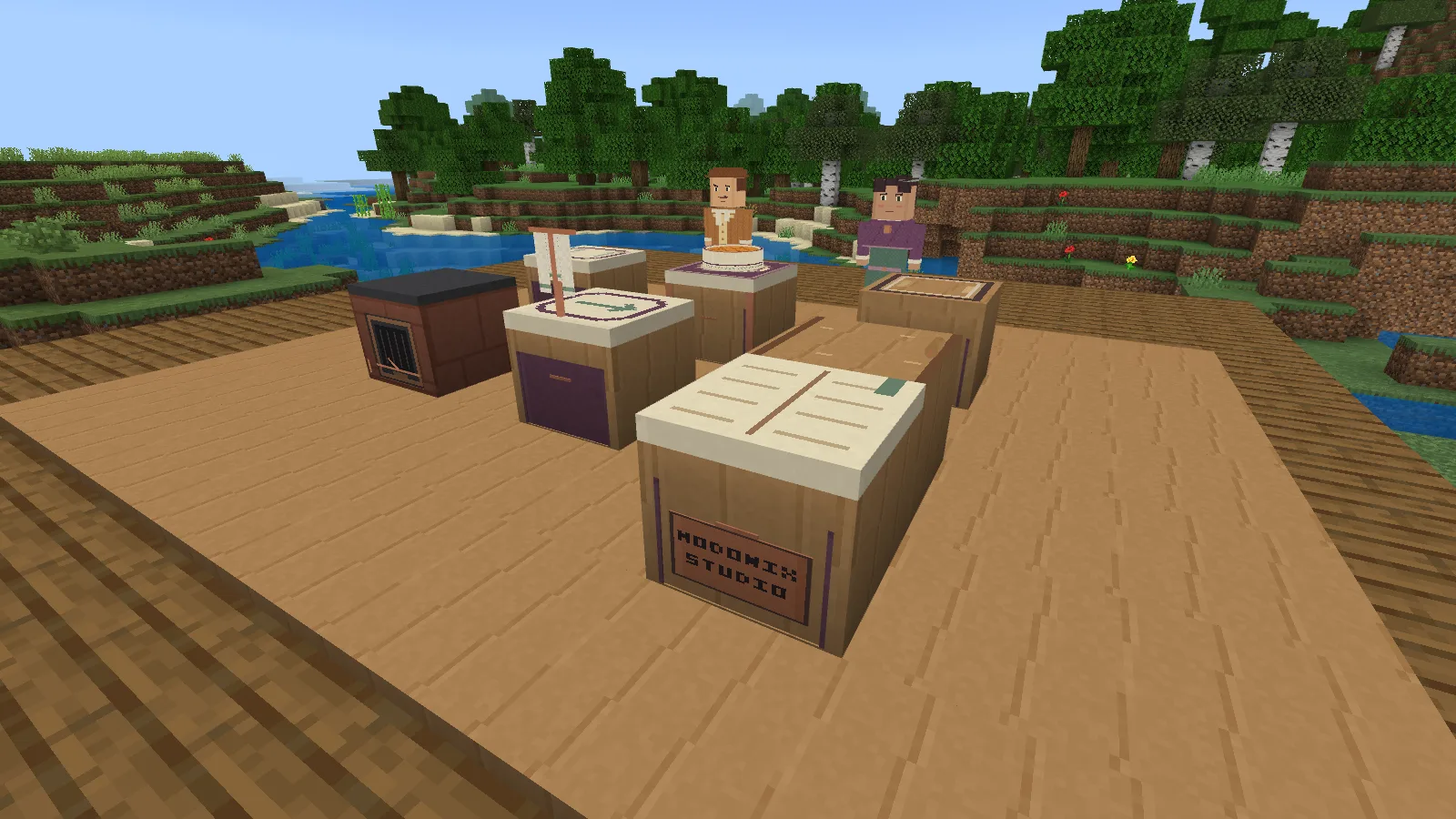
Your kitchen has separate places for rolling, heating, joining and serving. The floating towel belongs to your unseen cooking partner.
Make room for your kitchen
Import the add-on and enable its resource and behavior packs in your world. This release targets Minecraft Bedrock 26.52. Make a backup before adding it to an existing save.
Craft the Fablecrumb Kitchen Kit at a crafting table using the arrangement below. The kit marks a place; building the kitchen also costs 12 oak planks, 6 clay balls and 3 copper ingots. Keep those materials in your bag.
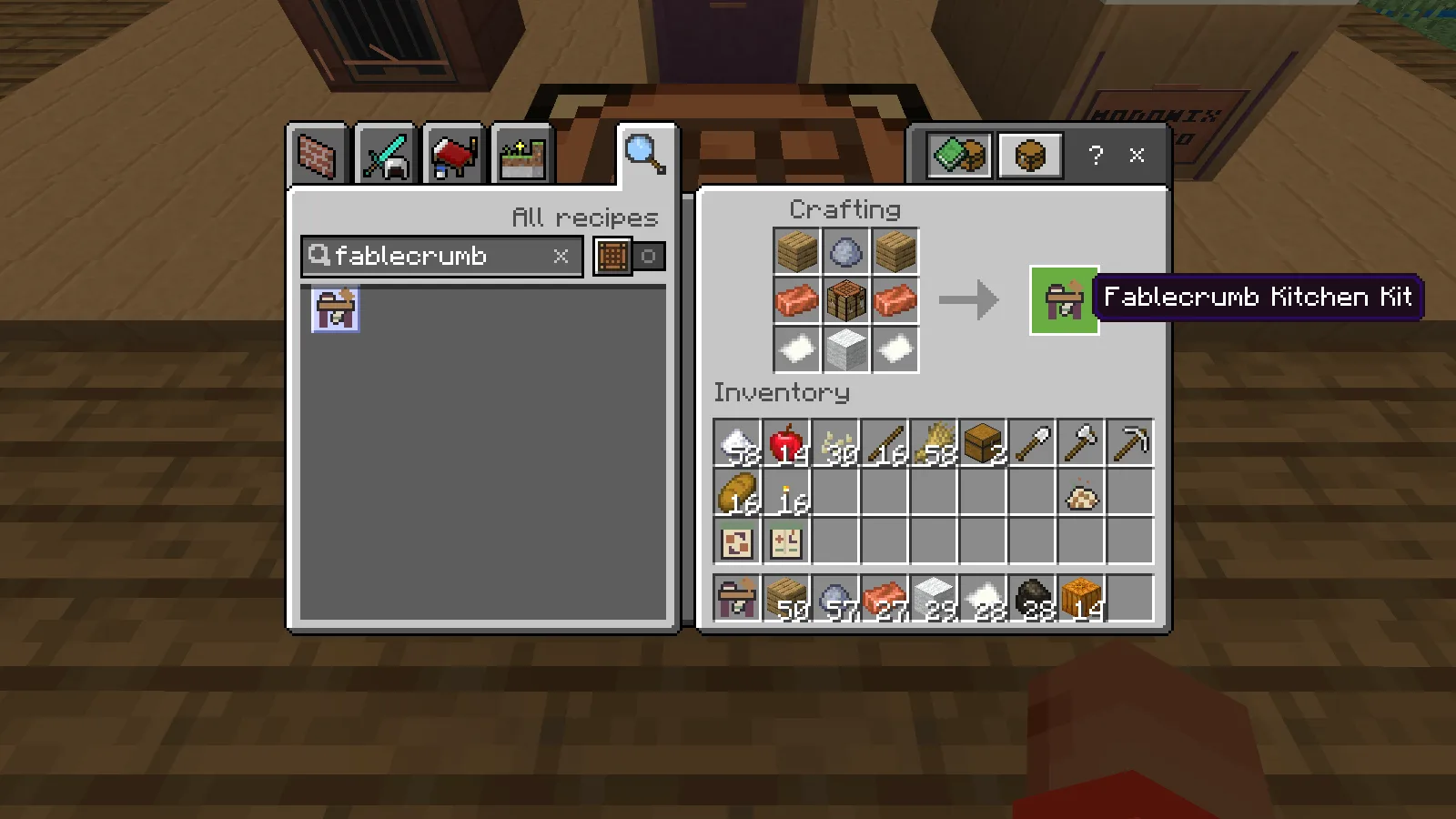
Craft the kit using the shown grid, then bring twelve oak planks, six clay balls and three copper ingots to build the kitchen.
Choose a level 9 × 7 space with four clear blocks above it. Aim at the ground, use the kit and inspect the marked area. Step outside before confirming. If grass, a tree or another block prevents placement, the message points to the obstruction. You can also choose Pick another spot.
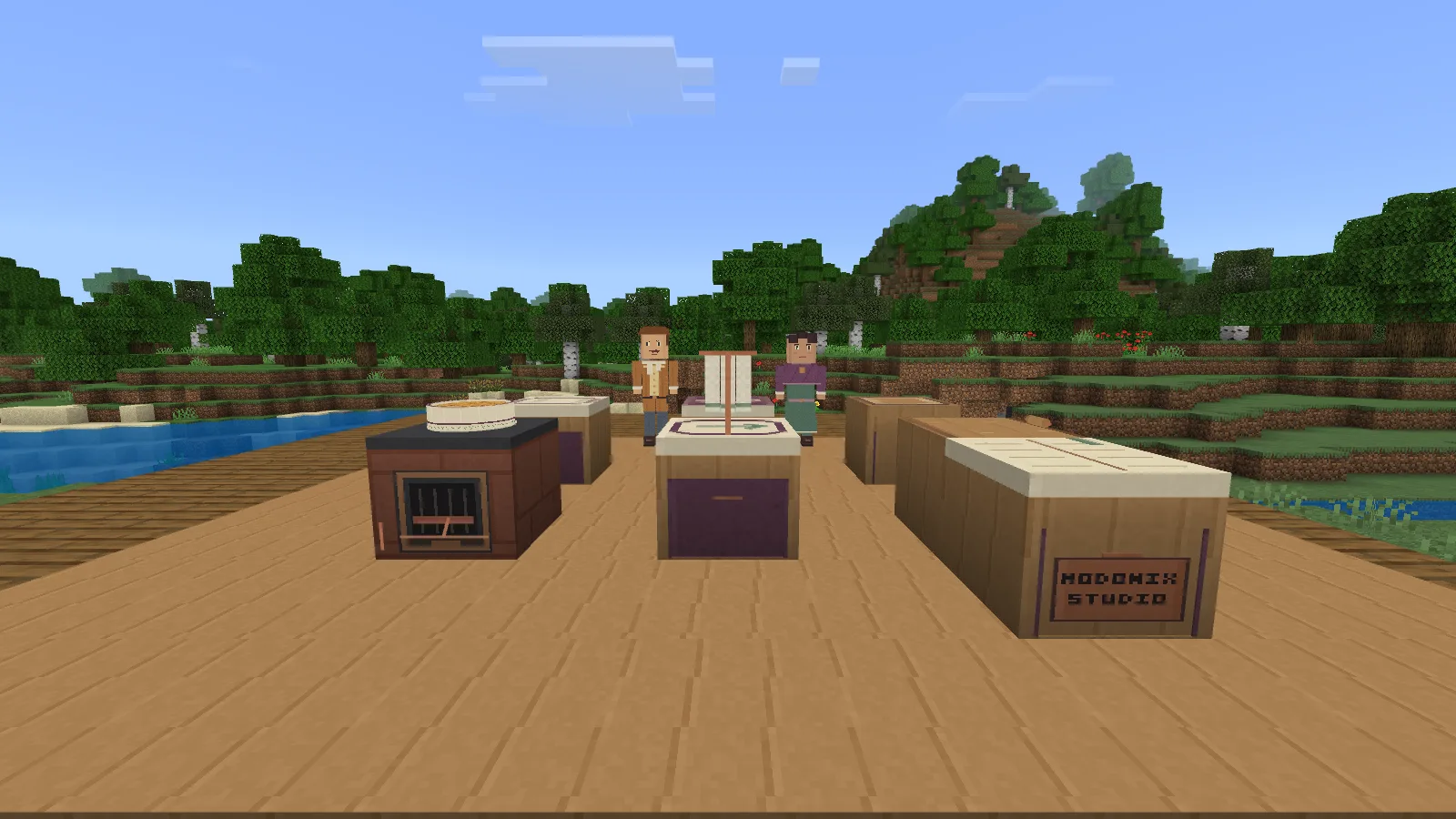
Leave a clear nine-by-seven space for the kitchen. Its stations give rolling, heating and serving their own places.
Start with one pie
Open Make pieces & cards to see prices before crafting. Your first batch needs Pumpkin Dough, Apple Filling and Harvest Crumble. Make and fit a Quilt Mitt as well: carrying a hot vessel requires it. The Passing Card and Guest Preference Card offer shortcuts to their respective pages.
Open Original portions & tools and place dough from your bag on the Flourboard. Select that portion under Preparation & heat, then choose Roll one half. Try both Near and Far strokes. Repeating the same side leaves other areas too thick; Inspect this preparation shows which areas still need work.
Each proposed action has an Agree step. Once it begins, the menu closes so you can watch the rolling pin and towel. You can pause before choosing the next preparation.
Let your partner take the next step
The Pass Window is where you offer a particular ingredient in a particular state. Under Passing requests & offers, choose the portion, the preparation you need and its destination. Read the request, offer the matching portion, then propose the handoff and agree.
Start with raw filling for the Cinder Hearth. A request for cooked filling will refuse a raw portion, so check those choices when something will not move. The Spare Tray gives you somewhere to put a portion while another station is occupied.
The unseen cook takes the hearth role when you play alone. Work happens in agreed steps, giving you time to read a request and decide what to do next.
Cook, join, bake and finish
Pay for a fuel charge with charcoal, choose the hearth setting and heat the filling for a short interval. Inspect it between intervals. More heat is not always better: undercooked filling needs more work, while too much heat can scorch it.
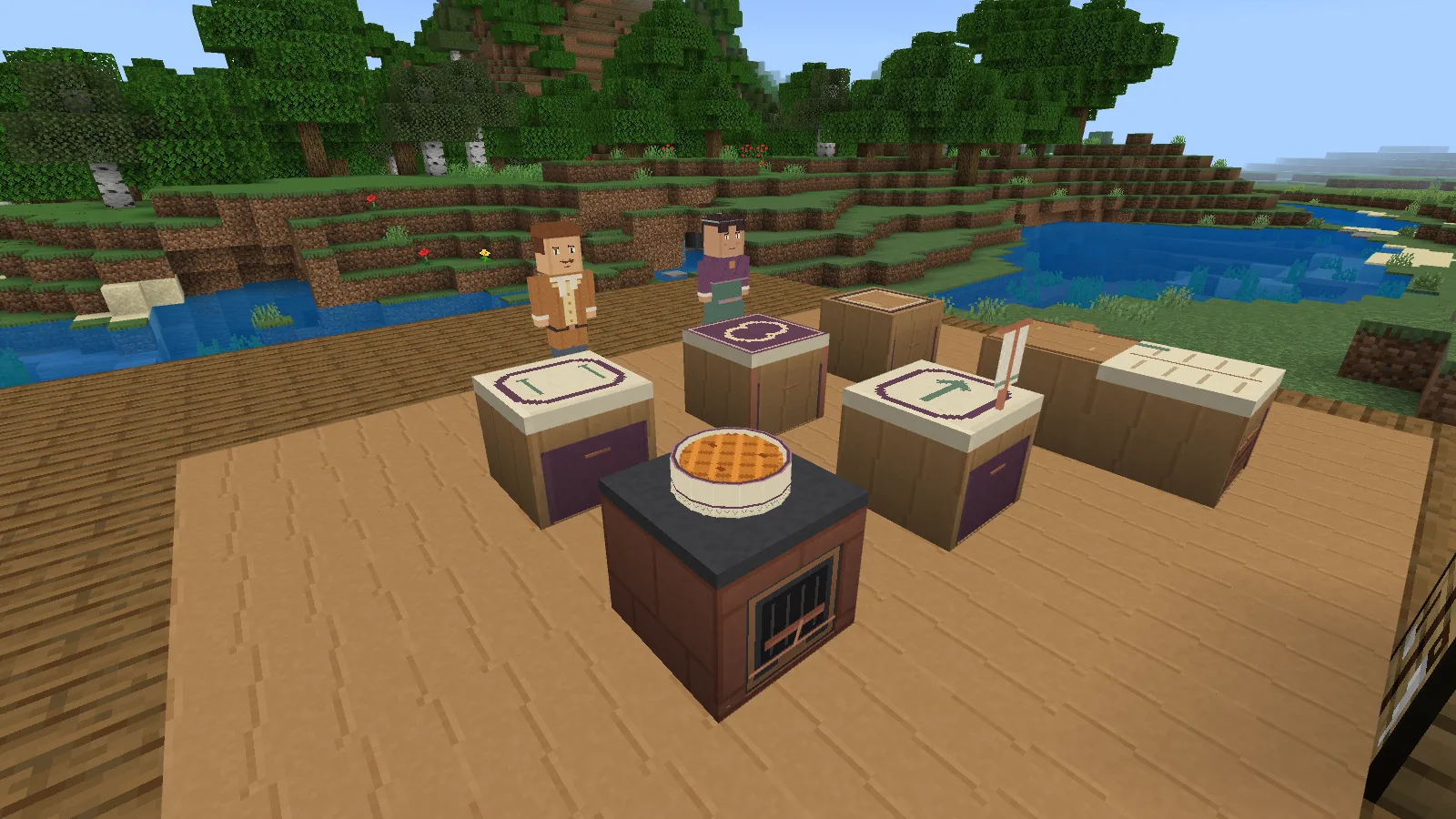
Bake your assembled pie on the Cinder Hearth, then let it cool before adding its crumb topping.
Move the rolled dough to the Joining Table. Request cooked filling there, offer it at the Pass Window and choose Join the requested ingredients. This makes the pie that you will bake; it still needs the hearth.
Bake the assembled pie, then choose Propose a cooling interval until its heat is 45 or below. Food cools during agreed work; leaving a menu open does not advance it. Put the pie on the Joining Table and the crumble on the Spare Tray, then choose Finish a cooled pie with crumble. If the kitchen refuses, open the Kitchen Statebook for the reason and a preparation hint.
Read the guest before serving
Mina Teale wants a pie at 35 heat or below, carried gently. Garrick Wick wants 38–60 heat on arrival by the Short route. His pie may need a short reheat after finishing; inspect it before carrying it back to the Joining Table. Choose the guest, route and carrying pace before agreeing to serve. The journey cools the pie, and hurrying can spill it. Leave the path clear of blocks and people.
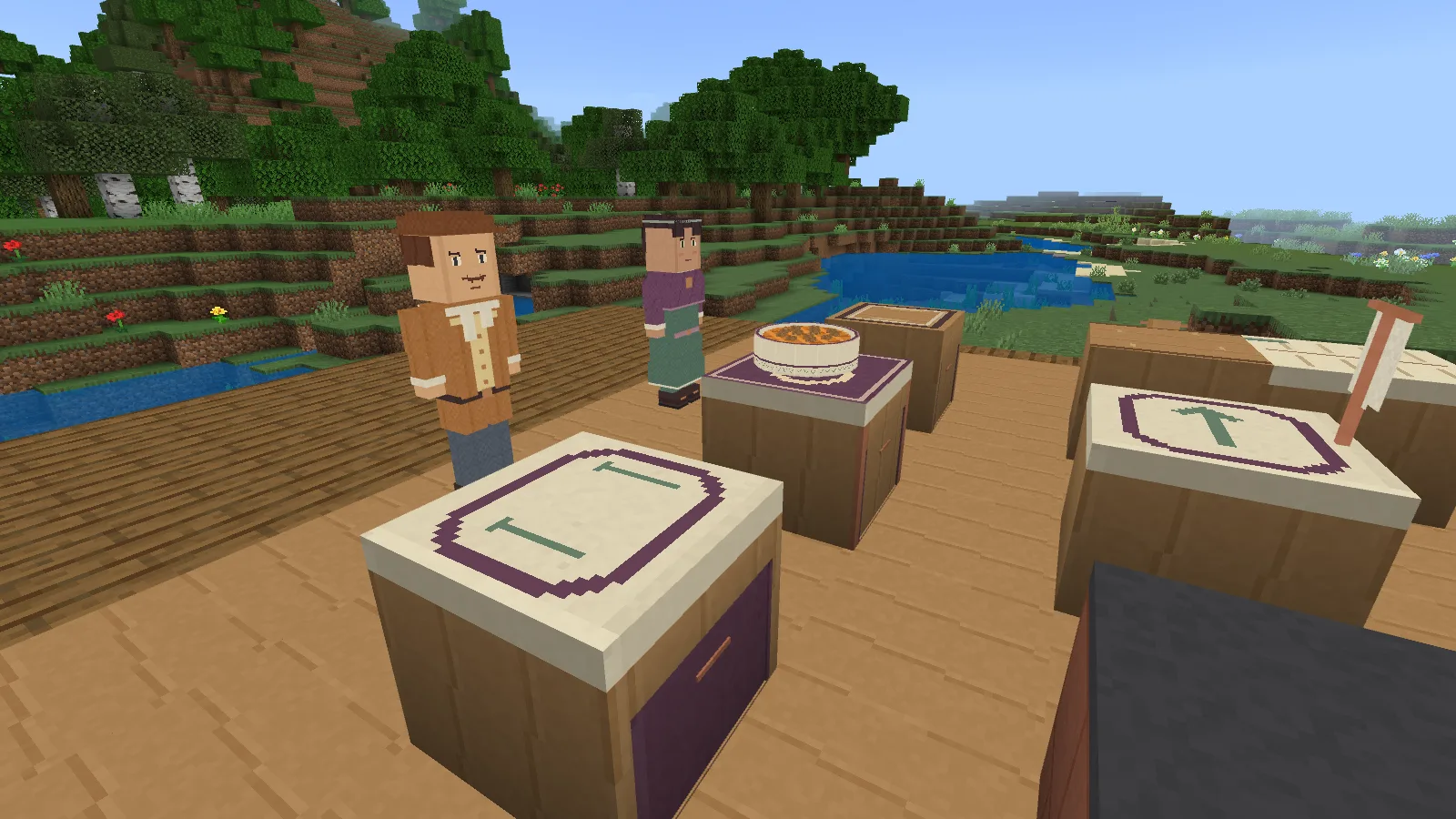
Serve one guest at a time. Mina and Garrick each prefer a different temperature, so check the pie before handing it over.
For your first supper, keep Slow Shift enabled. It removes guest deadlines, letting you concentrate on cooking and carrying. Guests still care about the finished dish. Regular Shift adds a deadline that advances during agreed work.
Bring something home
Serving both different guests unlocks the recipes for the Kitchen Friendship Mark and Home Supper Set. Fit the mark to exchange preparation roles with your partner. Guests eat the pies you serve, so prepare an extra finished pie for home. Return it to your bag, make the serving set and place the set outside the kitchen. Put your pie on it; you can take that same pie back later.
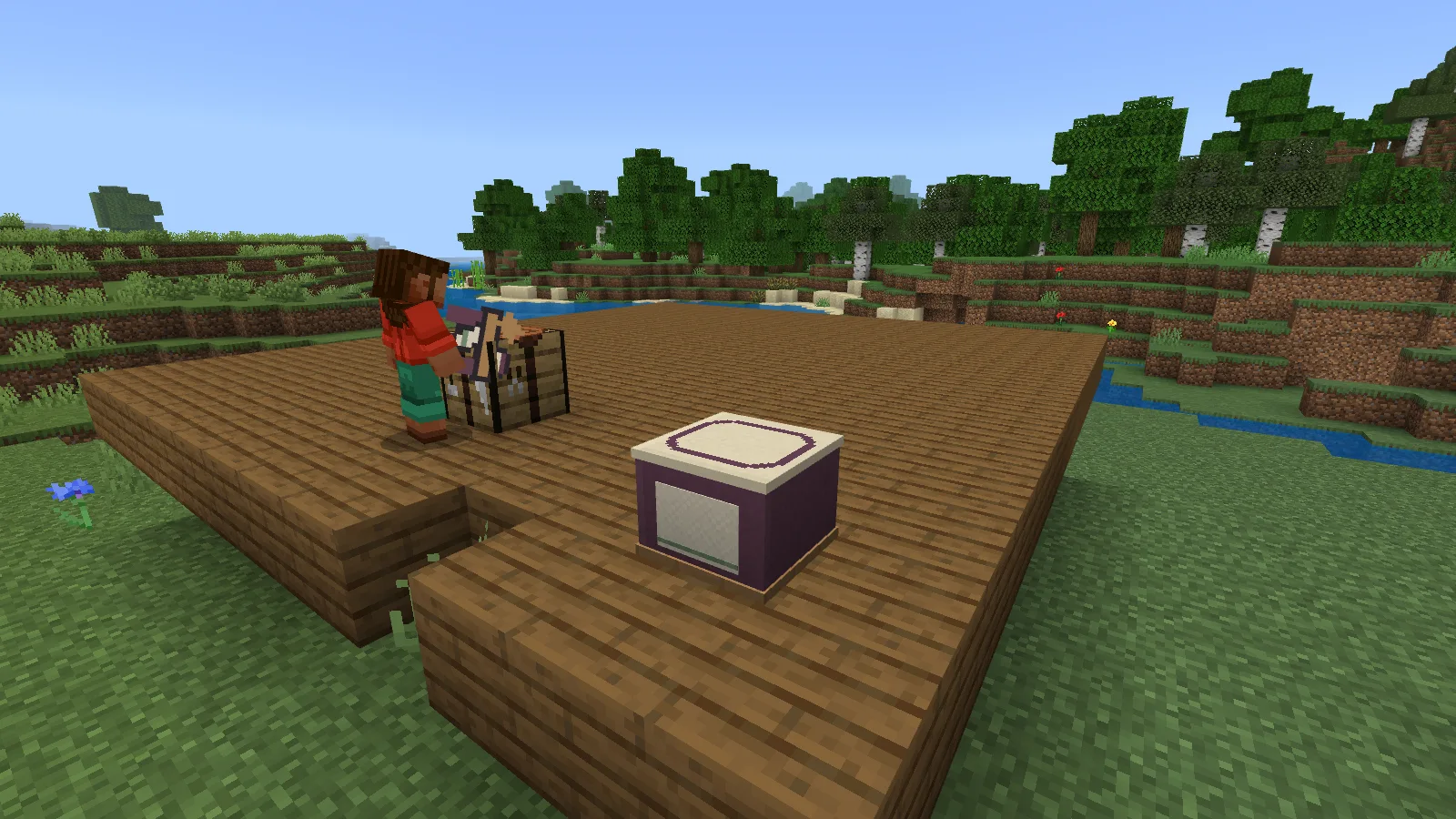
Your earned serving set remains after the kitchen is packed. This one is empty, ready for your next finished pie.
A Supper Record keeps the meals you have served. Before packing the kitchen, finish held work and leave room in your bag. Packing returns the fitted portions, tools and furniture materials; ingredients and fuel already used remain spent. A separate Home Supper Set stays usable after packing.
Modonix Studio made Fablecrumb Kitchen. Download it from Files, or open its editable project in the Modonix constructor to choose your own kitchen settings.
Comments & questions
Share what worked, ask for help or reply to another player.
No comments yet. Share what worked for you.