
The fireplace is built, the bookshelves are in, and the middle of your cabin still feels empty. Cabin Weaves gives you four carpet pieces and two matching wall panels to finish that room.
The palette mixes berry red, pale linen and dark blue. You can use a few pieces near a chair or combine them into a rug beside the fire.
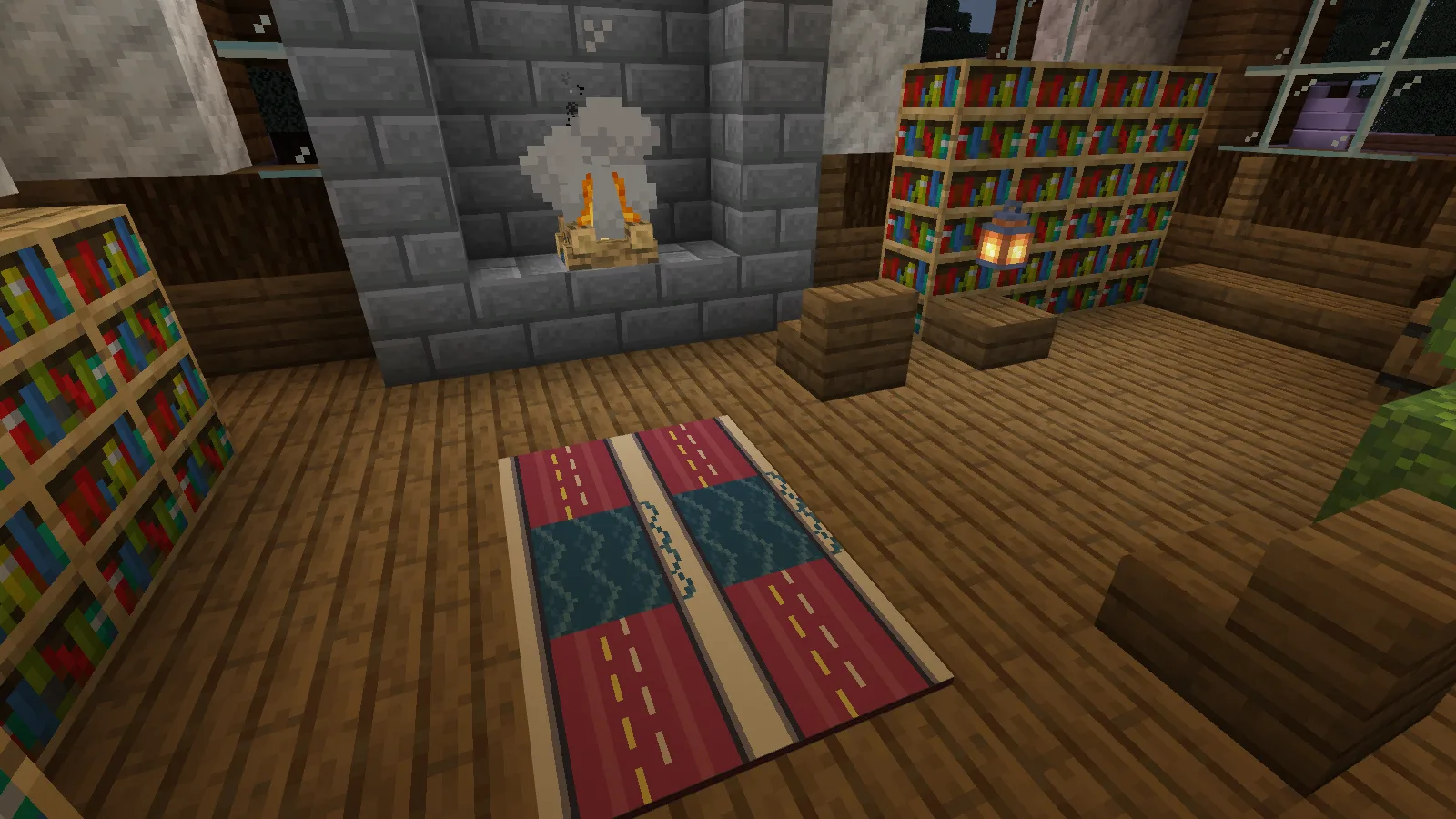
Build the rug around your furniture
This rug takes up six floor positions. It fills the space by the fireplace while leaving room to walk past the chairs.
The four carpet designs are Stripe, Herringbone, Stitch and Border. Start with the size of the space you want to cover, then mix the patterns inside it. Stripe gives you broad red bands; Herringbone and Stitch add detail, while Border gives you another option for the outer pieces.
Keep the doorway and the route between your furniture clear. You don't need to carpet the whole floor for the room to feel furnished.
Add a matching detail to the wall
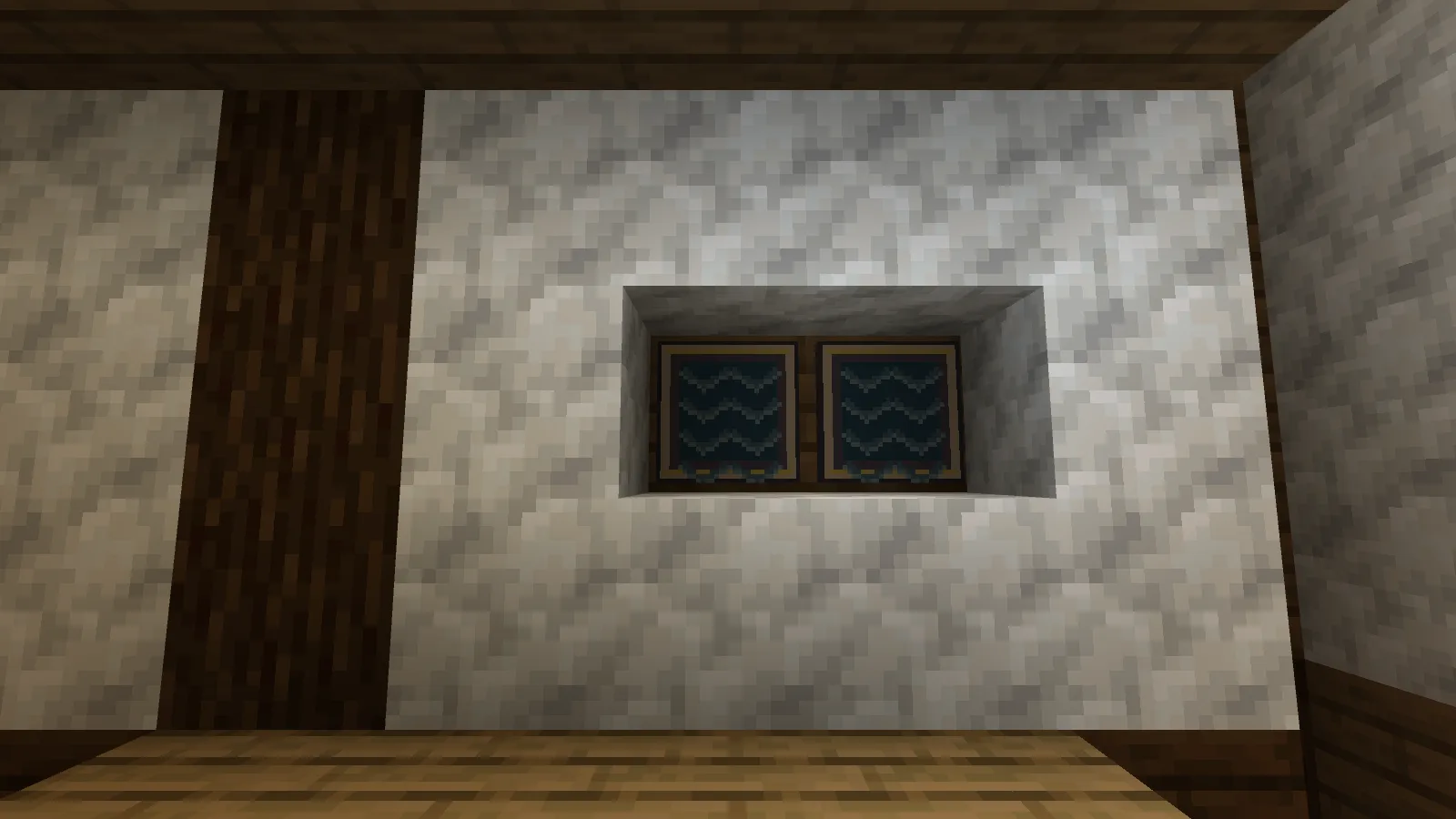
The wall panels come in Stripe and Herringbone. Place them with the decorated side facing into the room. The pair above uses Herringbone, matching the dark blue in the rug without adding another large painting.
They're shallow decorative panels. The pack supplies those and the carpets; you still build the room and its furniture yourself.
Craft carpets and panels separately
Each starting recipe makes one piece. Put the ingredients anywhere in the crafting grid:
| Make | Ingredients |
|---|---|
| Carpet Stripe | 1 White Wool + 1 String |
| Panel Stripe | 1 Oak Planks + 1 White Wool |
To change a carpet, craft one on its own:
Stripe → Herringbone → Stitch → Border → Stripe
To change a wall panel, craft one on its own:
Panel Stripe ↔ Panel Herringbone
Each conversion returns one piece. Carpets stay in the carpet cycle; wall panels have their own two-way recipe.
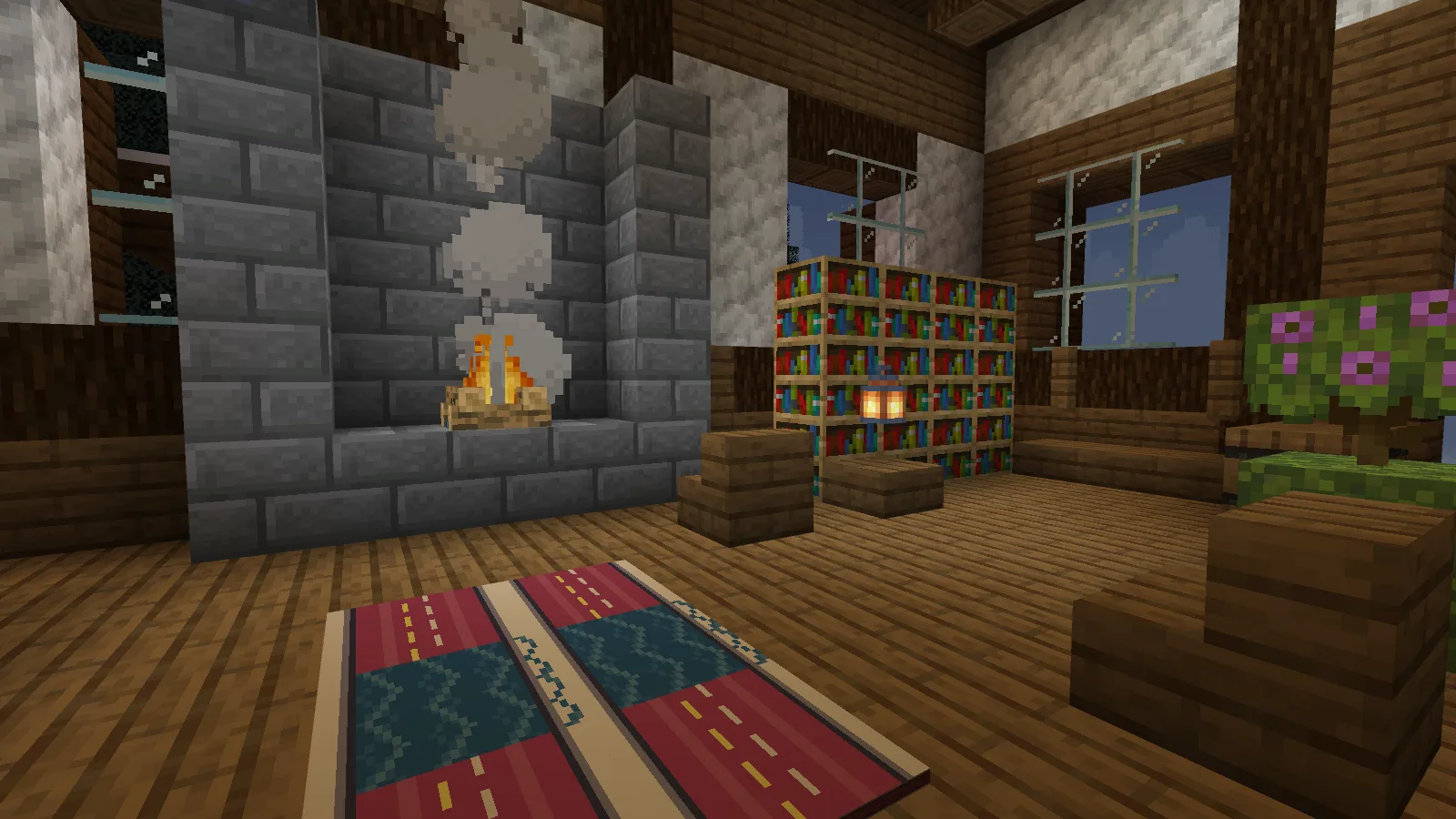
Import the .mcaddon file with Minecraft and activate both packs in the world settings. Back up an existing save before adding it.
Comments 0
Share what worked, ask for help or reply to another player.
Use your Modonix account to join the discussion and manage your comments.
Sign in to commentNo comments yet. Share what worked for you.